
M3U Plus vs Xtream Codes API for Playlist Updates

Quick answer
When managing IPTV playlists, two popular methods for playlist updates are M3U Plus and Xtream Codes API. Both serve to keep your channel lineup and electronic program guide (EPG) up to date, but they approach the task differently and fit distinct use cases. Understanding how...
Reviewed Against
• XMLTV guide imports, refresh timing, and channel-guide matching
• Xtream Codes username, password, and server-URL login flows
• M3U and M3U Plus playlist URLs, refreshes, and import behavior
Applies To
• Guide data issues such as missing listings, stale guide refreshes, or wrong time offsets
• Portal-style logins that need a server URL plus account credentials
• Playlist-based IPTV setups that rely on M3U or M3U Plus links for channel data
Does not apply when
• The stream itself will not play at all and you still need to verify login or playlist access.
• You are using only an M3U playlist URL with no Xtream-style portal login at all.
• Your app is using a portal or stalker-style workflow instead of a playlist URL.
Corroborating Resources
XMLTV file format referenceUseful when the issue comes from guide-source formatting, channel mapping, or XMLTV data freshness.
HTTP response status codesUseful when an IPTV app surfaces 401, 403, 404, or 5xx style errors during login or playlist refreshes.
URL structure referenceHelpful for checking server URLs, source links, and path/query mistakes in portal or playlist setups.
Topic Cluster
Part of the IPTV cluster
Browse practical IPTV articles about IPTV, including setup choices, troubleshooting paths, and follow-on guides. This page sits in compare options for that topic path.
On this page
Introduction
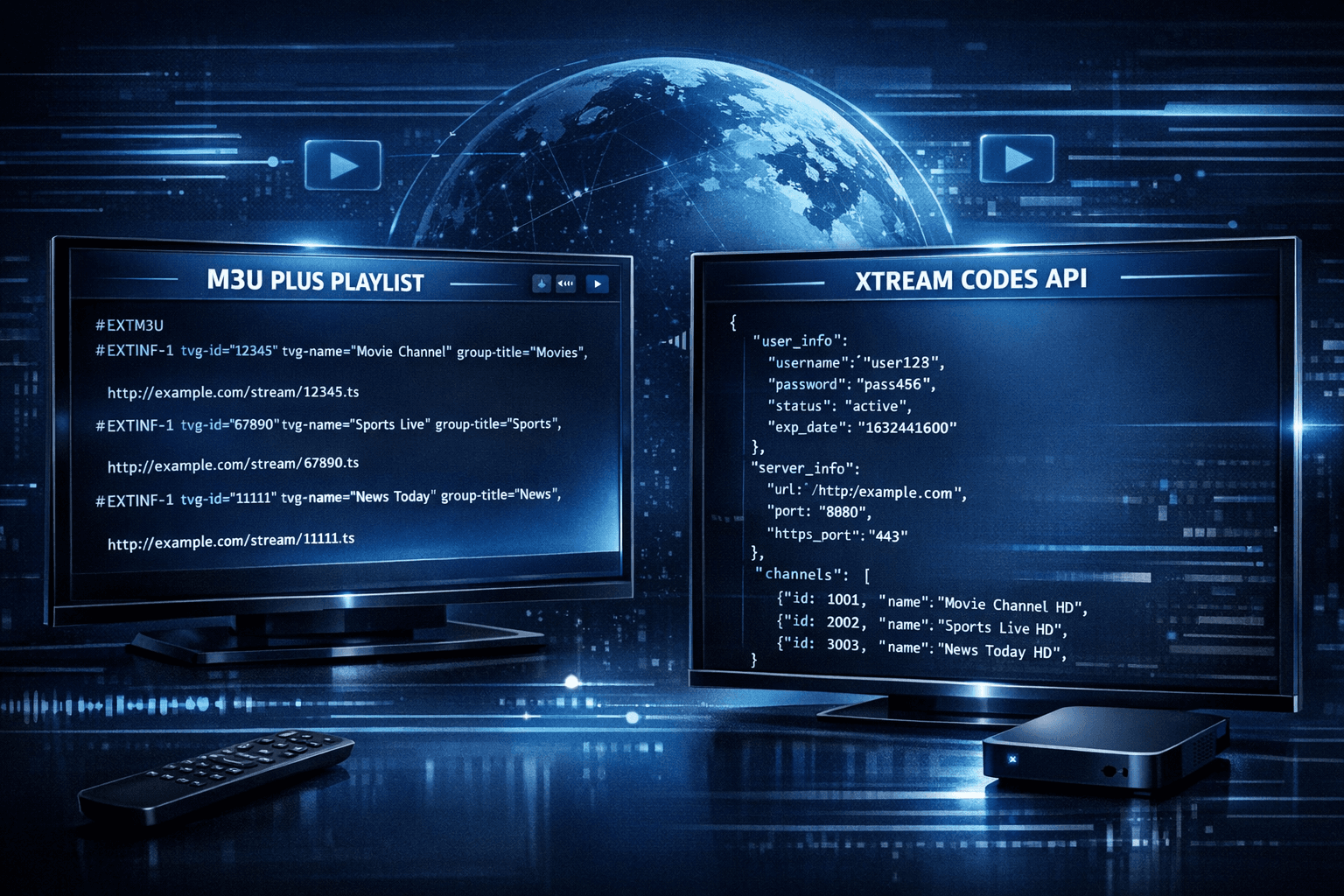
When managing IPTV playlists, two popular methods for playlist updates are M3U Plus and Xtream Codes API. Both serve to keep your channel lineup and electronic program guide (EPG) up to date, but they approach the task differently and fit distinct use cases. Understanding how each works, their setup requirements, and limitations can help you choose the best option for your IPTV app and provider.
What you'll learn
- The technical differences between M3U Plus and Xtream Codes API
- How to set up each method in compatible IPTV apps
- Strengths and weaknesses of M3U Plus and Xtream Codes API
- Common troubleshooting issues and fixes
- Which method suits different IPTV usage scenarios
Understanding M3U Plus and Xtream Codes API
What is M3U Plus?
M3U is a plain-text playlist format for multimedia streams. M3U Plus extends this by including extra tags that provide richer metadata about channels, like logos, group titles, and EPG URL references. IPTV providers often deliver M3U Plus playlists as URLs you add to your IPTV app to access live streams and program guides.
What is Xtream Codes API?
Xtream Codes API is a JSON-based application programming interface initially popularized by the Xtream Codes IPTV platform. Instead of a static playlist, it provides a structured API endpoint that apps use with credentials (username, password, and server URL) to fetch live channels, VOD, and EPG dynamically. It offers more secure authentication and streamlined data retrieval compared to M3U Plus.
Setup Process Comparison
Setting up M3U Plus
- Obtain the full M3U Plus playlist URL from your IPTV provider. This URL includes the extended tags for channel metadata.
- Open your IPTV app and select the option to add a new playlist or source.
- Paste the M3U Plus URL and refresh the playlist.
- If your app supports it, also add the EPG XMLTV URL provided.
Setting up Xtream Codes API
- Get your username, password, and API or server URL from your IPTV provider.
- In your IPTV app, find the Xtream Codes or API login option.
- Enter the credentials exactly as provided.
- Test the connection; the app should display available channels and EPG automatically.
Compatibility Notes
Not all IPTV apps support both methods. Apps like TiviMate support both but require correct configuration. IPTV Smarters primarily uses Xtream Codes API credentials. Verify with your app documentation.
Strengths and Limitations
| Feature | M3U Plus | Xtream Codes API |
|---|---|---|
| Data Format | Extended M3U playlists (plain text) | JSON-based API |
| Authentication | Usually none or token in URL | Username and password required |
| Update Frequency | Manual or periodic URL refresh | Dynamic, real-time updates via API |
| Channel Metadata Richness | Depends on extended tags | Detailed metadata including catchup, VOD |
| EPG Integration | Separate XMLTV EPG URLs | Integrated EPG data |
| Security | Lower – URL can be shared | Higher – managed via authenticated API |
| Ease of Setup | Simple URL addition | Requires credentials and API support |
| Best for | Simpler setups, hobbyist IPTV users | Professional IPTV services and power users |
Troubleshooting Common Issues
M3U Plus Issues
- Playlist Not Loading: Check URL correctness and internet connectivity.
- Missing Channel Logos or Groups: Ensure playlist includes extended tags and your app supports them.
- EPG Not Displaying: Confirm that EPG XMLTV URL is correctly linked and compatible.
Xtream Codes API Issues
- Invalid Details Error: Verify your username, password, and server URL; credential typos are common.
- Authorization Failures: Check if your IPTV subscription is active and if your provider changed API endpoints.
- App Compatibility Problems: Make sure your IPTV app supports Xtream Codes API.
Who Should Use Which Method?
-
Use M3U Plus if:
- Your IPTV provider only supplies M3U URLs.
- You prefer a simple URL setup.
- Your IPTV app does not support API-based logins.
-
Use Xtream Codes API if:
- Your provider gives specific API credentials.
- You want better security and automatic playlist updates.
- Your IPTV app supports API authentication.
-
Consider switching troubleshooting paths or consulting device-specific guides if:
- You encounter device-specific app errors unrelated to playlist formats.
- Your IPTV app has unique settings for updating playlists.
Summary Checklist for Choosing
- Does your IPTV service provide API credentials? –> Prefer Xtream Codes API.
- Does your IPTV app support the API format? –> Confirm before setup.
- Is simplicity a priority? –> M3U Plus might be easier.
- Do you want the most up-to-date channel lineup and EPG? –> Xtream Codes API offers dynamic updates.
FAQ
What happens if I use the wrong update method? Your IPTV app may not load channels or fail to update EPG, resulting in errors or missing content.
Can I switch from M3U Plus to Xtream Codes API easily? Switching requires new configuration details from your IPTV provider and app support for the method.
Is one method more secure? Xtream Codes API offers more secure authenticated access compared to typically URL-based M3U Plus.
Are there IPTV apps that only support one method? Yes—verify your chosen app's features to avoid compatibility issues.
How often should I refresh the playlist? For M3U Plus, manual refresh is common. For Xtream Codes API, updates are usually automatic and frequent.
Conclusion
Choosing between M3U Plus and Xtream Codes API for IPTV playlist updates depends largely on your IPTV provider's offerings and your IPTV app's capabilities. M3U Plus is a straightforward way using playlist URLs with extended tags, suitable for simpler or hobbyist setups. Xtream Codes API is more modern, secure, and dynamic, better suited for professional IPTV services and users demanding frequent updates. Understanding their differences helps you configure your IPTV app effectively and troubleshoot with confidence.
For detailed app-specific troubleshooting, consider related articles such as TiviMate Playlist Not Updating After Refresh: Causes and Fixes or IPTV Smarters Invalid Details Error: Causes and Fixes.
Frequently Asked Questions
What is the main difference between M3U Plus and Xtream Codes API?
M3U Plus uses extended M3U playlists for updates, while Xtream Codes API is a more dynamic JSON-based API providing playlist and EPG data with authentication.
Can I use M3U Plus and Xtream Codes API interchangeably?
Generally no. IPTV providers support one format or the other, and apps require the specific format to update playlists correctly.
Which method is better for frequent playlist updates?
Xtream Codes API offers faster, authenticated, and more dynamic updates, making it better for frequent changes and large channel lists.
Are there common errors when setting up these update methods?
Yes, common errors include invalid credentials for Xtream Codes API and incorrect M3U URLs or missing extended tags for M3U Plus.
Do all IPTV apps support both M3U Plus and Xtream Codes API?
No. Some apps support only one format, so verify app documentation before setup to avoid compatibility issues.
Keep exploring
More explainers that connect naturally to this setup, workflow, or troubleshooting path.
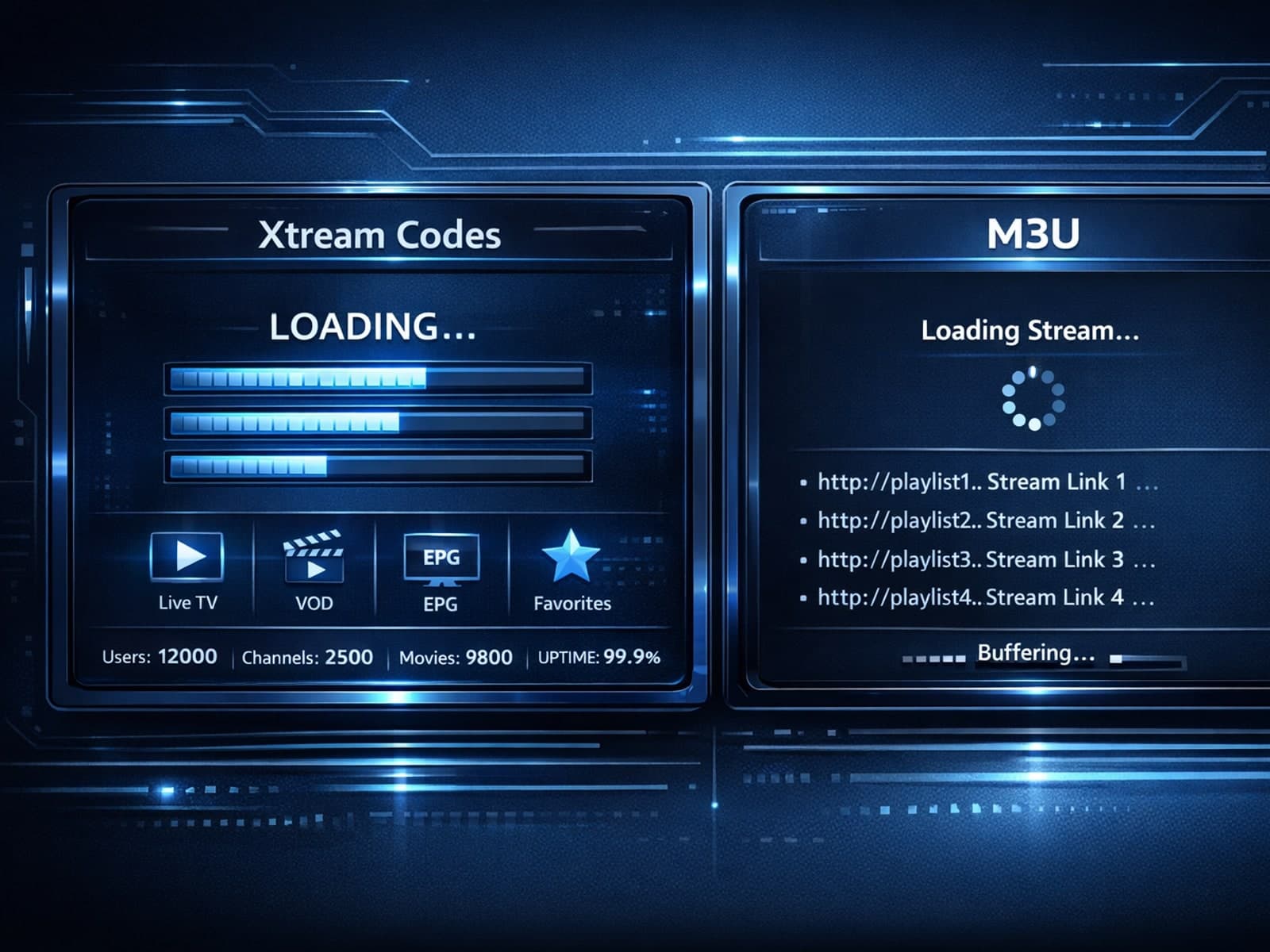
Xtream Codes login can outperform M3U playlists by providing faster channel loading, better playlist management, and improved metadata support in IPTV apps.

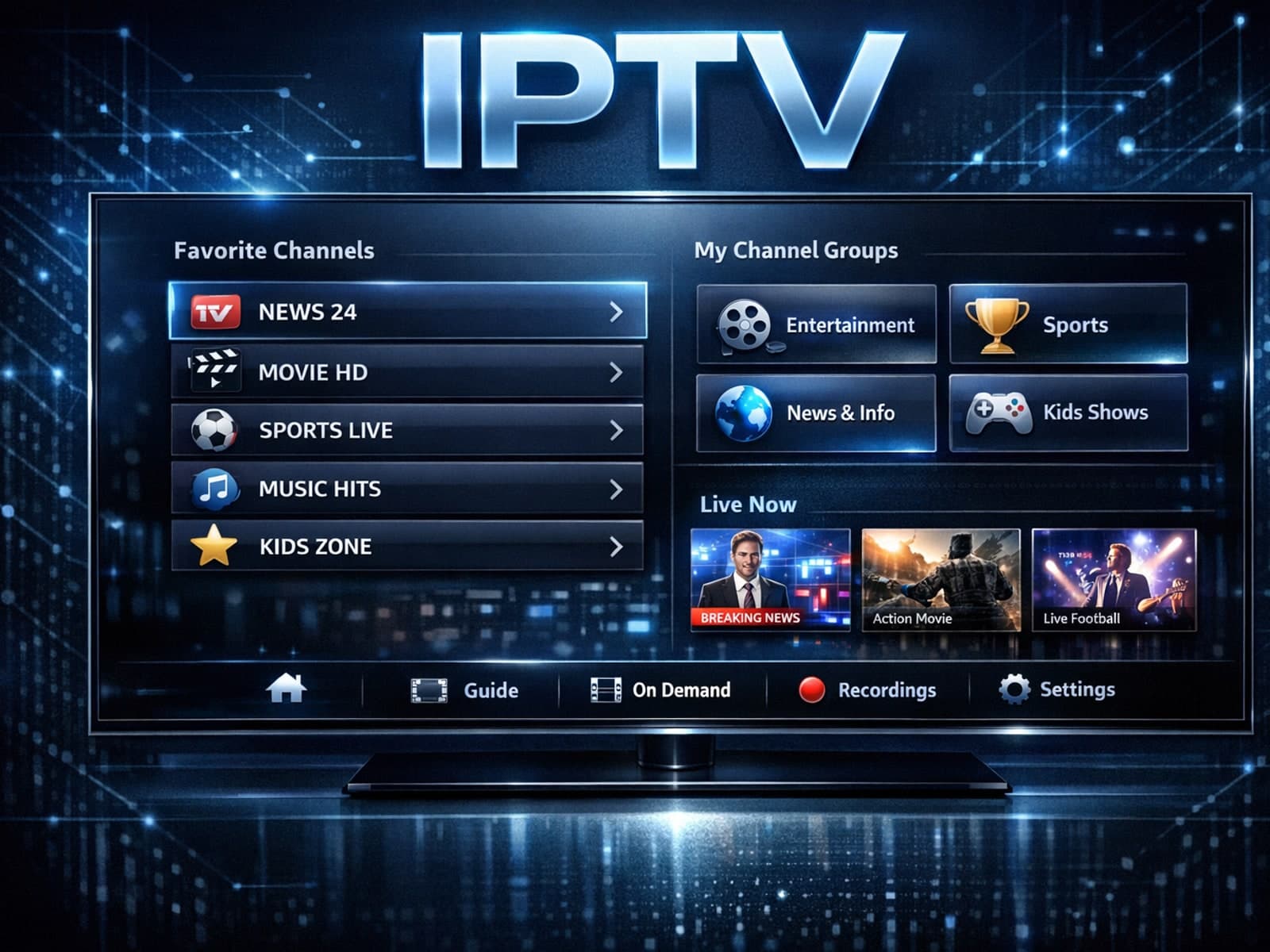
Organizing favorites and groups in TiviMate makes navigating large IPTV channel lists more intuitive and personalized. TiviMate, a popular IPTV player app for Android TV and Fire TV devices, provides features that let you categorize.

When you switch channels on your IPTV service, the stream sometimes freezes or stalls. This interruption usually happens because your device or app needs to buffer the new channel stream, but something delays or disrupts that process.
