
IPTV Smarters Invalid Details Error: Clear Causes and Step-by-Step Fix

Quick answer
The “Invalid Details” error in IPTV Smarters occurs when the app cannot authenticate your login credentials or server URL with your IPTV service. This means either the username, password, or server information entered is incorrect, expired, or incompatible with the app. It's a...
Reviewed Against
• IPTV Smarters login, playlist, and account-entry screens
• Server-URL formatting, HTTP response handling, and account-entry failure patterns
Applies To
• IPTV Smarters sign-in, playlist import, or account-detail errors
• Errors caused by malformed URLs, wrong credentials, expired tokens, or unreachable playlist endpoints
Does not apply when
• The account itself is disabled or expired on the provider side.
• The provider confirms the service is down or the account has been deliberately blocked upstream.
Corroborating Resources
HTTP response status codesUseful when an IPTV app surfaces 401, 403, 404, or 5xx style errors during login or playlist refreshes.
URL structure referenceHelpful for checking server URLs, source links, and path/query mistakes in portal or playlist setups.
Topic Cluster
Part of the Xtream Codes cluster
Login errors, URL format confusion, authorization failures, and when Xtream Codes makes more sense than M3U. This page sits in troubleshoot and fix for that topic path.
Start here in this topic
On this page
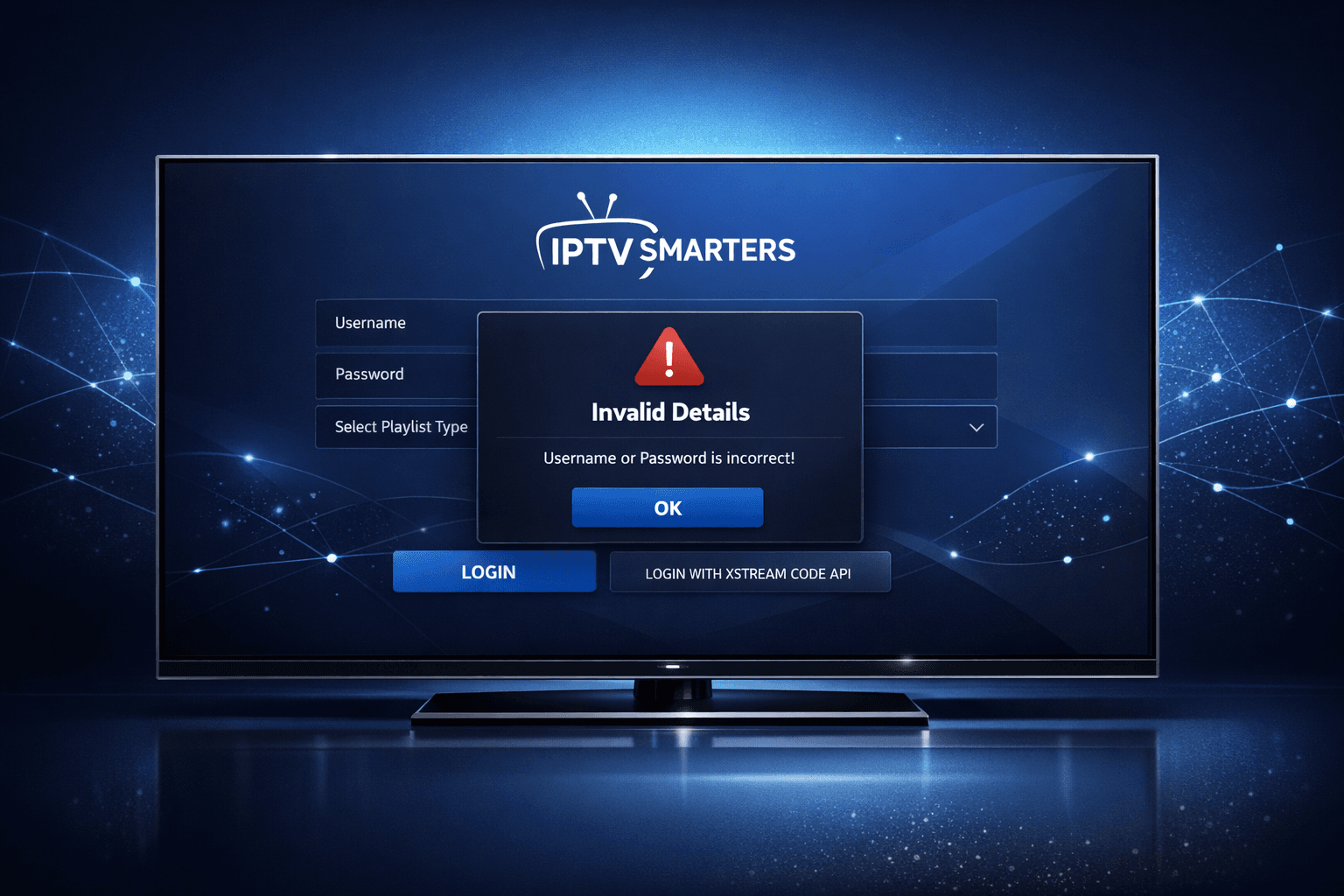
IPTV Smarters Invalid Details Error Explained and Fixed
The “Invalid Details” error in IPTV Smarters occurs when the app cannot authenticate your login credentials or server URL with your IPTV service. This means either the username, password, or server information entered is incorrect, expired, or incompatible with the app. It's a common and straightforward issue, but it can be frustrating when you're ready to stream.
This article provides clear, step-by-step instructions to resolve the invalid details error in IPTV Smarters. It focuses strictly on login errors related to this specific app and login method (username, password, and server URL or Xtream Codes API format).
What you'll learn
- How to verify and correct your IPTV Smarters login credentials and server URL
- Why subscription status impacts login success
- Methods to fix potential app-side or device-side causing this error
- The role of internet connectivity related to this error
- When to seek support from your IPTV provider or try alternative apps
Understanding the IPTV Smarters Invalid Details Error
What triggers the error?
The error appears when IPTV Smarters cannot verify your supplied login data with the IPTV provider's server. This means:
- Your username or password may be mistyped or outdated
- The server URL or hostname is incorrect or malformed
- Your IPTV subscription has expired or been deactivated
- The app is experiencing a glitch or corrupted configuration data
IPTV Smarters relies on the Xtream Codes API format or similar credential combinations: usually a username, a password, and a server URL/portal address.
How does IPTV Smarters authenticate login?
Upon logging in, IPTV Smarters contacts the server URL with your credentials. If the server confirms your details are valid, you're allowed access to channels. If not, the "Invalid Details" message is sent back.
Step 1: Verify Your Login Credentials and Server URL
Typos or outdated credentials are the most frequent cause. Carefully re-enter or copy-paste your data.
- Username and password: Must match exactly, including case sensitivity.
- Server URL: Should be the full URL or IP address provided by your IPTV subscription. Check for typos or missing parts.
- Avoid extra spaces before or after any fields.
Some users confuse the M3U playlist URL with the Xtream Codes server URL—these are different. IPTV Smarters requires the Xtream Codes style info (server + username + password).
Step 2: Confirm Your IPTV Subscription Status
Even correct credentials fail if your subscription isn't active.
- Contact your IPTV provider or login to their web portal if available.
- Check for expiration or service interruptions.
- Renew or reactivate subscription as needed.
Expired or suspended accounts will permanently trigger invalid credential errors until fixed.
Step 3: Check Your Internet Connection
Though usually a different error is shown for no connection, a poor or unstable network may disrupt authentication.
- Test other internet-dependent apps.
- Restart your router/modem.
- Switch between Wi-Fi and wired connection if possible.
Step 4: Clear IPTV Smarters Cache and Data
App-level corruption or cached login data may cause issues.
- On your device, go to Settings > Apps > IPTV Smarters.
- Choose Storage.
- Tap Clear Cache and then Clear Data.
- Restart the app and enter your login details again.
This process removes corrupted or outdated configuration files.
Step 5: Reinstall the IPTV Smarters App
If clearing cache doesn't help, app files may be damaged.
- Uninstall IPTV Smarters from your device.
- Download the latest version from a trusted source.
- Reinstall and try logging in again.
Step 6: Verify Login on Another Device or App
Test your username, password, and server details with:
- The official IPTV service's web portal if available
- Another compatible IPTV app that supports Xtream Codes API login (e.g., TiviMate)
If login still fails elsewhere, the problem is almost certainly with your credentials or subscription.
Common Mistakes When Dealing with Invalid Details Error
- Mixing M3U playlist URLs with Xtream Codes login fields.
- Using expired or revoked IPTV subscriptions.
- Copying login details with extra spaces or hidden characters.
- Using IPTV Smarters versions that do not support your IPTV provider’s authentication method.
Who Should Use This Guide
This troubleshooting applies to:
- Users of IPTV Smarters app (Android, iOS, or compatible devices) who login with username, password, and server URL (Xtream Codes method).
- Those encountering "Invalid Details" specifically during login.
If you use only M3U URLs without username/password, or a different IPTV app, some steps here may not apply; consult app-specific guides in those cases.
When to Contact Your IPTV Provider
If all of the above steps fail:
- Confirm with the provider your username, password, and server info are correct.
- Ask if your subscription is active and unrestricted.
- Request updated login information if credentials have changed.
Providers often reset or update user port settings that affect login.
Quick Checklist for Diagnosing IPTV Smarters "Invalid Details" Error
| Step | Checkpoint |
|---|---|
| Login details accuracy | Exact username, password, server URL |
| Subscription status | Active and valid subscription |
| Internet connectivity | Stable and working connection |
| App cache/data | Cleared recently |
| App version | Latest IPTV Smarters installed |
| Alternative login test | Credentials work on another device or app |
FAQ
What does the "Invalid Details" error mean in IPTV Smarters?
It means the app cannot verify your login credentials or server URL with the IPTV service, usually due to incorrect or outdated information.
Can a bad internet connection cause this error?
Yes, unstable or disconnected internet can prevent the app from verifying login details, though it typically shows a different error related to connectivity.
Will reinstalling IPTV Smarters fix this error?
Reinstalling can fix corrupted app files or cache that might interfere with login verification, but it won't correct wrong credentials.
How do I know if my IPTV subscription expired?
Contact your IPTV provider or check account status on their website, as an expired subscription will prevent login and cause errors.
Does this guide apply to all IPTV login methods?
The steps focus on IPTV Smarters using username, password, and server URL or Xtream Codes API login, which is the most common method.
Conclusion
The IPTV Smarters "Invalid Details" error type usually signals an issue with your login credentials or IPTV subscription status. Most problems can be fixed by carefully verifying username, password, and server URL, confirming your subscription is active, and clearing app data or reinstalling if needed.
If problems persist, testing your login on another device or contacting your IPTV provider is wise. These clear, progressively deeper troubleshooting steps will help you resolve the error and get back to streaming promptly.
For more IPTV Smarters and IPTV troubleshooting tips, see our related guides on When Xtream Codes Works Better Than M3U for IPTV, Authorization Error topic, Cache Clearing topic, and TiviMate Playlist Not Updating After Refresh.
Keep exploring
More explainers that connect naturally to this setup, workflow, or troubleshooting path.
TiviMate is a popular IPTV player app for Android TV and similar devices, known for its advanced channel management options. Organizing favorites and groups in TiviMate lets you customize your IPTV watching experience by categorizing.

When you switch channels on your IPTV service and the screen freezes or lags, it’s frustrating and disrupts your viewing experience. IPTV freezing during channel switching is most often caused by network delays, buffering, or the IPTV.

If your catch-up feature in TiviMate isn’t working, the fundamental reasons often lie in your IPTV playlist source or server configuration rather than the app itself.
