When Xtream Codes Works Better Than M3U for IPTV

Quick answer
When deciding between using Xtream Codes and M3U playlists for IPTV streaming, Xtream Codes works better when you require dynamic, real-time content updates, secure user authentication, and enhanced Electronic Program Guide (EPG) integration. Unlike M3U, which is a static play...
Reviewed Against
• XMLTV guide imports, refresh timing, and channel-guide matching
• Xtream Codes username, password, and server-URL login flows
• M3U and M3U Plus playlist URLs, refreshes, and import behavior
Applies To
• Guide data issues such as missing listings, stale guide refreshes, or wrong time offsets
• Portal-style logins that need a server URL plus account credentials
• Playlist-based IPTV setups that rely on M3U or M3U Plus links for channel data
Does not apply when
• The stream itself will not play at all and you still need to verify login or playlist access.
• You are using only an M3U playlist URL with no Xtream-style portal login at all.
• Your app is using a portal or stalker-style workflow instead of a playlist URL.
Corroborating Resources
XMLTV file format referenceUseful when the issue comes from guide-source formatting, channel mapping, or XMLTV data freshness.
HTTP response status codesUseful when an IPTV app surfaces 401, 403, 404, or 5xx style errors during login or playlist refreshes.
URL structure referenceHelpful for checking server URLs, source links, and path/query mistakes in portal or playlist setups.
Topic Cluster
Part of the Xtream Codes cluster
Login errors, URL format confusion, authorization failures, and when Xtream Codes makes more sense than M3U. This page sits in compare options for that topic path.
Start here in this topic
On this page
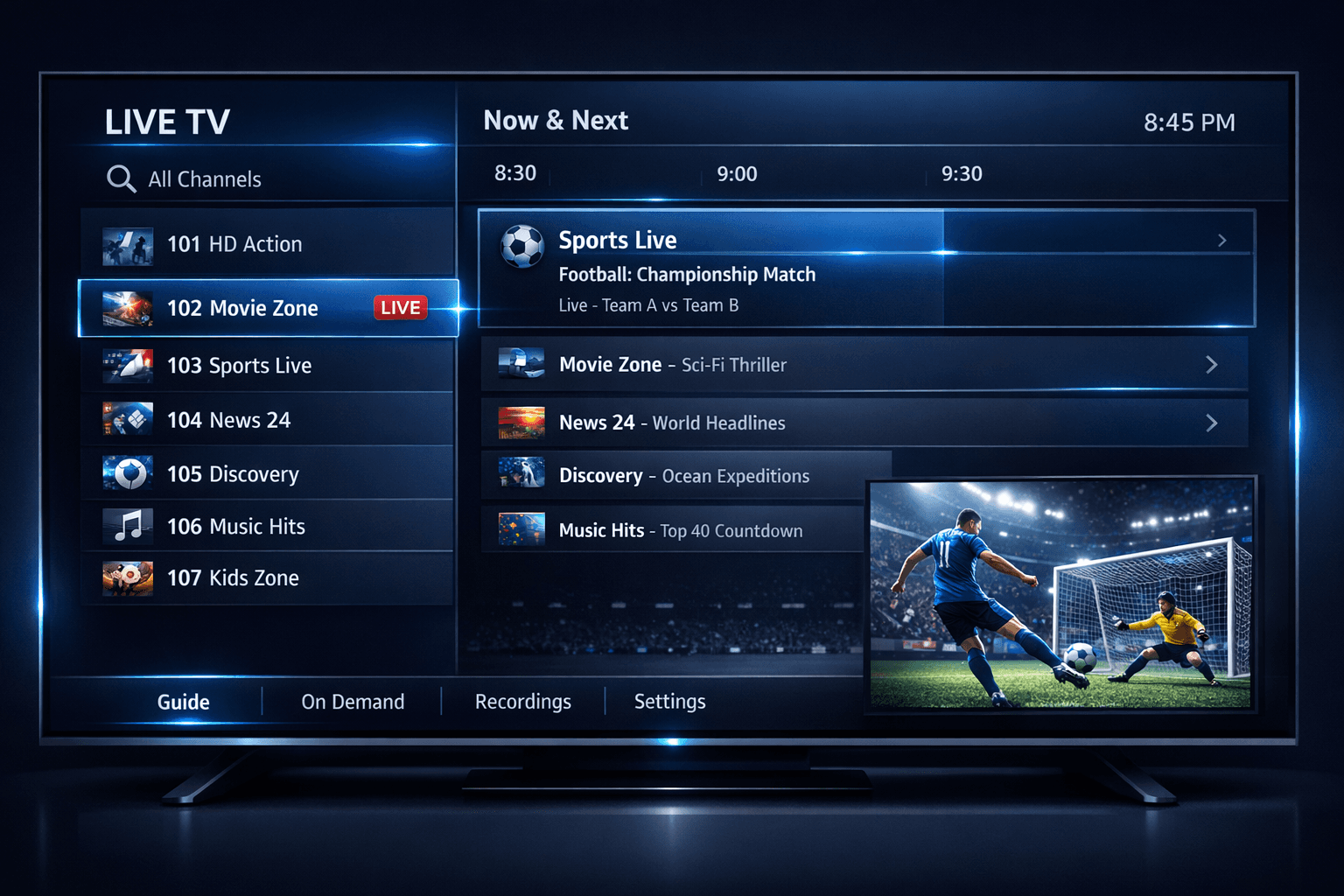
When Xtream Codes Works Better Than M3U for IPTV
When deciding between using Xtream Codes and M3U playlists for IPTV streaming, Xtream Codes works better when you require dynamic, real-time content updates, secure user authentication, and enhanced Electronic Program Guide (EPG) integration. Unlike M3U, which is a static playlist format, Xtream Codes uses an API that allows your IPTV app to fetch fresh channel lists, updated EPG data, and user-specific configurations without manual playlist replacement.
What you'll learn
- The fundamental differences between Xtream Codes and M3U
- Scenarios where Xtream Codes provides advantages
- How real-time updates and authentication through Xtream Codes improve IPTV experience
- Troubleshooting common issues with Xtream Codes connections
- When to prefer M3U playlists instead
Understanding Xtream Codes and M3U
What Is M3U?
M3U is a plain text file format that lists media URLs, commonly used for streaming playlists. IPTV providers often distribute M3U files containing channel streams and sometimes basic metadata. Because it is static, any content or channel changes require you to download a new M3U file.
What Is Xtream Codes?
Xtream Codes is an IPTV API protocol designed to deliver playlist URLs, user authentication, and EPG data dynamically. Instead of a single static playlist file, your IPTV app queries the server with user credentials and receives up-to-date channel lists and guide information.
When Xtream Codes Works Better
1. Dynamic Content and Playlist Updates
With Xtream Codes, channel lineups and stream URLs update on the server side. Your IPTV app fetches these changes automatically by making API calls rather than relying on you to download new M3U files. This results in fewer interrupted streams and faster lineup changes.
2. User Authentication and Account Management
Xtream Codes supports demanding authentication flows through username, password, and server authorization layers. This enables providers to enforce usage policies, device limits, or parental controls effectively compared to generic M3U files.
3. Enhanced EPG Integration
An EPG (Electronic Program Guide) provides program schedules to viewers. Xtream Codes allows apps to retrieve detailed, properly formatted EPG data linked to channels dynamically. This reduces mismatches common with M3U setups that rely on separate EPG XMLTV files or imperfect manual timing adjustments.
4. Reduced Manual Maintenance
Users, especially those who run IPTV on multiple devices or apps, benefit from not having to frequently replace playlists. Xtream Codes streamlines maintaining service continuity.
Setting Up Xtream Codes in Your IPTV App
If your IPTV service offers Xtream Codes API access, follow these generalized steps (note that your app may vary):
- Obtain your Xtream Codes server URL, username, and password from your IPTV provider.
- Launch your IPTV app and find the option to add a new playlist or connection via Xtream Codes API.
- Enter the provided credentials carefully.
- Save and load the playlist.
- Verify that channel lists and EPG data populate correctly.
Common Mistakes and Troubleshooting
- Incorrect credentials: Double-check username, password, and server URL for typos.
- Unsupported app: Not all IPTV apps support the Xtream Codes API. Verify compatibility.
- Network issues: Ensure your internet connection is stable, and no firewall blocks API requests.
- Provider limitations: Some providers limit active connections or devices—exceeding these can cause failures.
- Expired subscriptions or blocked accounts: Confirm your IPTV subscription is active and not restricted.
If Xtream Codes does not work as expected, switching back to M3U playlists within your app or contacting support for updated credentials might be necessary.
When to Choose M3U Instead
- Your IPTV provider only supplies M3U playlists.
- You use lightweight IPTV apps that do not support Xtream Codes.
- You require manual control over playlist URLs and want to edit entries directly.
- Your IPTV setup does not need real-time EPG or playlist updates.
Who This Guidance Is For
This article is meant for IPTV users familiar with playlist inputs who want to decide when using Xtream Codes is beneficial compared to M3U. It is suitable for intermediate users comfortable with app settings and network basics.
If you are using a device or app that only supports one format, or a provider that does not offer Xtream Codes API access, consult device-specific guides or provider documentation instead.
Quick Comparison Table
| Feature | Xtream Codes | M3U Playlist |
|---|---|---|
| Update Frequency | Real-time dynamic updates | Static; manual updates required |
| User Authentication | Built-in username/password and server auth | No built-in authentication |
| EPG Integration | Dynamic, detailed, linked to channels | Often separate, manual sync |
| Provider Control | High (device limits, policies) | Low |
| Playlist Format | API-driven, JSON or similar | Plain text URL list |
| App Support | Select IPTV apps (e.g. TiviMate, IPTV Smarters) | Universal among IPTV apps |
FAQ
Q: What is the primary technical difference between Xtream Codes and M3U?
A: Xtream Codes is an IPTV API protocol offering real-time content and metadata updates with user authentication, while M3U is a static playlist file format without dynamic features.
Q: Can M3U playlists update automatically like Xtream Codes?
A: M3U playlists typically do not support real-time dynamic updates. They require manual refreshes or updated playlists provided by the IPTV service.
Q: Is Xtream Codes supported by all IPTV apps?
A: No, Xtream Codes API support depends on the IPTV app. Popular players like TiviMate and IPTV Smarters support it, but always verify compatibility before switching.
Conclusion
Xtream Codes works better than M3U when your IPTV experience benefits from dynamic playlist updates, secure user authentication, and better EPG integration. While M3U playlists remain widely supported and straightforward, Xtream Codes offers a more robust and user-friendly approach for managing IPTV content in real time. Choosing the right option depends largely on your IPTV provider capabilities, app compatibility, and personal workflow preferences.
For further troubleshooting or playlist organization techniques, consider exploring our linked resources on managing IPTV playlists and fixing common IPTV errors.
Frequently Asked Questions
What is the primary technical difference between Xtream Codes and M3U?
Xtream Codes is an IPTV API protocol offering real-time content and metadata updates with user authentication, while M3U is a static playlist file format without dynamic features.
Can M3U playlists update automatically like Xtream Codes?
M3U playlists typically do not support real-time dynamic updates. They require manual refreshes or updated playlists provided by the IPTV service.
Is Xtream Codes supported by all IPTV apps?
No, Xtream Codes API support depends on the IPTV app. Popular players like TiviMate and IPTV Smarters support it, but always verify compatibility before switching.
Related guides on IPTV Explained
Keep exploring
More explainers that connect naturally to this setup, workflow, or troubleshooting path.

When watching IPTV on your Firestick, the speed and reliability of how your device connects to IPTV servers greatly affect stream quality.

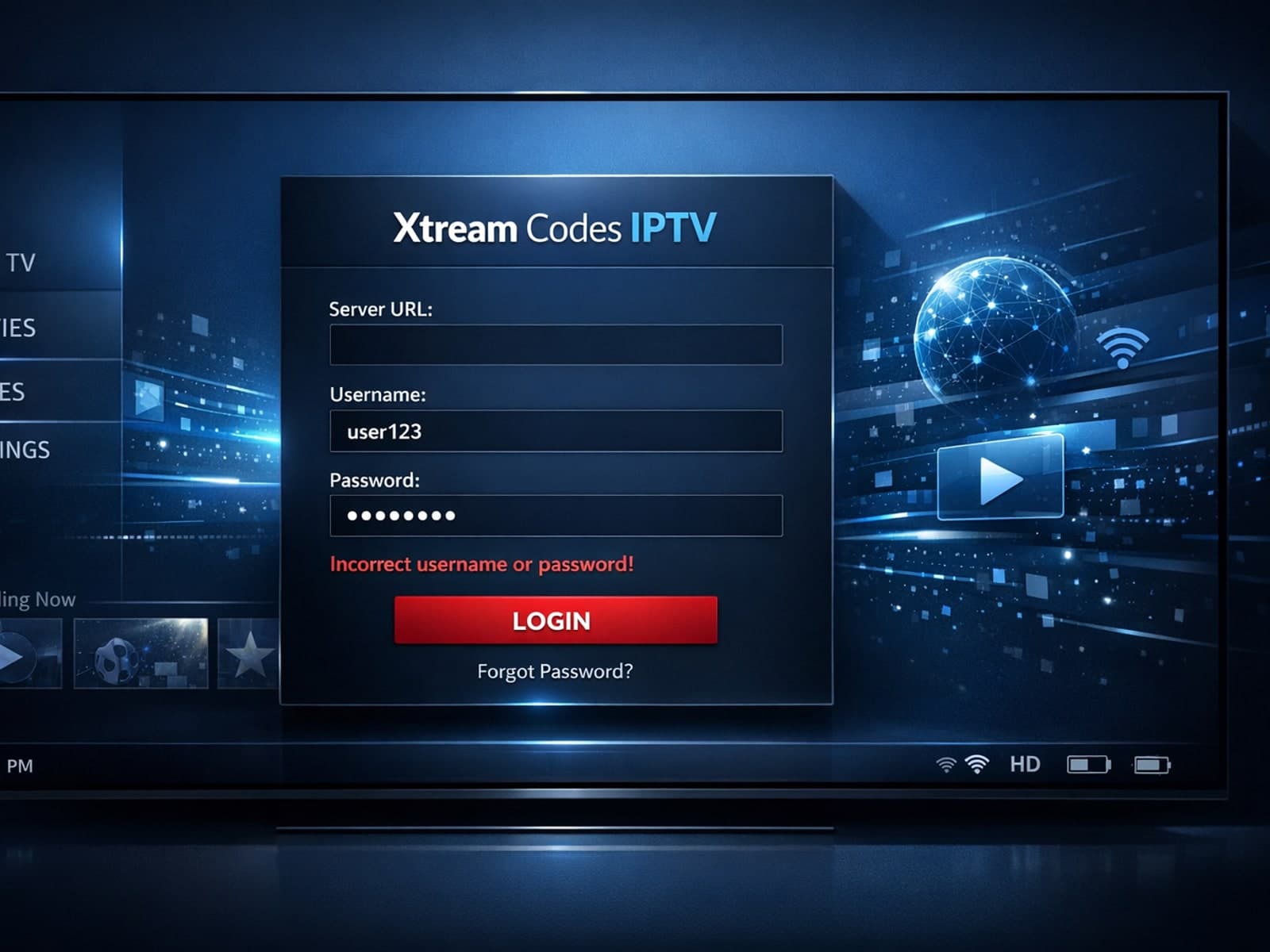
When you encounter an "Xtream Codes username password incorrect" error, it means the IPTV client app is unable to authenticate your login credentials with the server.