
Xtream Codes Username Password Incorrect: Causes and Fixes

Quick answer
When you encounter an "Xtream Codes username password incorrect" error, it means the IPTV client app is unable to authenticate your login credentials with the server. This issue can occur due to several reasons such as entering wrong data, server interruptions, or app compatib...
Reviewed Against
• Xtream Codes username, password, and server-URL login flows
• Server-URL formatting, HTTP response handling, and account-entry failure patterns
Applies To
• Portal-style logins that need a server URL plus account credentials
• Errors caused by malformed URLs, wrong credentials, expired tokens, or unreachable playlist endpoints
Does not apply when
• You are using only an M3U playlist URL with no Xtream-style portal login at all.
• The provider confirms the service is down or the account has been deliberately blocked upstream.
Corroborating Resources
HTTP response status codesUseful when an IPTV app surfaces 401, 403, 404, or 5xx style errors during login or playlist refreshes.
URL structure referenceHelpful for checking server URLs, source links, and path/query mistakes in portal or playlist setups.
Topic Cluster
Part of the Xtream Codes cluster
Login errors, URL format confusion, authorization failures, and when Xtream Codes makes more sense than M3U. This page sits in more in this topic for that topic path.
Start here in this topic
On this page
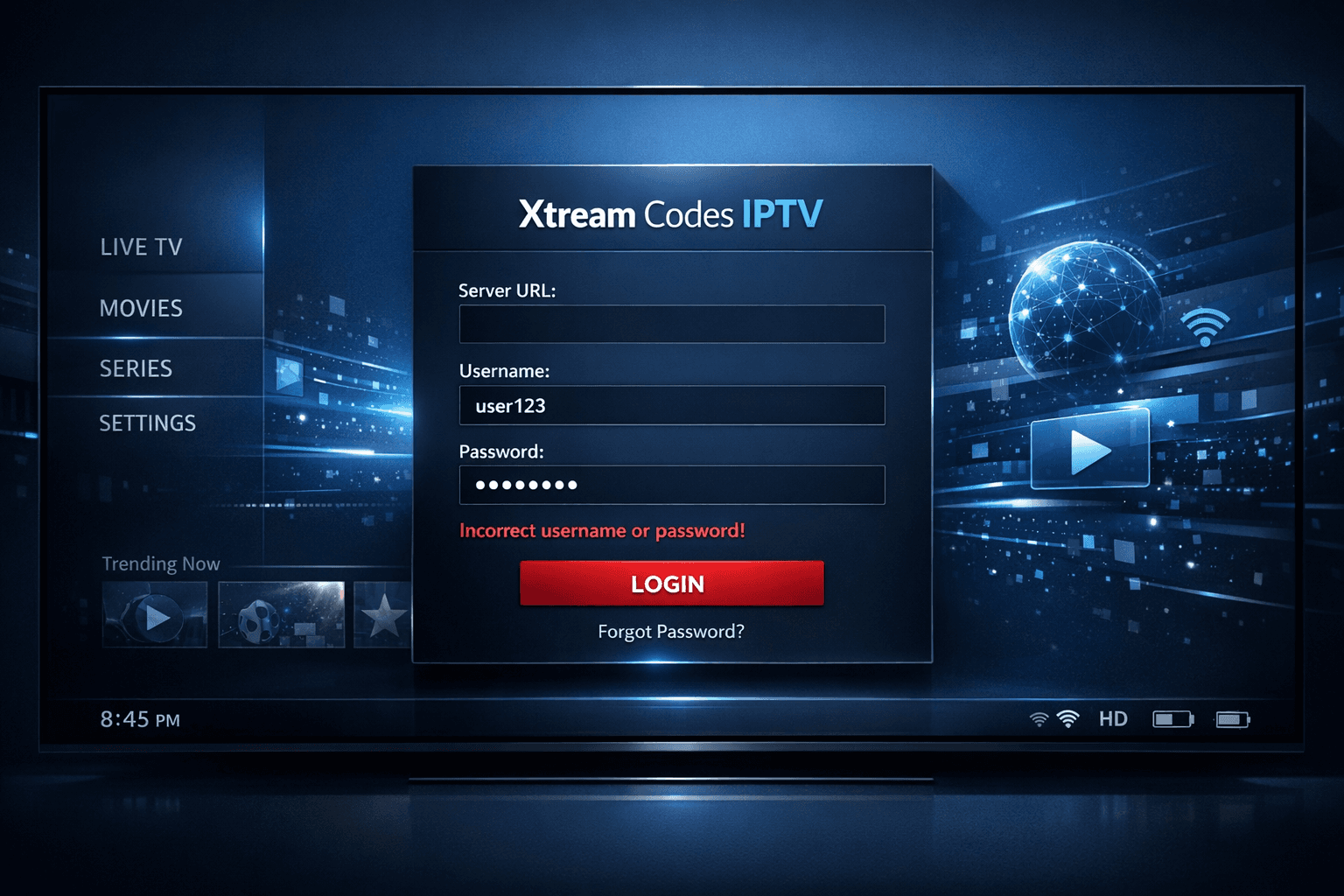
Xtream Codes Username Password Incorrect: Causes and Fixes
When you encounter an "Xtream Codes username password incorrect" error, it means the IPTV client app is unable to authenticate your login credentials with the server. This issue can occur due to several reasons such as entering wrong data, server interruptions, or app compatibility problems. Understanding the root causes and how to address them can restore your IPTV access quickly.
What you'll learn
- Why the "username password incorrect" error occurs specifically in Xtream Codes IPTV setups
- How to verify and correct login credentials without confusion
- Common server or network disruptions that affect login success
- Troubleshooting steps to resolve client-side issues
- When to contact your IPTV service provider for further support
Understanding the "Xtream Codes username password incorrect" error
Xtream Codes is a widely used API standard for IPTV services enabling client apps to log into centralized servers. When you see a username or password incorrect error, the authentication request your device sends is rejected by the server.
How authentication works in Xtream Codes
- Your IPTV app forwards the username, password, and server URL to the IPTV provider's authentication server
- The server validates this data against its database
- If credentials match, access tokens are issued allowing streaming
- If credentials do not match or server issues arise, an authentication error is returned
This error is fundamentally an authentication failure between client and server.
Verifying login credentials carefully
The most common and easiest to fix cause is entering credentials incorrectly. Carefully verifying the following can save you time:
- Exact username and password: IPTV logins are case-sensitive. Copy credentials exactly if provided digitally.
- No extra spaces or hidden characters: When copying from emails or documents, sometimes invisible spaces can be added.
- Correct server URL: The URL must be exactly as given by your IPTV provider. A wrong domain or port number can cause login failure.
Practical tips:
- Retype credentials rather than copy-pasting to catch errors.
- Use a password manager or note app to verify characters.
- Double-check any usage of special characters and confirm if your service is case-sensitive.
Checking IPTV service server status and subscription
Sometimes credentials are correct but the server or subscription status causes rejections.
Possible server-side issues
- Scheduled maintenance or unexpected outages can make servers temporarily unreachable.
- Overloaded or blocked servers can drop authentication requests.
- Your subscription may have expired or been revoked.
How to verify server issues
- Visit your IPTV provider's official website or social media channels for announcements.
- Use online IPTV status checker tools if available.
- Contact IPTV customer support for subscription confirmation.
When subscription matters
Some services disable accounts after expiration or misuse. Failed authentication could mean your account is inactive.
Troubleshooting the IPTV client app and devices
The problem could be client-side rather than credentials or server related.
Update your IPTV app
- Using older versions can cause incompatibilities with updated servers.
- Go to your app store or IPTV app source and install updates.
Clear cache and data
- Corrupted cached data can interfere with login.
- Clear app cache (and data if needed) in your device settings.
Try re-installing the app
- Removing and reinstalling the IPTV app resets settings.
Test on different devices or apps
- Try logging in on another device or a different IPTV client supporting Xtream Codes (e.g., TiviMate, IPTV Smarters) to isolate device-specific issues.
When different troubleshooting paths or device-specific guidance is needed
This guide applies to IPTV users logging into Xtream Codes API-based IPTV servers via typical Android apps, Fire TV sticks, or similar set-top devices.
- If you use IPTV Smarters or TiviMate and face this error, also check our dedicated articles on
- IPTV Smarters Invalid Details Error
- TiviMate Playlist Not Updating
- For Fire TV-specific issues, consider device storage or Wi-Fi troubleshooting that can indirectly affect login processes.
If your service uses M3U playlists only (without Xtream Codes API), incorrect username/password errors do not apply and you should consult playlist-specific guides.
Common mistakes to avoid with Xtream Codes login errors
- Relying on remembered credentials: Always check original credentials from your IPTV provider.
- Ignoring server status: Jumping to conclusions that your password is wrong without checking if the server is down.
- Assuming app is faultless: Not updating or reinstalling the client app can prolong login failures.
- Mixing API and playlist URLs: Ensuring the URL type matches the login method (API URL needed for username-password authentication).
Step-by-step: Fixing Xtream Codes username password incorrect errors
- Confirm your credentials: Obtain exact username, password, and URL from your IPTV provider.
- Carefully enter login details: Avoid typos, check case sensitivity, and remove any trailing spaces.
- Check IPTV server status: Look for maintenance announcements or outages.
- Reset password if you can: Use provider's control panel or contact support.
- Update your IPTV client app: Install the latest version.
- Clear app cache or reinstall the app: Reset the client to default state.
- Test your network connection: Ensure you have a stable internet connection that's not blocking IPTV access.
- Try a different device or client: Identify if the problem is device or app specific.
In many cases, following these steps resolves the error without needing further help.
Quick reference checklist
| Step | Action | Purpose |
|---|---|---|
| 1 | Verify credentials | Eliminate input errors |
| 2 | Confirm server status | Rule out server issues |
| 3 | Update and clear app data | Fix client-side problems |
| 4 | Reset password/contact help | Renew login info if necessary |
| 5 | Test other devices/apps | Detect device app specific faults |
Frequently Asked Questions
Q: What causes the Xtream Codes username password incorrect error?
A: This error occurs mainly due to incorrect login credentials, expired or changed passwords, server-side problems, or client app issues.
Q: Can I fix this error by resetting my password?
A: Yes, if you have the option to reset your password via your IPTV provider's portal, it often resolves the problem.
Q: What if my credentials are correct but I still get the error?
A: Check for server outages, app incompatibilities, or network blocks that might prevent authentication, and contact your IPTV provider if the issue persists.
Q: Does this error mean my IPTV subscription expired?
A: Not necessarily. While subscription expiry can cause login issues, this error most commonly indicates a failed authentication for other reasons as well.
Conclusion
Seeing an "Xtream Codes username password incorrect" message is a clear sign of failed authentication but does not always mean your credentials are wrong. Careful verification, checking server status, updating client apps, and systematic troubleshooting resolve most cases quickly. When those steps fail, your IPTV provider's support is the next best avenue to ensure your IPTV service continues smoothly.
Explore more detailed issues related to IPTV Smarters and playlist management in these articles:
- IPTV Smarters Invalid Details Error: Causes and How to Fix
- M3U Plus vs Xtream Codes API for Playlist Updates
For login error context, also see topics:
Tags: xtream codes, username password, login error, IPTV troubleshooting, IPTV authentication
Frequently Asked Questions
What causes the Xtream Codes username password incorrect error?
This error happens mainly due to incorrect login credentials, expired or changed passwords, server-side problems, or client app issues.
Can I fix this error by resetting my password?
Yes, if you have access to reset your password via your IPTV provider's portal, doing so can often resolve the problem.
What if my credentials are correct but I still get the error?
Check for server outages, app incompatibilities, or network blocks that might prevent authentication, and contact your IPTV provider if issues persist.
Does this error indicate my IPTV subscription expired?
Not necessarily. While subscription expiry can cause login issues, the error mostly means authentication failed for other reasons as well.
Keep exploring
More explainers that connect naturally to this setup, workflow, or troubleshooting path.
When managing IPTV subscriptions or services, updating the channel playlist is essential for accessing the latest content and avoiding interruptions. Two commonly used methods to update IPTV playlists are M3U Plus and the Xtream Codes API.

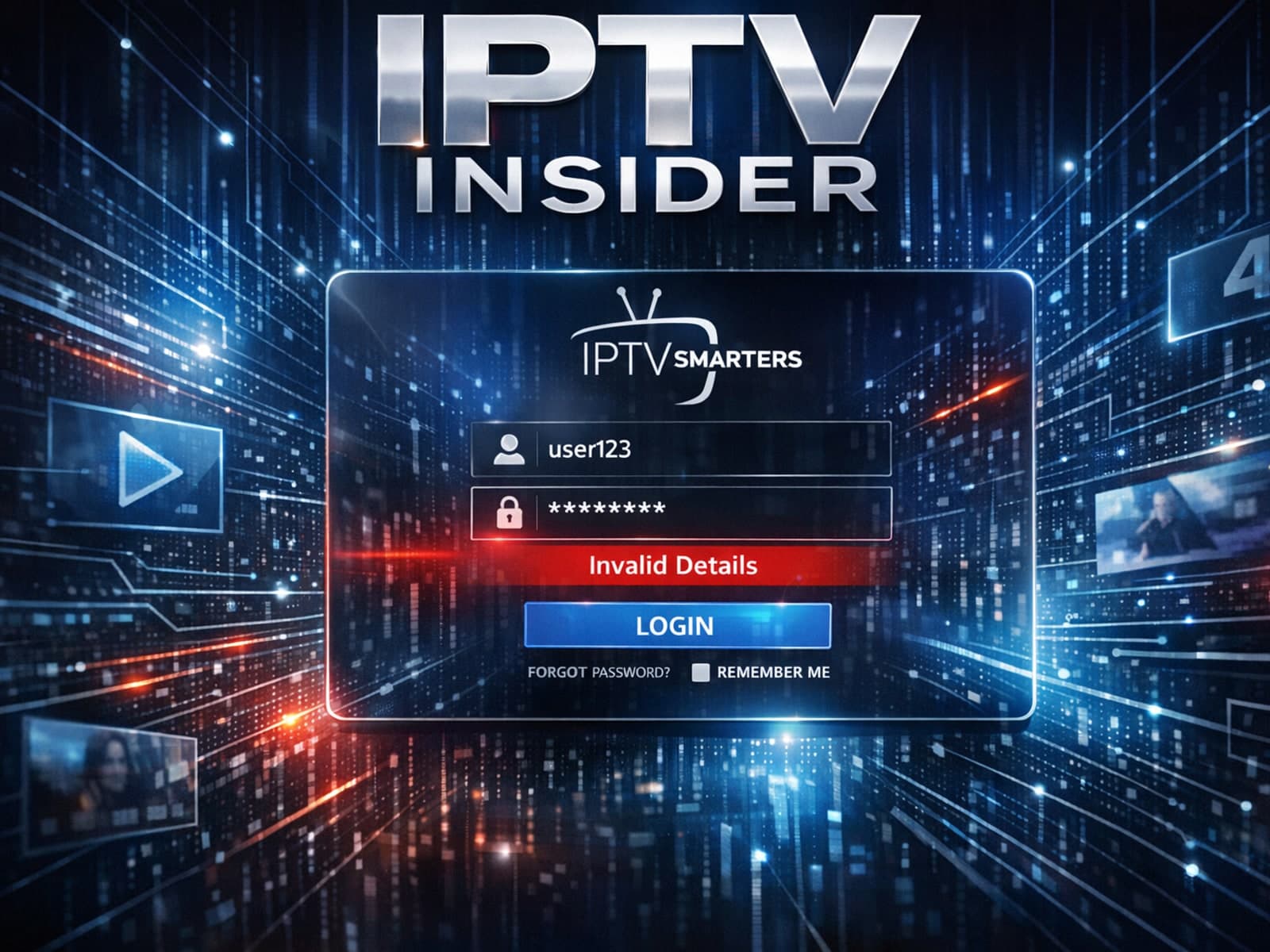
The "Invalid Details" error in IPTV Smarters signals that the app cannot successfully log in to your IPTV service with the credentials or server information you provided.

The "xtream codes username password incorrect" error is a common issue encountered when logging into IPTV services that use the Xtream Codes API or portal.
