
When Xtream Codes Works Better Than M3U for IPTV

Quick answer
If you're streaming IPTV, you might wonder when using Xtream Codes is better than relying on an M3U playlist. In plain terms, Xtream Codes offers enhanced stream management, integrated electronic program guide (EPG) support, and user authentication that M3U playlists lack. For...
Reviewed Against
• TiviMate playlist, EPG, and player-setting workflows
• XMLTV guide imports, refresh timing, and channel-guide matching
• Xtream Codes username, password, and server-URL login flows
Applies To
• TiviMate setups on Android TV, Google TV, or Fire OS style streaming devices
• Guide data issues such as missing listings, stale guide refreshes, or wrong time offsets
• Portal-style logins that need a server URL plus account credentials
Does not apply when
• Your app uses a different menu layout or naming scheme than TiviMate.
• The stream itself will not play at all and you still need to verify login or playlist access.
• You are using only an M3U playlist URL with no Xtream-style portal login at all.
Corroborating Resources
XMLTV file format referenceUseful when the issue comes from guide-source formatting, channel mapping, or XMLTV data freshness.
HTTP response status codesUseful when an IPTV app surfaces 401, 403, 404, or 5xx style errors during login or playlist refreshes.
URL structure referenceHelpful for checking server URLs, source links, and path/query mistakes in portal or playlist setups.
Topic Cluster
Part of the Xtream Codes cluster
Login errors, URL format confusion, authorization failures, and when Xtream Codes makes more sense than M3U. This page sits in compare options for that topic path.
Start here in this topic
On this page
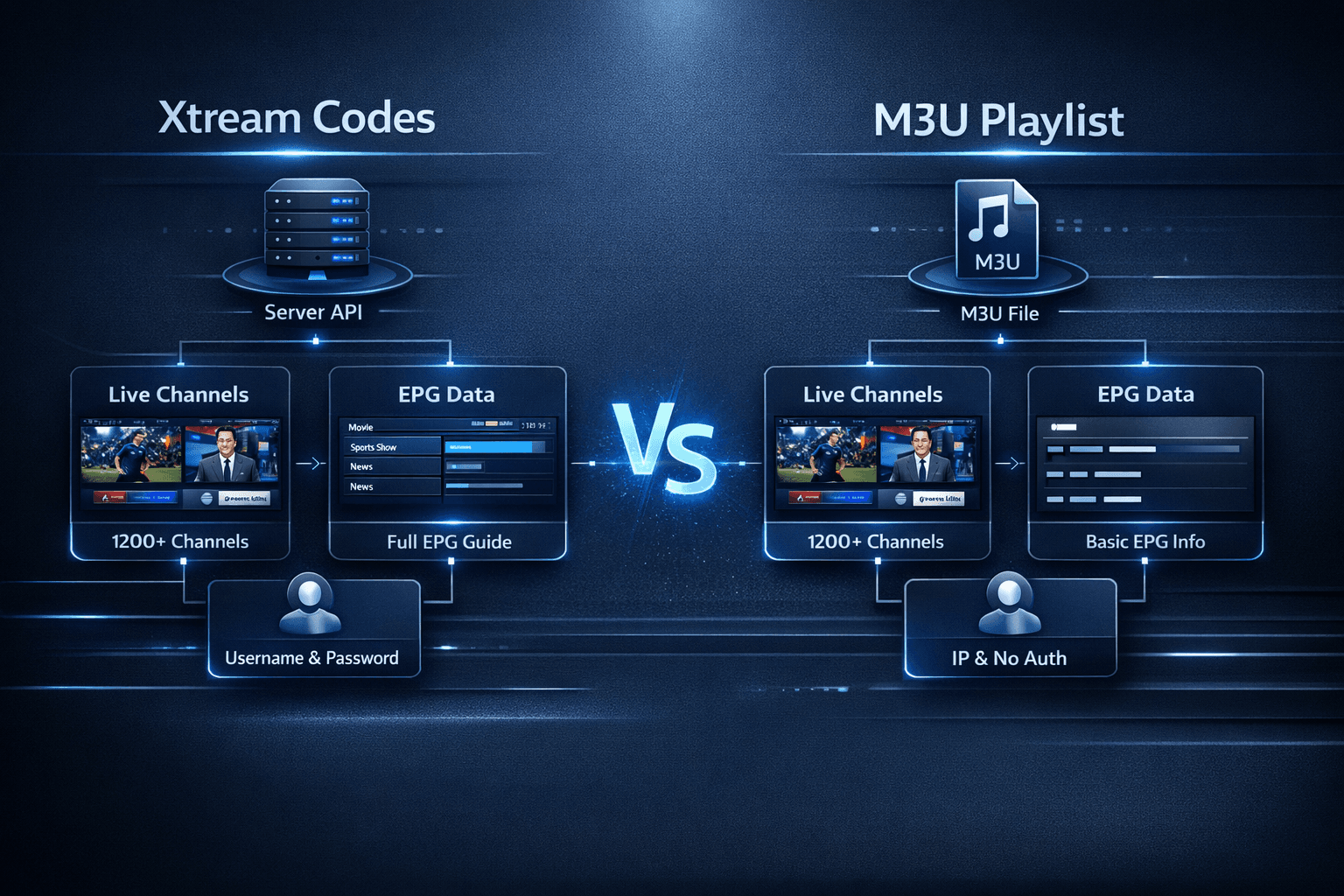
When Xtream Codes Works Better Than M3U for IPTV
If you're streaming IPTV, you might wonder when using Xtream Codes is better than relying on an M3U playlist. In plain terms, Xtream Codes offers enhanced stream management, integrated electronic program guide (EPG) support, and user authentication that M3U playlists lack. For many IPTV users, especially those using apps like TiviMate or IPTV Smarters, this translates into a more stable, feature-rich viewing experience.
What you'll learn
- Differences between Xtream Codes and M3U playlist formats
- Benefits of Xtream Codes for IPTV playback and management
- When Xtream Codes provides technical advantages over M3U
- How to correctly set up Xtream Codes in IPTV apps
- Common issues and troubleshooting tips for Xtream Codes
Understanding M3U and Xtream Codes
What is an M3U playlist?
An M3U playlist is a simple text file format listing URLs of streaming video or audio sources. IPTV services use M3U files to supply users with channel streams. The M3U playlist alone does not handle user authentication or provide extended metadata. Its simplicity makes it widely supported but limited in functionality.
What is Xtream Codes?
Xtream Codes is a middle-layer API system and authentication protocol used by IPTV providers. It lets you log in using a username, password, and server URL to access streams. Unlike basic M3U, Xtream Codes provides dynamic channel lists, EPG integration, on-demand content, and user control features, enhancing both usability and security.
Why Xtream Codes Often Works Better Than M3U
Enhanced Stream Stability and Management
Xtream Codes maintains a session with the IPTV server, enabling smoother playlist management and quick stream switching. M3U playlists link directly to individual streams without this intermediary, which can cause issues if URLs expire or streams move.
Integrated Electronic Program Guide (EPG)
With Xtream Codes, many IPTV providers deliver synchronized EPG data that shows program schedules, descriptions, and live updates. M3U files alone don't support this; users must often add separate EPG URLs manually, increasing complexity and risk of mismatch.
User Authentication and Access Control
Xtream Codes enforces user authentication, reducing unauthorized access and enabling provider control over subscription tiers. M3U URLs can often be shared and used without checks, which may degrade service quality or cause access problems.
Support for Advanced Features
Xtream Codes APIs can support features like catch-up TV, video on demand, and dynamic channel grouping that M3U playlists cannot offer by themselves. This boosts the viewing experience especially in apps designed to leverage these capabilities.
When to Prefer Xtream Codes Over M3U
| Factor | Xtream Codes Advantages | M3U Advantages |
|---|---|---|
| Stream Stability | Maintains dynamic sessions, fewer broken links | Static URLs, risk of expiry or failure |
| EPG Integration | Built-in, synchronized, rich metadata | Requires separate manual setup |
| User Authentication | Required, protects service and user access | No built-in authentication |
| Feature Support | Catch-up, VOD, dynamic groups | Basic stream list only |
| Compatibility | Supported by many IPTV apps like TiviMate | Universally supported by all IPTV players |
Choose Xtream Codes when you want:
- Reliable, up-to-date channel lists and EPG
- Authentication to avoid unauthorized usage
- Access to advanced IPTV features like catch-up TV
- Improved stream management and error handling
Consider M3U playlists if:
- Your IPTV provider only gives M3U URLs
- You prefer maximum device compatibility
- You use a simple IPTV player without advanced features
How to Set Up Xtream Codes in IPTV Apps Like TiviMate
Follow these steps to add your IPTV provider's Xtream Codes login:
- Open your IPTV app (for example, TiviMate).
- Navigate to the "Add Playlist" or "Add Portal" section.
- Select "Xtream Codes API" or equivalent login method.
- Enter the server URL, your username, and password as provided.
- Confirm and wait for the app to retrieve channel and EPG data.
- Browse channels and check if EPG loads correctly.
- Test playback to ensure stream stability.
If playback is unstable or EPG is missing, verify your credentials and server URLs, or contact your provider.
Common Mistakes and Troubleshooting with Xtream Codes
- Incorrect credentials: Double-check your username, password, and URL for typos.
- Expired or blocked account: Ensure your IPTV subscription is active and authorized.
- Poor internet connection: Streaming requires stable internet, preferably broadband.
- App compatibility: Use updated IPTV apps that support Xtream Codes; older versions might fail.
- Server-side issues: Sometimes provider servers have downtime; confirm status with your IPTV provider.
If you encounter "Authorization Failed" or similar errors, review our detailed guide Xtream Codes Authorization Failed in TiviMate: Causes and Fixes.
Who Should Use This Guidance and When to Seek Other Help
This advice applies mainly to users who:
- Use IPTV apps supporting both M3U and Xtream Codes login (e.g., TiviMate, IPTV Smarters)
- Have access to IPTV service credentials formatted for Xtream Codes
- Desire better management, stability, and EPG integration for IPTV
For users with devices or apps that only support M3U playlists, such as certain smart TVs or older media players, following an M3U-specific guide or troubleshooting path is better.
If the problem relates to device hardware or network setup (for example, Fire TV Stick compatibility or Wi-Fi issues), consult device-specific resources like Ethernet Adapter Compatibility for Fire TV Stick 4K Max or related troubleshooting articles.
FAQ
What is Xtream Codes in IPTV?
Xtream Codes is a service offering user login authentication and API-based playlist delivery, enhancing IPTV streaming with features like integrated EPG and catch-up TV.
Why might Xtream Codes work better than M3U?
Because it provides authenticated access, active session management, reliable channel lists, and built-in program guides.
Can I switch between M3U and Xtream Codes easily?
Yes, many IPTV apps allow multiple playlists or login methods, letting you test and switch between them.
What IPTV apps support Xtream Codes?
Apps such as TiviMate, IPTV Smarters, and similar advanced IPTV players support Xtream Codes.
What should I do if Xtream Codes streams fail to play?
Verify login details, check internet connection, update the app, and contact your IPTV provider if problems persist.
Conclusion
Xtream Codes works better than M3U playlists in IPTV when you want improved stream stability, integrated electronic program guides, user authentication, and support for advanced features like catch-up TV. While M3U files remain useful for simple, universal playback, Xtream Codes offers a superior experience for users with compatible apps and IPTV providers. Following correct setup steps and troubleshooting can help you maximize the benefits of Xtream Codes in your IPTV viewing.
For more detailed fixes on errors and features, see related resources such as IPTV Smarters Invalid Details Error and How to Fix Catch-Up Not Working in TiviMate.
Keep exploring
More explainers that connect naturally to this setup, workflow, or troubleshooting path.
If your TiviMate playlist does not update even after pressing the refresh button, it’s usually due to issues like an unstable internet connection, outdated or broken playlist URLs, or app cache conflicts.

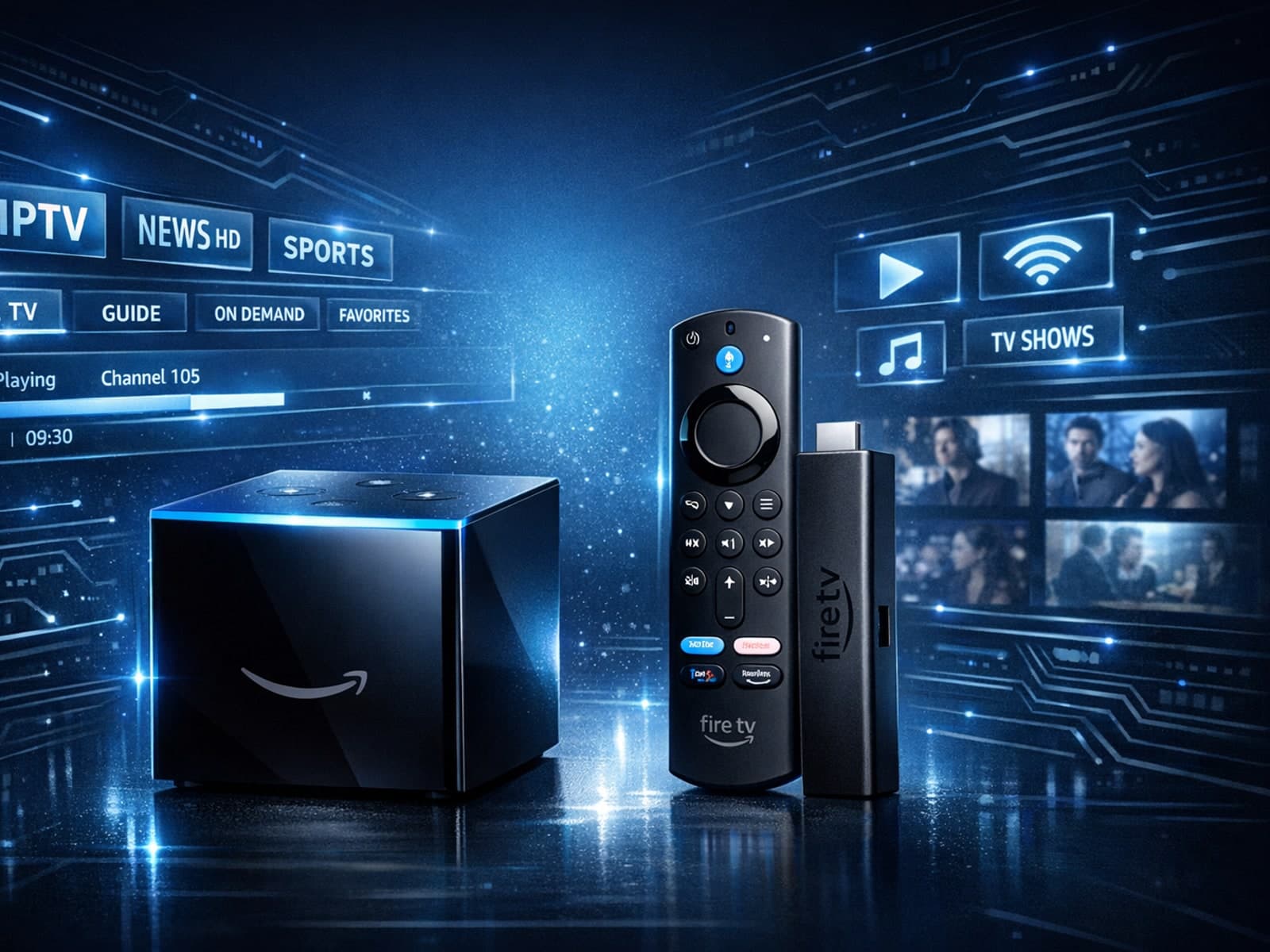
Choosing between the Fire TV Cube and the Fire TV Stick 4K Max for IPTV can come down to your setup preferences, desired features, and streaming performance needs.

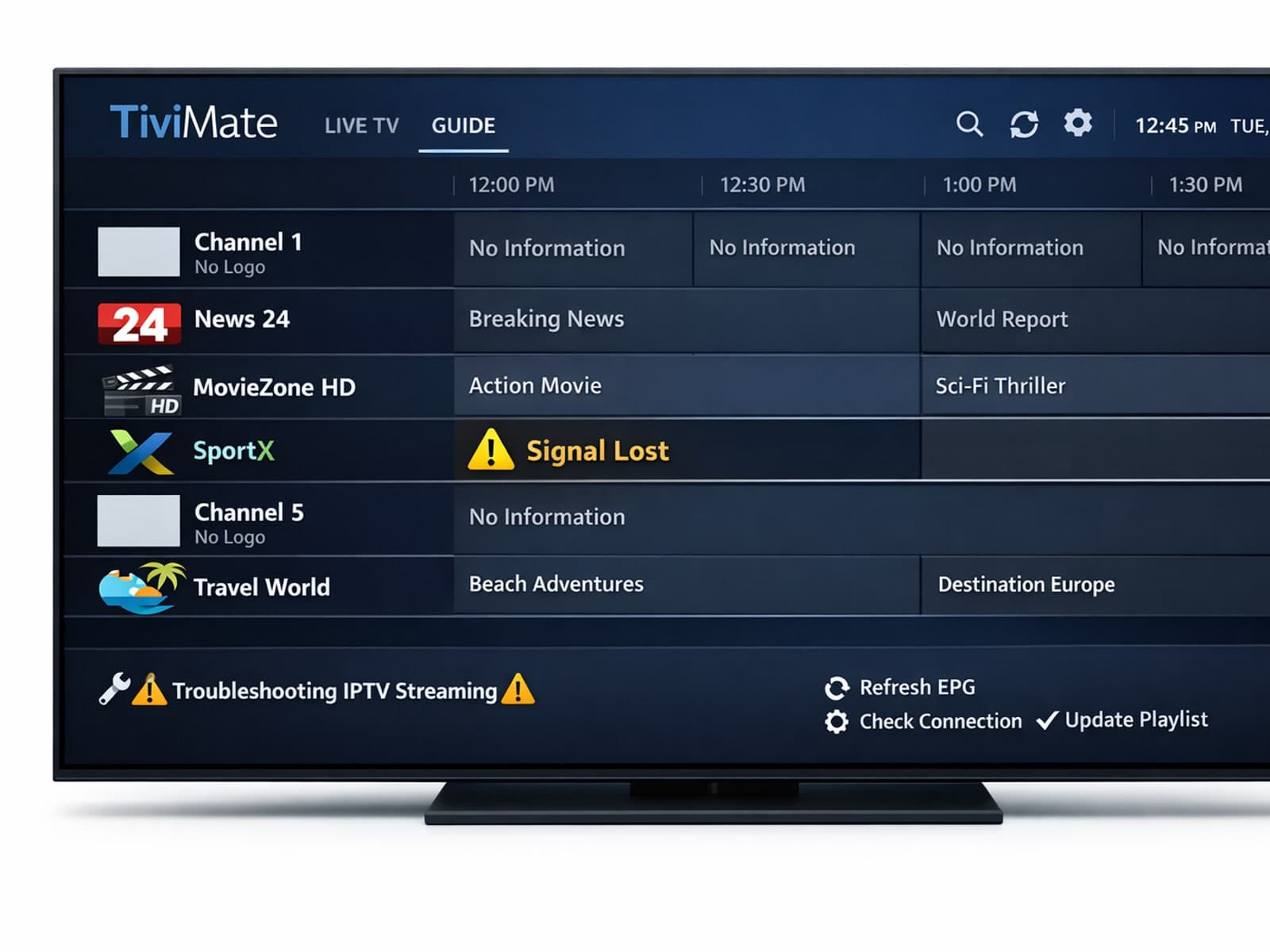
Missing channel logos can detract from your IPTV experience with TiviMate. These logos typically appear next to channel names in the guide and help you visually identify the channels quickly.
