
How to Fix Catch-Up Not Working in TiviMate

Quick answer
If catch-up playback isn't working in TiviMate, it usually means there's a problem with your IPTV source, playlist configuration, or app settings related to how catch-up streams are handled. Catch-up is a feature that lets you watch past broadcasts you missed on supported chan...
Reviewed Against
• TiviMate playlist, EPG, and player-setting workflows
Applies To
• TiviMate setups on Android TV, Google TV, or Fire OS style streaming devices
Does not apply when
• Your app uses a different menu layout or naming scheme than TiviMate.
Topic Cluster
Part of the IPTV cluster
Browse practical IPTV articles about IPTV, including setup choices, troubleshooting paths, and follow-on guides. This page sits in troubleshoot and fix for that topic path.
On this page
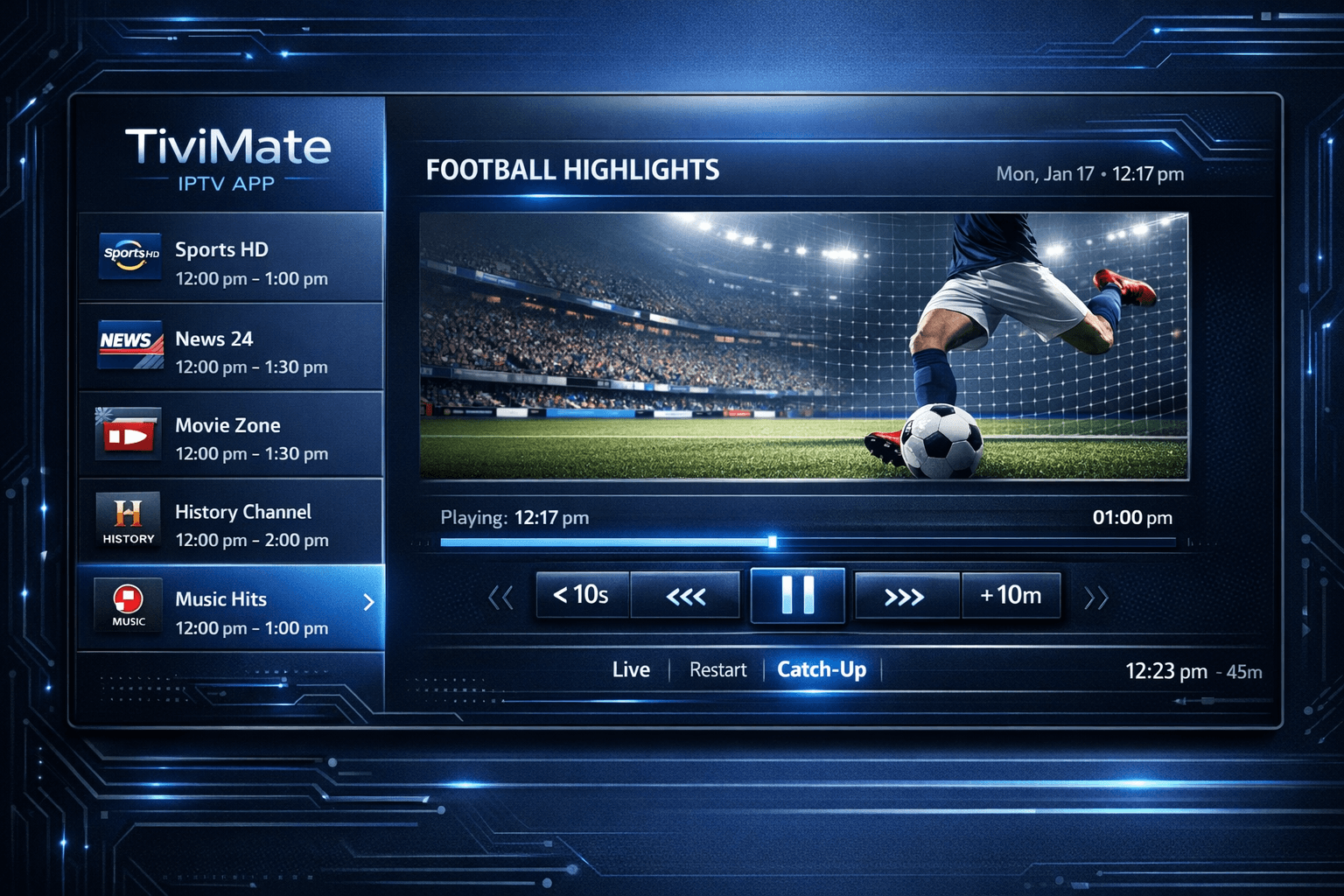
How to Fix Catch-Up Not Working in TiviMate
If catch-up playback isn't working in TiviMate, it usually means there's a problem with your IPTV source, playlist configuration, or app settings related to how catch-up streams are handled. Catch-up is a feature that lets you watch past broadcasts you missed on supported channels. To fix catch-up in TiviMate, you need to verify that your IPTV provider supports it, update your app, and ensure your playlist and settings are correctly configured.
What you'll learn
- How to confirm catch-up support from your IPTV provider
- Why updating TiviMate matters for catch-up features
- How to check and refresh your playlist or Xtream Codes login
- How to configure catch-up settings in TiviMate
- Troubleshooting common mistakes causing catch-up issues
Understanding Catch-Up Support in Your IPTV Service
Catch-up or replay TV relies on servers operated by your IPTV provider that store previously aired content. Not all IPTV services include catch-up capabilities, or they may limit catch-up to select channels.
Confirming IPTV Provider Support
- Check your subscription details: Your provider may explicitly state if catch-up is included.
- User portal or app: Many IPTV services have web-based portals or apps where catch-up playback can be tested.
- Contact support: If unclear, ask support whether catch-up is offered for channels you watch.
Without provider-side catch-up, TiviMate cannot offer this feature regardless of settings.
Keeping TiviMate Updated for Catch-Up Compatibility
TiviMate regularly updates to support new IPTV protocols and fix bugs impacting catch-up playback.
Why Update?
- New IPTV standards: Providers may update stream URLs or metadata formats, requiring app updates.
- Bug fixes: Past TiviMate versions have had minor bugs impacting catch-up playback.
- Improved UI: Newer versions often add better navigation for catch-up content.
How to Check and Update
- Go to your Android TV device or Fire TV app store.
- Search for TiviMate and check for updates.
- Download and install the latest version.
Checking and Refreshing Playlist or Xtream Codes Login
TiviMate supports several IPTV playlist formats, primarily:
- M3U playlists: Simple files with channel URLs but limited metadata.
- Xtream Codes API login: A login format providing richer metadata including catch-up URLs.
Why This Matters
Catch-up streams are usually embedded as additional URLs or time-shifted streams linked through the API or playlist. If these are missing or outdated, catch-up fails.
Steps to Verify
- Check your IPTV source: Ensure your provider delivers a playlist with catch-up metadata.
- Refresh playlist: Sometimes playlists expire or are cached. Refresh in TiviMate settings.
- Re-enter login credentials: For Xtream Codes API logins, sometimes reauthorization resolves stream access.
Configuring Catch-Up Settings in TiviMate
TiviMate's options must allow catch-up playback.
Accessing Catch-Up Settings
- Open TiviMate.
- Go to
Settings>Catch-uporGeneral Settingsdepending on version. - Make sure
Enable catch-upis toggled on. - Check if you want catch-up to be the default option on channels that support it.
Channel-Specific Catch-Up
Not all channels support catch-up, so check the program guide for a rewind or catch-up icon. Some IPTV providers may also supply channel grouping where catch-up is available.
Troubleshooting Common Catch-Up Mistakes
Common Errors
- Using outdated playlists lacking catch-up metadata.
- IPTV provider not supporting catch-up or temporarily down.
- App cache corruption causing stale data.
- Network issues preventing catch-up stream access.
Resolution Tips
- Clear TiviMate cache: Go to device settings > Apps > TiviMate > Clear cache.
- Restart TiviMate or device: Simple reboot can fix transient errors.
- Check network connection: Ensure stable internet access.
- Switch to Xtream Codes login if possible: It often offers superior catch-up support.
Who Should Use This Guide and When to Seek Device-Specific Help
This walkthrough suits users of TiviMate on Android TV devices, Fire TV, or similar platforms using IPTV providers that offer catch-up.
If you are using other IPTV apps (like IPTV Smarters) or hardware with specific remote limitations, consult device-specific guides. Also, if your IPTV provider doesn't support catch-up or only offers catch-up through their proprietary apps, this guide won't help.
FAQ
Q: Why is catch-up not available for all channels in TiviMate?
A: Catch-up depends on IPTV provider support and channel rights. Many providers offer catch-up for some but not all channels.
Q: Does updating TiviMate improve catch-up functionality?
A: Yes, newer app versions fix bugs and improve compatibility.
Q: Can incorrect playlist formats cause catch-up issues?
A: Yes, playlists missing catch-up URLs disable this feature.
Q: Should I use Xtream Codes login or M3U playlist?
A: Xtream Codes login generally offers better catch-up support.
Conclusion
Fixing catch-up not working in TiviMate involves verifying ISP support, updating your app, ensuring your playlist or login includes catch-up streams, and properly configuring app settings. Start with the easiest steps like confirming your provider supports catch-up and that TiviMate is up to date, then move on to refreshing playlist data and adjusting settings. This focused approach quickly isolates the cause and restores catch-up functionality, enhancing your IPTV viewing experience.
Comparison Table: Playlist Format Impact on Catch-Up
| Feature | M3U Playlist | Xtream Codes API Login |
|---|---|---|
| Catch-up Stream Support | Limited | Extensive |
| Metadata Richness | Basic (channel+URL) | Detailed (EPG + catch-up URLs) |
| Ease of Updating Streams | Manual | Automatic through API |
| Reliability for Catch-up Use | Variable | Higher |
For more on related issues, see How to Fix Missing Channel Logos in TiviMate, Xtream Codes Authorization Failed in TiviMate, and the Authorization Error topic. Also, learn When Xtream Codes Works Better Than M3U for IPTV.
Frequently Asked Questions
Why is catch-up not available for all channels in TiviMate?
Catch-up availability depends on your IPTV provider’s support and the channel’s broadcasting rights. Not all channels offer catch-up through IPTV services.
Does updating TiviMate improve catch-up functionality?
Yes, updating to the latest version can fix bugs and improve compatibility with IPTV services that provide catch-up streams.
Can incorrect playlist formats cause catch-up issues in TiviMate?
Yes, playlists lacking appropriate catch-up URLs or metadata prevent catch-up from working correctly.
Should I use Xtream Codes login or M3U playlist for better catch-up performance?
Generally, the Xtream Codes API login provides better catch-up support and metadata handling than raw M3U playlists.
Keep exploring
More explainers that connect naturally to this setup, workflow, or troubleshooting path.
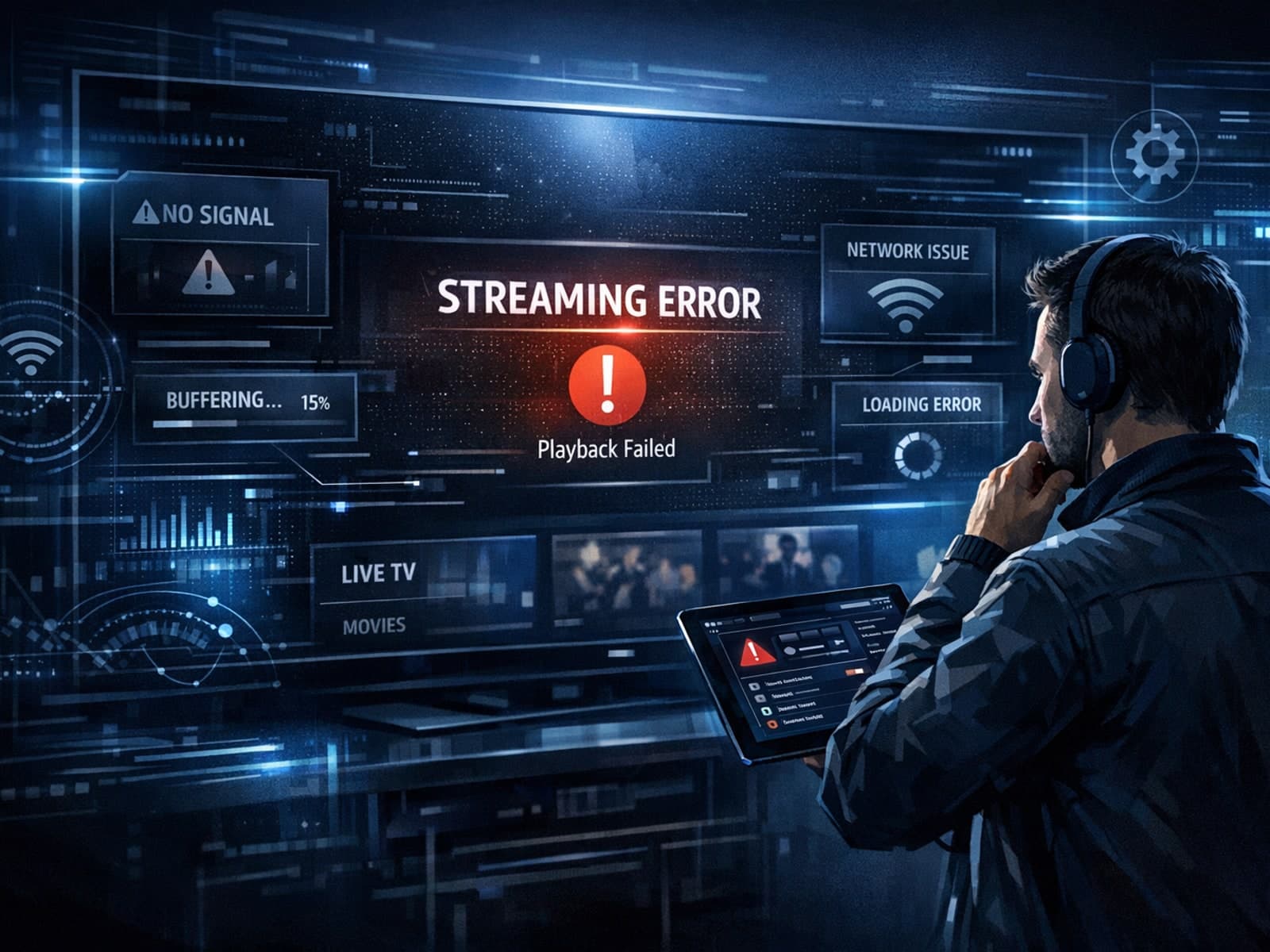
If your TiviMate playlist does not update even after pressing the refresh button, it’s usually due to issues like an unstable internet connection, outdated or broken playlist URLs, or app cache conflicts.

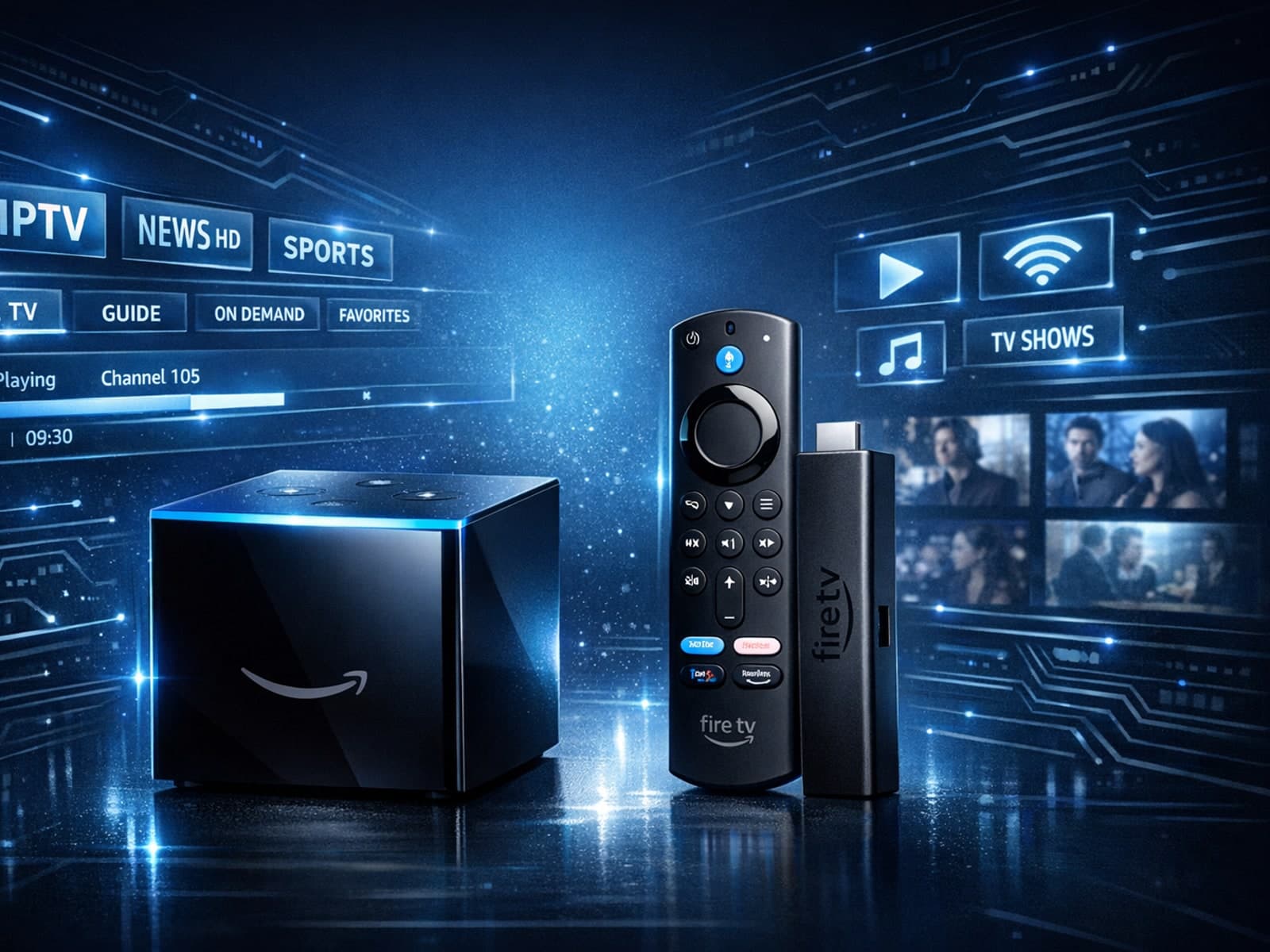
Choosing between the Fire TV Cube and the Fire TV Stick 4K Max for IPTV can come down to your setup preferences, desired features, and streaming performance needs.

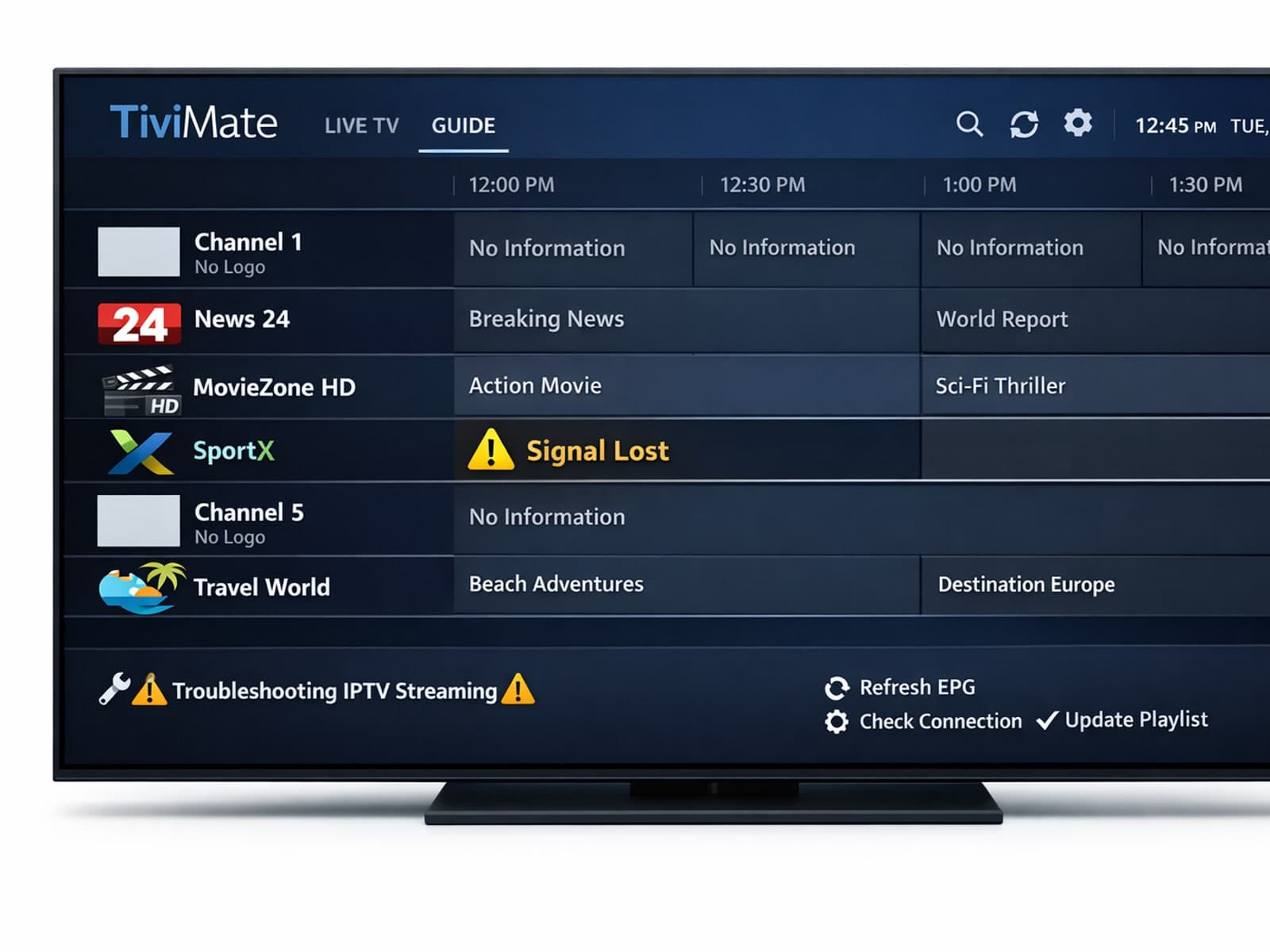
Missing channel logos can detract from your IPTV experience with TiviMate. These logos typically appear next to channel names in the guide and help you visually identify the channels quickly.
