
IPTV Smarters Invalid Details Error: Causes and Precise Fixes

Quick answer
The "invalid details" error in IPTV Smarters appears when the app cannot authenticate your login credentials with your IPTV service. This means either your username or password is incorrect, your subscription is inactive, or there is a connection issue preventing verification....
Reviewed Against
• IPTV Smarters login, playlist, and account-entry screens
• Server-URL formatting, HTTP response handling, and account-entry failure patterns
Applies To
• IPTV Smarters sign-in, playlist import, or account-detail errors
• Errors caused by malformed URLs, wrong credentials, expired tokens, or unreachable playlist endpoints
Does not apply when
• The account itself is disabled or expired on the provider side.
• The provider confirms the service is down or the account has been deliberately blocked upstream.
Corroborating Resources
HTTP response status codesUseful when an IPTV app surfaces 401, 403, 404, or 5xx style errors during login or playlist refreshes.
URL structure referenceHelpful for checking server URLs, source links, and path/query mistakes in portal or playlist setups.
Topic Cluster
Part of the IPTV Authentication cluster
Browse practical IPTV articles about IPTV Authentication, including setup choices, troubleshooting paths, and follow-on guides. This page sits in troubleshoot and fix for that topic path.
Next guides in this cluster
On this page
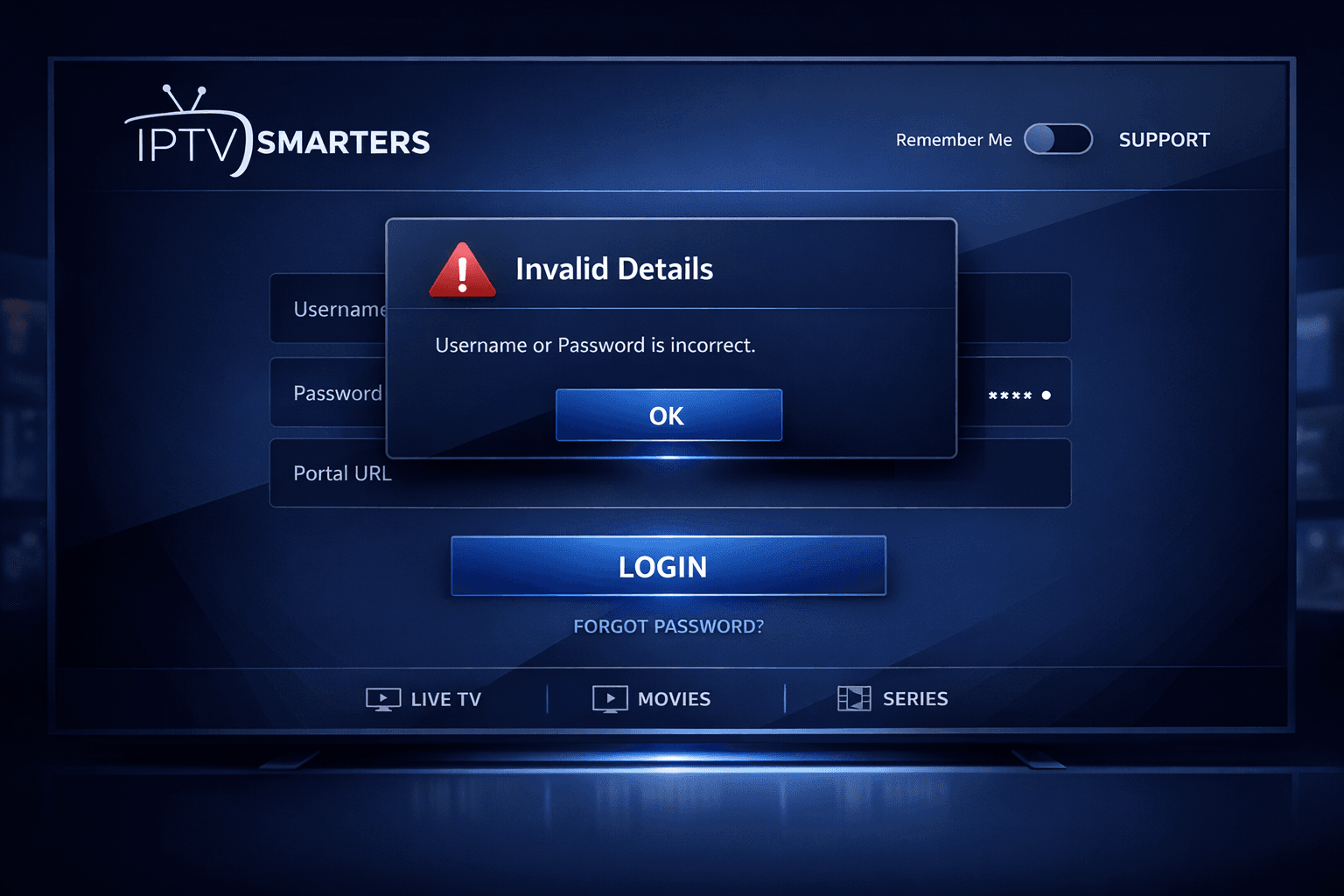
IPTV Smarters Invalid Details Error: Causes and Precise Fixes
The "invalid details" error in IPTV Smarters appears when the app cannot authenticate your login credentials with your IPTV service. This means either your username or password is incorrect, your subscription is inactive, or there is a connection issue preventing verification. Understanding the common causes of this error and following precise troubleshooting steps can quickly restore access without confusion.
What you'll learn:
- Why the IPTV Smarters invalid details error occurs
- How to verify your login information accurately
- The role of internet connectivity in authentication problems
- How to check subscription status and app updates
- Step-by-step methods to resolve and prevent this error
What Causes the IPTV Smarters Invalid Details Error?
The error specifically means your credentials did not pass the authentication stage with your IPTV provider’s server. The main causes include:
- Incorrect login information: The username, password, or portal URL you entered does not match the IPTV service records.
- Subscription inactivity: Your IPTV subscription may have expired, been suspended, or is otherwise inactive.
- Network connectivity issues: Unstable or blocked internet connection can prevent the login handshake.
- App version incompatibility or corruption: Using an outdated or corrupted app version can cause authentication failures.
- Typographical errors: Spaces, capitalization mistakes, or wrong characters during manual entry are very common.
Understanding these causes helps focus your troubleshooting on what matters most.
Verifying Login Credentials Correctly
Why Accurate Entry Matters
IPTV Smarters relies on precise credentials: username, password, and sometimes a portal URL or M3U link depending on your service. A single incorrect character invalidates the login attempt.
How to Check
-
Obtain official credentials: Always get your login details from your IPTV service provider directly or from a verified account portal.
-
Avoid copy-paste errors: When copying credentials, ensure no extra spaces or line breaks.
-
Manually re-enter details: If you entered credentials once, try retyping instead of paste.
-
Check case sensitivity: Some usernames and passwords are case-sensitive; match exactly.
Checking Subscription Status and Service Activation
Confirming Active Subscription
If your IPTV subscription has expired or been suspended, the server rejects login attempts reporting invalid details.
- Login to your IPTV provider’s official website or app to check your subscription status.
- Contact support to verify your account activity.
Confirm Server or Service Issues
Sometimes the provider’s server may be down or resetting, which can cause temporary authentication errors.
Ensuring Stable Internet Connection for Authentication
Why Network Matters
IPTV Smarters must communicate with remote servers to validate credentials. Interrupted or blocked connections cause the app to fail the login process.
How to Diagnose Network Issues
- Test your internet speed and stability using apps or websites like speedtest.net.
- Switch from Wi-Fi to mobile data or a different network to rule out local network issues.
- Disable VPNs or proxies that might interfere with network requests.
- Check for firewall or parental controls that block IPTV app traffic.
Updating and Restarting IPTV Smarters App
Keeping App Updated
Older versions of IPTV Smarters might lack compatibility with the latest IPTV service authentication protocols.
- Visit your device’s official app store (Google Play, Apple App Store) to check for updates.
- Download and install the latest version.
Restarting Helps Refresh Sessions
- Fully close the IPTV Smarters app.
- Restart your device to clear residual data that may affect login attempts.
- Open the app and try logging in again.
Troubleshooting Checklist: Common Mistakes and Fixes
Here is a prioritized list to fix the IPTV Smarters "invalid details" error:
- Double-check exact username and password from your IPTV provider.
- Make sure your subscription is still active and hasn’t expired.
- Test your internet connection for reliability.
- Update IPTV Smarters app to latest version available.
- Re-enter login details carefully, avoiding spaces or case errors.
- Restart the app and device to clear potential issues.
- Clear app cache and data if repeated login failures occur (Settings → Apps → IPTV Smarters → Clear Cache/Data).
- If problems persist, contact your IPTV service provider for assistance.
Who Should Use This Guide and When to Look Elsewhere
This guide applies if:
- You use IPTV Smarters app on devices like Android, iOS, Amazon Fire TV, or similar.
- You manually enter IPTV login credentials (username, password, portal URL).
- The error message specifically states "invalid details" on login.
Consider alternative troubleshooting if:
- Your IPTV service uses a different app or custom client.
- You are receiving other errors such as authorization failures or streaming playback issues.
- Your device is specifically a smart TV with pre-installed IPTV apps needing unique steps.
For authorization errors on Xtream Codes or M3U playlist issues, see our related articles:
| Related IPTV Errors Guide | Description |
|---|---|
| Xtream Codes Authorization Failed in TiviMate | Fix common failure codes in authorization |
| How to Fix Missing Channel Logos in TiviMate | Manage channel logos to enhance UI |
FAQs about IPTV Smarters Invalid Details Error
What exactly does the "invalid details" error mean in IPTV Smarters?
It means the app failed to authenticate your login information with the IPTV service, usually due to incorrect username, password, or expired subscription.
Can network issues cause the invalid details error?
Yes, unstable or blocked internet connections may prevent proper authentication, leading the app to display invalid details errors.
Should I reinstall IPTV Smarters if I keep seeing this error?
Reinstalling can help if the app is corrupted or outdated, but first try re-entering credentials and checking your subscription status.
Are there device-specific issues to consider with this error?
This guide applies broadly to IPTV Smarters on Android, iOS, Fire TV, and similar. If you use a custom build or different platform, consult device-specific support.
Does the error indicate a problem with my IPTV service provider?
Sometimes, yes. If your credentials are correct and the app is updated, the issue might be on the provider’s side or related to your subscription status.
Conclusion
The "invalid details" error in IPTV Smarters can be frustrating but commonly has straightforward causes related to login information accuracy, subscription status, and connectivity. By verifying your credentials precisely, confirming your subscription is active, ensuring a stable internet connection, and updating the app, most users can quickly restore access. If issues persist, contacting your IPTV service provider will help resolve service-side problems. Follow this focused troubleshooting path to avoid guesswork and get back to streaming efficiently.
Frequently Asked Questions
What exactly does the "invalid details" error mean in IPTV Smarters?
It means the app failed to authenticate your login information with the IPTV service, usually due to incorrect username, password, or expired subscription.
Can network issues cause the invalid details error?
Yes, unstable or blocked internet connections may prevent proper authentication, leading the app to display invalid details errors.
Should I reinstall IPTV Smarters if I keep seeing this error?
Reinstalling can help if the app is corrupted or outdated, but first try re-entering credentials and checking your subscription status.
Are there device-specific issues to consider with this error?
This guide applies broadly to IPTV Smarters on Android, iOS, Fire TV, and similar. If you use a custom build or different platform, consult device-specific support.
Does the error indicate a problem with my IPTV service provider?
Sometimes, yes. If your credentials are correct and the app is updated, the issue might be on the provider’s side or related to your subscription status.
Keep exploring
More explainers that connect naturally to this setup, workflow, or troubleshooting path.
When you see the "Xtream Codes Authorization Failed" error in TiviMate, it means the app cannot verify your IPTV login via the Xtream Codes API.

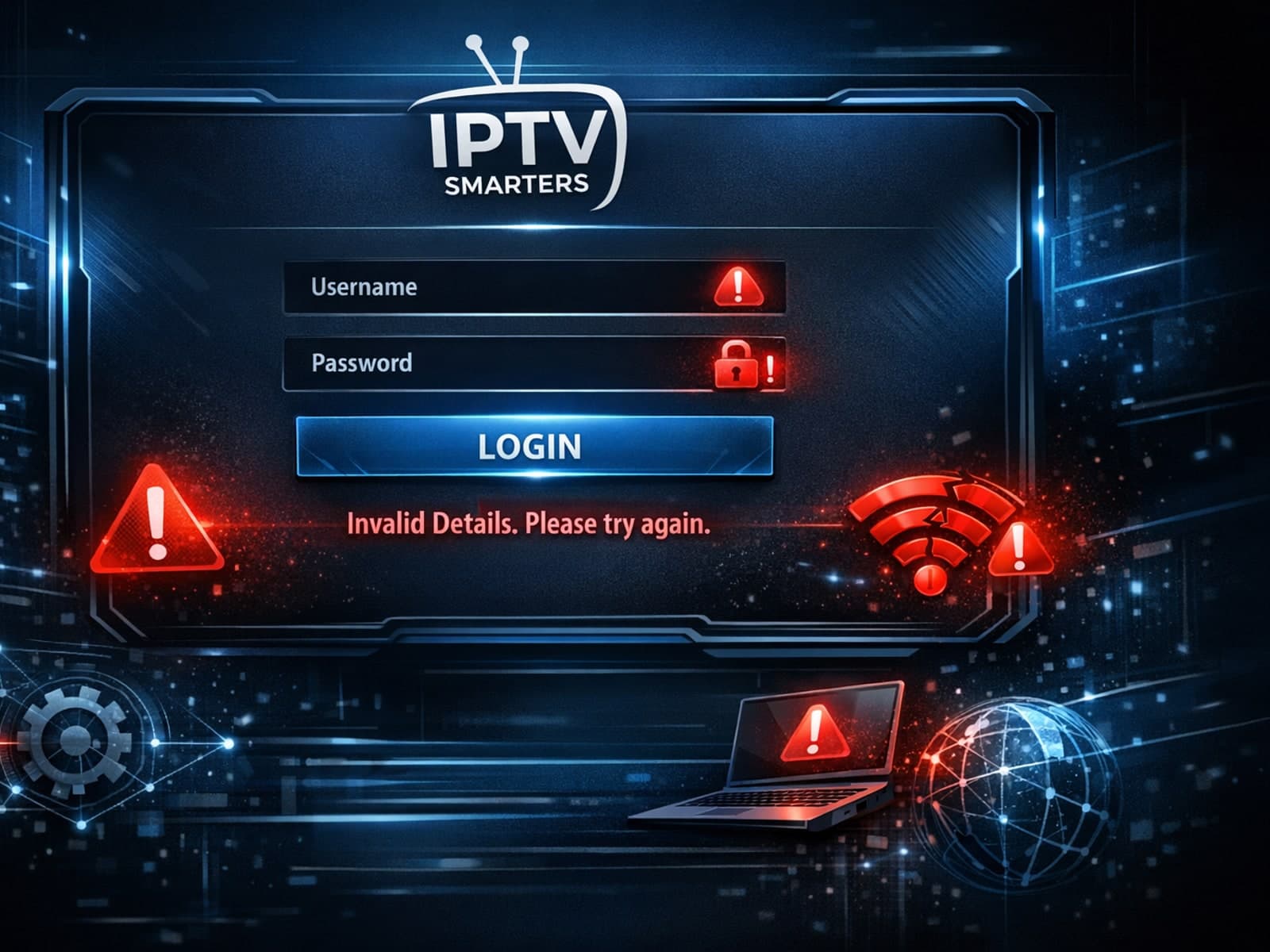
The "Invalid Details" error in IPTV Smarters occurs when the app cannot validate your login credentials or playlist URL. This error prevents you from accessing live TV streams and on-demand content through the app.
If catch-up (the ability to watch past broadcasts on demand) is not working in your TiviMate app, the issue is usually related to your IPTV playlist's support for catch-up, connection hiccups, or app configuration.
