
M3U Plus vs Xtream Codes API for IPTV Playlist Updates

Quick answer
When managing IPTV playlists, especially for live channel updates and Electronic Program Guide (EPG) data, two common formats stand out: M3U Plus and Xtream Codes API. Both serve to refresh your IPTV content but differ significantly in setup, update flexibility, and compatibil...
Reviewed Against
• XMLTV guide imports, refresh timing, and channel-guide matching
• Xtream Codes username, password, and server-URL login flows
• M3U and M3U Plus playlist URLs, refreshes, and import behavior
Applies To
• Guide data issues such as missing listings, stale guide refreshes, or wrong time offsets
• Portal-style logins that need a server URL plus account credentials
• Playlist-based IPTV setups that rely on M3U or M3U Plus links for channel data
Does not apply when
• The stream itself will not play at all and you still need to verify login or playlist access.
• You are using only an M3U playlist URL with no Xtream-style portal login at all.
• Your app is using a portal or stalker-style workflow instead of a playlist URL.
Corroborating Resources
XMLTV file format referenceUseful when the issue comes from guide-source formatting, channel mapping, or XMLTV data freshness.
HTTP response status codesUseful when an IPTV app surfaces 401, 403, 404, or 5xx style errors during login or playlist refreshes.
URL structure referenceHelpful for checking server URLs, source links, and path/query mistakes in portal or playlist setups.
Topic Cluster
Part of the IPTV cluster
Browse practical IPTV articles about IPTV, including setup choices, troubleshooting paths, and follow-on guides. This page sits in compare options for that topic path.
On this page
M3U Plus vs Xtream Codes API for IPTV Playlist Updates
When managing IPTV playlists, especially for live channel updates and Electronic Program Guide (EPG) data, two common formats stand out: M3U Plus and Xtream Codes API. Both serve to refresh your IPTV content but differ significantly in setup, update flexibility, and compatibility.
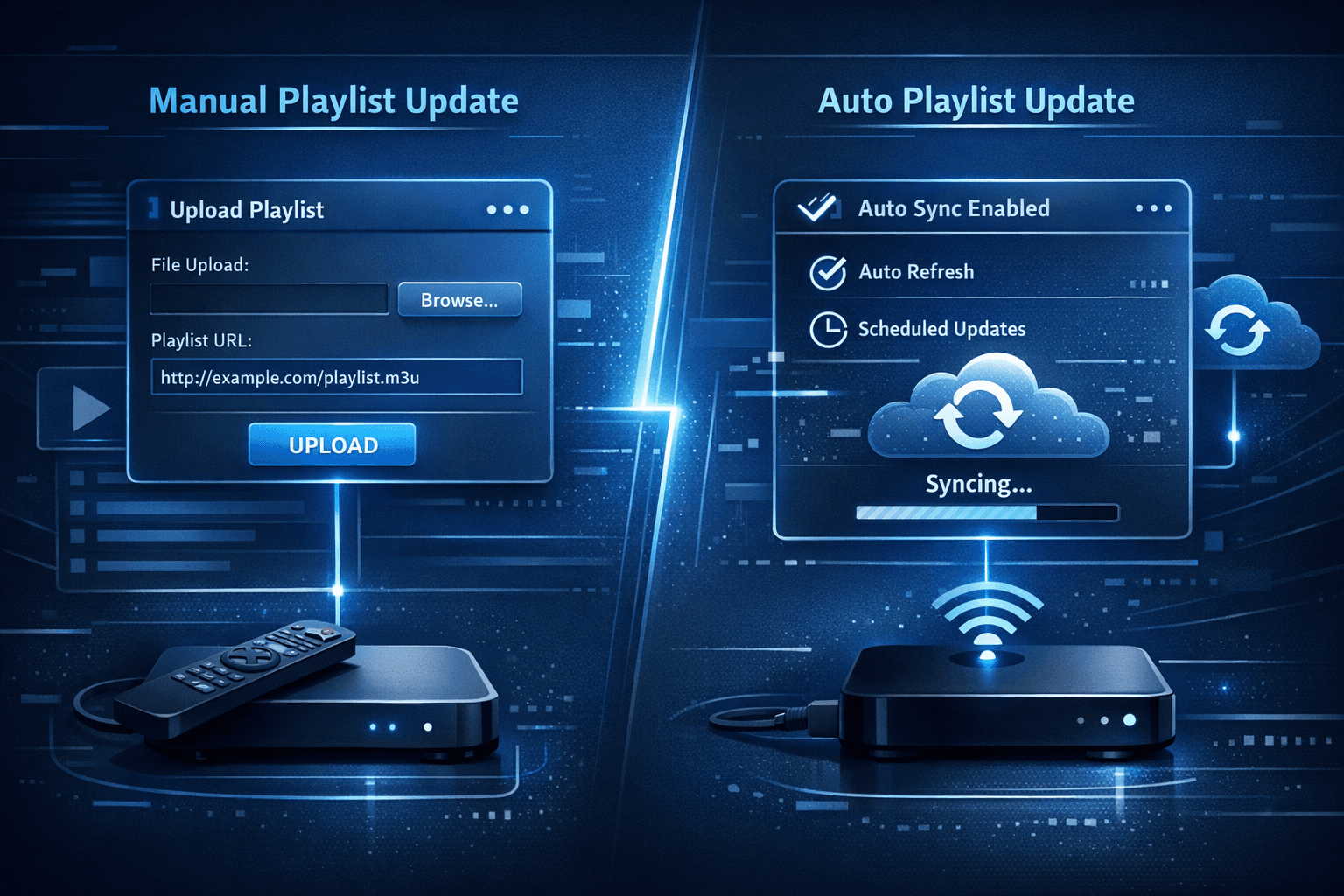
In plain terms: M3U Plus is a static playlist file with enhanced metadata, refreshed manually or via URL expiration, while Xtream Codes API uses a dynamic, authenticated system to provide updated playlists and EPG streams more seamlessly.
What you'll learn
- The fundamental differences between M3U Plus and Xtream Codes API
- How each method handles playlist updates
- Practical setup requirements for both update types
- Strengths and limitations of each approach
- Common troubleshooting tips for update failures
Understanding M3U Plus: An Enhanced Playlist Format
What is M3U Plus?
M3U Plus extends the traditional M3U playlist format by embedding metadata such as channel icons, multiple EPG URLs, and expiration parameters. This format remains a single playlist URL or file that IPTV players fetch to list channels and EPG.
How Playlist Updates Work with M3U Plus
Updates happen when the IPTV player reloads the playlist URL. Providers often generate time-limited URLs that expire after some time, forcing players to fetch updated versions. However, the process remains essentially a manual or periodic refresh of a static file.
Setup Essentials
- Receive a valid M3U Plus playlist URL from your IPTV provider.
- Enter this URL into your IPTV client (e.g., TiviMate, VLC).
- Refresh or reload the playlist periodically, either manually or automatically as supported.
Pros and Cons
Strengths: Simple setup, wide client support, easy to share and backup playlists.
Limitations: No real-time updates, no user authentication—security depends on URL secrecy, can expire frequently requiring URL refresh.
Exploring Xtream Codes API: Dynamic Playlist Updates
What is Xtream Codes API?
Xtream Codes API is a server-side interface originally designed to manage access to IPTV content. It authenticates users and delivers dynamic playlists and EPG data based on login credentials instead of static URLs.
How Playlist Updates Work with Xtream Codes API
Once logged in with a username, password, and server URL, your IPTV client receives automatically updated playlists and EPG data without needing separate reloads or manual playlist URL changes.
Setup Essentials
- Obtain your Xtream Codes credentials (username, password, server URL).
- Input these into a compatible IPTV client like TiviMate or IPTV Smarters.
- The client will maintain a session and refresh playlists/EPG in the background.
Pros and Cons
Strengths: Secure login, dynamic updates, supports multiple device sessions, real-time playlist refresh.
Limitations: Requires client support, not all IPTV providers support Xtream Codes, dependency on working authentication servers.
Side-By-Side Comparison Table
| Feature | M3U Plus | Xtream Codes API |
|---|---|---|
| Setup Inputs | Playlist URL | Username, Password, Server URL |
| Playlist Update Method | Manual or timed URL expiration refresh | Dynamic, authenticated session refresh |
| Security | URL-based, no authentication | User authentication required |
| EPG Integration | Static EPG URLs within playlist metadata | Live API-based EPG updates |
| Client Compatibility | Broad (most IPTV players) | Limited to supporting clients |
| Best Use Case | Simplicity, clients without API support | Reliable, secure updates for premium use |
Troubleshooting Common Issues
M3U Plus Playlist Won't Update
- Confirm the playlist URL is current and has not expired.
- Check your IPTV app’s automatic refresh settings.
- Ensure network connectivity is stable.
- Try manually refreshing or removing and re-adding the playlist.
Xtream Codes API Login or Update Fails
- Verify username, password, and server URL are correct.
- Confirm the IPTV provider’s server is operational.
- Check for client app compatibility with Xtream Codes API.
- Ensure the account is active and not blocked or expired.
When to Choose Different Solutions
- Use M3U Plus if your IPTV client does not support Xtream Codes API or your provider only offers playlist URLs.
- Use Xtream Codes API for improved, automated playlist and EPG updates with authenticated access.
Who Should Use This Guidance?
This article is intended for IPTV users who are familiar with playlist management and want to understand how to update their IPTV playlists effectively. It assumes users have intermediate experience with IPTV players such as TiviMate or IPTV Smarters.
If you are using device-specific IPTV apps without support for either method or need help on specific player setup, consult device or app-specific guides. For other IPTV update formats like JSON or XML EPG updates, refer to those dedicated articles.
Frequently Asked Questions
What is the main benefit of Xtream Codes API over M3U Plus?
Xtream Codes API offers dynamic, authenticated access leading to automated, more reliable playlist and EPG updates.
Can I manually refresh an Xtream Codes API playlist?
Generally, yes, but the API is designed for background updates without manual refreshes.
Are there IPTV clients that only support one of these methods?
Yes, some lightweight IPTV players support only M3U URLs, while more advanced apps support Xtream Codes API.
How often should I refresh an M3U Plus playlist URL?
This depends on your provider; often, URLs expire every few hours or days, requiring manual or automatic refresh.
Conclusion
Choosing between M3U Plus and Xtream Codes API for IPTV playlist updates hinges on your IPTV client compatibility, security needs, and the IPTV provider’s offerings. M3U Plus remains a universally supported, simpler solution but involves static playlist refreshes. Xtream Codes API provides a more secure and dynamic environment, ideal for users wanting seamless, real-time updates.
When configuring your IPTV setup, align your choice with your device's capabilities and how actively you want to manage playlist updates. With the right setup and a clear understanding of these two popular formats, you can ensure smoother IPTV streaming experiences with up-to-date channel lists and guides.
For more on IPTV playlist management, see When Xtream Codes Works Better Than M3U for IPTV Streaming, or troubleshoot update issues with TiviMate Playlist Not Updating After Refresh. To handle login errors, check IPTV Smarters Invalid Details Error Explained and Fixed. For logo problems, Fix Missing Channel Logos in TiviMate may help.
Keep exploring
More explainers that connect naturally to this setup, workflow, or troubleshooting path.

If you are experiencing lag or buffering while watching IPTV on your Fire TV Stick, one common culprit is limited device storage. When the Fire TV Stick's internal memory fills up or gets fragmented, the IPTV app performance can degrade.


If you watch IPTV on your Fire TV Stick, having the right Wi-Fi settings can significantly improve your streaming experience by minimizing buffering and lag.


When it comes to updating IPTV playlists, two common methods are M3U Plus and the Xtream Codes API. Both serve to refresh the channel lists and program information delivered to IPTV apps, but they do so in different ways.
