
Firestick VPN Causing IPTV Buffering: How to Fix Streaming Delays

Quick answer
Using a VPN on your Firestick while streaming IPTV can sometimes lead to frustrating buffering issues. This happens because VPNs route your traffic through additional servers, which may reduce your effective network speed or increase latency. Understanding why your VPN affects...
Reviewed Against
• Fire TV and Fire OS device capabilities, networking, and storage limits
• Home-network checks such as Wi-Fi strength, Ethernet fallback, DNS changes, congestion, and local storage pressure
Applies To
• Fire TV Stick, Fire TV Cube, and Fire OS playback or networking questions
• Playback problems that change with connection quality, device load, app cache state, or time of day
Does not apply when
• You are troubleshooting a smart-TV app or set-top box with a different hardware and settings path.
• Only one channel, event, or provider-side endpoint is failing while the rest of the service stays stable.
Corroborating Resources
Fire TV device specifications overviewHelpful for checking Fire TV hardware families, platform differences, and device-level constraints.
Fire TV streaming media player specsUseful for codec, storage, Wi-Fi, and Ethernet-adapter expectations on Fire TV sticks and boxes.
Android TV video and game troubleshootingUseful for Wi-Fi, updates, app cache, and playback troubleshooting steps that also mirror IPTV failure paths.
Android TV storage helpHelpful when playback issues point to low storage, cache pressure, or app-data cleanup decisions.
Topic Cluster
Part of the Buffering cluster
Buffering fixes, network bottlenecks, device slowdowns, and the fastest checks to stabilize IPTV playback. This page sits in troubleshoot and fix for that topic path.
Start here in this topic
On this page
Firestick VPN Causing IPTV Buffering: How to Fix Streaming Delays
Using a VPN on your Firestick while streaming IPTV can sometimes lead to frustrating buffering issues. This happens because VPNs route your traffic through additional servers, which may reduce your effective network speed or increase latency. Understanding why your VPN affects IPTV streaming on Firestick and how to address it is key to a smoother viewing experience.
What you'll learn
- Why VPNs can cause buffering on Firestick IPTV
- How to test if your VPN is responsible for IPTV lag
- Practical steps to optimize VPN settings for IPTV
- Troubleshooting common VPN-related buffering issues
- When to try alternatives or bypass VPN for IPTV
Why VPNs Can Cause Buffering on Firestick IPTV
A VPN (Virtual Private Network) encrypts your internet traffic and routes it through a remote server. While this enhances privacy and may help access geo-blocked IPTV content, it introduces extra processing and travel distance for your data.
Key reasons buffering occurs:
- Reduced Bandwidth: Encryption overhead can reduce overall throughput.
- Increased Latency: Longer routes to VPN servers add delays.
- VPN Server Load: Crowded servers limit available speed.
- Protocol Inefficiencies: Some VPN protocols are slower.
Since IPTV streaming is sensitive to delays and requires stable, continuous data flow, any slowdown or interruption can cause buffering.
How to Confirm VPN Is Causing IPTV Buffering
Before making changes, make sure the VPN is indeed responsible for buffering.
Steps to check:
- Temporarily disable the VPN on your Firestick.
- Restart your IPTV app and stream the same channel.
- Observe if buffering improves significantly.
If streaming quality improves without buffering, the VPN is likely the cause. If not, the issue may be elsewhere (like WiFi strength or IPTV source).
Practical Steps to Reduce Buffering Caused by VPN on Firestick
Here are concrete actions you can take, ordered from easiest to more technical.
1. Test Your VPN Speed
Use a Firestick-compatible speed test app or a VPN provider’s built-in tool to measure your VPN connection speed. Slow speeds indicate VPN-related bottlenecks.
2. Change VPN Server Location
Choose a VPN server geographically closer to your IPTV server or your physical location to reduce latency.
3. Restart VPN App
Quit and reopen the VPN app on Firestick to refresh the connection.
4. Switch VPN Protocol
If your VPN allows, switch to a faster protocol such as WireGuard or IKEv2 to gain better speeds.
5. Adjust Split Tunneling
Some VPN apps let you exclude IPTV apps or IP ranges from the VPN tunnel (split tunneling). Test enabling or disabling this feature:
- Enable split tunneling to let IPTV bypass the VPN if privacy isn’t needed for streaming.
- Disable split tunneling if you want all traffic protected but check for speed impact.
6. Restart Firestick
Clear temporary glitches by restarting your Firestick device.
7. Use a Different VPN Provider
If problems persist, consider VPN services known for high speeds and Firestick compatibility.
Troubleshooting Common Mistakes When Using VPN with IPTV on Firestick
Mistake 1: Using Distant or Overloaded VPN Servers
Avoid defaulting to distant servers or free VPNs with heavy user loads.
Mistake 2: Ignoring VPN App Updates
Run the latest VPN app version for improved performance and bug fixes.
Mistake 3: Not Checking WiFi Quality
Buffering can stem from WiFi issues unrelated to VPN—check signal strength and router settings.
Mistake 4: Misconfiguring Split Tunneling
Improper split tunneling settings can block IPTV access or slow speeds.
When This Guidance Applies and When to Try Other Solutions
- Applies if: You stream IPTV on Firestick with an actively enabled VPN app.
- Switch if: You use other devices (Android TV box, smart TV) with different VPN setups.
- Try device-specific guides if: You experience buffering unrelated to VPN, such as storage issues or poor WiFi — see Fire TV Stick Storage Issues Causing IPTV Lag and Best WiFi Settings for IPTV on Fire TV Stick.
FAQ
Why does using a VPN cause buffering on Firestick IPTV?
Because VPNs encrypt and reroute your connection, which may reduce speed and add latency, leading to buffering during streaming.
Can changing the VPN server help reduce buffering?
Yes, selecting a server closer to your location or IPTV server improves speed and lowers delays, reducing buffering.
Should I always use a VPN with IPTV on Firestick?
Not necessarily. VPN use depends on your privacy and access needs; if buffering is severe, disabling VPN temporarily might improve your experience.
What VPN protocols should I use on Firestick for IPTV?
Faster protocols like WireGuard or IKEv2 are preferable over older options such as OpenVPN to reduce buffering.
Conclusion
Firestick VPN causing IPTV buffering is a common but solvable issue. Identifying VPN-related speed or latency factors and optimizing settings like server choice, protocols, and split tunneling can greatly improve streaming performance. Always test your VPN impact by disabling it briefly and check your network conditions to isolate the cause. When needed, adjust or swap VPN providers for smoother IPTV viewing on Firestick.
| VPN Buffering Cause | Practical Fix | Notes |
|---|---|---|
| Slow VPN speed | Change to faster VPN server | Choose nearby servers |
| High latency | Switch VPN protocol | Use WireGuard or IKEv2 |
| Overloaded VPN server | Restart VPN app or switch server | Avoid peak load periods |
| Interference with IPTV app | Enable/disable split tunneling | Tailor to your privacy needs |
For further troubleshooting on related IPTV lag topics, see
Keep exploring
More explainers that connect naturally to this setup, workflow, or troubleshooting path.
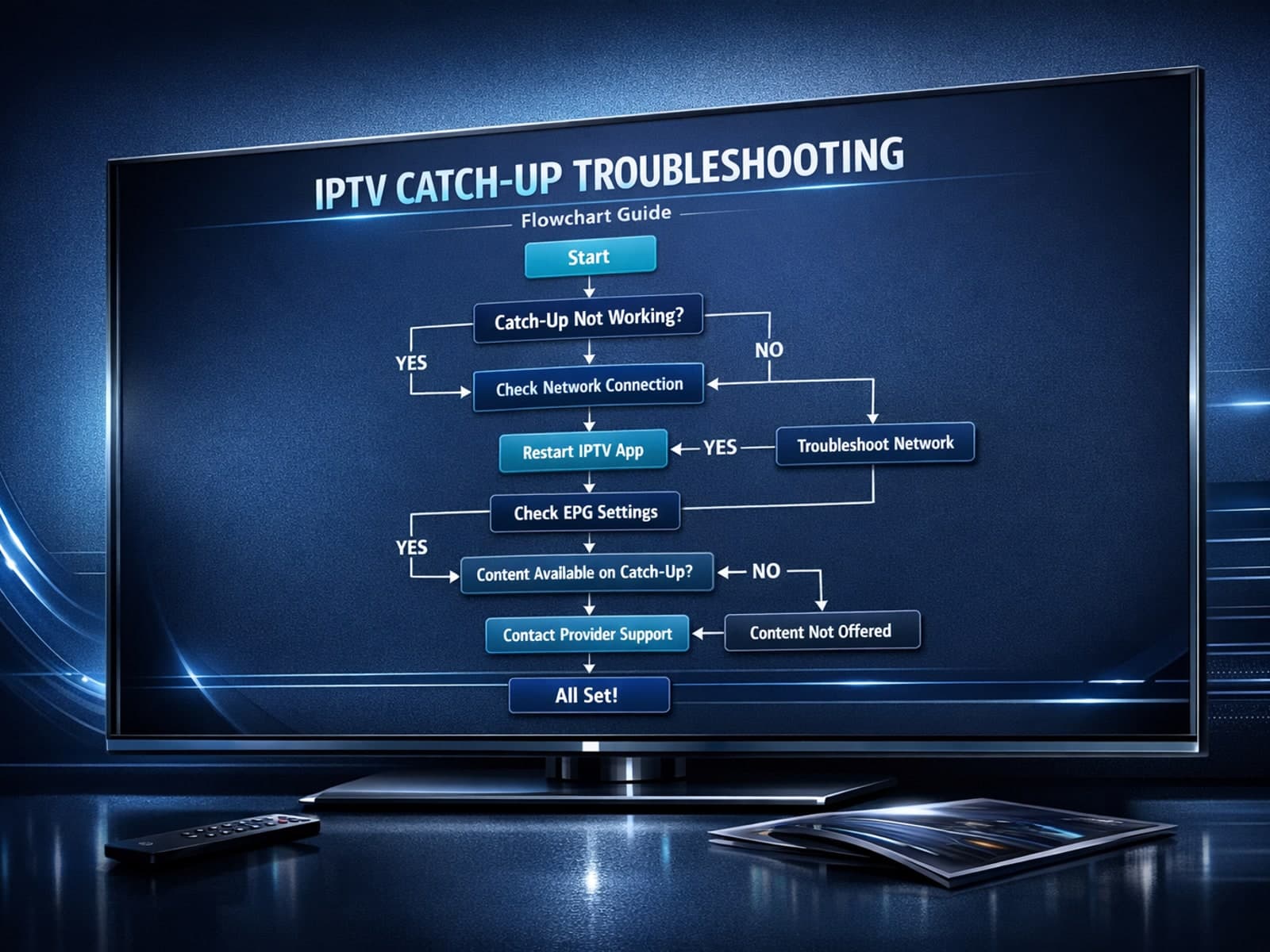
If you use the TiviMate IPTV player, you might occasionally find that the catch-up TV feature isn't working as expected. Catch-up allows you to watch previously aired content on demand, making it a valuable part of your viewing experience.

If you've hit "Refresh" in TiviMate but your IPTV playlist doesn't update, you are not alone. This is a common problem that can stem from multiple causes including network hiccups, playlist URL issues, corrupted cache, or server downtime.

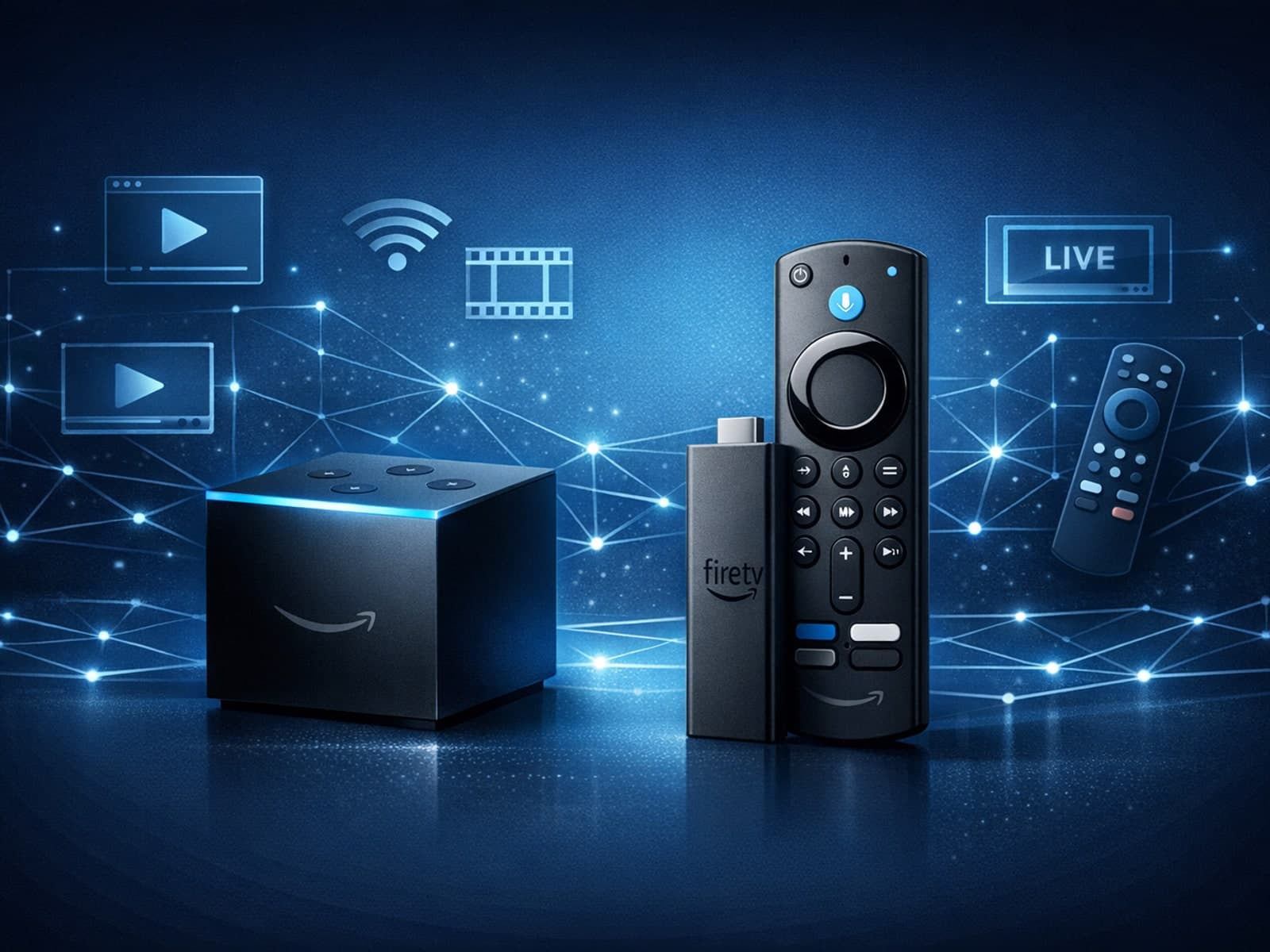
When choosing a device specifically for IPTV streaming, the Amazon Fire TV Cube and Fire TV Stick 4K Max are two popular options. Both devices support 4K streaming and run Amazon’s Fire OS with access to IPTV apps like TiviMate and IPTV.
