
Fire TV Cube vs Fire TV Stick 4K Max for IPTV: Key Differences and Use

Quick answer
When choosing a streaming device for IPTV (Internet Protocol Television) on Amazon's Fire TV lineup, the Fire TV Cube and Fire TV Stick 4K Max are two top contenders. Both devices support IPTV apps and deliver 4K streaming quality, yet they differ significantly in performance,...
Reviewed Against
• Fire TV and Fire OS device capabilities, networking, and storage limits
Applies To
• Fire TV Stick, Fire TV Cube, and Fire OS playback or networking questions
Does not apply when
• You are troubleshooting a smart-TV app or set-top box with a different hardware and settings path.
Corroborating Resources
Fire TV device specifications overviewHelpful for checking Fire TV hardware families, platform differences, and device-level constraints.
Fire TV streaming media player specsUseful for codec, storage, Wi-Fi, and Ethernet-adapter expectations on Fire TV sticks and boxes.
Topic Cluster
Part of the Amazon Fire TV cluster
Browse practical IPTV articles about Amazon Fire TV, including setup choices, troubleshooting paths, and follow-on guides. This page sits in compare options for that topic path.
On this page
Fire TV Cube vs Fire TV Stick 4K Max for IPTV: Key Differences and Use
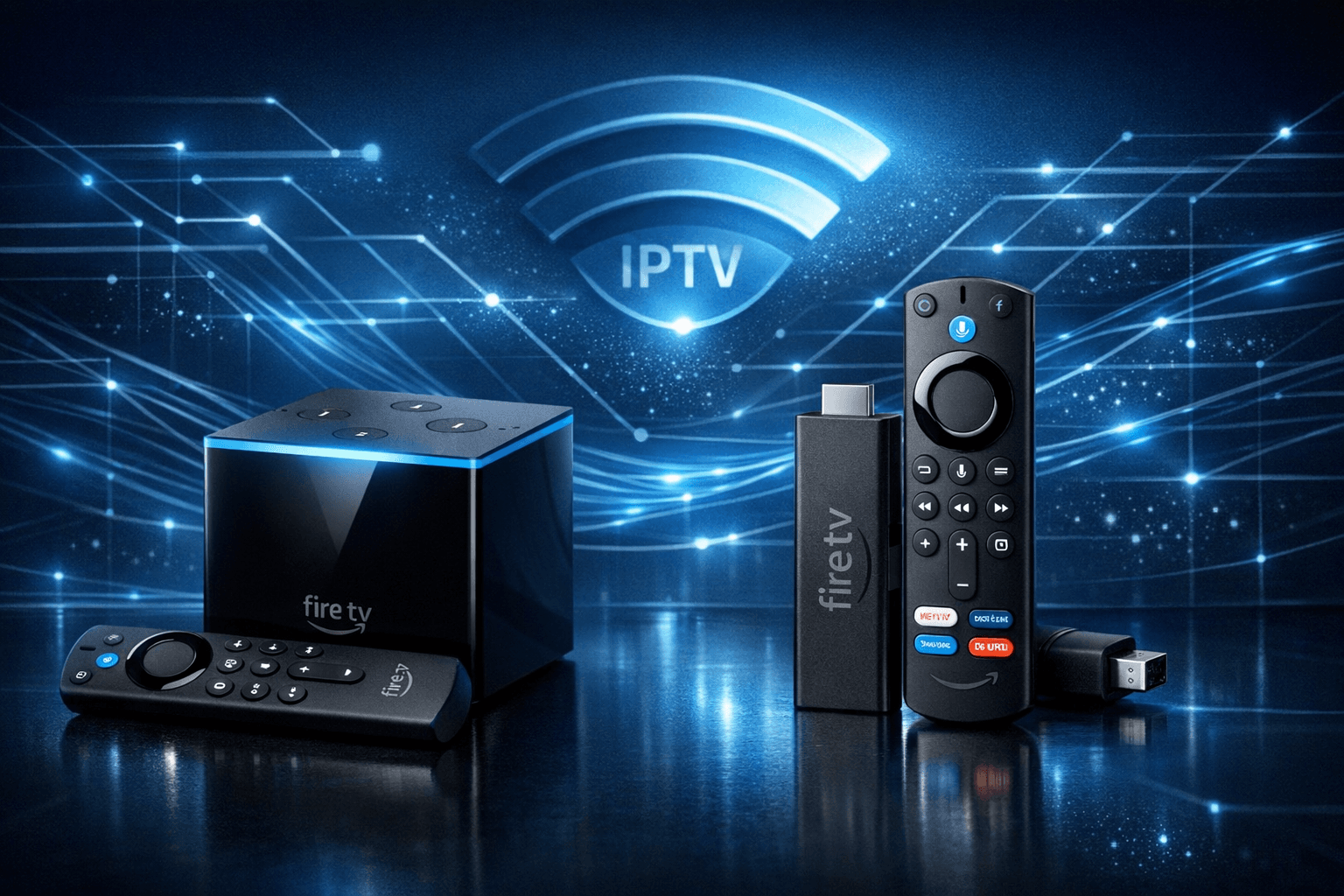
When choosing a streaming device for IPTV (Internet Protocol Television) on Amazon's Fire TV lineup, the Fire TV Cube and Fire TV Stick 4K Max are two top contenders. Both devices support IPTV apps and deliver 4K streaming quality, yet they differ significantly in performance, connectivity, and features. This article compares these two Fire TV devices specifically for IPTV use, helping you decide which suits your IPTV setup better.
What you'll learn
- Key technical differences affecting IPTV performance
- How device features impact IPTV app usability
- Setup considerations for both devices
- Troubleshooting common IPTV issues on Fire TV
- Which device suits your IPTV needs and network environment
Understanding the Devices: Fire TV Cube and Fire TV Stick 4K Max
Fire TV Cube Overview
The Fire TV Cube is a hands-free, Alexa-enabled streaming box that integrates a powerful hexa-core processor and built-in microphones for voice control without the remote. It supports 4K Ultra HD streaming, HDR formats including Dolby Vision, and Dolby Atmos audio.
Fire TV Stick 4K Max Overview
The Fire TV Stick 4K Max is Amazon's most powerful Stick model, featuring a quad-core processor and WiFi 6 support, designed to deliver smooth 4K HDR streaming in a compact form. It lacks the Cube's hands-free Alexa microphones but supports Alexa voice commands via the remote.
Performance Differences Impacting IPTV Streaming
Processing Power and App Responsiveness
The Fire TV Cube's hexa-core processor generally offers better multitasking and app loading speeds, enabling smoother channel switching and user interface responsiveness with IPTV apps like TiviMate or IPTV Smarters.
The Stick 4K Max’s quad-core chip is very capable but may occasionally lag during heavy IPTV playlist navigation or complex EPG (Electronic Program Guide) data loading, especially with large IPTV channel line-ups.
Connectivity and Network Stability
Both devices support WiFi 6 (802.11ax), improving wireless streaming stability and reducing buffering if paired with a compatible router.
The Cube’s design—with more internal antennas and potentially better thermal management—may sustain a stronger WiFi connection, which is crucial for uninterrupted IPTV viewing.
Voice Control and Smart Home Integration
The Cube permits hands-free Alexa commands, allowing you to change IPTV channels, adjust volume, or open apps with your voice without the remote. This enhances convenience during IPTV sessions.
The Stick 4K Max requires using the Alexa button on its remote for voice input, which is less seamless.
Setting Up IPTV on Fire TV Cube and Stick 4K Max
Both devices run the Fire OS, based on Android, and share similar IPTV setup steps:
- Connect the device to your TV and power it on.
- Connect to a WiFi network via Settings.
- Access the Amazon Appstore and install your preferred IPTV app.
- Enter your IPTV credentials or playlist URL.
- Configure app settings such as EPG source or channel order.
Note: Differences arise in remote control use and voice commands during navigation.
Troubleshooting IPTV Issues Specific to Fire TV Devices
Common Problems and Fixes
- Buffering or lag: Check WiFi signal strength and consider switching to a wired Ethernet connection on the Cube (which supports adapters) if available.
- IPTV app crashes: Ensure your device firmware is up-to-date. Clear app cache or reinstall the IPTV app.
- Remote not responding: For the Stick 4K Max, replace batteries or pair the remote again. The Cube's hands-free Alexa can be an advantage if remote issues arise.
Device-Specific Guidance Application
This guide suits users running IPTV apps on Fire TV Cube or Fire TV Stick 4K Max devices.
If you have an earlier Fire TV Stick model or use Android TV devices, troubleshooting steps and performance expectations will differ.
Comparing Fire TV Cube and Fire TV Stick 4K Max for IPTV Use
| Feature | Fire TV Cube | Fire TV Stick 4K Max |
|---|---|---|
| Processor | Hexa-core (more powerful) | Quad-core (powerful but less than Cube) |
| Connectivity | WiFi 6, Ethernet support (via adapter) | WiFi 6 only, no built-in Ethernet |
| Voice Control | Hands-free Alexa (always listening) | Alexa via remote button only |
| Size/Form Factor | Set-top box | Compact USB-stick-style |
| IPTV App Performance | More responsive with large playlists | Very good, slight occasional lag |
| Price (typical) | Higher | More affordable |
| Ideal For | Power users, Alexa hands-free fans | Budget-conscious, straightforward use |
Who Should Choose Which Device?
-
Choose Fire TV Cube if:
- You want the smoothest IPTV experience with rapid channel switching.
- You prefer hands-free voice control without using the remote.
- Your home network is complex, or you want Ethernet connectivity.
-
Choose Fire TV Stick 4K Max if:
- You want excellent IPTV performance at a lower price point.
- You are comfortable using Alexa through the remote.
- You seek a straightforward plug-and-play IPTV setup on a simple WiFi network.
FAQ
Which device offers better performance for IPTV streaming?
The Fire TV Cube has a more powerful processor, enabling smoother IPTV app use and faster channel switching.
Can I use Alexa hands-free with both devices for IPTV?
Hands-free Alexa is available only on the Fire TV Cube; the Stick 4K Max requires remote button activation.
Are both devices compatible with popular IPTV apps?
Yes, both support major IPTV apps available in the Amazon Appstore.
Is there a difference in WiFi capability for IPTV?
Both support WiFi 6, but the Cube's antenna design may provide more stable streaming.
Which Fire TV device is better for an IPTV beginner?
The Fire TV Stick 4K Max is generally easier and more affordable for beginners.
Conclusion
For IPTV users deciding between the Fire TV Cube and Fire TV Stick 4K Max, the choice hinges on your budget, desired performance, and how much you value Alexa hands-free operation. The Cube offers superior processing and features that enhance IPTV streaming, while the Stick 4K Max delivers excellent IPTV capability at a more accessible price. Consider your IPTV playlist size, home network, and interaction preferences when making your decision.
References and Related Resources
Keep exploring
More explainers that connect naturally to this setup, workflow, or troubleshooting path.

If your TiviMate app is not displaying channel program guides and shows an error or empty EPG data, the issue usually lies with the EPG source URL.

For streaming IPTV smoothly on your Fire TV Stick, fine-tuning your WiFi settings can drastically improve playback quality, reduce buffering, and prevent connection drops.