
Why IPTV Freezes During Channel Switching and How to Fix It

Quick answer
IPTV often freezes when switching channels due to buffering delays caused by slow network speeds, playlist errors, or device processing issues. When you change channels, your IPTV app or device must stop the current stream and load a new one, which involves buffering data from...
Reviewed Against
• Home-network checks such as Wi-Fi strength, Ethernet fallback, DNS changes, congestion, and local storage pressure
Applies To
• Playback problems that change with connection quality, device load, app cache state, or time of day
Does not apply when
• Only one channel, event, or provider-side endpoint is failing while the rest of the service stays stable.
Corroborating Resources
Android TV video and game troubleshootingUseful for Wi-Fi, updates, app cache, and playback troubleshooting steps that also mirror IPTV failure paths.
Android TV storage helpHelpful when playback issues point to low storage, cache pressure, or app-data cleanup decisions.
Topic Cluster
Part of the Buffering cluster
Buffering fixes, network bottlenecks, device slowdowns, and the fastest checks to stabilize IPTV playback. This page sits in more in this topic for that topic path.
Start here in this topic
On this page
Why IPTV Freezes During Channel Switching and How to Fix It
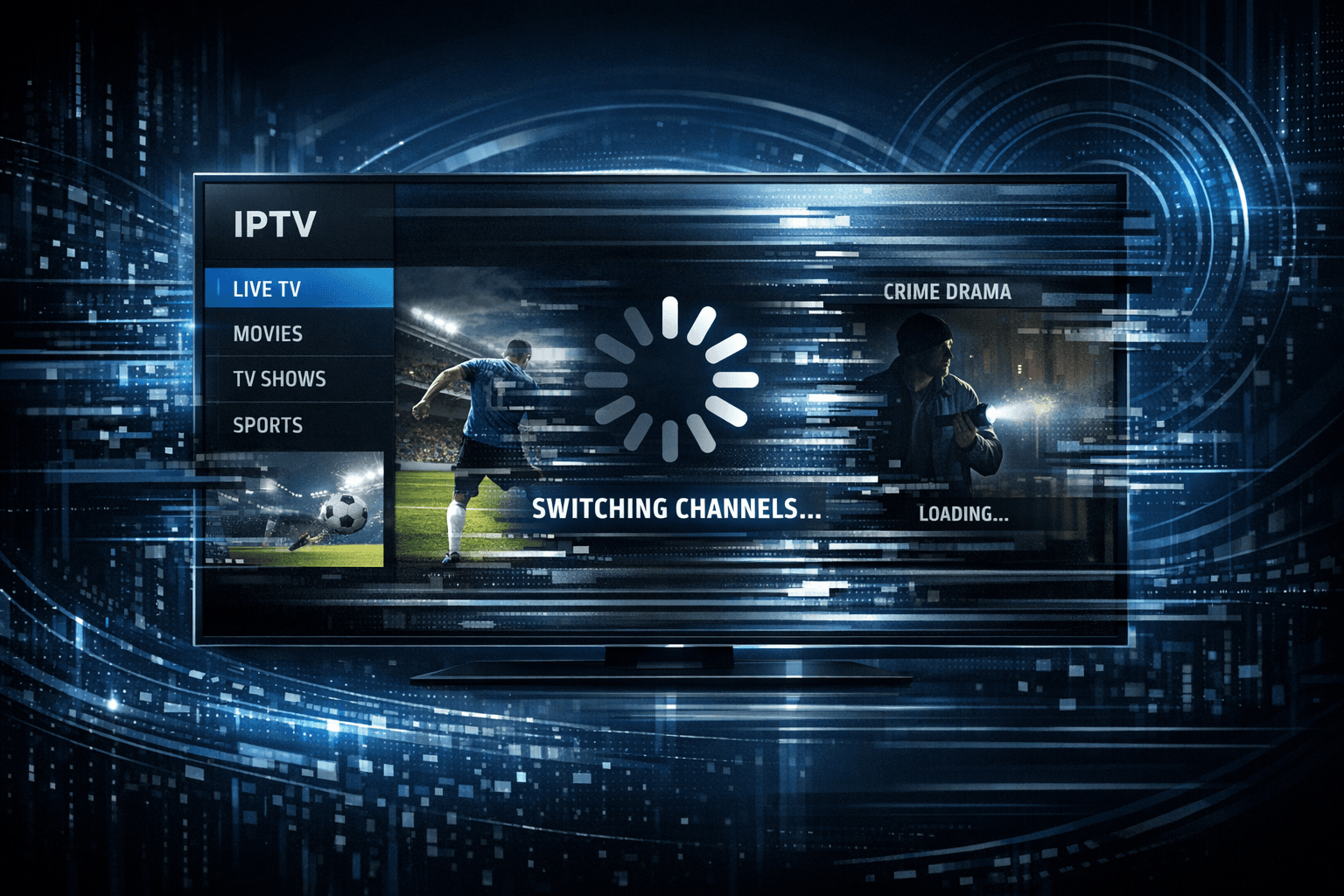
IPTV often freezes when switching channels due to buffering delays caused by slow network speeds, playlist errors, or device processing issues. When you change channels, your IPTV app or device must stop the current stream and load a new one, which involves buffering data from the IPTV source. If this process is interrupted or slowed down, freezing occurs.
Understanding this cause-and-effect helps in pinpointing the right fixes to improve your viewing experience and minimize interruptions while channel surfing.
What you'll learn
- The main technical reasons IPTV apps freeze during channel changes
- How network speed and stability impact channel switching
- The role of playlist quality and format in freezing issues
- Device and app troubleshooting tips to resolve freezing
- When to seek further support or opt for device-specific fixes
What Causes IPTV to Freeze During Channel Switching?
Buffering and Stream Loading Explained
IPTV streams video content over the internet in real time. When you switch channels, your IPTV player stops the current stream and requests data from a different stream URL. This requires buffering — preloading a portion of the video content before playback begins — to ensure smooth viewing.
If buffering takes too long or is interrupted, the player freezes because it does not have enough data to continue streaming.
Common Buffering-Related Causes
- Slow or unstable internet connection: Inadequate bandwidth or frequent dropouts delay stream data arrival.
- Playlist issues: The list of channels (playlist) used by the IPTV app may contain dead, slow, or incorrectly formatted stream URLs.
- Device performance limitations: Older or resource-constrained devices may struggle to handle rapid stream switching and decoding.
- Application bugs or outdated software: The IPTV app itself may have bugs or inefficient buffering management.
How Network Conditions Affect Channel Switching
Why Network Speed Matters
Your internet speed must be sufficient to download IPTV streams at the bitrate they require. For example, standard definition IPTV streams generally need about 3-5 Mbps, while HD streams may require 5-10 Mbps or more.
If your current speed is near or below these thresholds, switching channels may cause noticeable delays or freezes because the new stream can't buffer fast enough before playback.
Network Stability and Quality
Even with high speeds, if your network experiences packet loss, jitter (variation in delay), or intermittent disconnections, these can disrupt stream loading.
Tips to Assess and Improve Network Performance
- Use tools like Speedtest.net or Fast.com to check your available download speed.
- Prefer a wired Ethernet connection instead of WiFi for stable streaming.
- If you use WiFi, optimize router placement, channel selection, and reduce interference.
For detailed WiFi tuning on Fire TV, see Best WiFi Settings for IPTV on Fire TV Stick.
Playlist Quality and Its Role in Freezing
What Is an IPTV Playlist?
An IPTV playlist is a file, usually in M3U or similar format, containing the list of channel stream URLs. The playlist's quality directly affects channel switching performance.
Playlist Problems That Cause Freezes
- Broken URLs: Channels pointing to unreachable servers cause long timeout delays.
- Slow servers: Some streams originate from servers with bandwidth constraints.
- Incorrect format: Some IPTV players have strict playlist formatting requirements.
Using Robust Playlist Formats
APIs like Xtream Codes or M3U Plus provide enhanced playlist updating and error handling. See M3U Plus vs Xtream Codes API for Playlist Updates for advantages.
Troubleshooting IPTV Freezing During Channel Switching
Step-by-Step Fixes
- Test your internet speed and stability. Without a reliable connection, no amount of device tweaking will help.
- Restart your IPTV app and device. This clears temporary glitches.
- Check your playlist source. Try a different M3U or API if available.
- Limit the number of device streams. Multiple simultaneous streams can saturate your bandwidth.
- Update or reinstall your IPTV app or device firmware. Sometimes bugs fixed in newer versions cause freezes.
- Clear your IPTV app cache or data to remove corrupted temporary files.
- Opt for a wired Ethernet connection or improve your WiFi setup. Stability is key.
- Contact your IPTV provider or check community forums for service-related issues.
Common Mistakes to Avoid
- Using slow, unreliable public WiFi for IPTV.
- Ignoring playlist updates or continuing with stale playlists.
- Overlooking device resource limitations, especially on older hardware.
Who This Guidance Applies To
- Users streaming IPTV on Android TV boxes, Amazon Fire TV Stick, MAG boxes, or smart TVs with Android-based IPTV apps.
- Those using standard M3U playlists or API-based playlists for IPTV.
When to Use Device-Specific Guides
If your IPTV freezing only happens on one particular device or app despite good network and playlist quality, consult device-specific troubleshooting. For example, optimized WiFi settings for Fire TV Stick or known issues with certain IPTV apps.
Consider device hardware or firmware-related limits if freezes consistently occur after update or on certain models.
Preventing IPTV Freezes in the Future
- Use stable, high-speed internet connections with low latency.
- Regularly update IPTV playlists and apps.
- Monitor your home's network usage and reduce simultaneous heavy streams.
- Choose IPTV playlists hosted on reliable servers.
FAQ
Why does IPTV freeze specifically during channel switching and not during playback?
Freezing during channel switching occurs because the IPTV app must stop one stream and buffer a new one. Slow networks or broken playlist URLs delay this process, whereas ongoing playback relies on already buffered data.
Can using WiFi cause IPTV freezing issues while changing channels?
Yes, unstable or weak WiFi signals lead to slow data transfer and buffering delays, causing freezing during channel switches.
Is the problem sometimes caused by the IPTV playlist?
Yes, corrupted or slow-loading stream URLs in the playlist can make switches freeze if the app cannot promptly access the new stream.
Will upgrading my IPTV device or app fix channel switching freezes?
Updating can resolve bugs and improve performance, but network or playlist issues must also be addressed to fully fix freezes.
When should I seek device-specific or provider support?
If general fixes fail or your IPTV app/device shows errors unique to your setup, device-specific or provider support can help diagnose and resolve issues.
Conclusion
IPTV freezing during channel switching primarily relates to buffering delays affected by network speed, playlist reliability, and device capabilities. By systematically checking and improving these areas—starting with your internet connection, progressing through playlist quality, and optimizing your device settings—you can significantly reduce or eliminate freezing interruptions. For persistent cases, device-specific guidance or service provider consultation ensures targeted support.
| Factor | Impact on Freezing | Key Fixes |
|---|---|---|
| Internet Speed | High | Test speed, prefer wired connections |
| Network Stability | High | Optimize WiFi, reduce interference |
| Playlist Quality | Medium to High | Use reliable, updated playlists, correct format |
| Device Performance | Medium | Update app/device, clear cache |
| App Software Bugs | Medium | Keep software updated |
For additional details on WiFi optimization and playlist management, review our related articles listed above.
Keep exploring
More explainers that connect naturally to this setup, workflow, or troubleshooting path.
If your TiviMate app is showing program guide times that are off by one or more hours, the root cause is usually an incorrect EPG (Electronic Program Guide) time offset setting.


When choosing an Amazon Fire TV device for IPTV streaming, two popular options are the Fire TV Cube and the Fire TV Stick 4K Max. Both devices support IPTV apps and 4K streaming, but they differ in hardware, features, and user experience.
Using a VPN (Virtual Private Network) on your Amazon Firestick can sometimes slow down IPTV streaming, resulting in frustrating buffering issues.
