
EPG Time Offset Wrong in TiviMate: How to Correct Program Guide Timing

Quick answer
If your Electronic Program Guide (EPG) in TiviMate shows program times incorrectly, the root cause is often a wrong EPG time offset setting. This mismatch means the displayed TV schedule does not align with actual broadcast times, which leads to confusion when navigating chann...
Reviewed Against
• TiviMate playlist, EPG, and player-setting workflows
• XMLTV guide imports, refresh timing, and channel-guide matching
Applies To
• TiviMate setups on Android TV, Google TV, or Fire OS style streaming devices
• Guide data issues such as missing listings, stale guide refreshes, or wrong time offsets
Does not apply when
• Your app uses a different menu layout or naming scheme than TiviMate.
• The stream itself will not play at all and you still need to verify login or playlist access.
Corroborating Resources
XMLTV file format referenceUseful when the issue comes from guide-source formatting, channel mapping, or XMLTV data freshness.
Topic Cluster
Part of the EPG cluster
Guide data problems, XMLTV and playlist matching, time-offset fixes, and TiviMate EPG recovery paths. This page sits in troubleshoot and fix for that topic path.
Start here in this topic
On this page
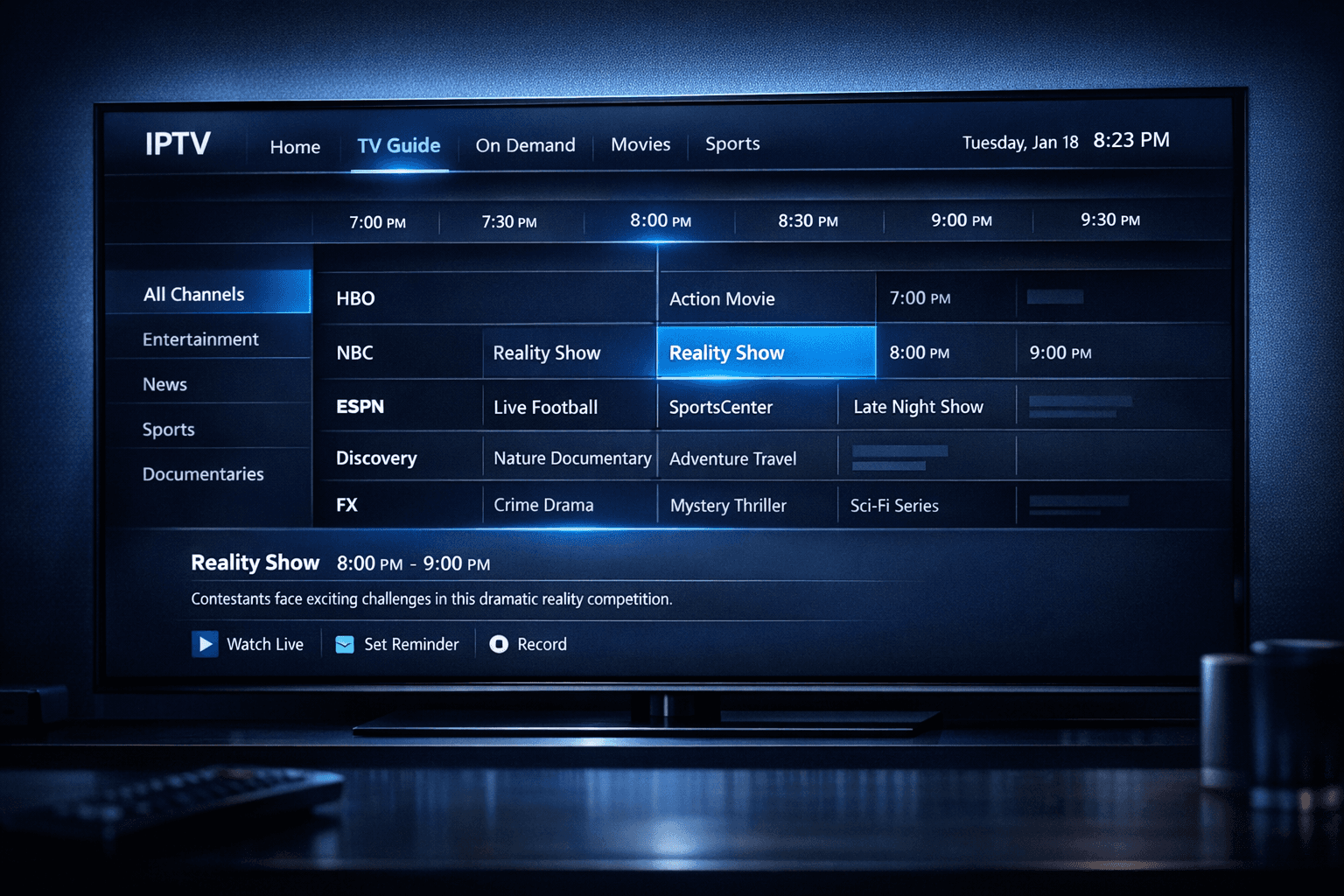
EPG Time Offset Wrong in TiviMate: How to Correct Program Guide Timing
If your Electronic Program Guide (EPG) in TiviMate shows program times incorrectly, the root cause is often a wrong EPG time offset setting. This mismatch means the displayed TV schedule does not align with actual broadcast times, which leads to confusion when navigating channels or planning recordings. Fortunately, TiviMate offers ways to adjust the EPG time offset easily, ensuring your program guide matches your local time and the IPTV service’s broadcast schedule.
What you'll learn
- What is EPG time offset and why it matters in TiviMate
- How time zones and daylight saving impact EPG timing
- How to locate and adjust EPG time offset in TiviMate settings
- Troubleshooting common reasons for persistent time mismatch
- When to seek alternate solutions or provider fixes
Understanding EPG Time Offset in TiviMate
The Electronic Program Guide (EPG) provides scheduled TV program information such as start and end times for each show. However, since IPTV providers and EPG sources operate across different time zones and technical configurations, the guide data often includes time stamps that may not sync with your device’s local time.
The 'EPG time offset' is a manual correction value applied within TiviMate to shift all the EPG times forward or backward, typically by full hours, but sometimes by minutes when supported. For example, if your program guide is showing shows one hour ahead of actual broadcast times, an offset of -1 hour fixes that.
Why EPG Time Offset is Critical
- Prevents Confusion: Ensures the guide matches what you see onscreen.
- Supports DVR recording accuracy: If you use TiviMate for recording, wrong times will cause recordings to fail.
- Improves user experience: Browsing and setting reminders works smoothly only with correct EPG times.
How Time Zones and Daylight Saving Affect EPG Timing
IPTV streams and their EPG metadata may come from different regions than where the viewer is located. For instance, an IPTV provider could be UTC-based while you are in UTC+2. Without correcting EPG offset, the program guide displays times two hours earlier.
Additionally, daylight saving time (DST) changes add complexity. Some EPG feeds do not account for DST, or your device clock adjusts automatically while the EPG data does not.
Key points:
- Confirm your device’s time zone and DST settings are correct.
- Verify if the IPTV EPG source adjusts for DST.
- Use the EPG time offset setting for manual correction when mismatch happens.
Adjusting EPG Time Offset in TiviMate
TiviMate provides an option in the playlist settings or EPG source configuration to set the time offset
Step-by-Step Guide:
- Open your TiviMate app on your device.
- Navigate to
Settingsat the bottom of the screen. - Select
Playlists & EPGor the specific playlist/Epg source you want to adjust. - Find the option labeled
EPG time offset,Time Shift, or similar. - Adjust the offset value up or down in one-hour increments. Some versions might allow minute-level shifts.
- Save your changes.
- Refresh or reload your playlist and EPG data.
Try viewing your channel guide immediately after to verify if program times now match live broadcast times.
Troubleshooting Common EPG Time Offset Issues
If adjusting offset does not correct the issue, consider:
- Multiple Playlists: Are you using more than one playlist or EPG source? Conflicts can cause timing errors.
- Provider EPG Errors: Sometimes the EPG data itself contains incorrect timings. Contact your IPTV provider to confirm.
- Device Clock: Ensure the device’s internal clock is set correctly. Some devices may show correct time but have underlying clock errors affecting apps.
- App Version: Outdated TiviMate versions can have bugs affecting EPG synchronization.
Common Mistakes to Avoid
- Setting the offset in the wrong playlist or EPG source.
- Confusing live channel time with EPG program start time.
- Ignoring daylight savings changes.
When This Guidance Applies — and When It Doesn't
Applies if:
- You use TiviMate’s built-in EPG with IPTV playlists including EPG URLs.
- Your channel guide times consistently appear shifted by a full hour or more.
- You have control over playlist and EPG settings in TiviMate.
Use a different approach if:
- You're using an external EPG editor or third-party app for guide data.
- The issue originates from your IPTV provider's feed errors beyond timing offsets.
- You’re troubleshooting EPG display on devices other than those supported by TiviMate.
In such cases, provider support or device-specific troubleshooting may be more effective.
Summary Checklist for Fixing EPG Time Offset in TiviMate
| Step | Description | Notes |
|---|---|---|
| 1. Check device clock and timezone | Confirm correct local time and DST settings | Important for alignment |
| 2. Identify if offset is the issue | Note how much program times differ | Usually full hours |
| 3. Adjust EPG time offset in app | Use TiviMate's settings for playlist/EPG | Save and refresh playlist |
| 4. Verify results | Check program guide times post-adjustment | Repeat if needed |
| 5. Contact IPTV provider if persists | Request confirmation of their EPG feed time | For feed-related issues |
FAQ
What causes the EPG time offset to be wrong in TiviMate?
Usually time zone mismatches and the IPTV provider’s EPG feed timing differences.
Can I fix EPG time offset without changing IPTV source?
Yes, you can manually adjust the offset in TiviMate settings.
Why does my EPG shift at certain hours of the day?
Possible daylight saving time changes or device clock sync issues.
Does adjusting EPG time offset affect live TV playback?
No, it only changes the displayed guide timing.
Should I update TiviMate app to fix EPG timing?
App updates help but are usually not the cause of offset errors.
Conclusion
An incorrect EPG time offset in TiviMate disrupts your viewing and recording schedule by misaligning program guide times. By understanding the role of time zones, daylight saving, and IPTV feed peculiarities, you can use TiviMate’s built-in offset setting to fix this issue effectively. If persistent errors remain, confirming with your IPTV provider or considering device-specific issues is recommended. Regularly checking and adjusting your EPG offset ensures a smooth and accurate program schedule on your TiviMate IPTV app.
Frequently Asked Questions
What causes the EPG time offset to be wrong in TiviMate?
The time offset can be incorrect due to mismatched time zones between the EPG data source and your device's local time, or because the IPTV provider's EPG feed has a time shift error.
Can I fix EPG time offset without changing IPTV source?
Yes, TiviMate allows you to manually adjust the EPG time offset in the settings to align the guide with your local time without switching providers.
Why does my EPG shift at certain hours of the day?
This often relates to daylight saving time changes or automatic time zone shifts that aren't reflected in the EPG data.
Does adjusting EPG time offset affect live TV playback?
No, changing the EPG time offset only adjusts the program guide display and does not affect the actual streaming content timing.
Should I update TiviMate app to fix EPG timing?
Keeping TiviMate updated is good practice, but EPG time offset issues are usually related to data sources rather than app bugs.
Related guides on IPTV Explained
Keep exploring
More explainers that connect naturally to this setup, workflow, or troubleshooting path.
If your catch-up feature in TiviMate isn’t working, the fundamental reasons often lie in your IPTV playlist source or server configuration rather than the app itself.

When you see the "Xtream Codes authorization failed" message on TiviMate, it means the app currently cannot verify your IPTV login credentials with the IPTV provider’s server. This prevents access to the channel list or streaming content.
If you're choosing between the Fire TV Cube and the Fire TV Stick 4K Max for your IPTV setup, it's important to understand their differences beyond just their names.