
TiviMate EPG Source URL Not Working

Quick answer
If your TiviMate app is failing to load or update the Electronic Program Guide (EPG) despite using a known EPG source URL, this article addresses the reasons behind this issue and practical steps to resolve it. The EPG source URL is critical for displaying program schedules al...
Reviewed Against
• TiviMate playlist, EPG, and player-setting workflows
• XMLTV guide imports, refresh timing, and channel-guide matching
• Server-URL formatting, HTTP response handling, and account-entry failure patterns
Applies To
• TiviMate setups on Android TV, Google TV, or Fire OS style streaming devices
• Guide data issues such as missing listings, stale guide refreshes, or wrong time offsets
• Errors caused by malformed URLs, wrong credentials, expired tokens, or unreachable playlist endpoints
Does not apply when
• Your app uses a different menu layout or naming scheme than TiviMate.
• The stream itself will not play at all and you still need to verify login or playlist access.
• The provider confirms the service is down or the account has been deliberately blocked upstream.
Corroborating Resources
XMLTV file format referenceUseful when the issue comes from guide-source formatting, channel mapping, or XMLTV data freshness.
HTTP response status codesUseful when an IPTV app surfaces 401, 403, 404, or 5xx style errors during login or playlist refreshes.
URL structure referenceHelpful for checking server URLs, source links, and path/query mistakes in portal or playlist setups.
Topic Cluster
Part of the EPG cluster
Guide data problems, XMLTV and playlist matching, time-offset fixes, and TiviMate EPG recovery paths. This page sits in troubleshoot and fix for that topic path.
Start here in this topic
On this page
TiviMate EPG Source URL Not Working: Troubleshooting Steps to Fix EPG
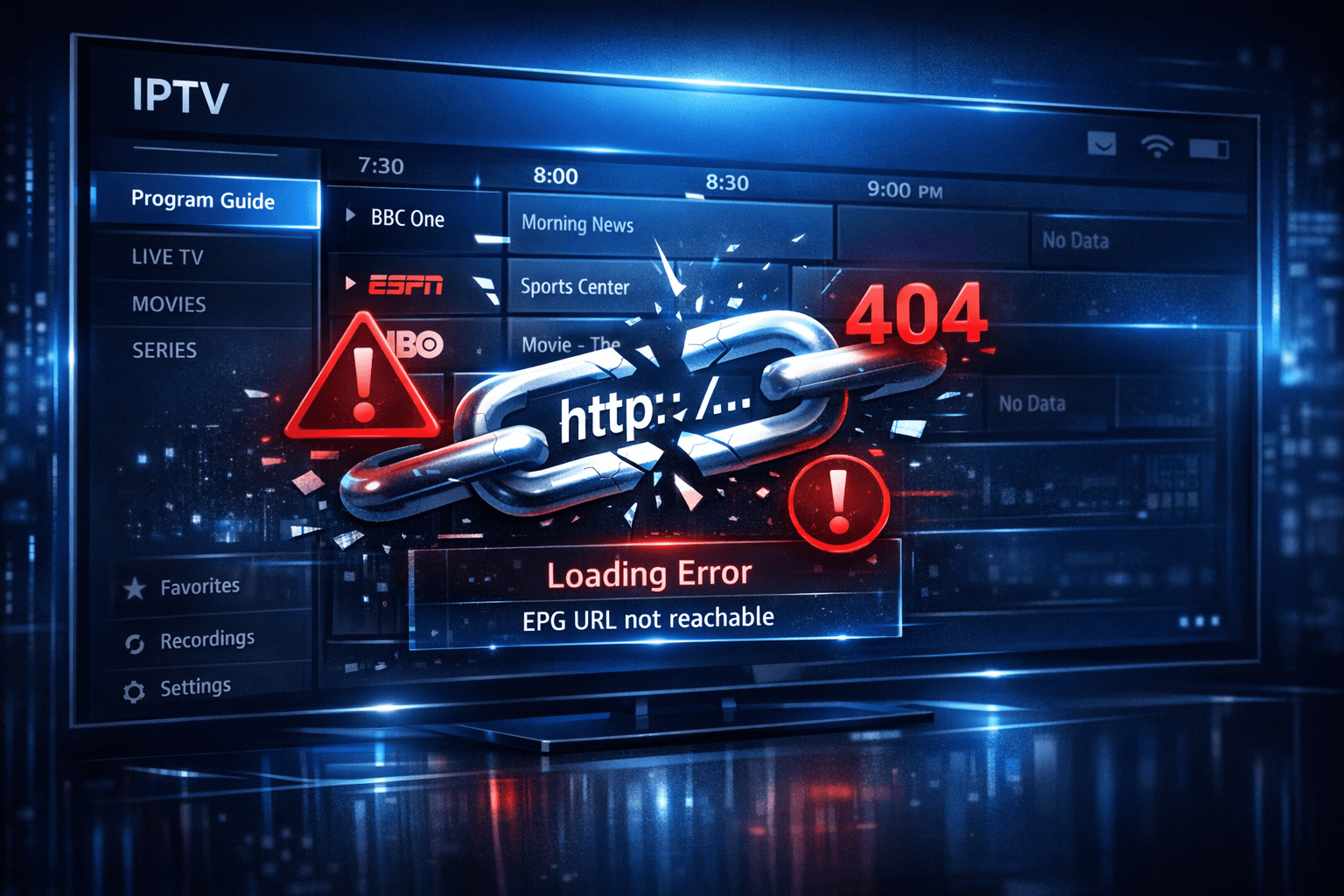
If your TiviMate app is failing to load or update the Electronic Program Guide (EPG) despite using a known EPG source URL, this article addresses the reasons behind this issue and practical steps to resolve it. The EPG source URL is critical for displaying program schedules alongside your IPTV channels, and when it stops working, your viewing experience diminishes.
What you'll learn:
- What the EPG source URL is and its role in TiviMate
- Common reasons why the EPG source URL fails
- How to verify your EPG source URL’s accessibility
- Step-by-step troubleshooting to fix EPG not loading
- How to prevent future EPG source URL problems in TiviMate
What Is the EPG Source URL in TiviMate?
The Electronic Program Guide (EPG) source URL is a web address that TiviMate uses to download TV program schedules. This URL points to an XML or JSON feed containing detailed information about each channel’s broadcast programming, dates, and times. Without a working EPG URL, TiviMate will either show blank program guides or no guide at all.
EPG data is often provided separately from the M3U IPTV playlist URL. While the playlist provides channel streams, the EPG URL delivers TV schedule metadata.
Common Reasons for TiviMate EPG Source URL Not Working
Understanding why the EPG URL fails is crucial for targeted troubleshooting. Here are typical causes:
1. Typographical or Formatting Errors
One of the simplest reasons your EPG URL is not working is a typo or misconfiguration. Spaces, missing characters, or incorrect protocol (http vs https) all invalidate the URL.
2. EPG Source Is Offline or Changed
EPG providers occasionally change their URLs or discontinue service. If your source URL no longer exists or the server is offline, TiviMate cannot retrieve data.
3. Internet Connectivity Issues
Without a stable internet connection, TiviMate can’t contact the EPG server. Even if the rest of the IPTV works, temporary connectivity drops can cause EPG failures.
4. Authentication or Access Restrictions
Some EPG URLs require valid credentials or IP-based access authorization. If your credentials expire or your IP is blocked, the EPG source will reject access.
5. App Version or Bugs
Outdated versions of TiviMate may contain bugs preventing proper EPG fetching or parsing.
How to Verify Your EPG Source URL
Before deeper troubleshooting, confirm your EPG URL works outside TiviMate.
Checking URL Accessibility
- Copy your EPG URL exactly as it is entered into TiviMate.
- Paste the URL into a web browser or use a tool like Postman or curl.
- Press Enter and observe the response:
- If the URL returns a file or XML/JSON text, it is accessible.
- If it shows a 404 error, timeout, or other errors, the URL may be down or incorrect.
Validating Data Format
Ensure the content returned matches a standard EPG format (usually XMLTV format in XML). Invalid or incomplete feeds won’t load correctly in TiviMate.
Step-by-Step Troubleshooting to Fix TiviMate EPG Source URL Not Working
Follow these steps in order for efficient resolution:
-
Check Your Internet Connection
- Confirm other apps or browsers can access the internet without interruption.
-
Verify the EPG URL for Typos
- Go to TiviMate settings > EPG and carefully review the URL.
-
Test the EPG URL in a Browser
- Paste the URL into a browser to ensure it downloads data.
-
Refresh TiviMate Data
- In TiviMate, refresh your playlist and EPG.
- Sometimes clearing the app cache (via device settings) helps.
-
Check Provider Status
- Visit your IPTV or EPG provider’s website or support forums to confirm no outages.
-
Update TiviMate
- Download the latest app version to fix bugs affecting EPG.
-
Review Authentication Credentials
- For Xtream Codes or similar formats, confirm username and password are valid.
-
Try an Alternate EPG Source URL
- If available, swap to a known working EPG XML feed.
Common Mistakes When Handling TiviMate EPG URLs
-
Mixing Up Playlist URL and EPG URL: The playlist URL streams channels, while the EPG URL provides guide data; using one for both causes problems.
-
Adding Extra Spaces or Characters: Even an extra space at the end of the URL breaks loading.
-
Ignoring App Updates: Older app versions can have unresolved EPG bugs.
-
Not Verifying URL Accessibility Outside the App: This step confirms if the issue is with the URL or with TiviMate.
Preventing Future EPG Source URL Issues
- Regularly verify your EPG source URLs work with tools outside the app.
- Monitor announcements by your IPTV or EPG providers for URL changes.
- Keep TiviMate and your device OS updated.
- Backup working playlist and EPG settings to restore quickly if problems arise.
- Use multiple EPG URLs in TiviMate to increase redundancy.
Compact Checklist for Fixing TiviMate EPG Source URL Not Working
| Step | Action | Purpose |
|---|---|---|
| 1 | Verify Internet | Ensure connectivity |
| 2 | Check URL Syntax | Avoid typos |
| 3 | Test URL in Browser | Confirm accessibility |
| 4 | Refresh or Clear Cache in TiviMate | Force data reload |
| 5 | Check Provider Status | Identify external issues |
| 6 | Update TiviMate | Fix bugs |
| 7 | Confirm Credentials (if applicable) | Avoid auth errors |
FAQ
What does EPG source URL mean in TiviMate?
An EPG source URL in TiviMate is the web address that provides electronic program guide data, allowing the app to display TV schedule information alongside channel streams.
Why does the EPG not load even when the playlist works?
Because the playlist and EPG you provide may be separate URLs, a working playlist allows streaming, but if the EPG URL is incorrect or offline, guide data won't appear.
Can TiviMate use multiple EPG source URLs at once?
Yes, TiviMate supports adding multiple EPG URLs to provide a richer or merged program guide experience.
Does a slow internet connection affect the EPG source URL working?
Yes, a poor or unstable connection can prevent TiviMate from downloading or updating the EPG data, resulting in missing guides.
How do I update the EPG source URL in TiviMate?
You update or enter your EPG URL by going into TiviMate settings under the EPG section or by updating your IPTV playlist configuration.
Conclusion
When TiviMate’s EPG source URL is not working, systematically checking your internet connection, verifying URL accuracy, testing access outside the app, and refreshing or updating the app resolves most problems. Keeping in mind common mistakes and proactive monitoring can help maintain a stable and reliable EPG experience in TiviMate.
For additional related issues, see these helpful articles:
Keep exploring
More explainers that connect naturally to this setup, workflow, or troubleshooting path.
If you watch IPTV on your Fire TV Stick, having the right Wi-Fi settings can significantly improve your streaming experience by minimizing buffering and lag.


When it comes to updating IPTV playlists, two common methods are M3U Plus and the Xtream Codes API. Both serve to refresh the channel lists and program information delivered to IPTV apps, but they do so in different ways.

If your TiviMate electronic program guide (EPG) is showing program times that do not align with the actual broadcast schedules, you are encountering an "EPG time offset" issue.