
Fire TV Cube vs Fire TV Stick 4K Max for IPTV: Feature and Performance Comparison

Quick answer
When deciding between the Fire TV Cube and the Fire TV Stick 4K Max for IPTV streaming, both devices can support high-quality IPTV apps and 4K content. However, they differ in hardware capabilities, voice control features, and connectivity options that affect IPTV experience....
Reviewed Against
• Fire TV and Fire OS device capabilities, networking, and storage limits
Applies To
• Fire TV Stick, Fire TV Cube, and Fire OS playback or networking questions
Does not apply when
• You are troubleshooting a smart-TV app or set-top box with a different hardware and settings path.
Corroborating Resources
Fire TV device specifications overviewHelpful for checking Fire TV hardware families, platform differences, and device-level constraints.
Fire TV streaming media player specsUseful for codec, storage, Wi-Fi, and Ethernet-adapter expectations on Fire TV sticks and boxes.
Topic Cluster
Part of the Amazon Fire TV cluster
Browse practical IPTV articles about Amazon Fire TV, including setup choices, troubleshooting paths, and follow-on guides. This page sits in compare options for that topic path.
On this page
Fire TV Cube vs Fire TV Stick 4K Max for IPTV: Feature and Performance Comparison
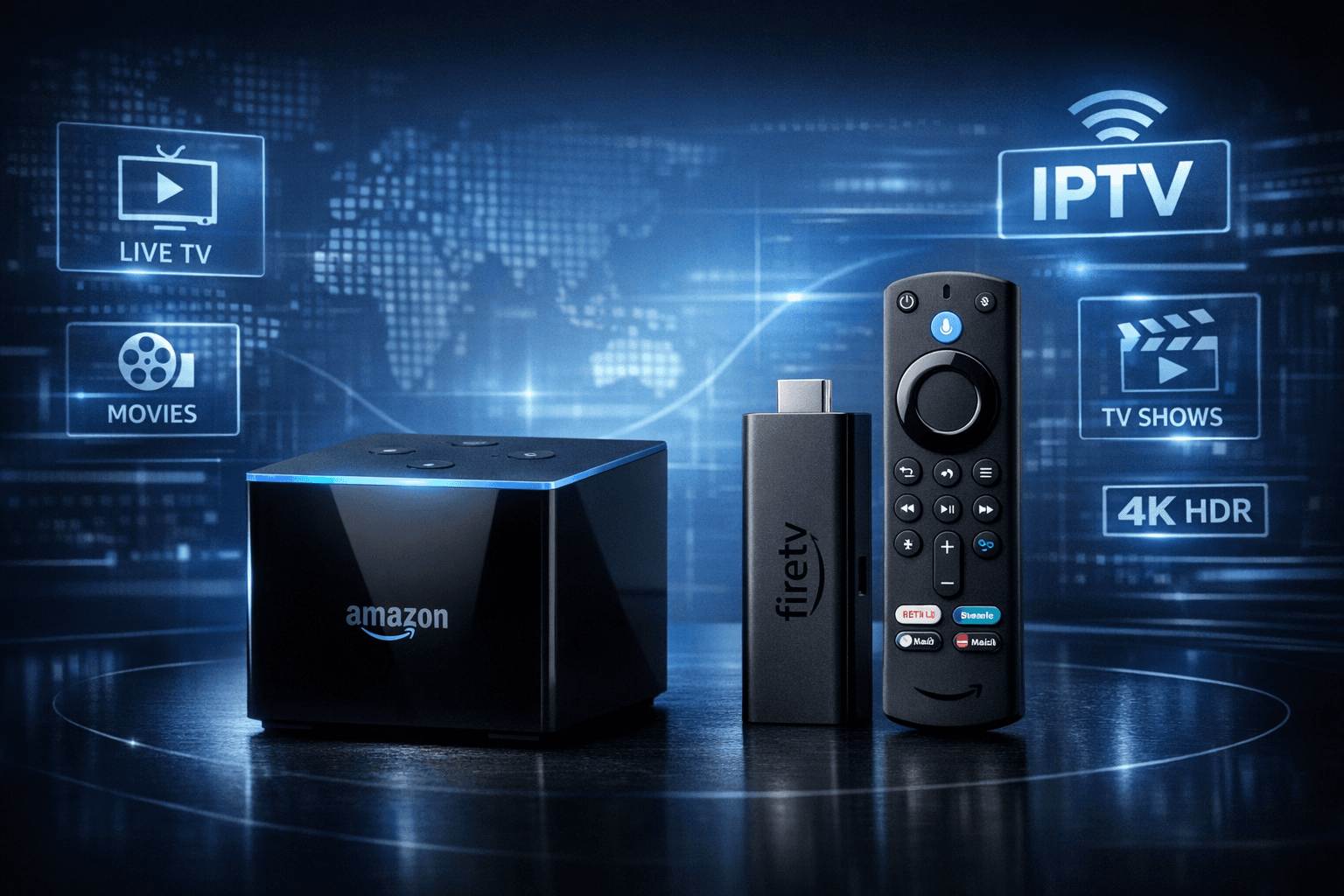
When deciding between the Fire TV Cube and the Fire TV Stick 4K Max for IPTV streaming, both devices can support high-quality IPTV apps and 4K content. However, they differ in hardware capabilities, voice control features, and connectivity options that affect IPTV experience. This article compares the two Amazon Fire TV devices specifically for IPTV use to assist you in choosing the better fit for your streaming setup.
What you'll learn:
- Key hardware and software differences affecting IPTV use
- How each device handles IPTV app installation and streaming
- Network and performance considerations relevant to IPTV
- Common setup and troubleshooting tips
- Decision factors for choosing between the two
Hardware Differences Impacting IPTV
Processor and Memory
The Fire TV Cube uses a Hexa-core processor, offering a stronger CPU performance compared to the Fire TV Stick 4K Max's Quad-core processor. IPTV apps that support multitasking and heavy navigation, like TiviMate or IPTV Smarters, may respond more smoothly on the Cube. Both devices offer 2GB RAM, which is adequate but can be limiting if you run multiple apps or heavy background processes.
Remote and Voice Controls
An important factor for IPTV navigation is the user input method. The Fire TV Cube includes hands-free Alexa voice control with far-field microphones, allowing you to operate IPTV apps without the remote. The Stick 4K Max relies on remote commands for voice interaction, which can be limiting if your IPTV app depends on frequent searches or voice commands.
Connectivity Options
Both devices support Wi-Fi 6 (802.11ax), which benefits IPTV streaming quality and buffering less. The Cube additionally supports Ethernet via adapter (sold separately), offering more stable connections especially for high-bitrate IPTV streams.
IPTV App Setup and Compatibility
App Availability
Both devices run Fire OS and access the same Amazon Appstore. IPTV apps such as TiviMate, IPTV Smarters, or Perfect Player are compatible with both. Installation processes are identical:
- Power on device
- Navigate to Appstore
- Search for IPTV app
- Install and launch
Login and Playlist Management
Most IPTV apps require entering M3U playlist URLs or Xtream Codes API details. This is done in-app and does not differ across devices. The Cube’s improved CPU might reduce UI lag entering longer URLs.
Performance and Streaming Experience
Video Playback Quality
Both devices support 4K streaming with HDR10 and Dolby Vision, important for high-resolution IPTV content. Video playback depends more on network stability and the IPTV service’s stream quality than device limits.
Buffering and Lag
With Wi-Fi 6, buffering is less frequent. However, the Cube’s stronger processor and optional wired connection reduce loading delays and stuttering during channel switching or on-demand playback.
Optimizing IPTV on Fire TV Cube and Stick 4K Max
Network Settings
- Connect to 5 GHz network for faster speeds and less interference.
- Use Ethernet with Cube if possible to prevent wireless drops.
- Adjust router QoS prioritizing Fire TV traffic.
App Settings
- Lower stream quality if buffering occurs.
- Update IPTV apps regularly.
- Clear app cache to improve performance.
Remote and Voice Navigation Tips
- On Cube, use Alexa hands-free for quick channel commands.
- On Stick, keep remote handy for fine controls.
Troubleshooting Common IPTV Issues on Fire TV Devices
- Buffering: Check network, reduce stream bitrate.
- App crashes: Clear cache, reinstall app.
- Remote unresponsive: Replace batteries, restart device.
- Voice issues (Cube): Reboot device, check microphone permissions.
When to Use Device-Specific Guides
If issues persist or concern firmware, remote, or network beyond IPTV apps, consult Fire TV Cube or Fire TV Stick-specific troubleshooting articles for hardware or OS-level fixes.
Decision Table: Fire TV Cube vs Fire TV Stick 4K Max for IPTV
| Feature | Fire TV Cube | Fire TV Stick 4K Max |
|---|---|---|
| Processor | Hexa-core (faster for IPTV apps) | Quad-core (good performance) |
| RAM | 2GB | 2GB |
| Voice Control | Hands-free Alexa (built-in mics) | Remote-based Alexa only |
| Network | Wi-Fi 6 + Ethernet adapter option | Wi-Fi 6 only |
| Video Resolution | 4K HDR 10, Dolby Vision | 4K HDR 10, Dolby Vision |
| IPTV App Compatibility | Supports all main IPTV apps | Supports all main IPTV apps |
| Price | Higher cost | Lower cost |
| Best Use Case | Power users, smart home integrators | Basic but smooth IPTV streaming |
Summary
Both the Fire TV Cube and Fire TV Stick 4K Max can effectively stream IPTV content at 4K resolution with support for top IPTV apps. The Cube’s superior processor, hands-free Alexa voice control, and Ethernet support give it an edge for users requiring smoother multitasking, stable connections, and voice navigation convenience. Meanwhile, the Stick 4K Max offers great value with comparable video playback and Wi-Fi 6 connectivity but lacks advanced voice and wired networking features.
Choosing between them depends on your IPTV usage intensity, budget, and preference for voice or wired network support.
FAQ
Which device provides better processor performance for IPTV?
The Fire TV Cube has a more powerful Hexa-core processor, which may improve IPTV app responsiveness and multitasking compared to the Fire TV Stick 4K Max's Quad-core CPU.
Can both devices stream in 4K for IPTV?
Yes, both Fire TV Cube and Fire TV Stick 4K Max support 4K HDR streaming, suitable for IPTV streams delivering 4K content.
Is the Fire TV Cube better for voice control with IPTV apps?
Yes, the Fire TV Cube includes hands-free Alexa support with far-field microphones, allowing voice commands without the remote, enhancing IPTV navigation.
Does the Fire TV Stick 4K Max handle IPTV buffering well?
While it performs well for IPTV, its slightly less powerful hardware may mean it needs optimal network conditions and app settings to minimize buffering.
When should I choose Fire TV Cube over Fire TV Stick 4K Max for IPTV?
Choose Fire TV Cube if you want stronger performance, hands-free Alexa control, and integration with smart home devices, which enhance IPTV usage.
For more detailed advice on optimizing IPTV on your Fire TV device, see Best WiFi Settings for IPTV on Fire TV Stick, and for troubleshooting specific IPTV app errors, refer to IPTV Smarters Invalid Details Error.
Also check out Fire TV Stick Storage Issues Causing IPTV Lag for help with lag related to internal storage.
Finally, fix missing channel logos with How to Fix Channel Logos Missing in TiviMate to improve your IPTV interface experience.
Keep exploring
More explainers that connect naturally to this setup, workflow, or troubleshooting path.

If your TiviMate app is not displaying channel program guides and shows an error or empty EPG data, the issue usually lies with the EPG source URL.

For streaming IPTV smoothly on your Fire TV Stick, fine-tuning your WiFi settings can drastically improve playback quality, reduce buffering, and prevent connection drops.