
Fire TV Cube vs Fire TV Stick 4K Max for IPTV: Device Comparison for Streaming

Quick answer
When choosing a device to stream IPTV on your TV, both the Fire TV Cube and Fire TV Stick 4K Max are popular options from Amazon’s Fire TV family. They both offer access to a broad library of IPTV apps and support 4K HDR playback. However, their hardware capabilities, connecti...
Reviewed Against
• Fire TV and Fire OS device capabilities, networking, and storage limits
Applies To
• Fire TV Stick, Fire TV Cube, and Fire OS playback or networking questions
Does not apply when
• You are troubleshooting a smart-TV app or set-top box with a different hardware and settings path.
Corroborating Resources
Fire TV device specifications overviewHelpful for checking Fire TV hardware families, platform differences, and device-level constraints.
Fire TV streaming media player specsUseful for codec, storage, Wi-Fi, and Ethernet-adapter expectations on Fire TV sticks and boxes.
Topic Cluster
Part of the Amazon Fire TV cluster
Browse practical IPTV articles about Amazon Fire TV, including setup choices, troubleshooting paths, and follow-on guides. This page sits in compare options for that topic path.
On this page
Fire TV Cube vs Fire TV Stick 4K Max for IPTV: Device Comparison for Streaming
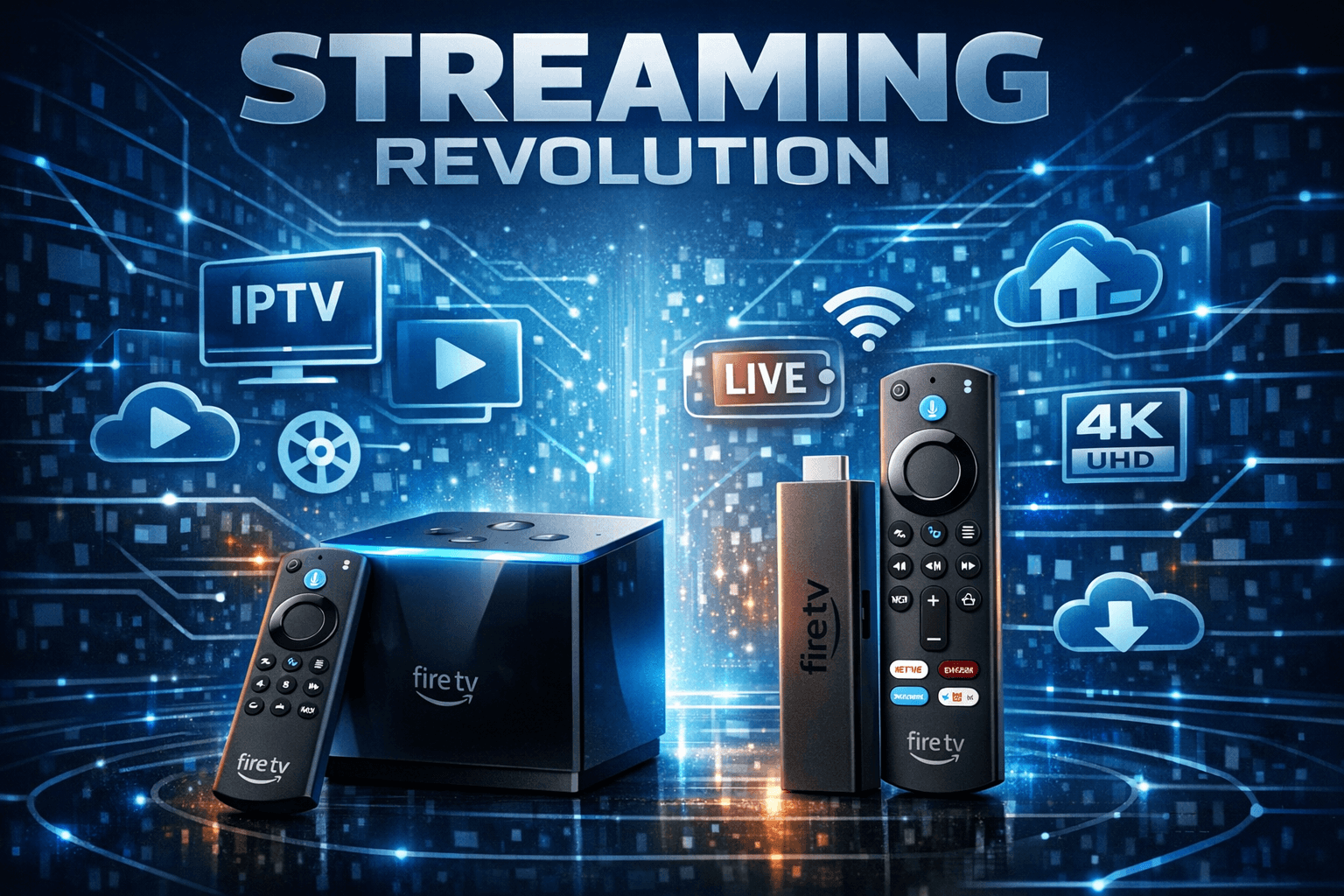
When choosing a device to stream IPTV on your TV, both the Fire TV Cube and Fire TV Stick 4K Max are popular options from Amazon’s Fire TV family. They both offer access to a broad library of IPTV apps and support 4K HDR playback. However, their hardware capabilities, connectivity options, and user experience features differ in ways that can impact IPTV usage.
In short: If you want the most powerful hardware with built-in Ethernet and hands-free Alexa for smooth IPTV multitasking, the Fire TV Cube is your best option. If you prefer a compact, lower-cost device with strong 4K IPTV streaming and plan to use Wi-Fi (or add Ethernet via adapter), the Fire TV Stick 4K Max is an excellent choice.
What you’ll learn
- Key hardware and connectivity differences between the Fire TV Cube and Fire TV Stick 4K Max
- How these differences affect IPTV streaming performance and reliability
- Setup tips for optimizing IPTV apps on each device
- Common IPTV troubleshooting points specific to these Fire TV devices
- Which device matches your IPTV streaming needs best
Major hardware differences affecting IPTV usage
Processing power and multitasking
The Fire TV Cube features a hexa-core processor with more CPU and GPU power than the Fire TV Stick 4K Max’s quad-core setup. This extra power can translate to smoother app switching, less buffering, and better handling of IPTV apps with advanced guide overlays or recording functions. Multitasking (e.g., watching IPTV while controlling smart home devices via Alexa) is also more robust on the Cube.
Memory and storage
The Cube comes with 16 GB internal storage compared to 8 GB on the Stick 4K Max. While this rarely limits streaming, it offers more room for app installations and cache, benefiting IPTV apps that store data locally.
Connectivity options
Wired vs Wireless
The Fire TV Cube includes a built-in Ethernet port for a direct network connection, preferred for IPTV because of lower latency and more stable streaming performance.
The Fire TV Stick 4K Max relies on Wi-Fi by default but supports wired Ethernet through a separately sold USB-C to Ethernet adapter. Using wired connections minimizes buffering and stream interruptions common with unstable Wi-Fi.
Wi-Fi standards
Both devices support Wi-Fi 6 (802.11ax), enabling faster and more reliable wireless IPTV streaming than older Wi-Fi versions.
Voice control and hands-free Alexa
The Fire TV Cube supports hands-free Alexa voice controls with far-field microphones, allowing you to search IPTV content or control playback without the remote. The Stick 4K Max supports Alexa via the remote but lacks the always-listening microphones.
This can improve navigation and accessibility when using IPTV apps.
IPTV app installation and setup on Fire TV devices
Both devices run Fire OS, so IPTV app installation and setup are very similar.
Steps to set up IPTV on Fire TV Cube or Stick 4K Max:
- Connect your Fire TV device to your TV and power it on.
- Connect to your home network via Wi-Fi or Ethernet.
- Open the Amazon Appstore and search for your IPTV app (e.g., TiviMate, IPTV Smarters, Kodi).
- Download and install the app.
- Launch the app and enter your IPTV subscription credentials or M3U playlist URL.
- Configure any EPG (Electronic Program Guide) settings for accurate channel guides.
- Adjust video quality or buffering settings to optimize streaming.
Tips for IPTV reliability
- Prefer Ethernet over Wi-Fi, especially if multiple devices compete on your wireless network.
- Use the latest IPTV app versions for compatibility and bug fixes.
- Restart your Fire TV device periodically to clear memory cache.
Common IPTV troubleshooting on Fire TV Cube and Stick 4K Max
Streaming freezes or buffering
- Check network connection, preferably use wired Ethernet.
- Close background apps that may consume bandwidth or processing power.
- Lower video quality settings in the IPTV app.
IPTV apps not loading or crashing
- Clear the app cache from Fire TV Settings > Applications.
- Uninstall and reinstall the IPTV app.
- Ensure your Fire TV OS firmware is updated to the latest version.
Remote control or voice commands not responding
- For the Stick 4K Max, replace batteries if remote is unresponsive.
- For the Cube, ensure microphones aren’t muted and no interference.
Incorrect or missing channel guide (EPG) data
- Refresh or update guide data within the IPTV app.
- Verify correct timezone and language settings.
- See EPG Time Offset Wrong in TiviMate: How to Correct Guide Time Mismatch for app-specific fixes.
Who should prefer the Fire TV Cube or the Fire TV Stick 4K Max for IPTV?
Choose Fire TV Cube if:
- Your priority is the most powerful hardware to handle multiple IPTV apps efficiently.
- You want seamless hands-free Alexa voice interaction.
- You require built-in wired Ethernet to ensure stable IPTV playback.
- You plan to use IPTV alongside smart home functions on one device.
Choose Fire TV Stick 4K Max if:
- You want a compact, budget-friendly Fire TV with great 4K IPTV support.
- You mainly use Wi-Fi or can add Ethernet via an adapter.
- You prefer simplicity over extra voice control features.
Note: If your IPTV setup requires specific features like DVR recording or advanced app multitasking not covered here, consult device-specific guides or IPTV app documentation for tailored instructions.
Quick comparison table: Fire TV Cube vs Fire TV Stick 4K Max for IPTV
| Feature | Fire TV Cube | Fire TV Stick 4K Max |
|---|---|---|
| Processor | Hexa-core (more powerful) | Quad-core |
| Internal Storage | 16 GB | 8 GB |
| Ethernet Port | Built-in | Adapter needed |
| Wi-Fi Support | Wi-Fi 6 | Wi-Fi 6 |
| Voice Control | Hands-free Alexa | Alexa via remote |
| Remote Control | Included + voice | Included + voice |
| Support for 4K IPTV streams | Yes | Yes |
| Cost | Higher | Lower |
Related Resources on IPTV Explained
- Why IPTV Freezes During Channel Switching: Causes and Fixes
- How to Organize Favorites and Groups in TiviMate for IPTV
- IPTV Smarters Invalid Details Error: Causes and Fixes
- When Xtream Codes Works Better Than M3U for IPTV
FAQ
Can the Fire TV Stick 4K Max handle 4K IPTV streams as well as the Fire TV Cube?
Yes, it supports 4K HDR streaming adequately for IPTV, though the Cube’s more powerful processor provides extra headroom for heavy multitasking and smoother UI responsiveness.
Is Ethernet connection supported on both devices for IPTV?
The Cube has a built-in Ethernet port. The Stick 4K Max relies on an optional USB-C Ethernet adapter for wired connections.
Which device offers better voice control for IPTV navigation?
The Fire TV Cube offers hands-free Alexa via far-field microphones, enhancing voice control compared to the Stick’s remote-based Alexa.
Will both devices support all major IPTV apps?
Yes, both run Fire OS and support the same IPTV apps available in Amazon’s Appstore.
Conclusion
Both the Fire TV Cube and Fire TV Stick 4K Max are capable IPTV streaming devices with support for 4K content and popular IPTV applications. Your decision should be based on how much processing power you need, whether Ethernet connectivity is critical, and how important hands-free voice control is for your IPTV experience.
For advanced IPTV users who want seamless network stability, faster app handling, and Alexa voice convenience, the Fire TV Cube offers clear advantages. For those seeking an affordable, compact device capable of excellent 4K IPTV streaming via Wi-Fi or Ethernet adapter, the Fire TV Stick 4K Max is a solid alternative.
Make your choice based on your IPTV usage pattern, home network setup, and budget constraints to enjoy smooth and reliable IPTV streaming.
Keep exploring
More explainers that connect naturally to this setup, workflow, or troubleshooting path.
When watching IPTV on your Firestick, the speed and reliability of how your device connects to IPTV servers greatly affect stream quality.



If you use TiviMate to watch IPTV channels, you rely on an EPG (Electronic Program Guide) source URL to show TV program schedules inside the app. When that URL stops working, your program guide goes blank or fails to load entirely.