
EPG Time Offset Wrong in TiviMate: How to Correct Guide Time Mismatch

Quick answer
If your TiviMate app is showing program guide times that are off by one or more hours, the root cause is usually an incorrect EPG (Electronic Program Guide) time offset setting. This means the times displayed for TV shows in the grid don't match your local time, making it conf...
Reviewed Against
• TiviMate playlist, EPG, and player-setting workflows
• XMLTV guide imports, refresh timing, and channel-guide matching
• Server-URL formatting, HTTP response handling, and account-entry failure patterns
Applies To
• TiviMate setups on Android TV, Google TV, or Fire OS style streaming devices
• Guide data issues such as missing listings, stale guide refreshes, or wrong time offsets
• Errors caused by malformed URLs, wrong credentials, expired tokens, or unreachable playlist endpoints
Does not apply when
• Your app uses a different menu layout or naming scheme than TiviMate.
• The stream itself will not play at all and you still need to verify login or playlist access.
• The provider confirms the service is down or the account has been deliberately blocked upstream.
Corroborating Resources
XMLTV file format referenceUseful when the issue comes from guide-source formatting, channel mapping, or XMLTV data freshness.
HTTP response status codesUseful when an IPTV app surfaces 401, 403, 404, or 5xx style errors during login or playlist refreshes.
URL structure referenceHelpful for checking server URLs, source links, and path/query mistakes in portal or playlist setups.
Topic Cluster
Part of the EPG cluster
Guide data problems, XMLTV and playlist matching, time-offset fixes, and TiviMate EPG recovery paths. This page sits in troubleshoot and fix for that topic path.
Start here in this topic
On this page
EPG Time Offset Wrong in TiviMate: How to Correct Guide Time Mismatch
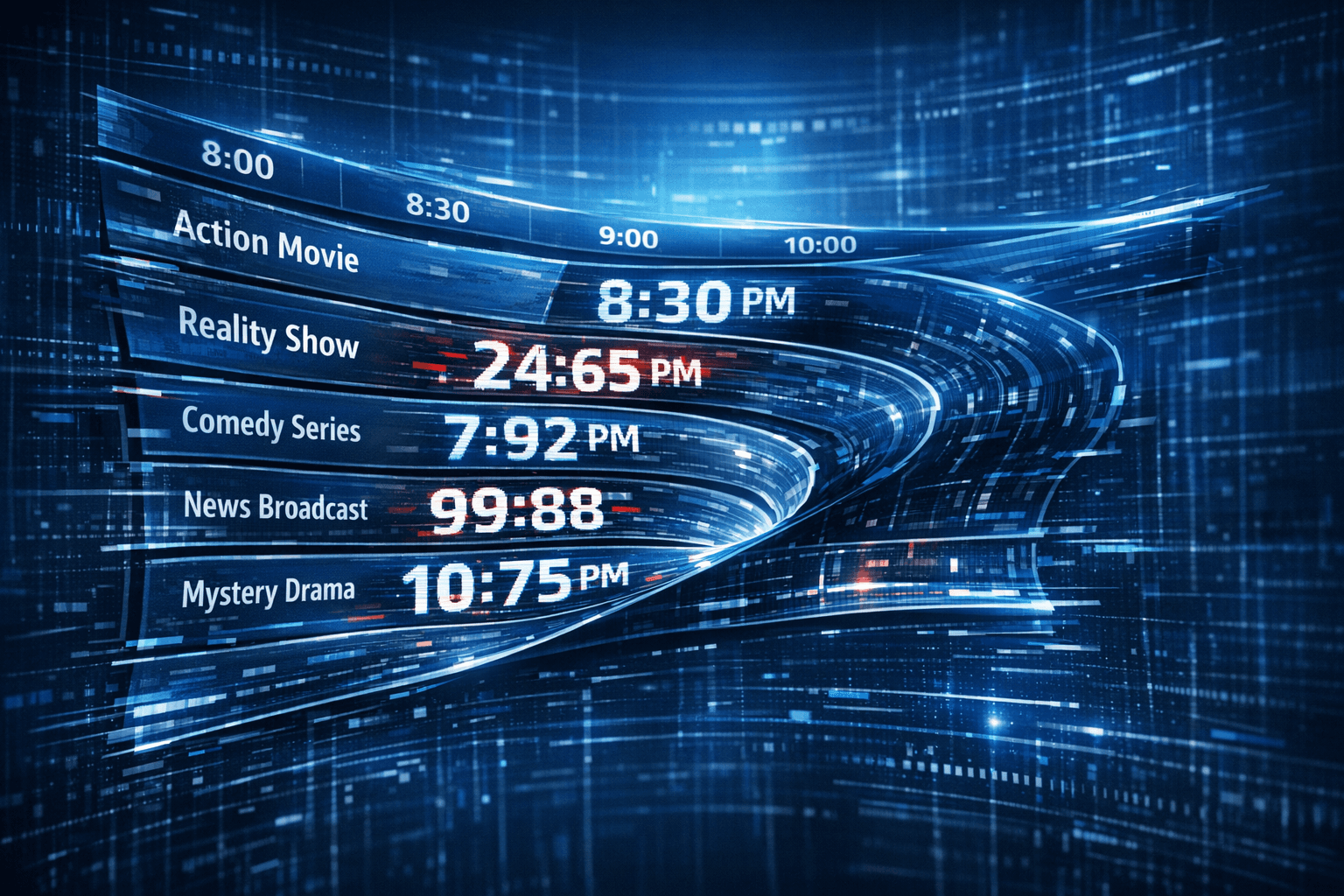
If your TiviMate app is showing program guide times that are off by one or more hours, the root cause is usually an incorrect EPG (Electronic Program Guide) time offset setting. This means the times displayed for TV shows in the grid don't match your local time, making it confusing to know when shows are scheduled.
This detailed guide explains why EPG time offset errors happen in TiviMate, how to diagnose the problem, and exactly what steps to follow to fix the mismatch. We'll focus solely on TiviMate's EPG time offset because this is the most common cause of incorrect guide times.
What you'll learn
- What an EPG time offset is and why it matters
- How to identify if your EPG times are offset incorrectly
- Step-by-step process to adjust EPG time offset in TiviMate
- Common mistakes and troubleshooting tips for EPG time issues
- When this guide applies and when to seek other solutions
Understanding EPG Time Offset and Why It Matters
EPG (Electronic Program Guide) data provides the schedule information for TV channels — the show titles, start and end times, descriptions, and more.
An EPG time offset is a setting that shifts all displayed guide times by a fixed number of hours forward or backward. This is crucial because many IPTV sources provide EPG data in a fixed time zone such as UTC or the provider's local time zone rather than your own.
If you don’t adjust the offset, your TiviMate app will display program times that don’t match your local time, e.g., a show at 8 PM appears as 5 PM, or vice versa.
How to Identify an Incorrect EPG Time Offset
Before changing any settings, confirm your EPG times are wrong:
- Compare channel lineup and broadcast times. Check a few channels’ program times against a known, trusted schedule from your IPTV provider’s website or a universal TV guide.
- Note the time difference. Is the guide consistently early or late by one or more hours?
- Does the offset match a standard timezone difference? For example, if your guide is exactly 3 hours ahead or behind, that suggests a timezone mismatch.
If these checks confirm the problem, proceed to fix the offset.
How to Adjust EPG Time Offset in TiviMate
TiviMate allows you to manually correct the EPG time offset to align guide times with your local schedule.
Step-by-step process:
- Open TiviMate on your device.
- Navigate to the Settings menu.
- Select EPG Settings (may be listed under Guide or Playlist settings depending on version).
- Look for the option labeled "EPG Time Shift" or "EPG Time Offset."
- Adjust the offset value in hours. Use a positive number to shift times forward, or a negative number to shift backward. For example, if your program shows start 3 hours early, set offset to +3 hours.
- Save the changes.
- Refresh or reload the EPG data from your IPTV source to apply the new settings.
- Check the program guide to confirm times now match your local time.
If unsure about the exact offset, try adjusting by +1 or -1 hour incrementally until the guide times align correctly.
Common Mistakes and Troubleshooting EPG Time Offset Issues
Even after setting the offset, problems can persist due to various causes:
- Not refreshing the EPG data: After changing offset, always reload or refresh the guide.
- Using incorrect time offset value: Ensure you know if the EPG data is behind or ahead of your local time.
- Multiple EPG sources: If multiple sources feed the guide, inconsistencies might arise.
- Daylight Saving Time changes: EPG data may not adjust automatically for DST; you might need different offsets seasonally.
- EPG source time zone fixed: Some providers hardcode times in their timezone; manual offset remains necessary.
When TiviMate EPG Time Offset Adjustments Are Not Enough
This guide applies if you're using TiviMate on Android TV devices or set-top boxes and your issue is purely a time offset mismatch in the EPG.
If none of the above steps fix your problem, consider these next troubleshooting paths:
- EPG source not loading or broken: Refer to specialized guides for EPG source URL problems.
- Playlist or channel lineup issues: Check your IPTV playlist and refresh it.
- Device-specific issues: Some devices may handle time or app data differently; device-specific troubleshooting may help.
For those cases, see our internal articles:
| Issue | Recommended Article |
|---|---|
| EPG source URL failing | TiviMate EPG Source URL Not Working: Precise Troubleshooting and Fixes |
| Playlist not updating | TiviMate Playlist Not Updating After Refresh: Troubleshooting and Fix |
Summary Checklist to Fix EPG Time Offset in TiviMate
| Step | Action | Notes |
|---|---|---|
| 1 | Verify the EPG time offset | Compare with known TV guide times |
| 2 | Open TiviMate EPG Settings | Usually under Settings > EPG |
| 3 | Adjust the time offset | Positive or negative hour values to correct offset |
| 4 | Save and refresh EPG data | Ensure new settings take effect |
| 5 | Confirm guide times correct | Test on multiple channels for consistency |
FAQ
Q: Why is the EPG time offset incorrect in TiviMate?
A: The most common reason is a mismatch between the time zone your IPTV provider uses for EPG data and your local time zone. TiviMate shows raw EPG timestamps unless you adjust for your location.
Q: Can I fix EPG time errors without changing my IPTV provider?
A: Yes. Modifying the EPG time offset setting in TiviMate usually resolves incorrect guide times without needing to switch providers.
Q: What if adjusting the time offset doesn’t work?
A: Check if your EPG source URL is correct and functional. Some providers embed hardcoded times, so you might need to contact them or try a different EPG source.
Q: Does TiviMate handle daylight saving time automatically?
A: No, TiviMate typically relies on manual offsets and your EPG source. You may need to adjust the offset when clocks change.
Q: Is this fix relevant for other IPTV apps?
A: This guide is specific to TiviMate's settings but conceptually applies to other apps that allow manual EPG time offset adjustments.
Conclusion
Incorrect EPG time offsets in TiviMate can cause frustrating mismatches between shown program times and reality. Understanding how to identify and adjust the EPG time offset setting lets you ensure your guide matches your actual viewing schedule.
By following the presented step-by-step instructions, checking common pitfalls, and knowing when to look beyond offset fixes, you can keep your TiviMate EPG accurate and reliable.
If you encounter additional problems with EPG sources or playlist refreshing, refer to our dedicated troubleshooting guides linked above.
Frequently Asked Questions
Why is the EPG time offset incorrect in TiviMate?
EPG time offset issues usually occur due to mismatched time zones between your IPTV EPG data source and your TiviMate app settings.
Can I fix EPG time errors without changing my IPTV provider?
Yes. Often adjusting the EPG time offset within TiviMate settings corrects the guide times without needing to change providers.
What if adjusting the time offset doesn’t fix the problem?
Check the EPG source settings or contact the source provider, as the underlying EPG data might use an incorrect or fixed time zone.
Does TiviMate automatically adjust for daylight saving time?
No, TiviMate generally relies on the EPG source and manual offset settings, so you might need to adjust offsets when daylight saving changes occur.
Is this guide relevant for all IPTV playlists in TiviMate?
Yes, but some IPTV providers embed EPG times differently, so offset adjustments may vary or be unnecessary depending on your source.
Keep exploring
More explainers that connect naturally to this setup, workflow, or troubleshooting path.
If you've hit "Refresh" in TiviMate but your IPTV playlist doesn't update, you are not alone. This is a common problem that can stem from multiple causes including network hiccups, playlist URL issues, corrupted cache, or server downtime.

When choosing a device specifically for IPTV streaming, the Amazon Fire TV Cube and Fire TV Stick 4K Max are two popular options. Both devices support 4K streaming and run Amazon’s Fire OS with access to IPTV apps like TiviMate and IPTV.

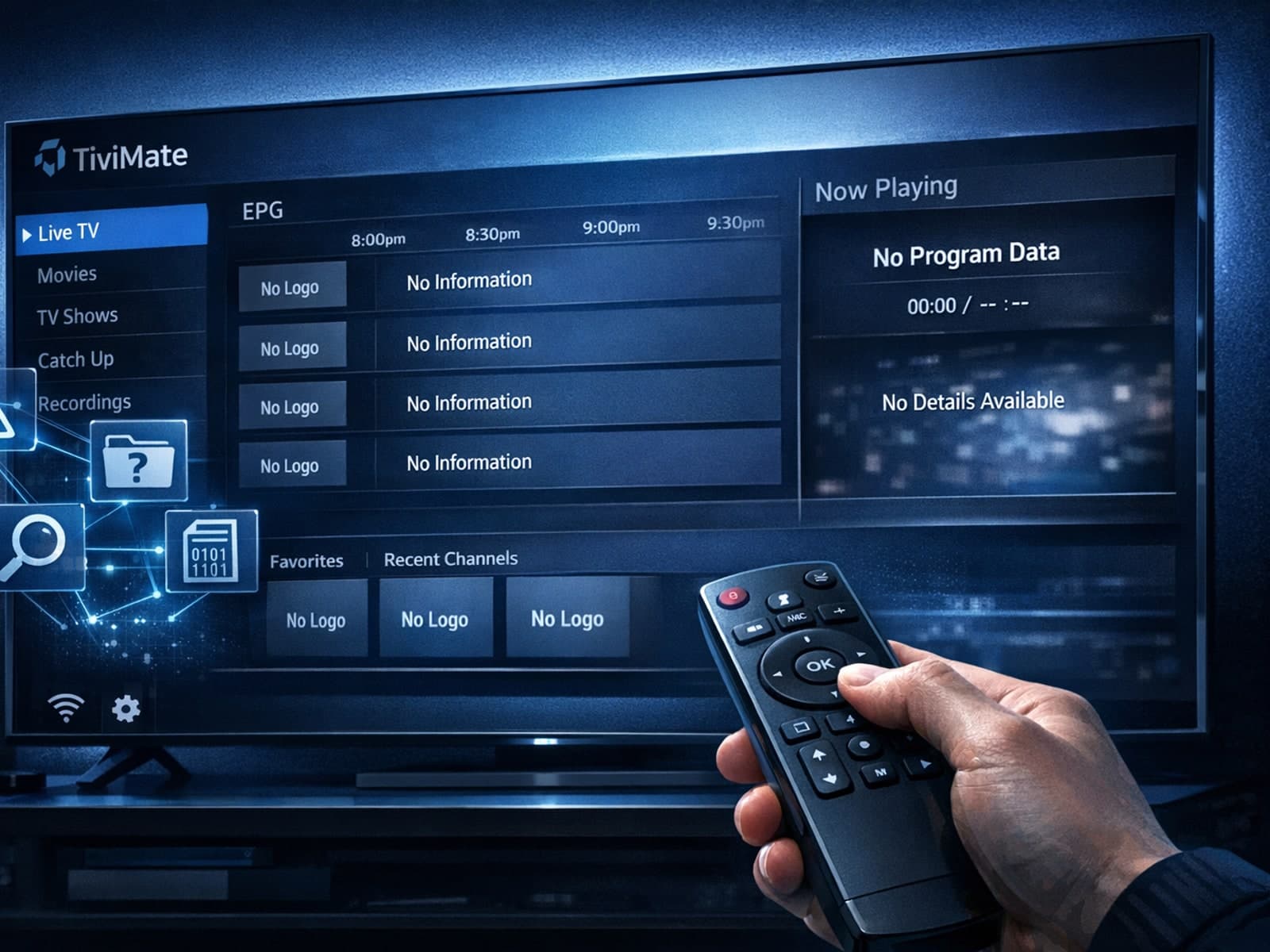
Missing channel logos in TiviMate is a common issue that often stems from problems with your IPTV playlist or Electronic Program Guide (EPG) data.