
How to Choose an IPTV Provider: A Practical Guide for Informed Viewers

Quick answer
If you're looking to stream television through the internet, choosing the right IPTV provider is a foundational step for a seamless viewing experience. IPTV (Internet Protocol Television) refers to delivering TV content over internet protocol networks, rather than traditional...
Reviewed Against
• Common IPTV playlist, guide, device, and playback workflows covered across the site
Applies To
• IPTV setups that depend on playlist URLs, guide data, app settings, or streaming-device behavior
Does not apply when
• The issue is mainly billing, provider moderation, or a temporary server outage that app settings cannot fix.
Topic Cluster
Part of the IPTV cluster
Browse practical IPTV articles about IPTV, including setup choices, troubleshooting paths, and follow-on guides. This page sits in setup and decisions for that topic path.
On this page
How to Choose an IPTV Provider: A Practical Guide for Informed Viewers
If you're looking to stream television through the internet, choosing the right IPTV provider is a foundational step for a seamless viewing experience. IPTV (Internet Protocol Television) refers to delivering TV content over internet protocol networks, rather than traditional terrestrial or satellite signals. With many options available, focusing on key aspects like service stability, channel selection, device compatibility, and support will help you avoid common pitfalls.
What you'll learn
- Core features to prioritize when choosing an IPTV provider
- Understanding IPTV service types and terminology
- How to assess channel packages and streaming quality
- Evaluating device compatibility and app support
- Common issues users face and how to troubleshoot them
- How to compare providers using a simple checklist
Step-by-step IPTV provider selection process
- List the channels, languages, sports, and devices that actually matter to your household so you can compare providers against real viewing needs.
- Shortlist providers that support your main devices and preferred IPTV apps before you compare prices or longer subscription terms.
- Test stream stability, channel switching, and picture quality during the times you normally watch so you judge performance under real conditions.
- Review simultaneous-stream limits, trial options, billing terms, refund policies, and support responsiveness before committing.
- Use the comparison checklist below to choose the provider that performs reliably for your setup, not just the one with the biggest channel count.
Understanding IPTV Service Basics
What is IPTV?
IPTV delivers television programming and other video content via internet protocol networks. Unlike traditional TV broadcasts, IPTV streams content continuously over broadband internet, enabling on-demand and live viewing.
Types of IPTV Services
- Live TV Streaming: Real-time streaming of traditional channels
- Video on Demand (VOD): Ability to choose and watch videos at any time
- Time-shifted TV: Replaying previously aired content
Knowing these helps you determine which service matches your viewing habits.
Key Factors to Consider When Choosing an IPTV Provider
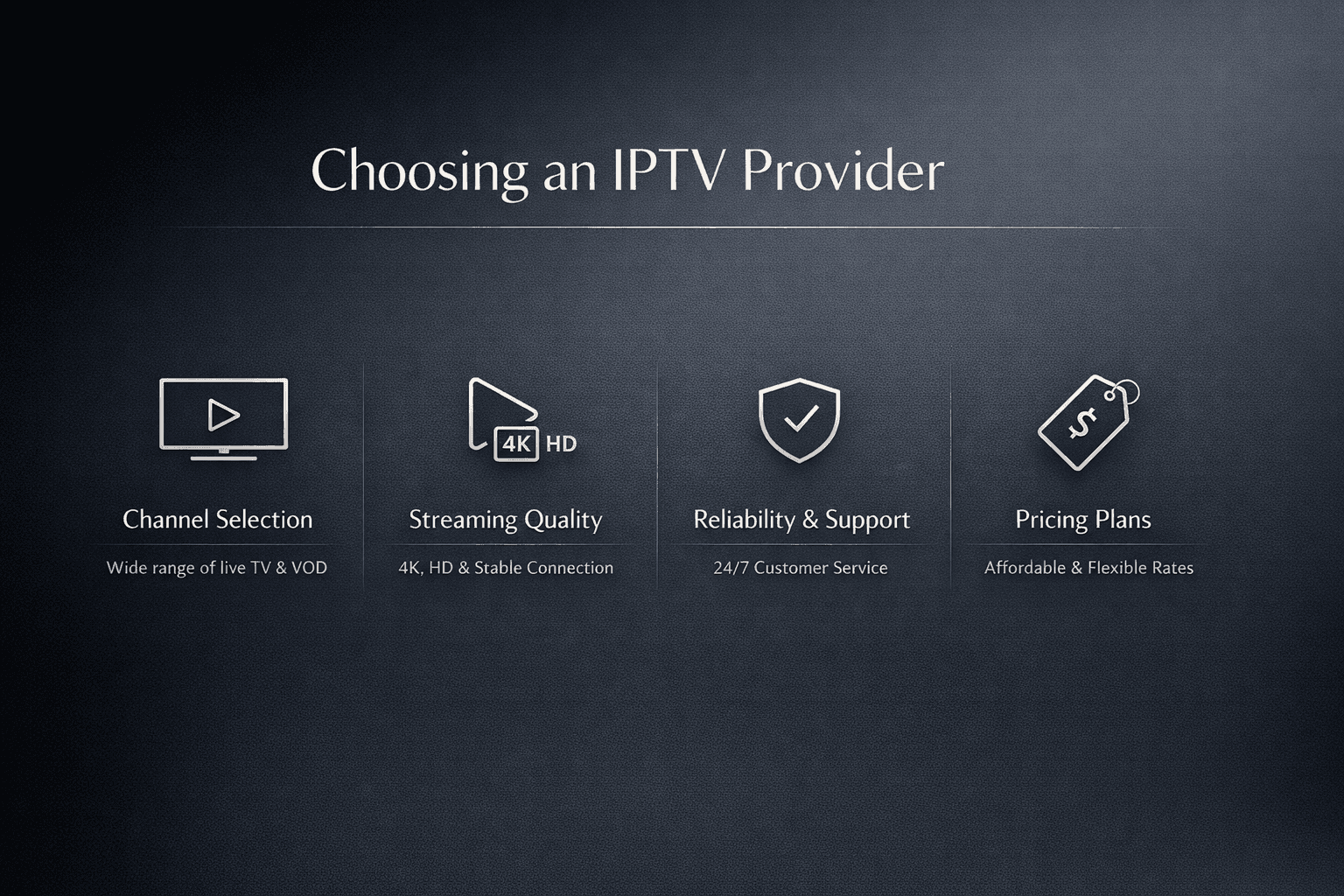
1. Channel Selection and Content Variety
Evaluate if the provider offers channels and content you care about:
- Sports, news, entertainment, international channels
- Regional language options
- Access to premium content like movies or specialty programming
2. Service Quality and Reliability
Look for consistent streaming quality with minimal buffering. Check whether:
- Providers specify streaming bitrates or resolution standards
- Servers are robust with uptime guarantees
- There is adaptive bitrate streaming for fluctuating internet speeds
3. Device Compatibility
Ensure the IPTV service supports your devices and preferred apps:
- Smart TVs, streaming boxes (e.g., Roku, Amazon Fire TV)
- Mobile devices (iOS, Android)
- Desktop applications or web browsers
4. User Interface and Experience
An intuitive interface simplifies channel navigation and content search.
5. Customer Support
Responsive support can help resolve technical issues promptly.
6. Pricing and Subscription Terms
Consider monthly or annual fees, service contracts, trial periods, and refund policies.
Troubleshooting and Common Mistakes
Avoiding Overpromises
Be cautious of providers promising “unlimited” streams without clarifying limitations like simultaneous connections.
Checking for Legitimacy
Understand the legal scope of the content offered and avoid providers promoting unauthorized streams.
Assessing Your Internet Connection
A stable broadband connection (preferably above 10 Mbps) is critical for IPTV. Test your network speed before subscribing.
Verifying Device Capability
Older or unsupported devices may cause playback issues.
Avoiding Price Traps
Beware of unusually low prices that may indicate poor service or hidden fees.
Comparing IPTV Providers: A Simple Checklist
| Factor | What to Check | Your Notes |
|---|---|---|
| Channel Variety | Channels and genres available | |
| Streaming Quality | Resolution (HD, 4K), bitrate, uptime | |
| Device Support | Compatibility with your hardware/apps | |
| User Experience | Menu design, EPG (Electronic Program Guide) | |
| Customer Support | Availability, response time | |
| Price & Terms | Cost, contract, trial options |
Use this table to weigh your priorities systematically.
Frequently Asked Questions
Q: Is IPTV legal to use?
A: IPTV technology itself is legal. The legality depends on the content provider and whether they have the rights to distribute the programming.
Q: What internet speed do I need for IPTV?
A: Generally, a minimum of 10 Mbps for HD streams; higher speeds improve 4K and multiple concurrent streams.
Q: Can I use IPTV on multiple devices simultaneously?
A: This depends on the provider’s terms; some allow multiple concurrent streams, others limit to one.
Q: Do I need a specific set-top box?
A: Many providers support various platforms and apps. Some offer proprietary boxes, but many let you use existing devices.
Q: How to know if IPTV service will work in my country?
A: Check whether the provider supports your region and complies with local streaming regulations.
Conclusion
Choosing an IPTV provider involves balancing channel offerings, streaming quality, device support, and reliable customer service. By understanding these factors and carefully evaluating providers against your viewing needs and technical setup, you can find a service that offers an enjoyable and hassle-free IPTV experience. Always verify the legitimacy and service terms before subscribing.
Tags: ["IPTV","Streaming","Internet TV","Media Services","Technology Guides"]
Frequently Asked Questions
Is IPTV legal to use?
IPTV technology itself is legal, but legality depends on whether the provider has the rights to distribute the content offered.
What internet speed do I need for IPTV?
A minimum broadband speed of 10 Mbps is generally recommended for HD streaming, with higher speeds needed for 4K or multiple streams.
Can I use IPTV on multiple devices at the same time?
This depends on the IPTV provider's policies; some allow multiple simultaneous streams, while others limit usage to one device.
Do I need a specific device to use IPTV?
Many IPTV services support a variety of devices including smart TVs, streaming boxes, mobile devices, and web browsers, though some may provide or require proprietary hardware.
How can I check if an IPTV service works in my country?
Verify the provider's regional support and compliance with local streaming regulations before subscribing.
Related guides on IPTV Explained
Keep exploring
More explainers that connect naturally to this setup, workflow, or troubleshooting path.
TiviMate is a popular IPTV player app for Android TV and similar devices, known for its advanced channel management options. Organizing favorites and groups in TiviMate lets you customize your IPTV watching experience by categorizing.

When you switch channels on your IPTV service and the screen freezes or lags, it’s frustrating and disrupts your viewing experience. IPTV freezing during channel switching is most often caused by network delays, buffering, or the IPTV.

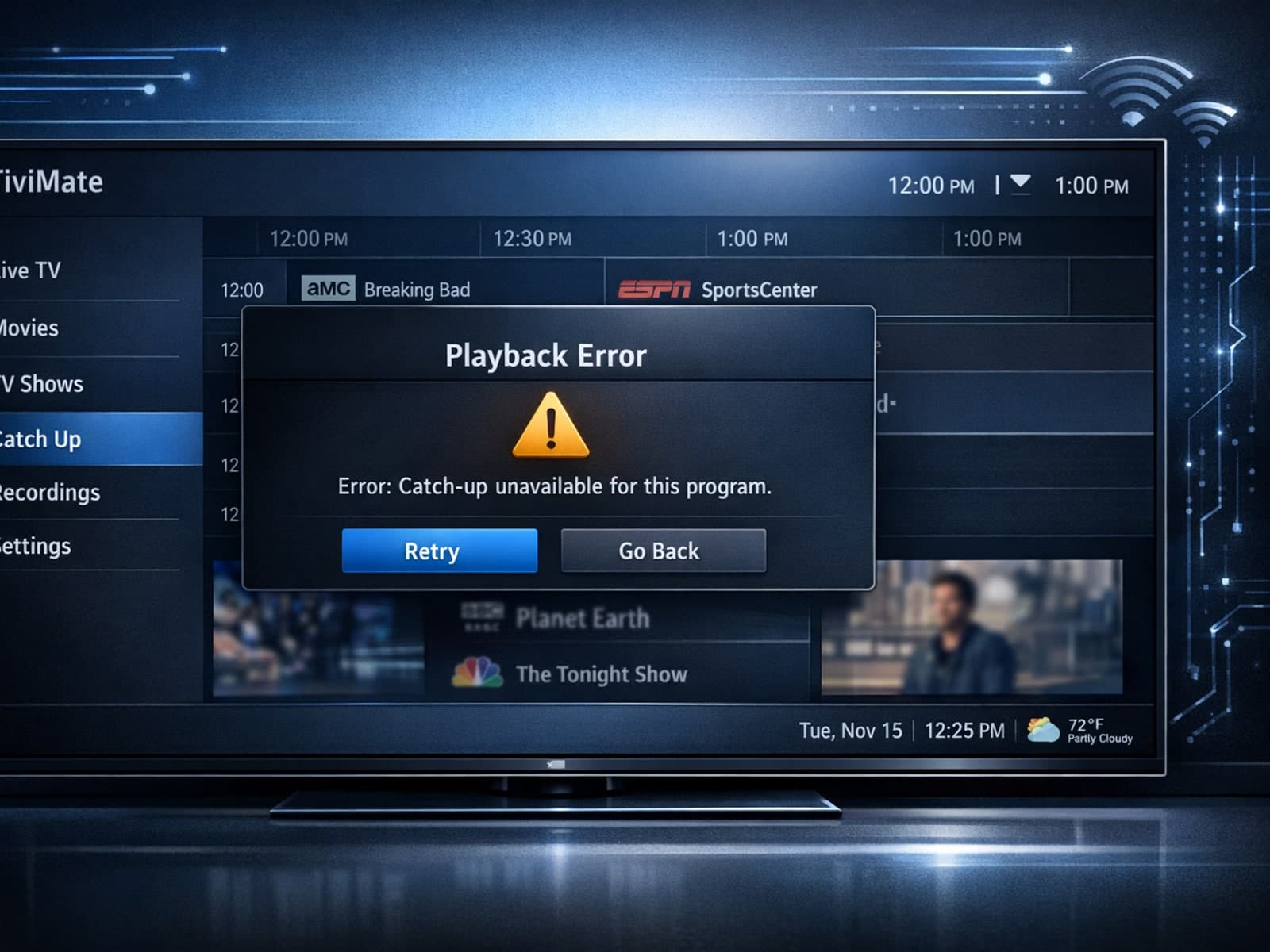
If your catch-up feature in TiviMate isn’t working, the fundamental reasons often lie in your IPTV playlist source or server configuration rather than the app itself.
