
M3U Plus vs Xtream Codes API for IPTV Playlist Updates

Quick answer
When managing IPTV playlists, two common update methods are M3U Plus and the Xtream Codes API. Both are designed to help users receive channel lists, guide data, and stream URLs, but they differ significantly in how they update and interact with your IPTV player. This article...
Reviewed Against
• Xtream Codes username, password, and server-URL login flows
• M3U and M3U Plus playlist URLs, refreshes, and import behavior
• Server-URL formatting, HTTP response handling, and account-entry failure patterns
Applies To
• Portal-style logins that need a server URL plus account credentials
• Playlist-based IPTV setups that rely on M3U or M3U Plus links for channel data
• Errors caused by malformed URLs, wrong credentials, expired tokens, or unreachable playlist endpoints
Does not apply when
• You are using only an M3U playlist URL with no Xtream-style portal login at all.
• Your app is using a portal or stalker-style workflow instead of a playlist URL.
• The provider confirms the service is down or the account has been deliberately blocked upstream.
Corroborating Resources
HTTP response status codesUseful when an IPTV app surfaces 401, 403, 404, or 5xx style errors during login or playlist refreshes.
URL structure referenceHelpful for checking server URLs, source links, and path/query mistakes in portal or playlist setups.
Topic Cluster
Part of the IPTV cluster
Browse practical IPTV articles about IPTV, including setup choices, troubleshooting paths, and follow-on guides. This page sits in compare options for that topic path.
On this page
M3U Plus vs Xtream Codes API for IPTV Playlist Updates
When managing IPTV playlists, two common update methods are M3U Plus and the Xtream Codes API. Both are designed to help users receive channel lists, guide data, and stream URLs, but they differ significantly in how they update and interact with your IPTV player. This article compares these two approaches to help you understand which best fits your playlist update needs.
What you'll learn
- Core differences between M3U Plus and Xtream Codes API
- How each method updates IPTV playlists
- Practical setup considerations
- Strengths and limitations of both methods
- Troubleshooting playlist update issues
Understanding M3U Plus and Xtream Codes API
What is M3U Plus?
M3U Plus is an enhanced version of the traditional M3U playlist format. An M3U playlist is a text file that lists channels and their streaming URLs. The "Plus" version adds extended metadata such as channel logos, catch-up URLs, and detailed EPG (Electronic Program Guide) information, embedded directly or linked.
M3U Plus playlists are typically static URLs you load in your IPTV app. Updates come when the service provider refreshes that playlist URL.
What is Xtream Codes API?
Xtream Codes API is a dynamic interface for IPTV services that provides live access to user accounts, channel lists, EPG, and stream URLs. Instead of a static playlist file, it uses API calls with your credentials to deliver updated content.
This approach allows IPTV apps to fetch the latest playlists and guide data on demand, often leading to faster and more reliable updates.
How Playlist Updates Work for Each Method
| Feature | M3U Plus | Xtream Codes API |
|---|---|---|
| Update Type | Static URL, refreshed when server updates | Dynamic API calls on demand |
| Authentication | Usually none or tokenized URL | Requires username, password, and server details |
| EPG Integration | Embedded or linked within playlist | Provided via API calls, usually richer and separate |
| Catch-up & VOD Support | Possible via embedded links | Supported and integrated via API |
Updates in M3U Plus
M3U Plus updates depend on the service provider updating the playlist URL. Your IPTV player fetches the playlist anew when refreshed, replacing or appending existing data.
Updates in Xtream Codes API
Using authenticated API calls, the IPTV player retrieves the channel list, EPG, and stream links whenever it refreshes, typically resulting in quicker access to the latest content.
Setting Up M3U Plus vs Xtream Codes API
How to Set Up M3U Plus
- Obtain the M3U Plus playlist URL from your IPTV provider.
- In your IPTV player, choose the "Add playlist" option.
- Paste the M3U Plus URL.
- Refresh or reload the playlist to view live channels and guide.
How to Set Up Xtream Codes API
- Collect your API credentials: server URL, username, and password.
- Go to the IPTV player's "Add Xtream Codes API" section.
- Enter all required credentials.
- Allow the player to fetch the channel list and EPG.
Considerations
- Not all IPTV players support M3U Plus metadata fully.
- Some players require the Xtream Codes API method to access advanced features.
- Your service provider must support the format you want to use.
Strengths and Limitations
M3U Plus Strengths
- Simple URL-based setup.
- Wide compatibility with many IPTV players.
- Supports embedded channel metadata and logos.
M3U Plus Limitations
- Updates rely on playlist refresh at the server side.
- No built-in authentication may limit security.
- Larger playlists can cause longer loading times.
Xtream Codes API Strengths
- Dynamic, live updates on demand.
- Integrated authentication for secure access.
- Usually richer EPG and catch-up support.
Xtream Codes API Limitations
- Requires compatible IPTV player supporting Xtream Codes.
- Setup is more complex due to authentication.
- Vulnerable if credentials are leaked.
Troubleshooting Playlist Updates
Common Issues
- Invalid Credentials: For Xtream Codes API, incorrect username, password, or server URL causes errors.
- Expired or Changed URLs: M3U Plus URLs may change; outdated URLs won't refresh.
- Unsupported Player Features: Some apps don't fully support extended metadata in M3U Plus or Xtream Codes API.
- Server Downtime: IPTV provider server outages affect both methods.
Steps to Fix
- Double-check all credentials and URLs.
- Refresh playlists manually in the IPTV player.
- Clear player cache or reinstall if corrupted.
- Verify with your provider if the playlist or API endpoint changed.
- Switch to different method if supported and problems persist.
When to Switch Troubleshooting Paths
- If your IPTV player does not support Xtream Codes API, focus on M3U Plus troubleshooting.
- If M3U Plus playlists are outdated but your provider offers API, switch to Xtream Codes API for better updates.
Who Should Use M3U Plus or Xtream Codes API?
- M3U Plus suits users with apps that support simple playlist URLs and want easier, straightforward setups without authentication.
- Xtream Codes API fits users needing real-time updates, robust authentication, and access to richer metadata, plus those with IPTV players explicitly supporting this API.
If you use a device or app that restricts API usage (older or simpler players), M3U Plus is the practical choice.
Quick Comparison Checklist
| Criterion | M3U Plus | Xtream Codes API |
|---|---|---|
| Setup Complexity | Low | Medium |
| Playlist Update Speed | Slow to Moderate (server refresh) | Fast (API on demand) |
| Security | Low to None | High (username/password) |
| Player Compatibility | High (many players support M3U) | Moderate (players must support API) |
| Metadata Quality | Good (depends on provider) | Better (integrated EPG, catch-up) |
FAQ
Q: Can I manually refresh a playlist using M3U Plus?
A: Yes, most IPTV players allow manual refresh to reload the M3U Plus playlist from the URL.
Q: Does Xtream Codes API require special IPTV apps?
A: Yes, only players with built-in support for the Xtream Codes API can use this method.
Q: Are there security concerns with either method?
A: M3U Plus URLs sometimes lack password protection, while Xtream Codes API requires credentials, making the latter more secure but also sensitive.
Q: What happens if my playlist stops updating?
A: Check for URL or credential changes, app compatibility, and server status. Refer to troubleshooting steps above.
Conclusion
For IPTV playlist updates, M3U Plus offers simplicity and broad compatibility, while Xtream Codes API provides dynamic, authenticated access with richer metadata and faster updates. Your choice depends on your IPTV player capabilities, provider support, and preferences for setup simplicity versus update efficiency. Understanding these differences equips you to manage playlist updates effectively and enjoy a smoother IPTV experience.
References for deeper troubleshooting and related topics:
- When Xtream Codes Works Better Than M3U for IPTV Playlists
- TiviMate Playlist Not Updating After Refresh: Precise Fixes and Checks
- IPTV Smarters Invalid Details Error: Causes and Fixes
- How to Fix Channel Logos Missing in TiviMate
Feel free to explore these resources for additional support and practical advice tailored to your IPTV apps and devices.
Frequently Asked Questions
What is the main difference between M3U Plus and Xtream Codes API?
M3U Plus is an enhanced M3U playlist format with added metadata, while Xtream Codes API is a dynamic interface providing live updates, including authentication and detailed EPG.
Which is better for automatic IPTV playlist updates?
Xtream Codes API generally offers faster and more reliable updates due to its API-driven nature, but support depends on your IPTV provider and player compatibility.
Can I use both M3U Plus and Xtream Codes API simultaneously?
Most IPTV players allow either but not both simultaneously for the same playlist. Use the method supported by your provider and player for best results.
What common errors occur during playlist updates?
Common issues include invalid credentials, expired URLs, server downtime, or incompatibility between playlist format and IPTV player.
Keep exploring
More explainers that connect naturally to this setup, workflow, or troubleshooting path.

For streaming IPTV smoothly on your Fire TV Stick, fine-tuning your WiFi settings can drastically improve playback quality, reduce buffering, and prevent connection drops.

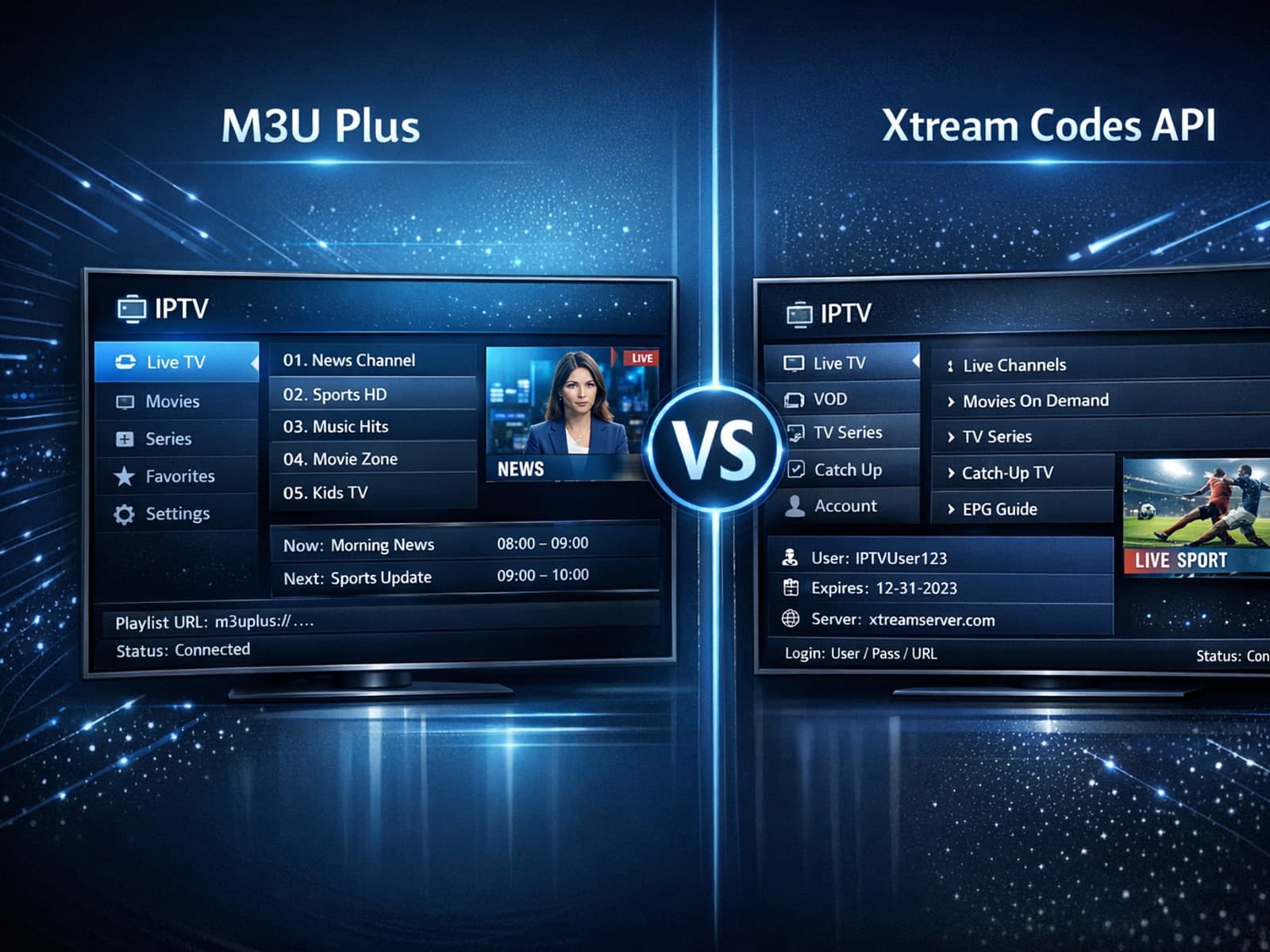
When managing IPTV playlists, users often face two popular methods for obtaining and refreshing their channels: M3U Plus URLs and the Xtream Codes API.


If your TiviMate app is showing program guide times that are off by one or more hours, the root cause is usually an incorrect EPG (Electronic Program Guide) time offset setting.
