
TiviMate EPG Source URL Not Working: Troubleshooting Steps and Fixes

Quick answer
If your TiviMate EPG (Electronic Program Guide) source URL is not working, it means the app cannot load or update the programming guide data for your IPTV channels. Without this data, you lose TV schedules and show information. This problem can arise from mistakes in the URL,...
Reviewed Against
• TiviMate playlist, EPG, and player-setting workflows
• XMLTV guide imports, refresh timing, and channel-guide matching
• Server-URL formatting, HTTP response handling, and account-entry failure patterns
Applies To
• TiviMate setups on Android TV, Google TV, or Fire OS style streaming devices
• Guide data issues such as missing listings, stale guide refreshes, or wrong time offsets
• Errors caused by malformed URLs, wrong credentials, expired tokens, or unreachable playlist endpoints
Does not apply when
• Your app uses a different menu layout or naming scheme than TiviMate.
• The stream itself will not play at all and you still need to verify login or playlist access.
• The provider confirms the service is down or the account has been deliberately blocked upstream.
Corroborating Resources
XMLTV file format referenceUseful when the issue comes from guide-source formatting, channel mapping, or XMLTV data freshness.
HTTP response status codesUseful when an IPTV app surfaces 401, 403, 404, or 5xx style errors during login or playlist refreshes.
URL structure referenceHelpful for checking server URLs, source links, and path/query mistakes in portal or playlist setups.
Topic Cluster
Part of the EPG cluster
Guide data problems, XMLTV and playlist matching, time-offset fixes, and TiviMate EPG recovery paths. This page sits in troubleshoot and fix for that topic path.
Start here in this topic
On this page
Why TiviMate EPG Source URL Not Working Happens
If your TiviMate EPG (Electronic Program Guide) source URL is not working, it means the app cannot load or update the programming guide data for your IPTV channels. Without this data, you lose TV schedules and show information. This problem can arise from mistakes in the URL, network issues, or problems with the EPG data provider.
This guide explains how to diagnose and resolve these issues step-by-step, focusing specifically on the EPG source URL problem in the TiviMate app.
What you'll learn
- How the EPG source URL works in TiviMate
- Common reasons the EPG source URL can fail
- Step-by-step troubleshooting procedures
- When to consider alternative fixes
- How to confirm EPG data integrity
Understanding the Role of the EPG Source URL in TiviMate
The EPG source URL is typically a web address (HTTP or HTTPS link) pointing to an XML or JSON file that contains a schedule of TV programs. TiviMate reads this URL to fetch and display the electronic program guide matching your channels.
Unlike your playlist URL, which provides channel streams, the EPG URL only provides metadata about programming times and descriptions. They must align correctly; otherwise, your guide might not load or match channels.
Common Causes of EPG Source URL Failures
1. Incorrect or Broken URL
Mistyping the URL, incorrect capitalization, or missing segments cause immediate failure. Also, the URL might have expired or been removed by the source.
2. Network Connectivity Problems
No internet connection or unstable Wi-Fi can prevent TiviMate from reaching the EPG server.
3. Server Downtime or EPG Provider Issues
The server hosting the EPG might be temporarily offline or overloaded.
4. URL Redirects or Authentication
If the EPG source requires authentication, tokens, or headers not supported by TiviMate’s standard EPG URL field, the URL won't work.
5. Malformed EPG Data
If the returned XML or JSON isn’t formatted properly, TiviMate may be unable to parse it.
Step-by-Step Guide to Fix TiviMate EPG Source URL Not Working
Follow this ordered checklist to diagnose and fix your EPG URL issue:
- Verify the EPG Source URL
- Copy the URL carefully to avoid typos.
- Open the URL in a web browser to test if it loads raw XML or JSON data.
- Test Internet Connectivity
- Confirm your device running TiviMate is online.
- Try streaming other apps or websites to check.
- Check the EPG Server Status
- If possible, contact your EPG provider or check their status page.
- Refresh EPG in TiviMate
- Go to TiviMate settings, find the EPG URL section, and refresh or reload.
- Clear TiviMate Cache
- In device settings, clear app cache to remove old or corrupt data.
- Update TiviMate App
- Ensure you are using the latest TiviMate version for best compatibility.
- Validate EPG XML File Format
- If you host your own EPG, validate the XML against standard guides.
- Contact Support
- If all else fails, reach out to the IPTV or EPG provider support.
Troubleshooting Tips and Common Mistakes
- Not testing URL in browser: Always verify the URL loads real data.
- Ignoring network checks: Sometimes the simplest issue is connectivity.
- Mixing playlist and EPG URLs: They serve separate purposes and must be configured correctly.
- Overlooking authentication: Some EPG sources require login tokens embedded in the URL or custom headers.
When This Troubleshooting Applies and When Not to Use It
This guide applies specifically to Android or Android TV devices running the standalone TiviMate app. If you use TiviMate on other platforms or custom IPTV players, consider device-specific instructions.
If your issue involves playlist streams not loading or a complete app crash, use a different troubleshooting path described in related articles.
Confirming EPG Data Quality and Match
Sometimes the EPG URL works, but programs don’t match channels. This occurs when channel IDs in your playlist and EPG XML don't align.
- Ensure your playlist's "tvg-id" tags correspond exactly to those in the EPG data.
- Use tools or text editors to compare channel IDs.
FAQ
What does the EPG source URL do in TiviMate?
The EPG source URL provides TV program schedules so TiviMate can show a program guide next to each channel.
Why might the EPG source URL not update in TiviMate?
Errors usually stem from wrong URLs, offline servers, or connectivity problems.
Can I use multiple EPG sources?
Yes, adding multiple sources can help offset outages.
Does updating TiviMate help?
Sometimes, yes. Updates fix bugs and improve compatibility.
What if the URL loads but no guide data shows?
Check that channel IDs between playlist and EPG match exactly.
Summary
If your TiviMate EPG source URL isn’t working, start by verifying the URL itself and your internet connection, then confirm server status. Refreshing the app and clearing cache often resolves common errors. Matching channel IDs and updating the app are additional measures if simple fixes fail. This focused approach prevents wasted time and restores your electronic program guide effectively.
Comparison Checklist for Troubleshooting Steps
| Step | Description | Tools Needed | User Skill Level |
|---|---|---|---|
| Verify URL | Test for correct URL syntax and activity | Web browser | Beginner |
| Test Connection | Ensure internet and network stability | Network tools or apps | Beginner |
| Check Server Status | Confirm provider's server is online | Provider's status page | Intermediate |
| Refresh / Clear Cache | Reload data and clear junk files | TiviMate app, device | Beginner to Intermediate |
| Update App | Use latest features and fixes | App store | Beginner |
| Validate EPG Data Format | Check XML or JSON correctness | XML validators | Intermediate to Advanced |
This structure helps you prioritize troubleshooting and decide when to escalate the issue.
For further related details and advanced fixes, consider reading:
- TiviMate Playlist Not Updating After Refresh: Causes and Fixes
- How to Fix Channel Logos Missing in TiviMate
- Authorization Error Topic
- M3U Plus vs Xtream Codes API for Playlist Updates: Detailed Comparison
Tags: [TiviMate, EPG, IPTV, Troubleshooting, Electronic Program Guide]
Step-by-step process
- Verify the EPG source URL is correct and active.
- Check your internet connection and network stability.
- Confirm the EPG server is online and reachable.
- Refresh the EPG in TiviMate or reload the playlist.
- Clear TiviMate cache and restart the app.
- Check for updates to TiviMate and install if available.
- Validate the EPG XML format if self-hosting.
- Contact your IPTV provider or EPG source support if issues persist.
Keep exploring
More explainers that connect naturally to this setup, workflow, or troubleshooting path.
When choosing a device specifically for IPTV streaming, the Amazon Fire TV Cube and Fire TV Stick 4K Max are two popular options. Both devices support 4K streaming and run Amazon’s Fire OS with access to IPTV apps like TiviMate and IPTV.

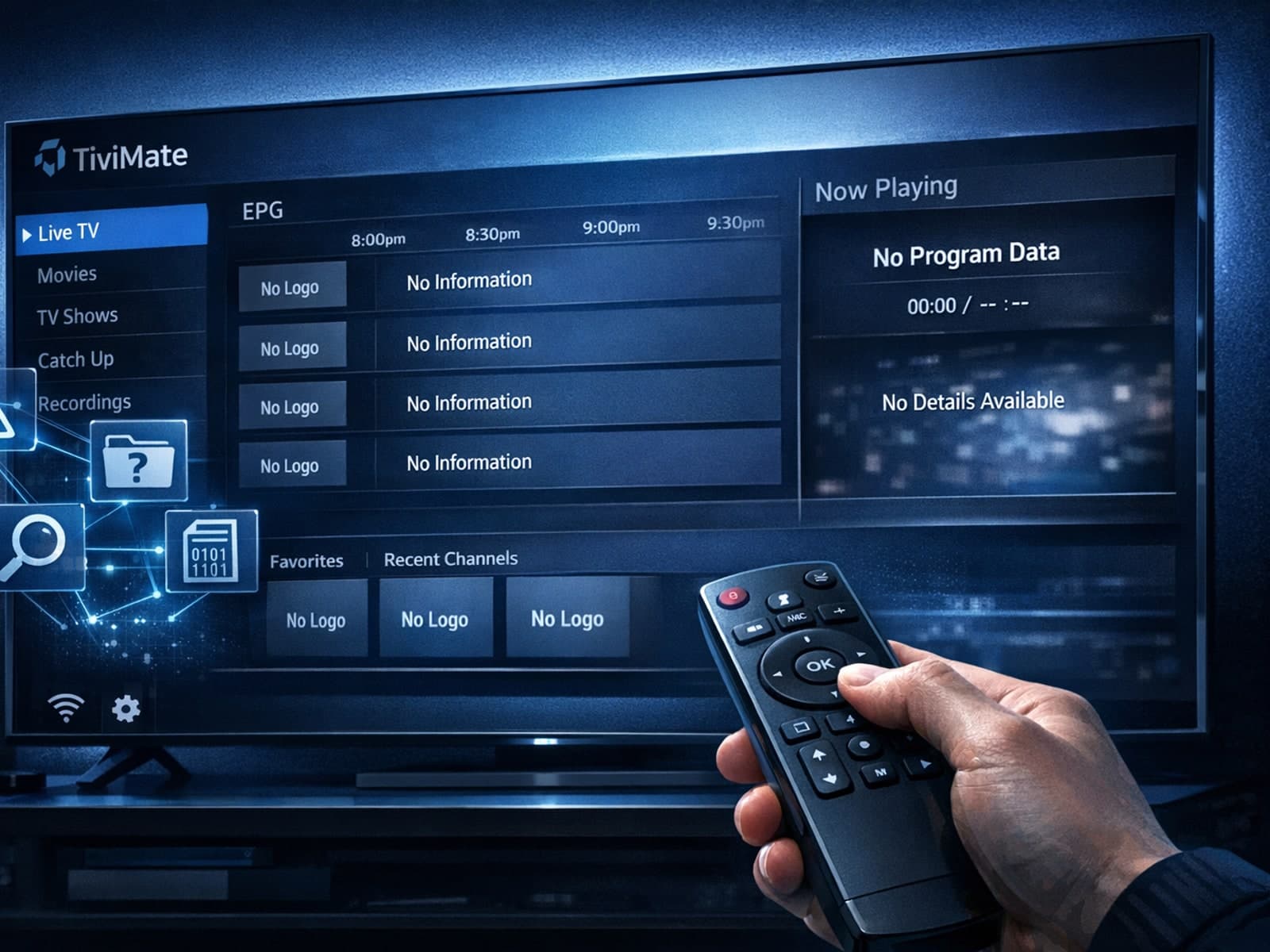
Missing channel logos in TiviMate is a common issue that often stems from problems with your IPTV playlist or Electronic Program Guide (EPG) data.
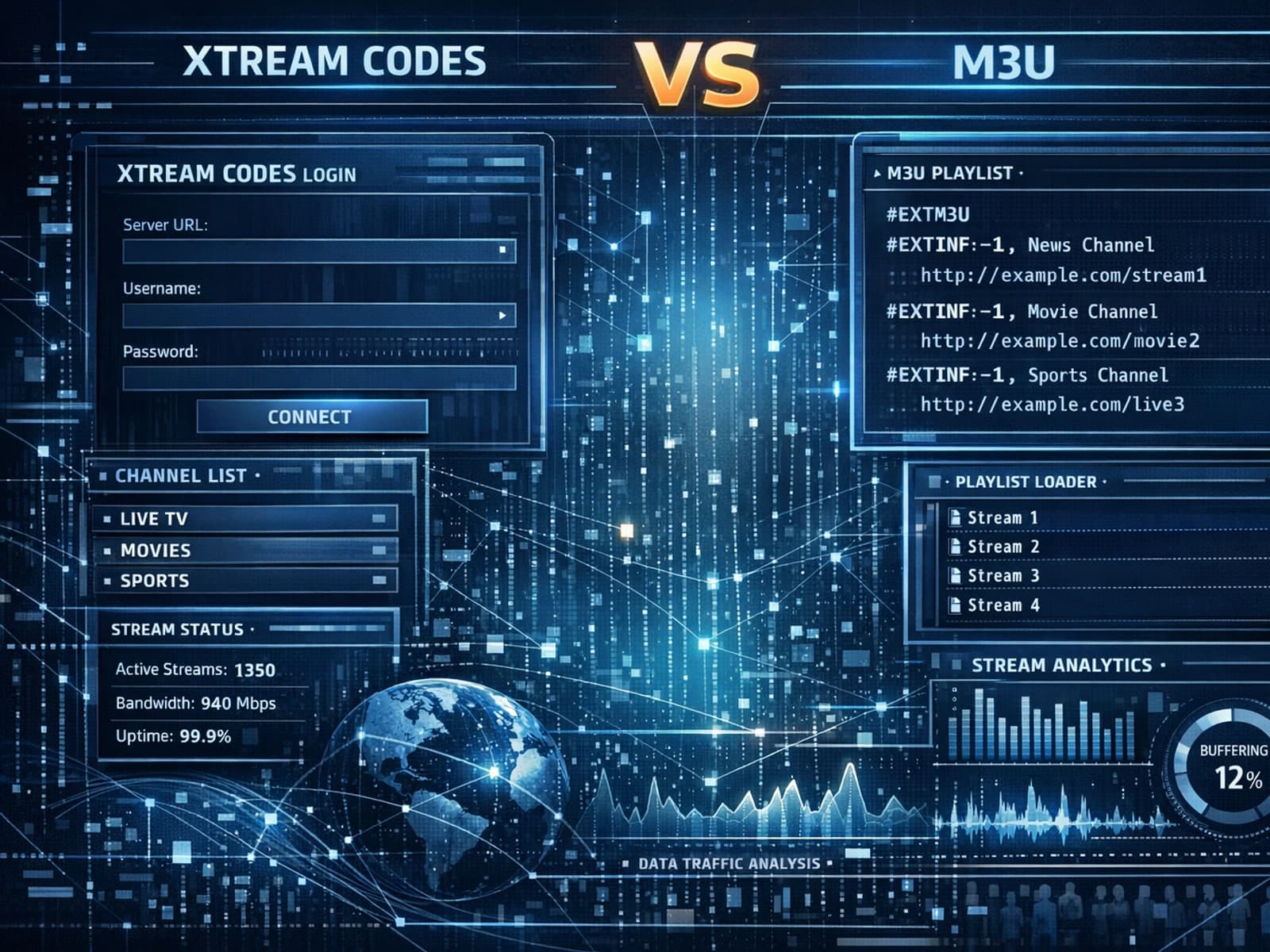
Xtream Codes often works better than M3U for IPTV users who need dynamic playlist management, faster channel updates, richer metadata integration, and controlled access to streaming content.
