
When Xtream Codes Works Better Than M3U for IPTV Streaming

Quick answer
If you're managing IPTV streams, you might wonder when Xtream Codes works better than M3U. Simply put, Xtream Codes excels when you want dynamic playlist updates, seamless user authentication, and easier management across multiple devices — benefits that a static M3U playlist...
Reviewed Against
• Xtream Codes username, password, and server-URL login flows
• M3U and M3U Plus playlist URLs, refreshes, and import behavior
• Server-URL formatting, HTTP response handling, and account-entry failure patterns
Applies To
• Portal-style logins that need a server URL plus account credentials
• Playlist-based IPTV setups that rely on M3U or M3U Plus links for channel data
• Errors caused by malformed URLs, wrong credentials, expired tokens, or unreachable playlist endpoints
Does not apply when
• You are using only an M3U playlist URL with no Xtream-style portal login at all.
• Your app is using a portal or stalker-style workflow instead of a playlist URL.
• The provider confirms the service is down or the account has been deliberately blocked upstream.
Corroborating Resources
HTTP response status codesUseful when an IPTV app surfaces 401, 403, 404, or 5xx style errors during login or playlist refreshes.
URL structure referenceHelpful for checking server URLs, source links, and path/query mistakes in portal or playlist setups.
Topic Cluster
Part of the Xtream Codes cluster
Login errors, URL format confusion, authorization failures, and when Xtream Codes makes more sense than M3U. This page sits in compare options for that topic path.
Start here in this topic
On this page

When Xtream Codes Works Better Than M3U for IPTV Streaming
If you're managing IPTV streams, you might wonder when Xtream Codes works better than M3U. Simply put, Xtream Codes excels when you want dynamic playlist updates, seamless user authentication, and easier management across multiple devices — benefits that a static M3U playlist cannot provide.
What you'll learn
- The functional differences between Xtream Codes and M3U
- Scenarios where Xtream Codes improves your IPTV streaming experience
- How to set up Xtream Codes login on compatible IPTV apps
- Common issues to avoid when using either format
- When M3U remains the more practical choice
Understanding Xtream Codes and M3U
What is M3U?
M3U is a plain text file format listing IPTV channel URLs with optional metadata like names and groupings. It is static — once generated, it doesn't update unless replaced.
What is Xtream Codes?
Xtream Codes is an API-based streaming interface using a login format with server URL, username, and password. It can dynamically provide channel lists, handle user authentication, and deliver real-time playlist updates.
Why Xtream Codes Often Works Better Than M3U
1. Real-Time Playlist Updates
Xtream Codes enables IPTV providers to push immediate changes to channel lineups or streams without you needing to download a new M3U file manually. This is invaluable when channels are frequently added, moved, or removed.
2. Integrated User Authentication
Unlike M3U playlists, which generally have no authentication or rely on IP-locking, Xtream Codes requires you to log in. This reduces unauthorized access and allows providers to manage individual user entitlements dynamically.
3. Simplified Multi-Device Management
Xtream Codes makes it easier to use the same account on multiple devices. Since playlists are fetched on demand through authentication, adding or removing device access is more straightforward.
4. Efficient Bandwidth and Metadata Handling
Because Xtream Codes streams metadata dynamically, your IPTV app can receive up-to-date EPG (Electronic Program Guide) info, channel logos, and groupings without manual updates.
5. Enhanced Error Handling
API responses in Xtream Codes can provide detailed errors guiding users or apps to resolve issues like incorrect login details or expired subscriptions, while M3U will simply fail to load or display broken links.
Setting Up Xtream Codes Login in Your IPTV App
Many popular IPTV apps like IPTV Smarters and TiviMate support the Xtream Codes login format. Here's how to set it up:
- Obtain your IPTV provider's Xtream Codes credentials: server URL, username, and password.
- Open your IPTV app and find the option to add a new playlist or login.
- Choose the Xtream Codes or API login method.
- Enter the received credentials accurately.
- Confirm and let the app load your dynamic playlist.
Common Mistakes and Troubleshooting Tips
- Incorrect Credentials: Always double-check your username, password, and server URL. Typos cause authorization failures.
- Unsupported App: Some IPTV players only support static M3U playlists. If Xtream Codes login options aren't visible, confirm your app's compatibility.
- Expired Subscription: Ensure your IPTV provider account is active; Xtream Codes requires live accounts.
- Network Restrictions: Firewall or DNS issues may block API requests. Verify your network connection.
When Should You Use M3U Instead?
- Your IPTV provider only offers static M3U playlists.
- You use an app that does not support Xtream Codes API.
- You prefer a simple file without login credentials.
In these cases, M3U remains the practical choice despite lacking dynamic features.
Comparison: Xtream Codes vs M3U
| Feature | Xtream Codes | M3U Playlist |
|---|---|---|
| Dynamic Playlist Updates | Yes | No |
| User Authentication | Required (username & password) | None or IP-based |
| Multi-Device Management | Easy via account control | Manual distribution |
| Metadata Handling | Dynamic EPG & logos via API | Static info; manual updates |
| Error Feedback | Detailed API errors | Limited; broken links |
| Device/App Compatibility | Requires supported apps | Broad app support |
Who This Guidance Applies To
- IPTV users with providers offering Xtream Codes API access.
- Intermediate users familiar with IPTV app login formats.
When to Seek Different Guides
- If you only use apps supporting M3U playlists, follow M3U-specific setup guides.
- Device-specific guides are better for troubleshooting app or hardware problems.
Frequently Asked Questions
What is the main difference between Xtream Codes and M3U?
Xtream Codes uses API login for real-time playlist updates and user authentication, while M3U is a static list without these features.
Can I use Xtream Codes on all IPTV apps?
No. Only IPTV apps that support the Xtream Codes API login format can use it; otherwise, you must rely on M3U or other formats.
Does Xtream Codes improve streaming quality?
Its dynamic playlist management can reduce buffering and improve stability, but it does not directly affect stream encoding quality.
When should I use M3U instead of Xtream Codes?
If your provider only offers M3U playlists or your IPTV app does not support the Xtream Codes API, use M3U.
Conclusion
Xtream Codes works better than M3U when your IPTV provider supports it and your streaming app can use API login. It offers convenience through real-time updates, authentication, and easier device management. If you need dynamic playlist control and cleaner authorization, Xtream Codes is the optimal choice. However, M3U remains useful when simplicity or compatibility with any player is paramount.
For more details on issues related to Xtream Codes and M3U playlist updates, consider our articles M3U Plus vs Xtream Codes API for Playlist Updates, IPTV Smarters Invalid Details Error, and troubleshooting playlist refresh problems in TiviMate Playlist Not Updating After Refresh.
Keep exploring
More explainers that connect naturally to this setup, workflow, or troubleshooting path.
TiviMate is a popular IPTV player app for Android TV and similar devices, known for its advanced channel management options. Organizing favorites and groups in TiviMate lets you customize your IPTV watching experience by categorizing.


When you switch channels on your IPTV service and the screen freezes or lags, it’s frustrating and disrupts your viewing experience. IPTV freezing during channel switching is most often caused by network delays, buffering, or the IPTV.

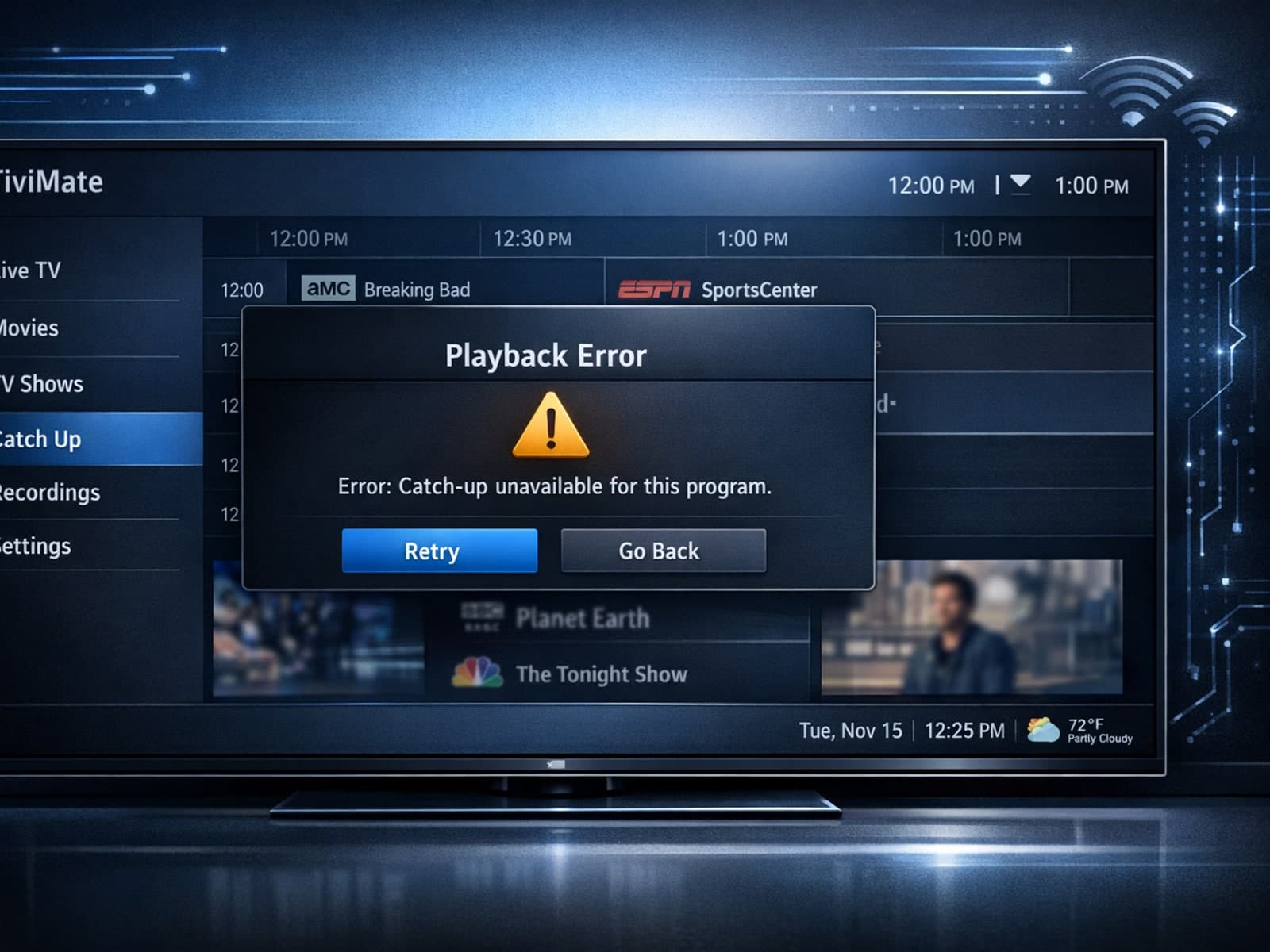
If your catch-up feature in TiviMate isn’t working, the fundamental reasons often lie in your IPTV playlist source or server configuration rather than the app itself.
