
When Xtream Codes Works Better Than M3U for IPTV Streaming

Quick answer
Xtream Codes works better than M3U when you require real-time IPTV features such as dynamic channel list updates, user authentication, and enriched metadata integration. Unlike M3U, which is essentially a static playlist file listing channels and streams, Xtream Codes presents...
Reviewed Against
• Xtream Codes username, password, and server-URL login flows
• M3U and M3U Plus playlist URLs, refreshes, and import behavior
• Server-URL formatting, HTTP response handling, and account-entry failure patterns
Applies To
• Portal-style logins that need a server URL plus account credentials
• Playlist-based IPTV setups that rely on M3U or M3U Plus links for channel data
• Errors caused by malformed URLs, wrong credentials, expired tokens, or unreachable playlist endpoints
Does not apply when
• You are using only an M3U playlist URL with no Xtream-style portal login at all.
• Your app is using a portal or stalker-style workflow instead of a playlist URL.
• The provider confirms the service is down or the account has been deliberately blocked upstream.
Corroborating Resources
HTTP response status codesUseful when an IPTV app surfaces 401, 403, 404, or 5xx style errors during login or playlist refreshes.
URL structure referenceHelpful for checking server URLs, source links, and path/query mistakes in portal or playlist setups.
Topic Cluster
Part of the Xtream Codes cluster
Login errors, URL format confusion, authorization failures, and when Xtream Codes makes more sense than M3U. This page sits in compare options for that topic path.
Start here in this topic
On this page
When Xtream Codes Works Better Than M3U for IPTV Streaming
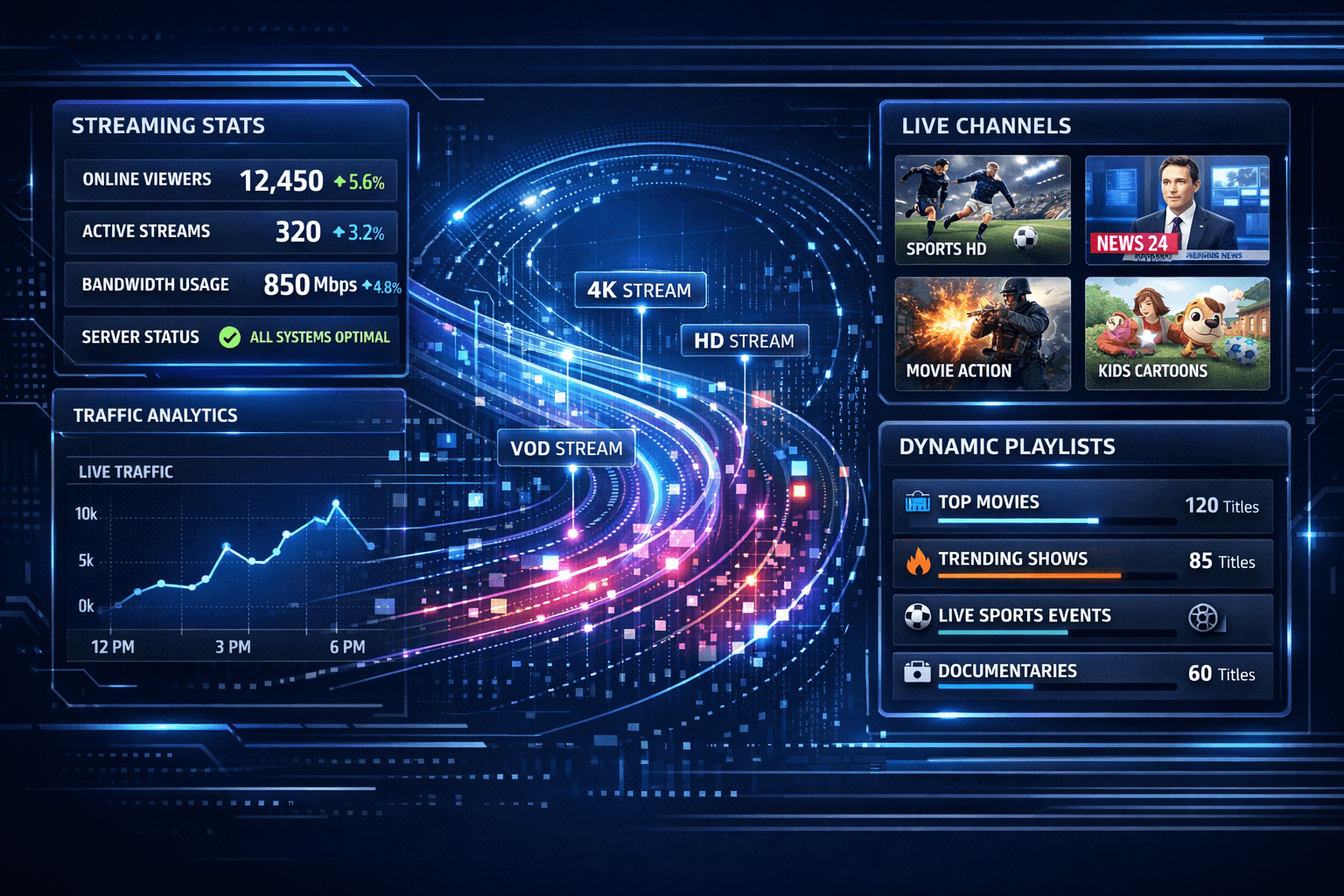
Xtream Codes works better than M3U when you require real-time IPTV features such as dynamic channel list updates, user authentication, and enriched metadata integration. Unlike M3U, which is essentially a static playlist file listing channels and streams, Xtream Codes presents IPTV streams via API calls that enable automatic updates, user control, and additional management features.
This makes Xtream Codes particularly suited for users and providers who want a streamlined, automated playback experience without manual playlist refreshing or missing user-specific data.
What you'll learn
- Key technical differences between Xtream Codes and M3U
- Specific IPTV use cases where Xtream Codes has advantages
- How Xtream Codes' dynamic features improve playlist and stream management
- Common issues when using Xtream Codes and how to troubleshoot them
- Which IPTV apps and devices support Xtream Codes
Understanding Key Differences Between Xtream Codes and M3U
What Is M3U?
M3U (Moving Picture Experts Group Audio Layer 3 Uniform Resource Locator) is a file format that contains a static list of media stream URLs, usually for IPTV, audio, or video content. An M3U playlist is essentially a plain text file listing channel names and stream URLs without any user authentication or dynamic behavior.
What Is Xtream Codes?
Xtream Codes is not a file but an IPTV login method using API endpoints. It supports user authentication, real-time playlist updates, EPG (Electronic Program Guide) synchronization, and other features. When using Xtream Codes, an IPTV client sends login credentials to a server URL which returns dynamic data including streams, channel info, and more.
When Xtream Codes Outshines M3U
Dynamic Channel and EPG Updates
M3U playlists require manual updates or full playlist refreshes when channels change. Xtream Codes can push live channel changes and updated EPG data without user intervention.
Benefit: You always get up-to-date channels and schedules, reducing dead links in your playlist.
User Authentication and Access Control
Xtream Codes support username and password authentication, allowing providers to control access on a per-user basis. M3U files, being static, are less flexible or secure.
Benefit: Personalized streams and rights management are easier with Xtream Codes.
Stream and Account Management
With Xtream Codes, users can access multiple services or subscriptions via one login. Stream limits, geo-restrictions, and concurrent viewer limits can be enforced dynamically.
How to Use Xtream Codes Instead of M3U
If your IPTV provider supports Xtream Codes, follow these steps to switch:
- Request your Xtream Codes login details (server URL, username, and password) from your provider.
- Open your IPTV app and select the Xtream Codes login option instead of M3U.
- Enter the provided server URL and credentials.
- Allow the app to fetch your dynamic playlist and EPG.
- Browse channels and test playback.
These steps streamline channel management compared to manual M3U playlist file inputs.
Common Troubleshooting When Using Xtream Codes
Issue 1: "Invalid Details" or Login Failed
Cause: Incorrect username, password, or server URL.
Fix: Carefully re-enter your credentials. Check for typos or trailing spaces.
Issue 2: No Channels or Empty Playlist
Cause: Server-side account suspension or network connection issues.
Fix: Confirm your subscription status. Check internet connectivity and firewall settings.
Issue 3: EPG Data Not Loading
Cause: EPG URL misconfiguration or app incompatibility.
Fix: Ensure your IPTV app supports EPG with Xtream Codes. Ask provider for correct EPG source.
Who Benefits Most From Using Xtream Codes?
- IPTV users wanting hassle-free live channel updates.
- Those needing secure, authenticated access across multiple devices.
- IPTV providers managing large user bases and stream access policies.
When to Stick With M3U
- If your IPTV app or device does not support Xtream Codes.
- If you prefer manually customizing static playlists.
- When minimal setup is preferred and you do not require dynamic updates.
In such cases, troubleshooting or configuration tips specific to M3U playlists should be sought.
Quick Comparison Chart
| Feature | Xtream Codes | M3U Playlist |
|---|---|---|
| Dynamic Updates | Yes, via API | No, manual update required |
| User Authentication | Supported | None |
| EPG Integration | Automated | Manual or linked externally |
| Stream Access Control | Granular per user | Not available |
| Setup Complexity | Moderate (requires credentials) | Simple (file URL) |
Frequently Asked Questions
What IPTV apps support Xtream Codes?
Popular IPTV players like IPTV Smarters, TiviMate, and GSE Smart IPTV support Xtream Codes login format.
Does switching to Xtream Codes improve stream quality?
Xtream Codes improves playlist management but stream quality depends on the provider and network.
Can Xtream Codes prevent buffering?
Indirectly, by updating to active streams and reducing dead links, but buffering mainly depends on network speed.
Conclusion
Choosing when Xtream Codes works better than M3U depends primarily on your IPTV needs. If you seek automation, up-to-date channel lists, EPG synchronization, and controlled access, Xtream Codes offers clear advantages. For users with simpler needs or unsupported devices, M3U remains a viable choice. Understanding your IPTV setup and provider support will help you pick the best option for consistent streaming.
References for Further Reading
Keep exploring
More explainers that connect naturally to this setup, workflow, or troubleshooting path.


If your TiviMate app is not displaying channel program guides and shows an error or empty EPG data, the issue usually lies with the EPG source URL.

For streaming IPTV smoothly on your Fire TV Stick, fine-tuning your WiFi settings can drastically improve playback quality, reduce buffering, and prevent connection drops.