
EPG Time Offset Wrong in TiviMate: How to Correct Guide Time Mismatch

Quick answer
When the Electronic Program Guide (EPG) times in your TiviMate IPTV player don’t align with actual broadcasts, the program schedule appears offset — showing start times earlier or later than they actually occur. This mismatch can cause missed shows and confusion. The root caus...
Reviewed Against
• TiviMate playlist, EPG, and player-setting workflows
• XMLTV guide imports, refresh timing, and channel-guide matching
Applies To
• TiviMate setups on Android TV, Google TV, or Fire OS style streaming devices
• Guide data issues such as missing listings, stale guide refreshes, or wrong time offsets
Does not apply when
• Your app uses a different menu layout or naming scheme than TiviMate.
• The stream itself will not play at all and you still need to verify login or playlist access.
Corroborating Resources
XMLTV file format referenceUseful when the issue comes from guide-source formatting, channel mapping, or XMLTV data freshness.
Topic Cluster
Part of the EPG cluster
Guide data problems, XMLTV and playlist matching, time-offset fixes, and TiviMate EPG recovery paths. This page sits in troubleshoot and fix for that topic path.
Start here in this topic
On this page
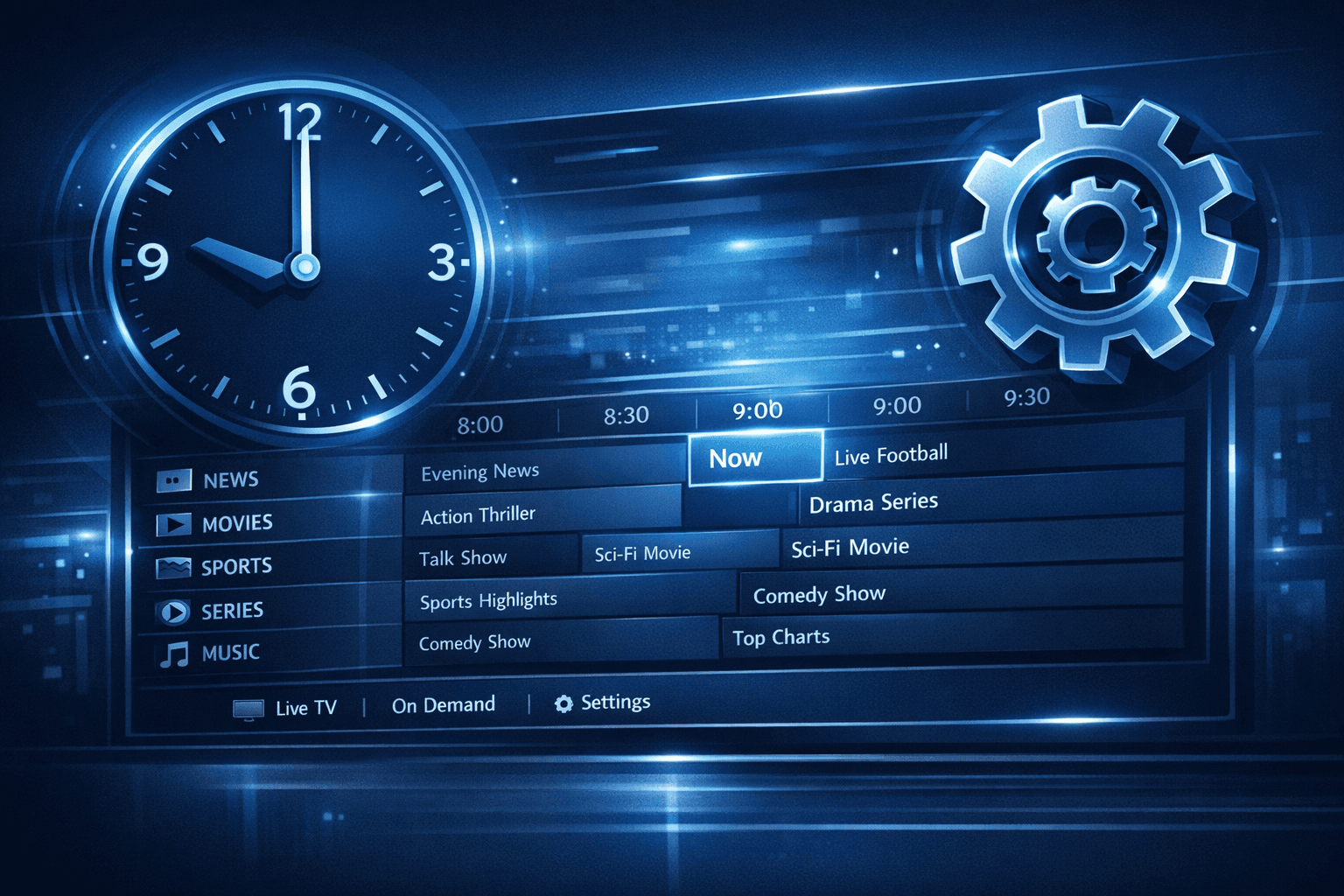
EPG Time Offset Wrong in TiviMate: How to Correct Guide Time Mismatch
When the Electronic Program Guide (EPG) times in your TiviMate IPTV player don’t align with actual broadcasts, the program schedule appears offset — showing start times earlier or later than they actually occur. This mismatch can cause missed shows and confusion. The root cause is often an incorrect EPG time offset setting within TiviMate, which needs adjustment to synchronize the guide times properly with your local time zone and IPTV provider's feed.
This article explains why EPG time offset problems happen in TiviMate and provides a step-by-step approach to fix the time mismatch reliably.
What you'll learn
- What EPG time offset means and why it's important in TiviMate
- How to identify if your EPG times are wrong
- Step-by-step instructions to adjust the EPG time offset in TiviMate
- Common mistakes and misunderstandings when fixing EPG time offsets
- When this guide applies and when to seek alternative troubleshooting
Understanding EPG Time Offset in TiviMate
What is EPG Time Offset?
The Electronic Program Guide (EPG) is metadata that shows TV program titles, descriptions, and schedule times. EPG time offset refers to the number of hours or minutes you add or subtract to match the guide's program times to your local time zone or broadcast timing.
Many IPTV providers supply EPG data with timestamps in Coordinated Universal Time (UTC) or another time zone, while your device or viewing preferences require local time display. Without the correct offset, TiviMate displays guide times incorrectly.
Why EPG Time Offset Matters
Incorrect EPG timing means:
- Programs appear to start earlier or later than they actually do
- Scheduled recordings (if supported) might fail
- Confusion about current and upcoming shows
Correcting the offset aligns the EPG with real broadcast times, ensuring an accurate viewing experience.
How to Identify That Your EPG Time Offset Is Wrong
Common Signs of Incorrect EPG Timing
- Programs starting 1, 2, or more hours earlier or later than the live broadcast
- Guide times that do not match any familiar local timezone pattern
- Channel listings that appear to be ahead or behind by a uniform time period
Verifying with Live Broadcast
Tune into a channel and compare the currently airing program with the EPG-listed program. If the guide shows a different program or incorrect start time, an offset problem probably exists.
Fixing EPG Time Offset in TiviMate
Follow these steps carefully to adjust the time offset:
- Open TiviMate: Launch the app on your supported Android device or set-top box.
- Access Playlist Settings: Navigate to the main menu, then go to Settings > Playlists.
- Select Your Playlist: Choose the IPTV playlist connected to your EPG data.
- Locate EPG Settings: Within playlist settings, find the Electronic Program Guide section.
- Find Time Offset Option: Look for a setting labeled "EPG Time Offset," "Time Shift," or similar.
- Adjust the Offset: Increase or decrease the offset to align EPG times with your local broadcasts. Adjust by whole or partial hours as needed.
- Save Changes: Confirm and save the updated settings.
- Refresh the EPG Data: Back out to the playlist menu and refresh or reload your guide.
- Check Guide Accuracy: Verify programs now match live broadcast times.
Common Mistakes When Adjusting EPG Time Offset
- Not Refreshing the Guide: Forgetting to reload the EPG after changing the offset prevents changes from appearing.
- Misunderstanding Time Zones: Confusing your local time zone with the provider's EPG source zone leads to wrong settings.
- Assuming Device Time Fixes It: Changing system time doesn’t affect EPG timestamps, which are set independently in TiviMate.
- Using Non-Integer Offsets: Some guides only support whole hour shifts, so fractional adjustments might be ignored.
Avoid these pitfalls by carefully verifying provider EPG specifications and always refreshing your playlist after changes.
When This Guide Applies and When to Seek Other Help
Who Should Follow This Guide?
- TiviMate users experiencing consistent and uniform time shifts in their program guide
- IPTV users with EPG provided in UTC or mismatched time zones
- Intermediate users comfortable navigating TiviMate settings
When to Try Other Troubleshooting
- If EPG times are inconsistent or erratic, the problem might be playlist corruption or EPG source issues
- If program info is missing or incomplete, check your playlist’s EPG source reliability
- Device-specific EPG or system date/time problems require different guides
If you suspect your issue is related to the playlist itself or EPG source, consider consulting playlist provider documentation or testing alternative playlists.
Summary Checklist Before You Adjust EPG Offset
| Step | Action | Notes |
|---|---|---|
| Verify program time mismatch | Compare EPG to live broadcasts | Confirm offset issue really exists |
| Check current EPG time offset | See TiviMate playlist settings | Understand your starting point |
| Know your local and provider TZ | Identify zones to adjust for | Use reliable time zone references |
| Adjust offset carefully | Modify in TiviMate settings | Use whole hours first, then fine-tune |
| Refresh and verify | Reload guide after saving changes | Confirm fix worked before ending session |
FAQ
What causes EPG time offset errors in TiviMate?
EPG times are usually set by your IPTV provider and can be in a different time zone than you watch from. Without correcting this offset, TiviMate displays incorrect program start times.
How can I check if my EPG time offset is incorrect?
Compare the currently airing program from the guide with the actual broadcast. If the guide consistently shows shows starting too early or too late by the same amount, your offset is likely off.
Will changing the device clock fix EPG timing issues?
No. TiviMate's EPG timing depends on its offset settings rather than your device clock.
Is EPG time offset adjustment needed for all IPTV playlists?
No. Some IPTV providers supply EPG data already synchronized to your time zone. Adjustment is only needed when you notice timing mismatches.
What if adjusting EPG offset doesn't fix the problem?
Your playlist or EPG source may be outdated or incompatible. Check for updated playlists or guidance from your IPTV provider.
Conclusion
Incorrect EPG time offset in TiviMate causes program guides to display wrong start times, disrupting your IPTV viewing experience. By understanding how TiviMate uses EPG offsets and carefully adjusting the settings to match your local time zone and IPTV provider's schedule, you can restore accurate program listings. This relatively straightforward fix helps ensure you never miss a show due to timing confusion.
Always verify changes by comparing live broadcasts to your guide after adjustments. If problems persist beyond time offset fixes, investigate the playlist quality or consult provider support. With the right settings in place, TiviMate will deliver reliable, correctly timed program guides.
For related challenges, you may find these helpful approaches:
Keep exploring
More explainers that connect naturally to this setup, workflow, or troubleshooting path.


If your TiviMate app is not displaying channel program guides and shows an error or empty EPG data, the issue usually lies with the EPG source URL.

For streaming IPTV smoothly on your Fire TV Stick, fine-tuning your WiFi settings can drastically improve playback quality, reduce buffering, and prevent connection drops.