
How to Organize Favorites and Groups in TiviMate for IPTV

Quick answer
TiviMate is a popular IPTV player that allows users to watch streaming channels with an intuitive interface. A key feature to improve navigation and personal content management is organizing favorites and channel groups. This process involves creating custom lists of channels...
Reviewed Against
• TiviMate playlist, EPG, and player-setting workflows
Applies To
• TiviMate setups on Android TV, Google TV, or Fire OS style streaming devices
Does not apply when
• Your app uses a different menu layout or naming scheme than TiviMate.
Topic Cluster
Part of the TiviMate cluster
TiviMate troubleshooting paths for guide loading, playlist sync issues, login failures, and setup decisions. This page sits in more in this topic for that topic path.
Start here in this topic
On this page
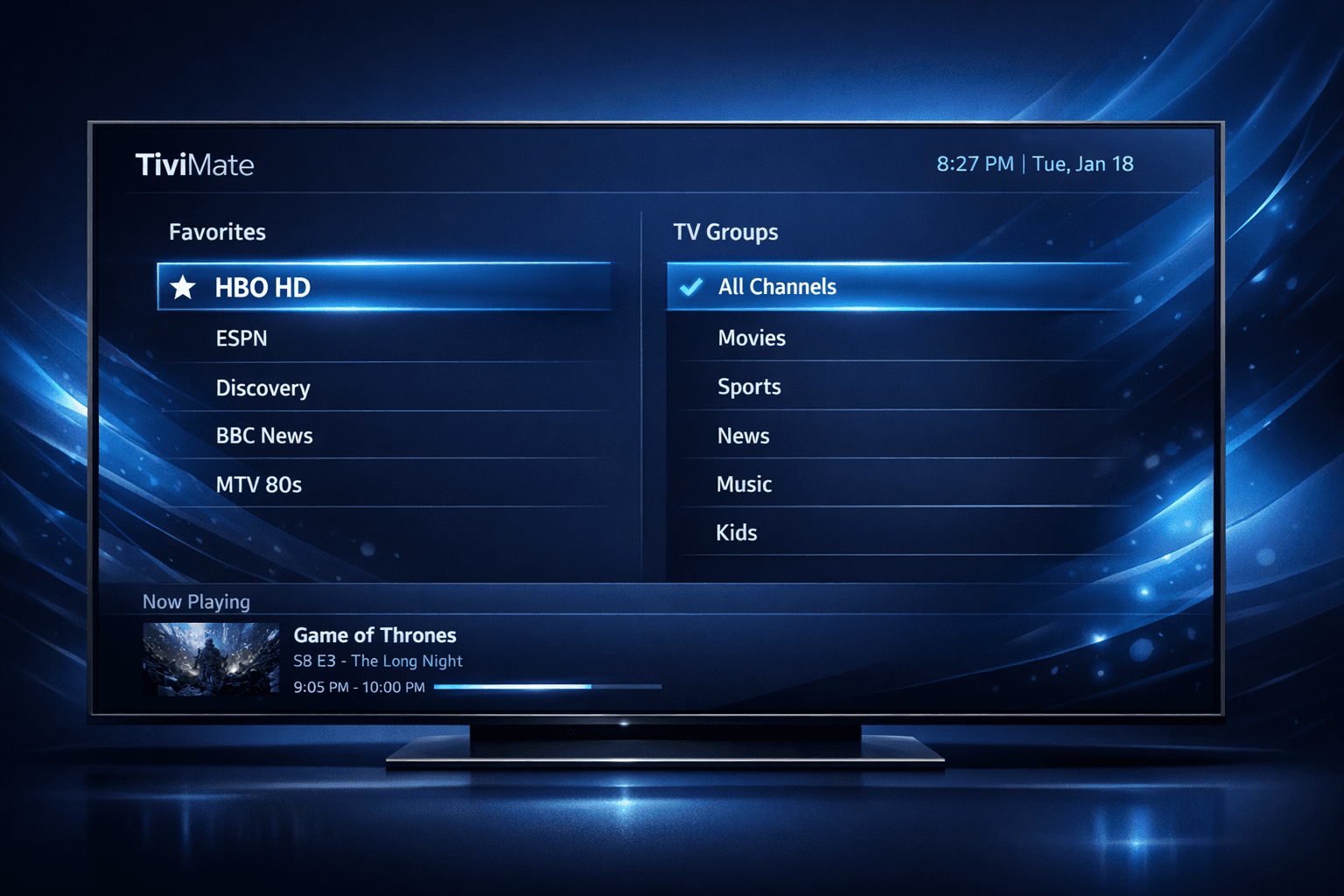
How to Organize Favorites and Groups in TiviMate for IPTV
TiviMate is a popular IPTV player that allows users to watch streaming channels with an intuitive interface. A key feature to improve navigation and personal content management is organizing favorites and channel groups. This process involves creating custom lists of channels you watch often or grouping them by categories like genre or language. Doing so streamlines your viewing experience and saves time scrolling through extensive channel lists.
Below, you will find detailed guidance on how to efficiently organize favorites and groups in TiviMate so you can tailor your channel lineup to your preferences.
What you'll learn
- How to create and manage favorite channel lists in TiviMate
- Steps to form and customize channel groups
- Tips for renaming, reordering, and editing groups and favorites
- Common mistakes to avoid when organizing channels
- Which devices and app versions these instructions apply to
Why Organize Favorites and Groups in TiviMate?
Organizing favorites and groups helps to reduce the clutter of hundreds or thousands of IPTV channels by narrowing focus to what matters most to you. Favorites act as quick-access lists that bypass the default channel order, letting you launch preferred channels fast. Groups allow categorization, for example by sports, news, kids content, or regional channels. This structure improves usability, particularly if you regularly switch between types of programming.
How Favorites Work in TiviMate
Favorites in TiviMate are user-defined collections of channels. When you add a channel to your favorites, it does not remove it from the full lineup; instead, it marks the channel for quick retrieval. You can access all favorites collectively in one list, providing a tailored shortcut to your top channels.
Creating a Favorite List
To create favorites, you typically select channels from your source list and flag them as favorites. TiviMate will then add these channels to your favorites menu.
Editing Favorites
You can edit which channels appear in your favorites, remove channels, or reorder them to suit your viewing habits better.
Creating and Managing Channel Groups
Channel groups let you organize your entire channel list into categorized buckets. Grouping channels helps you jump to a category of interest, like sports channels or international language feeds, without sifting through unrelated content.
Steps to Create a Channel Group
- Open the channel list in TiviMate.
- Locate the group option, often accessible via the menu or by long-pressing a channel.
- Assign a channel to a new or existing group.
- Continue adding channels to build your groups.
Renaming and Reordering Groups
You can rename groups to meaningful titles that resonate with your preferences. Additionally, groups can be reordered to place the most watched categories at the top for convenience.
Step-by-Step Guide to Organizing Favorites and Groups
Follow these detailed steps to set up favorites and channel groups in TiviMate on Android or Fire TV devices:
- Launch the TiviMate app.
- From the main screen, press the menu button or swipe to open the channel list.
- Navigate to the channel you want to add to favorites or a group.
- Press and hold (long-press) the channel to open the context menu.
- Select
Add to Favoritesto mark the channel as a favorite. - For groups, choose
Add to Groupand either create a new group or select an existing one. - Access the favorites list or groups from the main menu to verify channel placement.
- Use the
Editoption to rename groups or reorder channels and groups by dragging them. - Save changes before exiting to ensure your organization persists.
This process can be repeated for as many channels and groups as you want to organize.
Common Mistakes and Troubleshooting
- Not saving changes: After editing favorites or groups, always confirm changes; otherwise, updates might be lost.
- Confusing favorites and groups: Favorites are flat lists of channels while groups are categories containing multiple channels.
- Trying to rearrange channels outside favorites or groups: The main channel list order is typically fixed by the IPTV provider and can’t be changed within TiviMate.
- Assuming all IPTV sources allow groups: Some IPTV playlists may not support custom groups if metadata is limited.
Troubleshooting Tips
- If favorites or groups do not appear, ensure your app version supports these features and that your IPTV playlist is fully loaded.
- Restart the app after making organization changes to refresh the interface.
Who This Guide Applies To and When To Consider Other Resources
This guide is targeted at users of TiviMate on Android devices and Amazon Fire TV platforms with a working IPTV playlist loaded. If you use TiviMate on other operating systems or have custom IPTV setups with unusual playlist formats, some menu options might differ.
If your problem relates to technical issues like missing channel logos, playlist updates, or streaming quality, consider following separate troubleshooting guides specific to those topics. For example, see How to Fix Channel Logos Missing in TiviMate for logo-related issues.
Summary Checklist
| Task | Recommended Action | Notes |
|---|---|---|
| Create Favorites | Long-press channel > Add to Favorites | Supports quick access |
| Create Channel Groups | Long-press channel > Add to Group | Groups by category |
| Rename Groups | Use Edit option | Clear group names |
| Reorder Channels in Favorites | Drag within list | Prioritize favorites |
| Save Changes | Confirm on exit | Avoid losing edits |
Frequently Asked Questions
Q: Does organizing favorites speed up channel switching?
A: Yes, because favorites reduce the number of channels you need to scroll through.
Q: Can I import or export my favorites and group settings?
A: TiviMate does not natively support exporting favorites or group setups; you would need to manage these manually.
Q: What if my IPTV playlist updates and removes channels—will favorites and groups update automatically?
A: If channels are removed from the source playlist, they will also disappear from your favorites and groups.
Q: Can I apply this organization technique to catch-up or VOD sections in TiviMate?
A: These instructions only apply to live channel lists, not to catch-up or VOD content.
Conclusion
Organizing favorites and groups in TiviMate enhances your IPTV viewing by creating personalized quick-access channel lists and meaningful categories. By following the steps above, you can customize your channel lineup for easier navigation and a better overall experience. This tailored approach saves you time and strengthens control over your streaming content.
For further IPTV optimization, explore articles on connection troubleshooting or playlist management available on IPTV Explained.
Happy viewing with your newly organized TiviMate!
Frequently Asked Questions
What exactly are favorites in TiviMate?
Favorites are custom lists where you can add channels you watch most often, allowing quick access without scrolling through the full channel list.
Can I have multiple channel groups in TiviMate?
Yes, TiviMate lets you create several channel groups to categorize channels by genre, language, or personal preference.
Does organizing favorites affect the original channel list?
No, organizing favorites or groups does not remove channels from the main list; it only creates shortcuts for easier navigation.
Is it possible to reorder channels within favorites or groups?
Yes, you can reorder channels inside each favorite or group to prioritize the order you prefer when accessing them.
Will these instructions work on all devices that run TiviMate?
These steps apply primarily to Android devices and Fire TV where TiviMate is installed; other platforms might have slight interface differences.
Keep exploring
More explainers that connect naturally to this setup, workflow, or troubleshooting path.
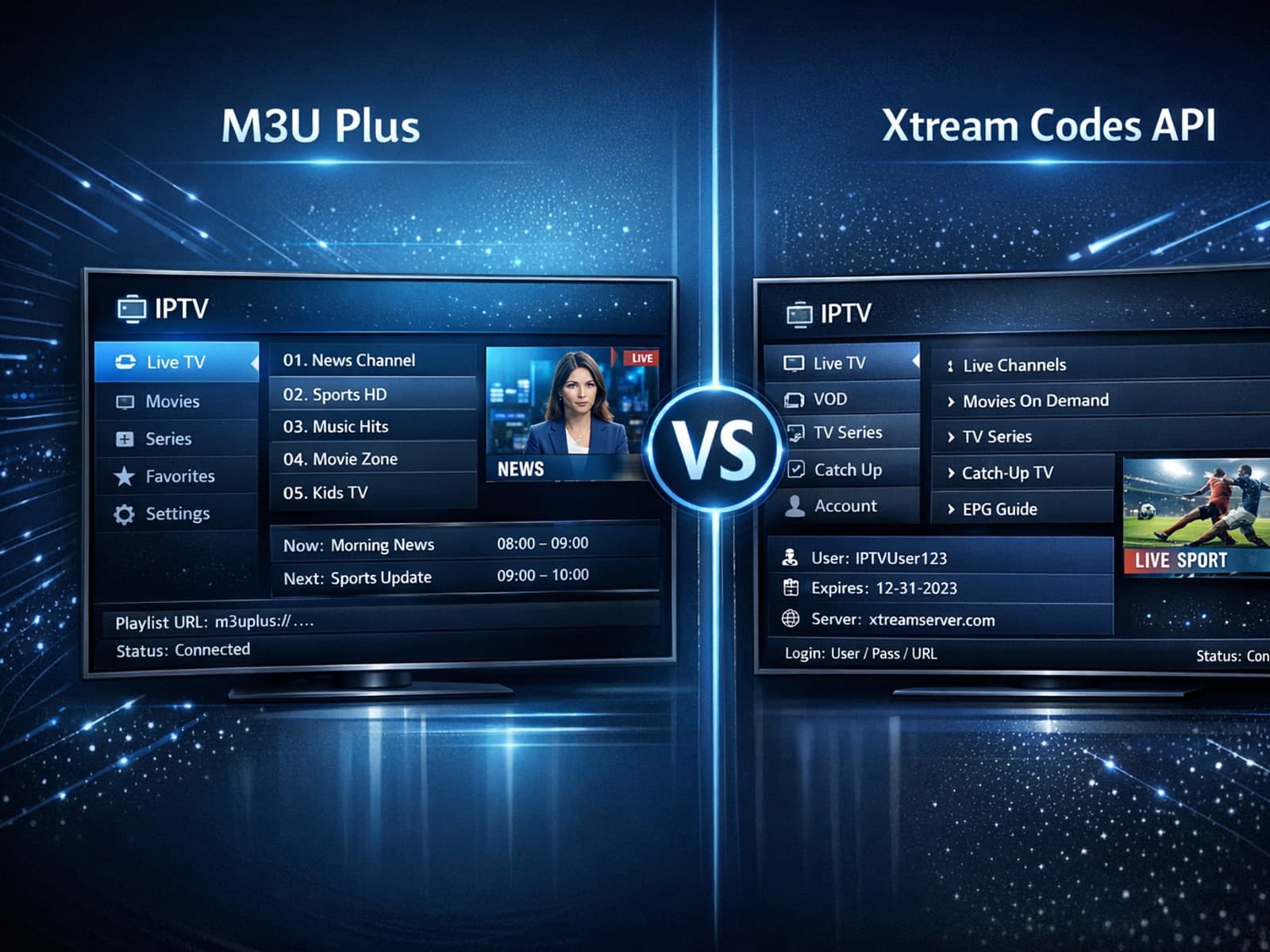
When managing IPTV playlists, users often face two popular methods for obtaining and refreshing their channels: M3U Plus URLs and the Xtream Codes API.


If your TiviMate app is showing program guide times that are off by one or more hours, the root cause is usually an incorrect EPG (Electronic Program Guide) time offset setting.


If your TiviMate playlist does not update after hitting refresh, the issue is usually related to either the playlist source itself, your network connection, or the way the app handles refreshing.
