
How to Organize Favorites and Groups in TiviMate for IPTV

Quick answer
Organizing favorites and groups in TiviMate helps you quickly access your most-watched IPTV channels and categorize them by genres, languages, or personal preference. This simplifies navigation within large IPTV playlists and makes it easier to find content without scrolling e...
Reviewed Against
• TiviMate playlist, EPG, and player-setting workflows
Applies To
• TiviMate setups on Android TV, Google TV, or Fire OS style streaming devices
Does not apply when
• Your app uses a different menu layout or naming scheme than TiviMate.
Topic Cluster
Part of the TiviMate cluster
TiviMate troubleshooting paths for guide loading, playlist sync issues, login failures, and setup decisions. This page sits in more in this topic for that topic path.
Start here in this topic
On this page

How to Organize Favorites and Groups in TiviMate for IPTV
Organizing favorites and groups in TiviMate helps you quickly access your most-watched IPTV channels and categorize them by genres, languages, or personal preference. This simplifies navigation within large IPTV playlists and makes it easier to find content without scrolling endlessly.
TiviMate’s interface supports creating favorites collections by tagging individual channels and building custom groups for better structure. By doing this, your IPTV experience becomes more efficient and tailored to how you watch TV.
What you'll learn
- How to mark channels as favorites in TiviMate
- Steps to create and manage channel groups
- Organizing and reordering favorites and groups
- Troubleshooting common issues with favorites and groups
- When this guide applies and alternatives when it doesn't
How to Mark Channels as Favorites in TiviMate
Favorites in TiviMate let you flag channels for quicker access under a dedicated favorites list. Instead of browsing the entire playlist, you can jump directly to your most-watched channels.
Steps to Add Channels to Favorites
- Open the TiviMate app and wait for your IPTV playlist to load.
- Navigate to the main channels list or any group.
- Highlight a channel you want to favorite.
- Press the menu/select button (usually the context menu or info button on your remote).
- Choose Add to Favorites from the popup menu.
Repeat for any channel you want to add. Favorited channels appear in the dedicated Favorites section in the guide.
Creating and Managing Channel Groups
Groups in TiviMate categorize channels into collections like Sports, News, Movies, or by language, making navigation cleaner in large IPTV playlists.
How to Create a Custom Group
TiviMate itself relies mostly on the group names defined in your IPTV playlist file (usually M3U). However, you can rearrange or filter groups within the app.
To organize groups:
- Use the Edit option in the groups view to hide unwanted groups.
- You can rename groups by editing your playlist file externally before importing.
Note: TiviMate does not currently support creating new channel groups within the app—it depends on the playlist structure.
Organizing Groups
- From the TiviMate home, select the Groups tab to see available channel groups.
- Use the settings to hide or show specific groups.
- Reorder groups in the playlist before import if you want a custom sequence.
Organizing and Reordering Favorites and Groups
Familiarize yourself with the order of your favorites and groups to streamline channel access.
How to Reorder Favorites
TiviMate doesn't have a direct drag-and-drop reorder UI for favorites but orders the favorites list alphabetically or according to how your playlist is structured.
To influence order:
- Rename channels or groups to prefix with numbers or letters to control sorting.
- Use an external playlist editor and then re-import.
Managing Visibility
You can hide or disable groups you don't use frequently to reduce clutter.
- Go to Settings > Playlists > Manage Groups.
- Select groups to hide or show.
Troubleshooting Common Issues with Favorites and Groups
Favorites Not Saving
- Ensure you have permissions enabled for TiviMate to save settings.
- Check if your playlist is loading fully before marking favorites.
Groups Not Showing Correctly
- Verify that groups exist in your playlist file. TiviMate relies on playlist group metadata.
- Refresh or re-import the playlist to update groups in the app.
Changes Not Applying After Playlist Refresh
- Some playlists overwrite user settings on refresh. Consider managing favorites after refresh or use local playlists.
Scope and When to Use Device-Specific or Alternative Guides
This guidance is for users of the TiviMate app on Android TV and similar platforms who are managing IPTV playlists with group metadata.
- If you are using another IPTV app, the process to organize favorites and groups will differ.
- Device-specific quirks (like Fire TV remotes vs. Android TV remotes) can affect navigation; consider device-specific tutorials if necessary.
- For playlist editing to create or rename groups, external editors on PC or mobile are recommended.
FAQ
Can I create multiple favorites lists?
No, TiviMate supports one favorites collection but lets you add multiple channels to it for quick access.
Will favorites/groups be lost if the playlist updates?
Sometimes. If your IPTV provider changes the playlist structure, your favorites might reset. It's best to add favorites after playlist updates.
Is it possible to sync favorites across devices?
TiviMate does not natively sync favorites or groups between devices; you must organize each installation separately.
Conclusion
Organizing favorites and groups in TiviMate enhances your IPTV viewing by letting you easily reach preferred channels and sort large playlists into manageable segments. While favorites are managed within the app, groups depend on the playlist’s metadata, requiring you to manage playlist files if deeper customization is needed.
By following the clear steps to add favorites, manage group visibility, and use external playlist editing for custom group creation, you can tailor TiviMate’s navigation to your exact needs and save time finding what to watch.
For playlist editing and advanced updates, consider external tools, and always refresh your playlist carefully to preserve your favorites setup.
| Feature | TiviMate Support | Notes |
|---|---|---|
| Multiple Favorites Lists | No | Single favorites collection only |
| Custom Groups in App | No (depends on playlist) | Requires editing playlist externally |
| Reordering Favorites | Indirect (via naming) | No drag/drop reorder within app |
| Sync Across Devices | No | Configuration must be repeated per device |
| Hide/Show Groups | Yes | Via settings to reduce clutter |
Expand your IPTV experience with organized favorites and groups tailored to your viewing style in TiviMate.
Frequently Asked Questions
Can I create multiple favorite lists in TiviMate?
TiviMate allows you to tag multiple channels as favorites but manages them under a single favorites collection rather than multiple separate lists.
Will my favorites and groups remain after updating TiviMate?
Yes, your favorites and groups are saved to your playlist profile and usually persist across app updates unless the playlist source changes drastically.
Can I sync favorites and groups across devices?
TiviMate does not currently support automatic syncing of favorites and groups across devices; you will need to configure each device individually.
Related guides on IPTV Explained
Keep exploring
More explainers that connect naturally to this setup, workflow, or troubleshooting path.
TiviMate is a popular IPTV player app for Android TV and similar devices, known for its advanced channel management options. Organizing favorites and groups in TiviMate lets you customize your IPTV watching experience by categorizing.


When you switch channels on your IPTV service and the screen freezes or lags, it’s frustrating and disrupts your viewing experience. IPTV freezing during channel switching is most often caused by network delays, buffering, or the IPTV.

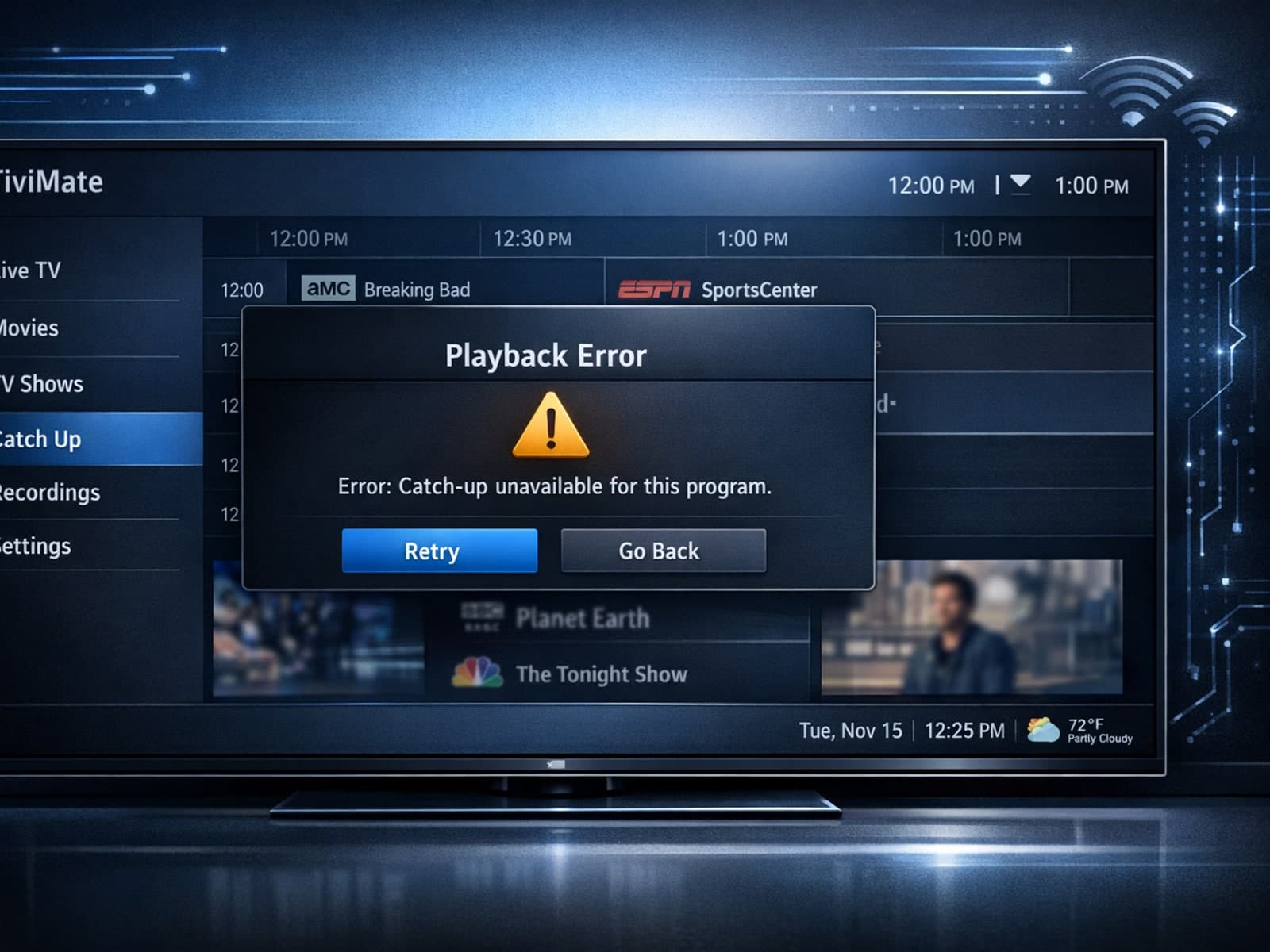
If your catch-up feature in TiviMate isn’t working, the fundamental reasons often lie in your IPTV playlist source or server configuration rather than the app itself.
