
IPTV Smarters Invalid Details Error: Causes and Step-by-Step Fixes

Quick answer
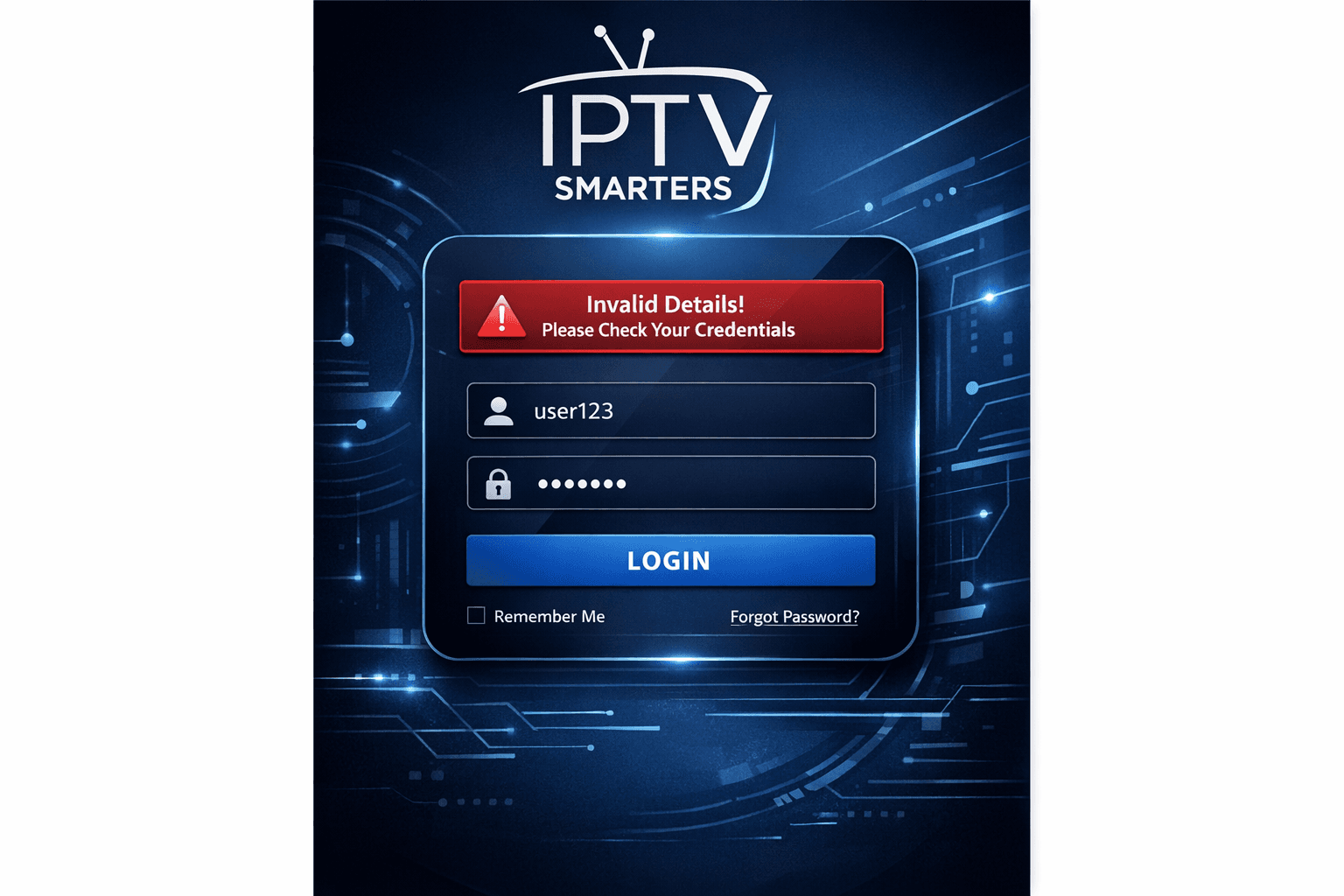
If you're using IPTV Smarters and encounter the "Invalid Details" error when trying to log in, it's a clear signal that something is wrong with your login information or server setup. This error prevents access to your IPTV channels until resolved.
Reviewed Against
• IPTV Smarters login, playlist, and account-entry screens
• Server-URL formatting, HTTP response handling, and account-entry failure patterns
Applies To
• IPTV Smarters sign-in, playlist import, or account-detail errors
• Errors caused by malformed URLs, wrong credentials, expired tokens, or unreachable playlist endpoints
Does not apply when
• The account itself is disabled or expired on the provider side.
• The provider confirms the service is down or the account has been deliberately blocked upstream.
Corroborating Resources
HTTP response status codesUseful when an IPTV app surfaces 401, 403, 404, or 5xx style errors during login or playlist refreshes.
URL structure referenceHelpful for checking server URLs, source links, and path/query mistakes in portal or playlist setups.
Topic Cluster
Part of the IPTV Smarters cluster
Browse practical IPTV articles about IPTV Smarters, including setup choices, troubleshooting paths, and follow-on guides. This page sits in troubleshoot and fix for that topic path.
On this page
IPTV Smarters Invalid Details Error: Causes and Step-by-Step Fixes
If you're using IPTV Smarters and encounter the "Invalid Details" error when trying to log in, it's a clear signal that something is wrong with your login information or server setup. This error prevents access to your IPTV channels until resolved.
This article focuses specifically on the IPTV Smarters app's "Invalid Details" error, helping informed beginners and intermediate users diagnose and fix it efficiently.
What you'll learn
- The common reasons behind the "Invalid Details" error in IPTV Smarters
- How to verify and correct login credentials
- How to update or refresh your playlist or server URL
- Network factors that might cause this error
- When to contact your IPTV provider or seek further help
Understanding the IPTV Smarters Invalid Details Error
The "Invalid Details" error message in IPTV Smarters means the app could not authenticate the credentials you've entered. IPTV Smarters supports login via credentials (username, password) linked to your IPTV subscription or via a playlist URL.
When authentication fails, the app shows this error instead of loading your channels.
Common authentication methods in IPTV Smarters
- Username and Password Login: For providers offering login directly.
- Playlist URL or M3U URL: Access via a URL link containing channel listings and subscription tokens.
If any of these details is wrong or expired, you will see the invalid details error.
1. Verify Your Login Credentials
The most frequent cause of the invalid details error is incorrect login information. This includes:
- Typing errors in username or password
- Username or password changed by the IPTV provider
- Expired or deactivated subscription credentials
How to check your credentials
- Carefully re-enter your username and password exactly as provided.
- Watch out for extra spaces or letter case sensitivity.
- Confirm with your IPTV provider or account confirmation email that the credentials have not changed or expired.
If you are logging in using a playlist URL, verify:
- The URL is copied exactly, including case and special characters.
- No trailing spaces or line breaks are included when pasting.
- The URL is an active and valid one for your current subscription.
2. Confirm Your IPTV Subscription Status
An invalid credentials error can also result from your subscription being expired, suspended, or blocked by the IPTV provider.
Steps to verify subscription status
- Check your subscription expiration date via your IPTV provider's dashboard or email.
- Attempt to login on the IPTV provider's website if available.
- Review past payment notifications to ensure your account is in good standing.
If your subscription expired, renewing it usually resolves the login error.
3. Refresh or Update Your Playlist URL or Server Information
For playlist URL logins, outdated or changed URLs cause invalid details errors if your IPTV provider updates them without notice.
How to update playlist URLs
- Obtain the latest playlist or login URL from your IPTV provider directly.
- Open IPTV Smarters and go to the login screen.
- Remove the old URL and enter the new, correct URL carefully.
- Save and retry login.
Refresh app data
- In some cases, a forced refresh inside the app settings can update server information.
- Clearing app cache (depending on the device) might also help.
4. Network and App Factors That May Trigger the Error
Though less common, network issues and app glitches can cause IPTV Smarters to reject valid login details.
Troubleshooting steps
- Ensure your internet connection is stable and active.
- If you use a VPN or proxy, try disabling it as some IPTV providers restrict logins from certain regions.
- Update IPTV Smarters to the latest version from your device's app store.
- Restart your device to clear temporary glitches.
When to consider these factors
If all login credentials are correct and your subscription is active but the error persists, rule out network or app issues next.
5. When and How to Contact Your IPTV Provider
If you've confirmed your login info is correct, your subscription is active, and you refreshed your playlist URL with no success, it's advisable to contact your IPTV provider.
What to tell your provider
- Describe the exact error message: "Invalid Details"
- Confirm your username, password, or playlist URL you are using.
- Provide any recent changes or updates you've done.
- Ask if there are server issues or credential resets on their end.
Many providers can reset your credentials or give you new playlist URLs to fix the problem.
Common Mistakes Causing IPTV Smarters Invalid Details Error
- Copy-pasting login info with extra spaces or wrong capitalization
- Using an expired or canceled IPTV subscription
- Entering an invalid, changed, or truncated playlist URL
- Ignoring app or device updates
- Trying to login with credentials meant for a different IPTV service
Who Should Use This Guide and When to Seek Device-Specific Help
This troubleshooting guide applies to users of the IPTV Smarters app on Android, iOS, and compatible devices where the login process matches username/password or playlist URL.
If you're using a very different version of IPTV Smarters (for example, on Smart TVs with custom firmware) or a different IPTV app, the steps here may not exactly fit.
In those cases, look for device-specific guides or support forums or try the app’s built-in support channels.
Summary Checklist for Fixing IPTV Smarters Invalid Details Error
| Step | Action | Checkpoints |
|---|---|---|
| 1. Credential Accuracy | Re-enter username/password or playlist URL | No extra spaces or typos |
| 2. Subscription Status | Verify subscription is active and not expired | Confirm with provider or payment |
| 3. Update Playlist URL | Obtain and enter the latest playlist link | Confirm URL correctness |
| 4. Network & App | Check internet, disable VPN, update app, restart device | Ensure smooth connection |
| 5. Provider Support | Contact IPTV provider if issue persists | Communicate error details |
Frequently Asked Questions (FAQs)
What does the "Invalid Details" error mean in IPTV Smarters?
It means the app is unable to authenticate your login information, usually due to incorrect username, password, or playlist URL.
Can I fix the error myself without contacting support?
Yes, many cases are resolved by double-checking credentials, updating playlist URLs, or refreshing the app data.
Does this error indicate my IPTV subscription is canceled?
Not necessarily. It can happen if the subscription expires, but also if login info is mistyped or playlist data is outdated.
Will reinstalling IPTV Smarters fix the invalid details error?
Reinstalling can help if app data is corrupted, but first try correcting credentials and updating server info before reinstalling.
Is the error caused by my device or app version?
Usually no. The error relates to login details or server info, but make sure your app is updated to the latest version.
Conclusion
The IPTV Smarters invalid details error is primarily caused by incorrect login information, expired subscriptions, or invalid playlist URLs. By systematically verifying credentials, confirming subscription status, updating server URLs, checking your network connection, and finally contacting your IPTV provider if needed, you can quickly resolve this issue and regain access to your IPTV content.
For detailed troubleshooting tailored specifically to IPTV Smarters' invalid details errors, follow the step-by-step processes outlined here. This focused approach avoids unnecessary complexity while addressing the exact problem efficiently.
For further related technical support or IPTV device comparisons, see our articles on IPTV Smarters Invalid Details Error: Causes and Fixes, Authorization Error, and streaming device reviews such as Fire TV Cube vs Fire TV Stick 4K Max for IPTV.
Tags: iptv smarters, invalid details error, iptv login, playlist url, iptv troubleshooting, subscription status, app update
Frequently Asked Questions
What does the "Invalid Details" error mean in IPTV Smarters?
It means the app is unable to authenticate your login information, usually due to incorrect username, password, or playlist URL.
Can I fix the error myself without contacting support?
Yes, many cases are resolved by double-checking credentials, updating playlist URLs, or refreshing the app data.
Does this error indicate my IPTV subscription is canceled?
Not necessarily. It can happen if the subscription expires, but also if login info is mistyped or playlist data is outdated.
Will reinstalling IPTV Smarters fix the invalid details error?
Reinstalling can help if app data is corrupted, but first try correcting credentials and updating server info before reinstalling.
Is the error caused by my device or app version?
Usually no. The error relates to login details or server info, but make sure your app is updated to the latest version.
Keep exploring
More explainers that connect naturally to this setup, workflow, or troubleshooting path.
When TiviMate displays an "Xtream Codes Authorization Failed" message, it means the app cannot successfully log in to your IPTV provider’s server using the Xtream Codes credentials you entered.

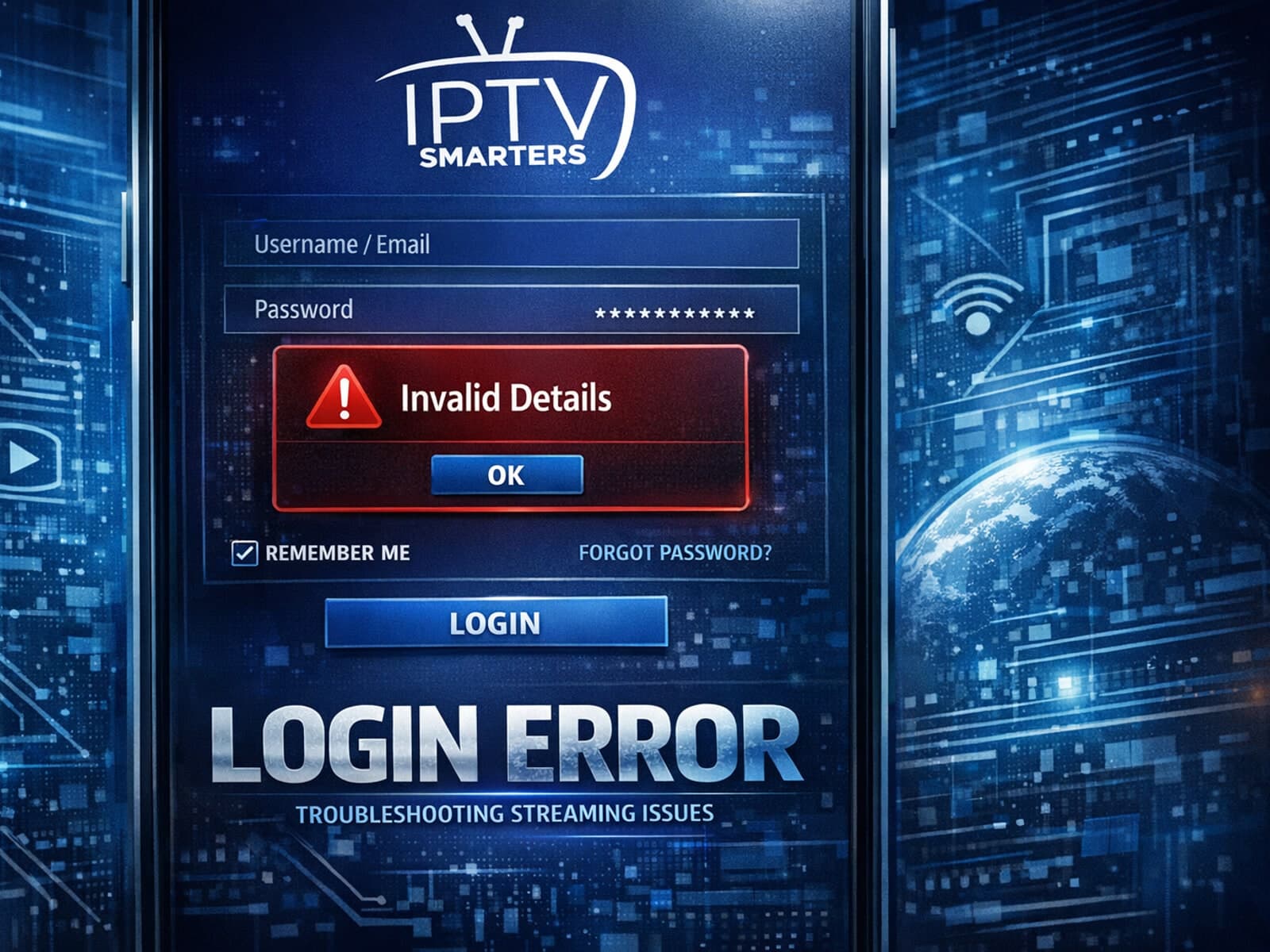
If you use IPTV Smarters to watch IPTV streams and encounter the "Invalid Details" error during login, this article explains what it means and how to fix it.
If you're experiencing issues with catch-up TV not working in TiviMate, the problem typically involves your playlist, the IPTV service's catch-up support, or the app's configuration.