
IPTV Smarters Invalid Details Error: Causes and Fixes

Quick answer
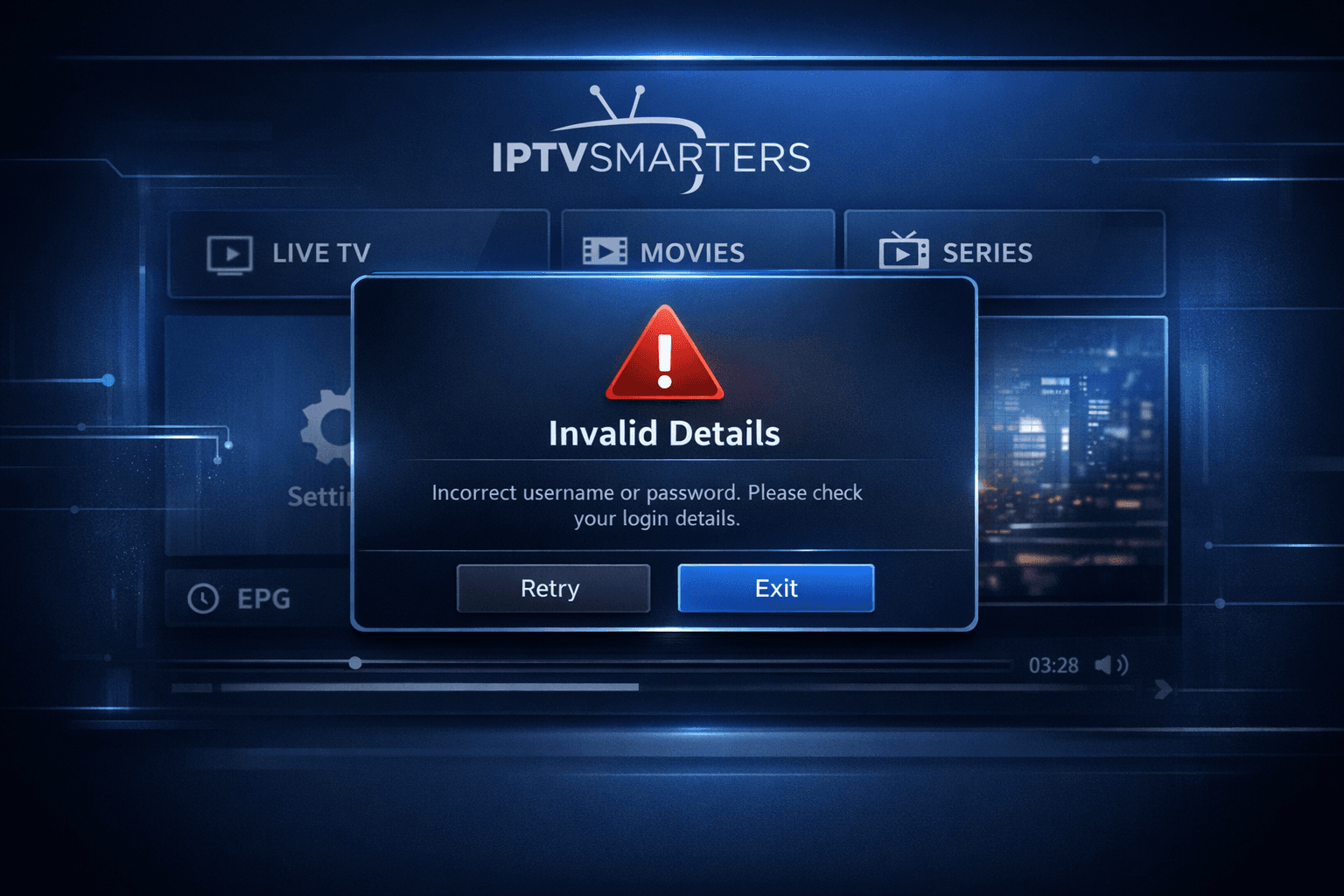
If you've encountered the "Invalid Details" error message when trying to log into IPTV Smarters, you're experiencing a common obstacle related to the app's authentication process. This error typically means that the login information — like username, password, or server URL —...
Reviewed Against
• IPTV Smarters login, playlist, and account-entry screens
• Server-URL formatting, HTTP response handling, and account-entry failure patterns
Applies To
• IPTV Smarters sign-in, playlist import, or account-detail errors
• Errors caused by malformed URLs, wrong credentials, expired tokens, or unreachable playlist endpoints
Does not apply when
• The account itself is disabled or expired on the provider side.
• The provider confirms the service is down or the account has been deliberately blocked upstream.
Corroborating Resources
HTTP response status codesUseful when an IPTV app surfaces 401, 403, 404, or 5xx style errors during login or playlist refreshes.
URL structure referenceHelpful for checking server URLs, source links, and path/query mistakes in portal or playlist setups.
Topic Cluster
Part of the IPTV Smarters cluster
Browse practical IPTV articles about IPTV Smarters, including setup choices, troubleshooting paths, and follow-on guides. This page sits in troubleshoot and fix for that topic path.
On this page
IPTV Smarters Invalid Details Error: Causes and Fixes
If you've encountered the "Invalid Details" error message when trying to log into IPTV Smarters, you're experiencing a common obstacle related to the app's authentication process. This error typically means that the login information — like username, password, or server URL — you entered is not being accepted by the IPTV server. In this guide, you'll find clear, practical steps to identify and fix this issue, restoring your IPTV Smarters access quickly.
What you'll learn
- What the "Invalid Details" error means in IPTV Smarters
- How to verify and correct your login credentials
- Why server URL accuracy matters
- How to rule out device, app, or network errors
- When to contact your IPTV provider
Understanding the "Invalid Details" Error in IPTV Smarters
When IPTV Smarters displays "Invalid Details," it means the app cannot authenticate your login request with the IPTV service's server.
This error relates exclusively to the credentials or connection details used for login. It is not a general connection failure or a streaming error.
IPTV Smarters can use different login methods:
- Playlist URL with username and password
- Xtream Codes API login
Regardless of the method, the failure means something in the login info does not match what the server expects.
How to Check and Fix Your IPTV Smarters Login Details
1. Verify Username and Password Exactly
Mistyped usernames or passwords are the most common reason for this error.
- Double-check your credentials with the original details your IPTV provider gave you.
- Pay attention to case sensitivity, spaces, or special characters.
- Copy-paste carefully if possible to avoid mistakes.
2. Confirm Your Server or Portal URL
The server URL or portal address you enter must be exact.
- Even a small typo can cause the credentials to be rejected.
- Confirm the URL matches what your IPTV provider specifies.
- Ensure it starts with the correct protocol (http:// or https://) as required.
Troubleshooting App and Device Issues
Sometimes, the error may occur due to local app or device issues rather than your credentials.
1. Restart the IPTV Smarters App and Your Device
- Close the app fully and relaunch it.
- Restart your streaming device or smartphone.
This can clear temporary glitches causing authentication failures.
2. Check Your Internet Connection
While "Invalid Details" are credential-specific, a flaky connection might cause failure responses.
- Test if other internet apps work.
- Switch to a stable Wi-Fi network if possible.
3. Clear IPTV Smarters Cache and Data
If corrupted data is causing login failures:
- On Android devices: go to Settings > Apps > IPTV Smarters > Storage > Clear Cache and Clear Data.
- Re-enter your credentials after clearing.
4. Update IPTV Smarters to the Latest Version
Older app versions might have bugs or incompatibility that cause login errors.
- Check your app store for updates.
- Install any updates available.
Common Mistakes Causing the "Invalid Details" Error
- Using expired or suspended IPTV subscriptions credentials.
- Confusing usernames or passwords from other IPTV services.
- Entering the login info into the wrong field or incorrect login mode (for example, using playlist mode when you need Xtream Codes login).
- Using legacy or outdated playlist URLs that no longer work.
When This Guide Applies and When to Try Other Options
Applies To:
- IPTV Smarters on Android, iOS, Fire TV devices.
- Users who have direct login credentials from their IPTV provider.
When to Seek Different Help:
- If you're using another IPTV app or your login format is different, consult that app's specific support.
- If you receive errors like "Authorization Error" or connection timeouts, consider network troubleshooting or see Authorization Error guidance.
- If your playlist isn't updating, see TiviMate Playlist Not Updating After Refresh: Causes and Fixes.
Summary Checklist: Fixing "Invalid Details" in IPTV Smarters
| Step | What to Do | Why It Matters |
|---|---|---|
| 1. Verify credentials | Check username and password | Most common error source |
| 2. Confirm server URL | Ensure exact match to provider data | Connection tied to right server |
| 3. Restart app/device | Clear temporary glitches | App/device cache refresh |
| 4. Check internet | Stable connection needed | Prevents false errors |
| 5. Clear cache/data | Remove corrupted local data | Fix stuck login states |
| 6. Update app | Use latest IPTV Smarters version | Bugs fixed by updates |
| 7. Contact provider | Confirm active subscription | Correct and active login info |
Frequently Asked Questions
What causes the "Invalid Details" error in IPTV Smarters?
It usually happens when the username, password, or server URL entered into IPTV Smarters do not exactly match what the IPTV provider requires.
Can a poor internet connection cause the invalid details error?
While poor connectivity might cause other errors, "Invalid Details" specifically points to incorrect login credentials or server info, not connectivity.
Should I clear the cache to fix this error?
Yes, clearing the app cache can resolve corrupted login data causing repeated invalid detail errors.
Is this guidance applicable to all IPTV apps?
No, this advice is specific to IPTV Smarters, as other apps have different login workflows and error messages.
Conclusion
The IPTV Smarters "Invalid Details" error is usually straightforward to fix by carefully verifying your login credentials and server information, restarting the app and device, and clearing corrupted cache data. Following the ordered steps above will resolve this most common authentication obstacle and get your IPTV streaming back on track. Remember to consult your IPTV service provider if problems persist after these checks.
For additional IPTV app troubleshooting, see related guides on authorization errors and cache clearing to ensure smooth IPTV experiences on your device.
Step-by-step process
- Verify your IPTV subscription credentials exactly match those provided by your IPTV service.
- Double-check the server URL or portal address entered in IPTV Smarters for accuracy.
- Restart IPTV Smarters and your device to clear temporary glitches.
- Check your internet connection to ensure IPTV Smarters can access the server.
- Clear the IPTV Smarters app cache and data to remove corrupted login info.
- Update IPTV Smarters to the latest version for compatibility and bug fixes.
- Contact your IPTV service provider to confirm active subscription and correct login details.
Keep exploring
More explainers that connect naturally to this setup, workflow, or troubleshooting path.
If the catch-up feature in your TiviMate IPTV player is not working, the cause usually lies in playlist compatibility, EPG (Electronic Program Guide) data issues, or app configuration problems.

When you see "Xtream Codes authorization failed" in TiviMate, it means the IPTV app cannot verify your login credentials with the IPTV server. This blocks access to your channels and streams, stopping playback.

If your m3u playlist is not loading in IPTV Smarters, this often results from issues with the playlist URL or file, app settings, or network connectivity.