
How to Fix Catch-Up Not Working in TiviMate

Quick answer
If catch-up functionality is not working in your TiviMate IPTV app, the problem usually stems from either your IPTV provider not supporting catch-up, incorrect playlist or EPG (electronic program guide) data, or app settings that need adjustment. This article explains practica...
Reviewed Against
• TiviMate playlist, EPG, and player-setting workflows
• XMLTV guide imports, refresh timing, and channel-guide matching
• Server-URL formatting, HTTP response handling, and account-entry failure patterns
Applies To
• TiviMate setups on Android TV, Google TV, or Fire OS style streaming devices
• Guide data issues such as missing listings, stale guide refreshes, or wrong time offsets
• Errors caused by malformed URLs, wrong credentials, expired tokens, or unreachable playlist endpoints
Does not apply when
• Your app uses a different menu layout or naming scheme than TiviMate.
• The stream itself will not play at all and you still need to verify login or playlist access.
• The provider confirms the service is down or the account has been deliberately blocked upstream.
Corroborating Resources
XMLTV file format referenceUseful when the issue comes from guide-source formatting, channel mapping, or XMLTV data freshness.
HTTP response status codesUseful when an IPTV app surfaces 401, 403, 404, or 5xx style errors during login or playlist refreshes.
URL structure referenceHelpful for checking server URLs, source links, and path/query mistakes in portal or playlist setups.
Topic Cluster
Part of the EPG cluster
Guide data problems, XMLTV and playlist matching, time-offset fixes, and TiviMate EPG recovery paths. This page sits in troubleshoot and fix for that topic path.
Start here in this topic
On this page
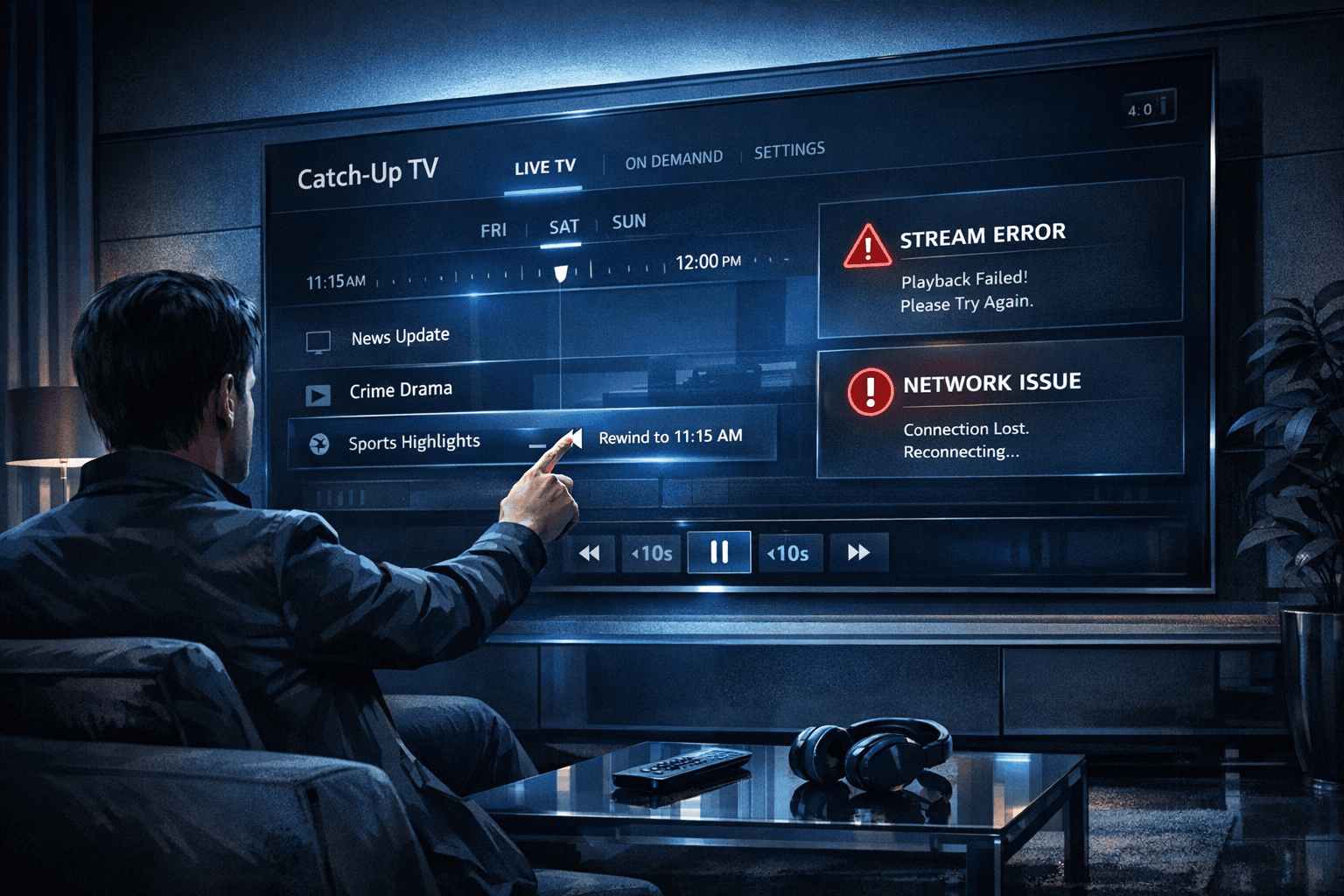
How to Fix Catch-Up Not Working in TiviMate
If catch-up functionality is not working in your TiviMate IPTV app, the problem usually stems from either your IPTV provider not supporting catch-up, incorrect playlist or EPG (electronic program guide) data, or app settings that need adjustment. This article explains practical steps to diagnose and resolve catch-up issues in TiviMate, guiding you through refreshes, settings checks, and troubleshooting playback failures.
What you'll learn
- How to verify if your IPTV provider supports catch-up
- How to refresh and update your playlist and EPG data in TiviMate
- Steps to enable and configure catch-up in the app
- Common reasons why catch-up fails and how to fix them
- When to reach out to your IPTV provider for support
Understanding Catch-Up Support in Your IPTV Provider
Catch-up TV lets you watch past broadcasts on demand via IPTV services integrated into TiviMate. However, catch-up is not automatically available; it depends entirely on your IPTV provider's infrastructure.
How to Confirm Provider Catch-Up
- Review your IPTV subscription documentation or website for mention of catch-up support.
- Contact your IPTV provider’s support to confirm catch-up capability.
- Check if your provider offers URLs or Xtream Codes API with catch-up features.
If your provider does not support catch-up, no TiviMate settings will enable it. Instead, consider an alternative IPTV service or a playlist that includes catch-up URLs.
Refreshing Your Playlist and EPG Data in TiviMate
Catch-up functionality depends on up-to-date playlist and EPG data to access recent broadcasts.
Refresh Playlist
- Open TiviMate.
- Go to Settings > Playlists.
- Select your active playlist.
- Choose Refresh playlist or Update playlist to reload data from your IPTV provider.
Update EPG Data
Catch-up requires accurate EPG information about shows and timing.
- In Settings > EPG, check your EPG source.
- If you use a URL, confirm it's current and functional.
- Refresh or reload EPG data from the source.
Why This Matters
Stale playlists or EPG data may result in catch-up not showing or loading.
Enabling and Configuring Catch-Up in TiviMate
Even if your IPTV service supports catch-up, you must ensure that catch-up is enabled and properly configured in TiviMate.
Steps to Enable Catch-Up
- Go to Settings > Playback in TiviMate.
- Locate the Catch-Up options.
- Enable Catch-Up playback if disabled.
- If available, configure how many hours or days of catch-up content to show.
Additional Settings
- Ensure that Use local time for catch-up matches your time zone to avoid timing mismatches.
- Set default playback quality appropriately.
Check your playlist’s catch-up source; some use DVR or HTTP catch-up methods—ensure TiviMate supports the type your provider uses.
Troubleshooting Common Catch-Up Playback Issues in TiviMate
After confirming catch-up support, refreshing data, and enabling the feature, catch-up content may still fail to play.
Common Causes and Fixes
- Corrupted cache or app data:
- Clear cache via Settings > Apps > TiviMate > Clear cache.
- If issues persist, consider clearing data or reinstalling the app.
- Network instability:
- Verify your internet connection is stable and fast enough.
- Use a wired connection or 5 GHz Wi-Fi band if possible.
- Playlist or EPG errors:
- Double check playlist URLs and EPG sources; re-add or replace if broken.
- Device compatibility issues:
- Ensure your device and TiviMate app are updated to the latest versions.
Testing Playback on Multiple Channels
Try catch-up on different channels that support it to determine if the problem is channel-specific or universal.
When to Use a Different Troubleshooting Path or Guide
This Guidance Applies If:
- You use the standard TiviMate app on Android devices, Android TV, or Fire TV.
- Your IPTV playlist is configured via M3U or Xtream Codes API.
- You have basic or intermediate familiarity with IPTV playlists.
When to Look Elsewhere
- If you are using a custom TiviMate fork or third-party mod, follow specific guides for those versions.
- For device-specific network or hardware issues (e.g., Fire TV Stick connectivity), consult device troubleshooting guides.
- If your app does not have catch-up settings visible, possible you have an old version; check for updates or reinstall.
Catch-Up Troubleshooting Checklist
| Cause | Check or Fix Step | Priority |
|---|---|---|
| Provider does not support catch-up | Verify with IPTV provider | High |
| Outdated playlist or EPG | Refresh playlist and EPG data | High |
| Catch-up disabled in app | Enable catch-up in TiviMate settings | High |
| Corrupted app data | Clear cache/clear data or reinstall app | Medium |
| Internet or network issues | Test connection and restart router/device | Medium |
| Device/outdated app | Update app and device software | Medium |
FAQ
What is catch-up in TiviMate?
Catch-up is a feature that lets you watch TV programs that aired in the past several hours or days, depending on your IPTV provider's offerings.
Why does catch-up sometimes not work in TiviMate?
Usually because your IPTV provider does not include catch-up support, or because playlists and EPG data are outdated or incorrectly configured.
Is catch-up available with all IPTV providers?
No, catch-up depends on whether your IPTV provider supports it and provides compatible data.
Can I fix catch-up issues by reinstalling TiviMate?
Reinstalling can help fix corrupted app data but start with simpler steps like refreshing your playlist and verifying settings.
Conclusion
Fixing catch-up not working in TiviMate involves confirming your IPTV provider supports the feature, refreshing playlist and EPG data, ensuring catch-up is enabled in the app, and resolving playback or network issues. By following the outlined steps in order, most users can restore catch-up functionality without needing complex support. If problems persist, contacting your IPTV provider with detailed information about your setup will help identify service-side limitations or updates required.
For related issues, consider these guides:
- TiviMate Playlist Not Updating After Refresh: Causes and Fixes
- How to Fix Missing Channel Logos in TiviMate
- When Xtream Codes Works Better Than M3U for IPTV
Frequently Asked Questions
What is catch-up in TiviMate?
Catch-up allows you to watch previously aired TV programs through your IPTV service directly via the TiviMate app.
Why does catch-up sometimes not work in TiviMate?
Common reasons include lack of catch-up support from your IPTV provider, outdated or unsynchronized playlists, disabled catch-up settings in the app, or playback glitches.
Is catch-up available with all IPTV providers?
No, catch-up depends on your IPTV provider offering this feature and providing compatible playlist and EPG data.
Can I fix catch-up issues by reinstalling TiviMate?
Reinstalling can help if the app has corrupted files, but first try simpler troubleshooting steps like refreshing the playlist and verifying settings.
Keep exploring
More explainers that connect naturally to this setup, workflow, or troubleshooting path.
If your TiviMate playlist does not update even after pressing the refresh button, it’s usually due to issues like an unstable internet connection, outdated or broken playlist URLs, or app cache conflicts.

The IPTV Smarters "invalid details" error arises from incorrect login credentials, inactive subscriptions, or connectivity issues. This guide details causes and clear fixes.
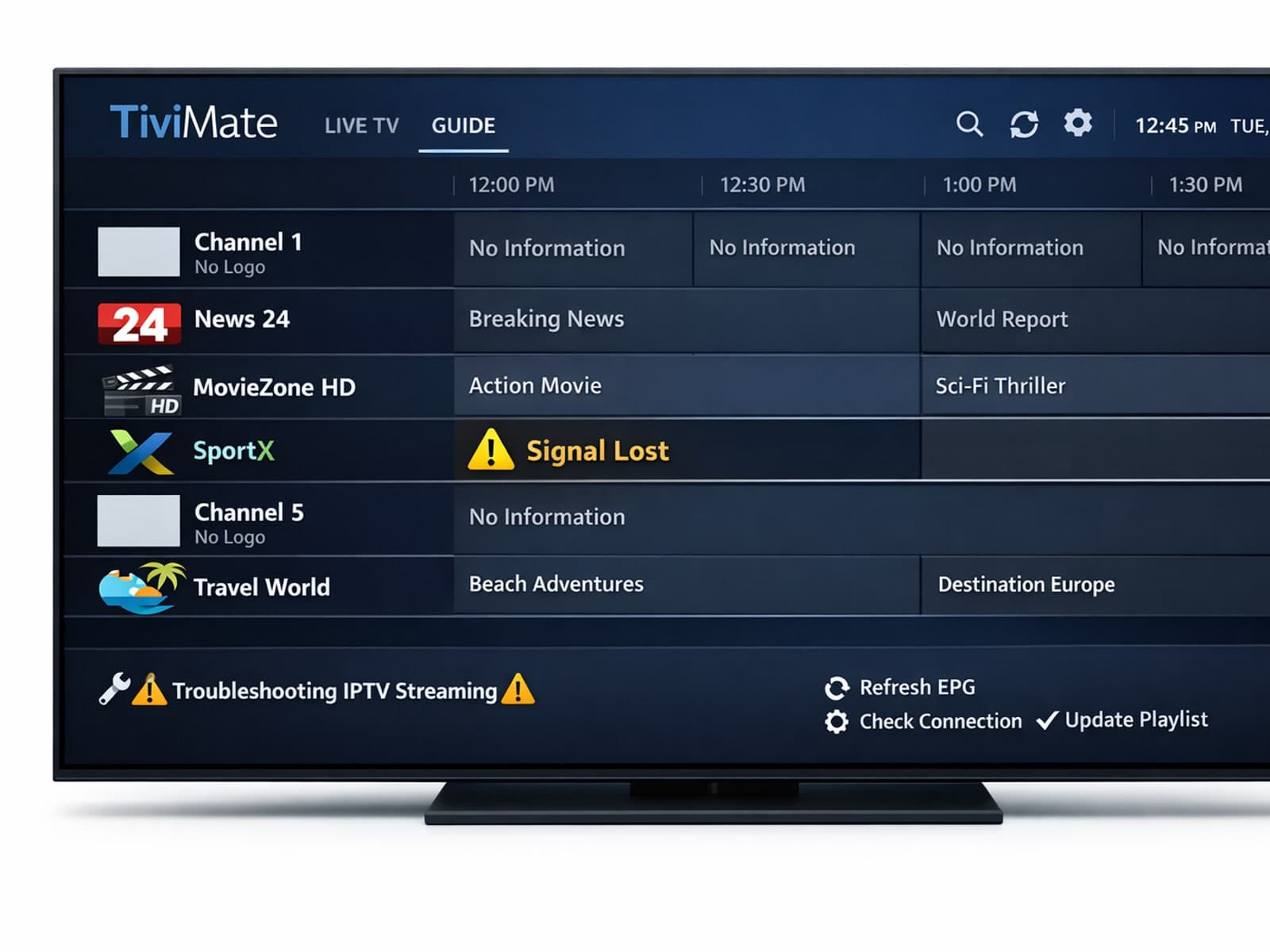
Missing channel logos can detract from your IPTV experience with TiviMate. These logos typically appear next to channel names in the guide and help you visually identify the channels quickly.
