
IPTV Smarters Invalid Details Error: Causes and How to Fix It

Quick answer
If you've encountered the "Invalid Details" error when trying to log in to the IPTV Smarters app, this guide will help you understand exactly why it happens and how to fix it quickly. In simple terms, the error means the app is rejecting the username, password, or playlist URL...
Reviewed Against
• IPTV Smarters login, playlist, and account-entry screens
• Server-URL formatting, HTTP response handling, and account-entry failure patterns
Applies To
• IPTV Smarters sign-in, playlist import, or account-detail errors
• Errors caused by malformed URLs, wrong credentials, expired tokens, or unreachable playlist endpoints
Does not apply when
• The account itself is disabled or expired on the provider side.
• The provider confirms the service is down or the account has been deliberately blocked upstream.
Corroborating Resources
HTTP response status codesUseful when an IPTV app surfaces 401, 403, 404, or 5xx style errors during login or playlist refreshes.
URL structure referenceHelpful for checking server URLs, source links, and path/query mistakes in portal or playlist setups.
Topic Cluster
Part of the IPTV Smarters cluster
Browse practical IPTV articles about IPTV Smarters, including setup choices, troubleshooting paths, and follow-on guides. This page sits in troubleshoot and fix for that topic path.
On this page
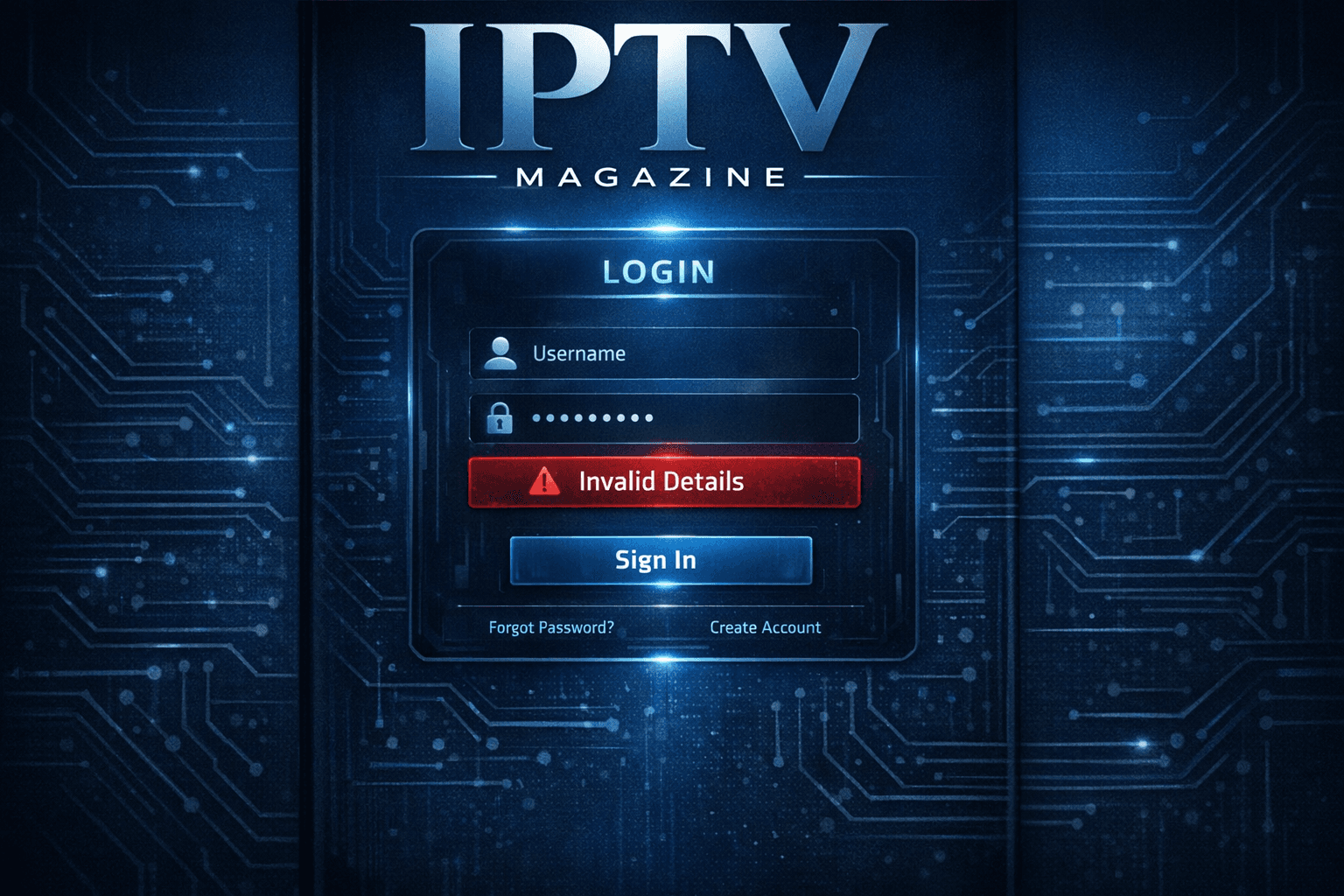
IPTV Smarters Invalid Details Error Explained and Resolved
If you've encountered the "Invalid Details" error when trying to log in to the IPTV Smarters app, this guide will help you understand exactly why it happens and how to fix it quickly. In simple terms, the error means the app is rejecting the username, password, or playlist URL you entered. This prevents the app from connecting to your IPTV service and showing live channels or content.
This article targets informed beginners and intermediate users familiar with IPTV apps on Android, Fire TV, or other platforms that run IPTV Smarters. We focus purely on resolving the Invalid Details message—not general IPTV or Smarters app issues.
What you'll learn
- What causes the IPTV Smarters Invalid Details error
- How to verify and correct your login credentials
- Common mistakes that trigger this error
- How to troubleshoot and fix connectivity or subscription problems
- When to consider device-specific issues or alternate pathways
Understanding the IPTV Smarters Invalid Details Error
"Invalid Details" is a login failure notification the IPTV Smarters app shows when it cannot authenticate your user credentials. The app uses this data—usually a username, password, and playlist URL—to log into your IPTV provider's server.
It's important to note the causes are almost always related to these credentials: an error in typing, changes or expiration in your IPTV account, or wrong URL inputs. Network issues or app glitches rarely cause this specific error but can contribute indirectly.
What login data IPTV Smarters needs:
| Credential Type | Description |
|---|---|
| Username | Your IPTV service login name or ID |
| Password | The secret key associated with your user account |
| Playlist URL | The web address provided by your IPTV provider containing channel lists |
Step-by-Step Fixes for Invalid Details Error
Below are the actionable steps you can take to solve the Invalid Details problem efficiently. Start with the easiest checks to save time.
- Verify Your Username, Password, and Playlist URL
- Double-check every character for typos or extra spaces.
- Confirm case sensitivity, especially in passwords.
- Obtain the credentials again from your IPTV provider or account dashboard.
- Ensure you use the exact URL format your provider requires (usually HTTP/HTTPS).
- Check Your Internet Connection Stability
- Open a web browser on the same device and test loading different sites.
- Restart your router or switch to a different WiFi network if possible.
- Confirm Your IPTV Service Status
- Ensure your subscription is active and not expired.
- Contact the provider to verify your account is in good standing.
- Clear IPTV Smarters App Cache and Data
- Go to your device's Settings → Apps → IPTV Smarters → Storage.
- Choose "Clear Cache" first; if problem persists, also "Clear Data" (note: this removes saved login info).
- Restart the app.
- Re-Enter Login Details Carefully
- Open the IPTV Smarters app and input the verified username, password, and playlist URL.
- Avoid copy-paste if you suspect invisible characters; try typing manually.
- Update IPTV Smarters App
- Ensure you run the latest version from trusted sources.
- Outdated app versions might behave unpredictably.
When to escalate further
- If you still get "Invalid Details" after all above, check if your provider switched authentication methods.
- Some providers moved from Xtream Codes-style login to M3U playlist URLs without username/password combinations.
- Reach out to your IPTV provider's support for updated instructions.
Common Mistakes Leading to Invalid Details Error
Avoid these traps when entering or using IPTV credentials:
- Copying credentials with extra trailing spaces or hidden characters
- Using trial or expired credentials accidentally
- Confusing usernames across multiple IPTV accounts or providers
- Mixing up playlist URLs between different providers or accounts
- Entering HTTP instead of HTTPS or vice versa if required
Repeated failed login attempts might also trigger temporary lockouts by some IPTV services, so avoid guessing passwords repeatedly.
Who Should Use This Guide?
This guidance applies to users of the IPTV Smarters app on Android devices, Fire TV, and other compatible platforms when login fails with "Invalid Details." It assumes you use IPTV subscriptions that require username, password, and playlist URLs (often provided via Xtream Codes or similar middleware).
When to seek alternative resources
- If you use IPTV Smarters Pro or a version customized by your IPTV provider with different login flows, consult your provider's help pages.
- For issues with other IPTV apps like TiviMate or Perfect Player, this guide won’t fully apply.
- If your device has extensive customized firmware or restrictions (e.g., third-party box providers), troubleshooting may differ.
Device and App Specific Considerations
IPTV Smarters on Fire TV or Firestick
- Use the Fire TV remote interface carefully; mistakes in input are common.
- Use the Fire TV app to enter text on your phone for more accuracy.
- Clear cache via Fire TV Settings as described above.
IPTV Smarters on Android TV or Smartphones
- Keyboard apps can auto-correct or auto-capitalize; double-check.
- If unfamiliar with URLs, verify the full string using a clipboard viewer.
Troubleshooting Checklist
| Step | Action | Result | Next Step if Failed |
|---|---|---|---|
| 1 | Confirm accurate login details | Correct info entered | Re-check info or contact provider |
| 2 | Verify internet is working | Can browse internet | Restart router or try different network |
| 3 | Clear IPTV Smarters app cache | App has no stale data | Clear app data or reinstall app |
| 4 | Check subscription status | Subscription active | Renew or contact provider |
| 5 | Update IPTV Smarters app version | App is current | Reinstall or try alternative app |
Frequently Asked Questions
What does the IPTV Smarters Invalid Details error mean?
It means the app cannot authenticate your login credentials, usually due to an incorrect username, password, or playlist URL.
Can expired subscriptions cause the Invalid Details error?
Yes, if your IPTV service subscription has expired or been deactivated, the login details will be rejected.
Does this error relate to network problems?
Mostly, it relates to login credentials, but poor or unstable internet can prevent the app from verifying details, causing the error.
Should I reset my device if I see this error?
Resetting the device is usually unnecessary. Focus first on verifying and re-entering your login information.
Is the fix the same for all devices running IPTV Smarters?
The core fixes are the same, but device-specific app versions may differ slightly in settings and reset methods.
Conclusion
The IPTV Smarters "Invalid Details" error is frustrating but straightforward to fix once you understand it relates to the login credentials and playlist URLs used by the app. Double-check all your username, passwords, and URLs carefully, ensure your IPTV subscription is active, and verify your network connection. Clearing the app cache or updating the app also helps.
If the problem continues, reach out to your IPTV service provider to confirm the correct credentials and connection method. Using this focused approach will quickly get you back to streaming IPTV on Smarters without guessing or unnecessary device resets.
For related topics and more advanced troubleshooting on IPTV Smarters and playlist management, see these articles:
- Xtream Codes Username Password Incorrect: How to Fix Login Issues
- TiviMate Playlist Not Updating After Refresh: Causes and Solutions
- Authorization Error
Happy streaming!
Step-by-step process
- Verify your username, password, and playlist URL are correct and current.
- Check your internet connection to ensure it is stable and working properly.
- Confirm that the IPTV service you use is active and your subscription is valid.
- Clear the IPTV Smarters app cache and data, then restart the app.
- Re-enter the login credentials carefully and attempt to log in again.
Keep exploring
More explainers that connect naturally to this setup, workflow, or troubleshooting path.
When you see the "Xtream Codes authorization failed" message on TiviMate, it means the app currently cannot verify your IPTV login credentials with the IPTV provider’s server. This prevents access to the channel list or streaming content.

When your M3U playlist fails to load in IPTV Smarters, it usually means the app cannot retrieve or read the playlist file correctly. This stops your channels from appearing and prevents streaming.

If the catch-up feature in your TiviMate IPTV player is not working, the cause usually lies in playlist compatibility, EPG (Electronic Program Guide) data issues, or app configuration problems.