
Xtream Codes Username Password Incorrect: Causes and Fixes for IPTV

Quick answer
The "xtream codes username password incorrect" error is a common issue encountered when logging into IPTV services that use the Xtream Codes API or portal. Simply put, this message means the IPTV app you are using cannot validate the username and password you entered against t...
Reviewed Against
• Xtream Codes username, password, and server-URL login flows
• Server-URL formatting, HTTP response handling, and account-entry failure patterns
Applies To
• Portal-style logins that need a server URL plus account credentials
• Errors caused by malformed URLs, wrong credentials, expired tokens, or unreachable playlist endpoints
Does not apply when
• You are using only an M3U playlist URL with no Xtream-style portal login at all.
• The provider confirms the service is down or the account has been deliberately blocked upstream.
Corroborating Resources
HTTP response status codesUseful when an IPTV app surfaces 401, 403, 404, or 5xx style errors during login or playlist refreshes.
URL structure referenceHelpful for checking server URLs, source links, and path/query mistakes in portal or playlist setups.
Topic Cluster
Part of the Xtream Codes cluster
Login errors, URL format confusion, authorization failures, and when Xtream Codes makes more sense than M3U. This page sits in more in this topic for that topic path.
Start here in this topic
On this page
Xtream Codes Username Password Incorrect: Causes and Fixes for IPTV
The "xtream codes username password incorrect" error is a common issue encountered when logging into IPTV services that use the Xtream Codes API or portal. Simply put, this message means the IPTV app you are using cannot validate the username and password you entered against the server. As a result, streaming access is denied.
This guide is crafted for IPTV users with beginner to intermediate experience who want to resolve this error efficiently. We'll explain why it happens, how to verify your information, and the practical steps to fix it.
What you'll learn
- Why the "username password incorrect" error occurs specifically with Xtream Codes logins
- How to verify your login credentials and server URL
- Common mistakes leading to this error and how to avoid them
- Troubleshooting steps tailored to the Xtream Codes login process
- When to contact your IPTV provider or consider alternate workflows
Understanding the "xtream codes username password incorrect" error
What is Xtream Codes login?
Xtream Codes is a popular IPTV middleware system giving users access to live TV channels and on-demand content via an API or portal. IPTV apps connect by submitting a username, password, and server URL unique to the subscription.
The "username password incorrect" message means the Xtream Codes server rejected the login attempt because the submitted credentials did not match any active account.
Common causes
- Typographical errors in username or password
- Wrong server URL or an outdated link
- Account expiration, suspension, or deactivation
- Misuse of case sensitivity (Xtream Codes usernames and passwords are case sensitive)
- Credentials entered in an unsupported app or format
How to verify your Xtream Codes login credentials
Step 1: Check your IPTV provider's details
Your subscription provider should supply a valid username, password, and exact server URL. Locate these from your welcome email or account dashboard.
Step 2: Confirm no extra spaces or typos
Copy-pasting can add spaces inadvertently. Manually type the username and password and ensure:
- Correct capitalization
- No trailing or leading spaces
- Correct characters (e.g., letter 'O' vs. digit '0')
Step 3: Validate the server URL
The server URL specifies where your IPTV app sends the login request. It usually looks like a domain or IP address with a port. Verify it matches the provider's current information exactly. Even a small error can prevent login.
Common mistakes causing login failures
Case sensitivity issues
Xtream Codes credentials are case sensitive. Logging in with uppercase letters when lowercase is required, or vice versa, causes failures.
Using credentials in incompatible apps
Only IPTV apps supporting the Xtream Codes API or portal login format accept these credentials. Trying to log in on apps designed for M3U playlists or other standards won't work.
Using deactivated or expired accounts
If your subscription period ended or your provider revoked your access, the server will reject credentials regardless of accuracy.
Entering password in username field or vice versa
Ensure you enter username and password in their respective fields. This is a rare but possible user mistake.
Step-by-step guide to fix the "username password incorrect" error
- Re-enter Credentials: Manually type your username and password in the IPTV app login fields to avoid hidden characters or spaces.
- Verify Server URL: Double-check the server URL provided by your IPTV service and update it if necessary.
- Check Account Status: Log in to your IPTV provider's website or contact support to verify your subscription is active.
- Restart the IPTV App or Device: Close and reopen the app or reboot your device to clear temporary glitches.
- Change Password if Possible: If you suspect your password is wrong, use the provider's password reset function to obtain new credentials.
- Try a Different Xtream Codes Compatible App: Sometimes app compatibility issues cause errors despite correct credentials.
If after these steps you still get the error, contact your IPTV provider for further assistance. They may need to reissue credentials or address server-side issues.
When this guidance applies—and when it doesn’t
This troubleshooting applies specifically to users logging into IPTV apps that require Xtream Codes username, password, and server URL, such as IPTV Smarters, TiviMate (when using Xtream Codes API), or similar apps.
It does not apply if:
- You are using simple M3U playlist URLs without username/password.
- Your IPTV app uses other authentication methods.
- You're encountering unrelated IPTV errors like buffering or channel errors.
In those cases, consult guides tailored to your device or app.
Summary checklist: Diagnosing the "xtream codes username password incorrect" issue
| Factor | Confirmed? | Action to Take |
|---|---|---|
| Correct username entered | Verify against provider info | Re-type carefully |
| Correct password entered | Confirm case and spelling | Re-type, reset if necessary |
| Valid server URL provided | Matches provider specification | Update URL as needed |
| Active subscription | Check provider's account status | Renew or contact provider |
| Compatible IPTV app used | Supports Xtream Codes login | Try a supported app if unsure |
FAQ
What should I do if I keep getting "username password incorrect" even though I'm sure my details are right?
Try resetting your password with your IPTV provider or request new login credentials. Also test with a different Xtream Codes compatible IPTV app to rule out app-related issues.
Can network issues cause this error?
No, network issues typically cause connection errors, timeouts, or buffering. The "incorrect username password" error explicitly points to authentication failures.
Are usernames and passwords case sensitive in Xtream Codes?
Yes, both are case sensitive. "User123" is different from "user123".
Is there a limit to login attempts?
Some IPTV providers may limit login attempts to prevent brute-force access, causing temporary lockout after repeated failures.
Conclusion
The "xtream codes username password incorrect" message is a clear sign that your IPTV login credentials are rejected by the server due to mismatch or inactivation. The best approach is to carefully verify and re-enter your username, password, and server URL; ensure your subscription is active; and use a compatible IPTV app. If these steps do not resolve the error, contact your IPTV provider for updated credentials or technical support. Following this focused guide should help restore your streaming access efficiently.
For related issues, see also:
Keep exploring
More explainers that connect naturally to this setup, workflow, or troubleshooting path.
If catch-up (the ability to watch past broadcasts on demand) is not working in your TiviMate app, the issue is usually related to your IPTV playlist's support for catch-up, connection hiccups, or app configuration.

When TiviMate displays an "Xtream Codes Authorization Failed" message, it means the app cannot successfully log in to your IPTV provider’s server using the Xtream Codes credentials you entered.

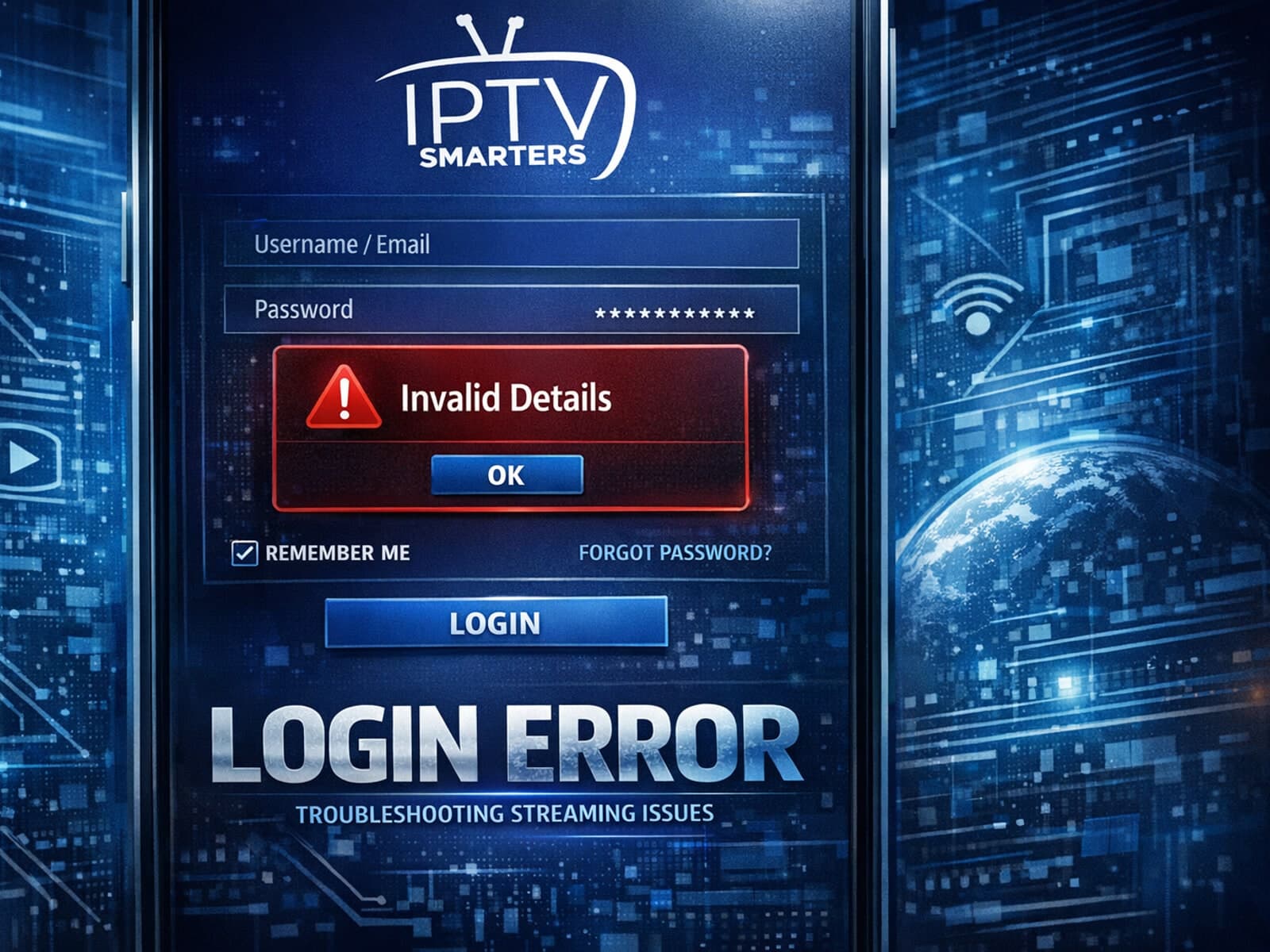
If you use IPTV Smarters to watch IPTV streams and encounter the "Invalid Details" error during login, this article explains what it means and how to fix it.