
IPTV Smarters Invalid Details Error: Causes and How to Fix It

Quick answer
The "Invalid Details" error in the IPTV Smarters app most often means the login information you entered is not accepted by the IPTV service server. This happens when the username, password, or server URL is incorrect, outdated, or your subscription is inactive. Sometimes, inte...
Reviewed Against
• IPTV Smarters login, playlist, and account-entry screens
• Server-URL formatting, HTTP response handling, and account-entry failure patterns
Applies To
• IPTV Smarters sign-in, playlist import, or account-detail errors
• Errors caused by malformed URLs, wrong credentials, expired tokens, or unreachable playlist endpoints
Does not apply when
• The account itself is disabled or expired on the provider side.
• The provider confirms the service is down or the account has been deliberately blocked upstream.
Corroborating Resources
HTTP response status codesUseful when an IPTV app surfaces 401, 403, 404, or 5xx style errors during login or playlist refreshes.
URL structure referenceHelpful for checking server URLs, source links, and path/query mistakes in portal or playlist setups.
Topic Cluster
Part of the IPTV Login cluster
Browse practical IPTV articles about IPTV Login, including setup choices, troubleshooting paths, and follow-on guides. This page sits in troubleshoot and fix for that topic path.
On this page
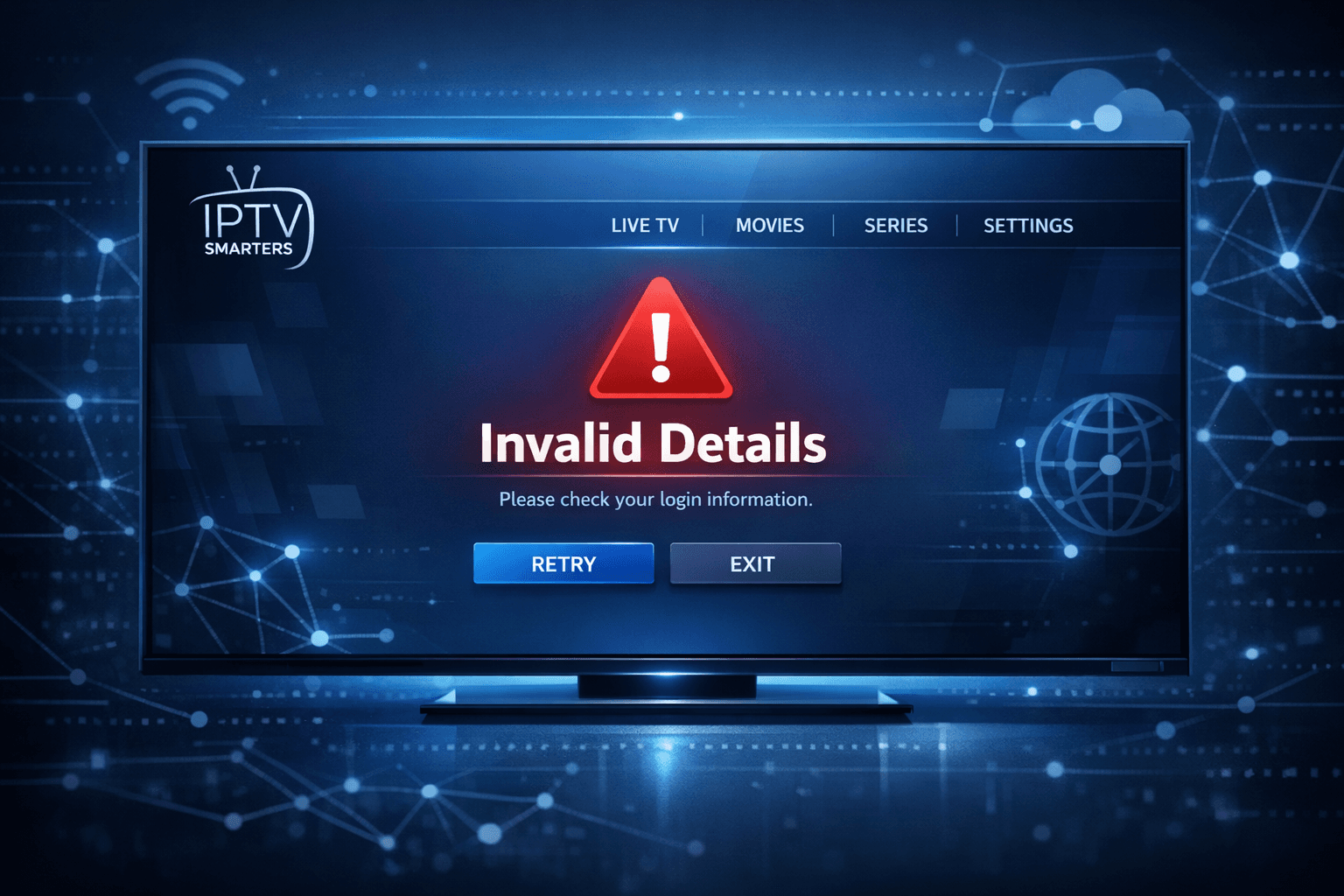
Understanding IPTV Smarters Invalid Details Error
The "Invalid Details" error in the IPTV Smarters app most often means the login information you entered is not accepted by the IPTV service server. This happens when the username, password, or server URL is incorrect, outdated, or your subscription is inactive. Sometimes, internet connectivity problems or app issues can also trigger this error.
This article helps you accurately diagnose and resolve this specific error in IPTV Smarters, concentrating on practical fixes, so you can return to streaming without guesswork.
What you'll learn
- How to verify your IPTV Smarters login credentials
- Why internet connection matters for authentication
- Steps to troubleshoot and fix the "Invalid Details" error
- When to contact your IPTV provider
- What to do if app reinstall is needed
Confirming IPTV Smarters Login Credentials Are Correct
What are IPTV Smarters login credentials?
IPTV Smarters requires three pieces of information to access your IPTV service:
- Username
- Password
- Server URL (or portal URL)
These are typically provided by your IPTV service provider. The app uses these credentials to authenticate your subscription.
Common mistakes with credentials
- Typing errors, such as extra spaces
- Using outdated passwords if recently changed
- Confusing usernames with email addresses or vice versa
- Incorrect or missing server URL
How to verify your credentials
- Open the IPTV Smarters app login screen.
- Carefully re-enter your username, password, and server URL. Avoid copy-paste mistakes.
- Confirm with your IPTV provider's official account page or email the exact login format.
If you still get "Invalid Details," move on to check your network connection.
Ensuring Stable Internet Connectivity for Authentication
Why internet connection impacts login
IPTV Smarters validates login details by communicating with the IPTV provider's server through the internet. If your device can't reach that server reliably, the app may show authentication errors.
Check your connection
- Make sure your device is connected via Wi-Fi or Ethernet.
- Test by opening a website or streaming a video on another app.
- Avoid VPNs or proxies that may block IPTV server access.
Fix common connection issues
- Restart your router.
- Switch between Wi-Fi and mobile data to test.
- Disable active VPNs temporarily.
After confirming good connectivity, retry login.
Troubleshooting the "Invalid Details" Error Step-By-Step
Complete troubleshooting guide
- Double-check username, password, and server URL for accuracy.
- Test and confirm your internet connection is stable and unrestricted.
- Restart the IPTV Smarters app to clear any glitches.
- Reboot your streaming device (Fire TV, Android box, etc.) to refresh system resources.
- Check if your IPTV subscription is active by contacting your provider.
- If possible, test credentials on another device or app to isolate the problem.
- Uninstall and reinstall IPTV Smarters to fix any installation corruption.
When to Contact Your IPTV Service Provider
If you've completed the above steps and still see "Invalid Details," it's time to check with your IPTV provider. Possible issues include:
- Account suspension or expiration
- Server-side issues or maintenance
- Changes to your credentials
Contacting support lets you confirm your account status and receive updated login info.
Who Should Use This Guide and When to Seek Device-Specific Help
This troubleshooting applies specifically to IPTV Smarters app users on popular devices like Amazon Fire TV, Android TV boxes, and mobile devices.
If you use a custom IPTV app, a built-in Smart TV player, or a middleware-powered set-top box, the error resolution steps might differ.
For device-specific problems, consult guides tailored to your hardware or IPTV software variant.
Common Mistakes that Cause "Invalid Details" Errors
- Copying login info including trailing spaces
- Mixing similar looking characters (like 0 and O, l and 1)
- Changing passwords without updating the app
- Using an unsupported IPTV server URL format
Always manually retype credentials and verify the official server URL format.
Summary Checklist: Fixing IPTV Smarters Invalid Details Error
| Step | What to Do | Notes |
|---|---|---|
| 1. Verify credentials | Enter username, password, URL again carefully | Check provider source |
| 2. Check internet | Ensure stable, unrestricted network | Disable VPNs/proxies |
| 3. Restart app & device | Refresh connections and cache | Close fully before reopening |
| 4. Confirm account status | Contact IPTV provider if needed | Subscription active? |
| 5. Reinstall app | Remove and install fresh copy | Last resort |
FAQ
What does "Invalid Details" mean in IPTV Smarters?
It means the IPTV service rejected the username, password, or server URL you entered because they were incorrect or your subscription is inactive.
Can internet issues cause "Invalid Details" errors?
Yes, if the app can't reach the IPTV server due to a poor or blocked internet connection, it may show this error.
Is reinstalling IPTV Smarters necessary?
Only try reinstalling if you've confirmed all login info is correct and your internet is working, but the error continues.
Could my subscription expiration cause this?
An expired or suspended account can cause the IPTV server to reject your login details.
Should I worry about typos?
Even a single mistyped character in your login info will trigger the "Invalid Details" error.
Conclusion
The IPTV Smarters "Invalid Details" error usually signals credential or connectivity issues. Carefully verifying your username, password, and server URL, ensuring a stable internet connection, and following the systematic troubleshooting steps shared here often resolve the problem. If issues persist, check with your IPTV provider about your account status. Avoid common mistakes like typos and outdated info to keep your streaming experience smooth and uninterrupted.
For further detailed help on IPTV login errors or network settings, consult related guides linked below.
Related IPTV Explained Resources
- Xtream Codes Username Password Incorrect: How to Fix Login Issues
- Firestick VPN Causing IPTV Buffering: Reasons and Fixes
- Fire TV Stick Storage Issues Causing IPTV Lag
- Best WiFi Settings for IPTV on Fire TV Stick
Keep exploring
More explainers that connect naturally to this setup, workflow, or troubleshooting path.
When you see the "Xtream Codes authorization failed" message on TiviMate, it means the app currently cannot verify your IPTV login credentials with the IPTV provider’s server. This prevents access to the channel list or streaming content.

When your M3U playlist fails to load in IPTV Smarters, it usually means the app cannot retrieve or read the playlist file correctly. This stops your channels from appearing and prevents streaming.

If the catch-up feature in your TiviMate IPTV player is not working, the cause usually lies in playlist compatibility, EPG (Electronic Program Guide) data issues, or app configuration problems.