
EPG Time Offset Wrong in TiviMate: How to Fix Program Guide Timing

Quick answer
If you notice that the electronic program guide (EPG) times in TiviMate are misaligned—for example, shows appear to start early or late compared to the actual broadcast schedule—this is usually caused by the EPG time offset setting not matching the time zone or time reference...
Reviewed Against
• TiviMate playlist, EPG, and player-setting workflows
• XMLTV guide imports, refresh timing, and channel-guide matching
Applies To
• TiviMate setups on Android TV, Google TV, or Fire OS style streaming devices
• Guide data issues such as missing listings, stale guide refreshes, or wrong time offsets
Does not apply when
• Your app uses a different menu layout or naming scheme than TiviMate.
• The stream itself will not play at all and you still need to verify login or playlist access.
Corroborating Resources
XMLTV file format referenceUseful when the issue comes from guide-source formatting, channel mapping, or XMLTV data freshness.
Topic Cluster
Part of the EPG cluster
Guide data problems, XMLTV and playlist matching, time-offset fixes, and TiviMate EPG recovery paths. This page sits in troubleshoot and fix for that topic path.
Start here in this topic
On this page
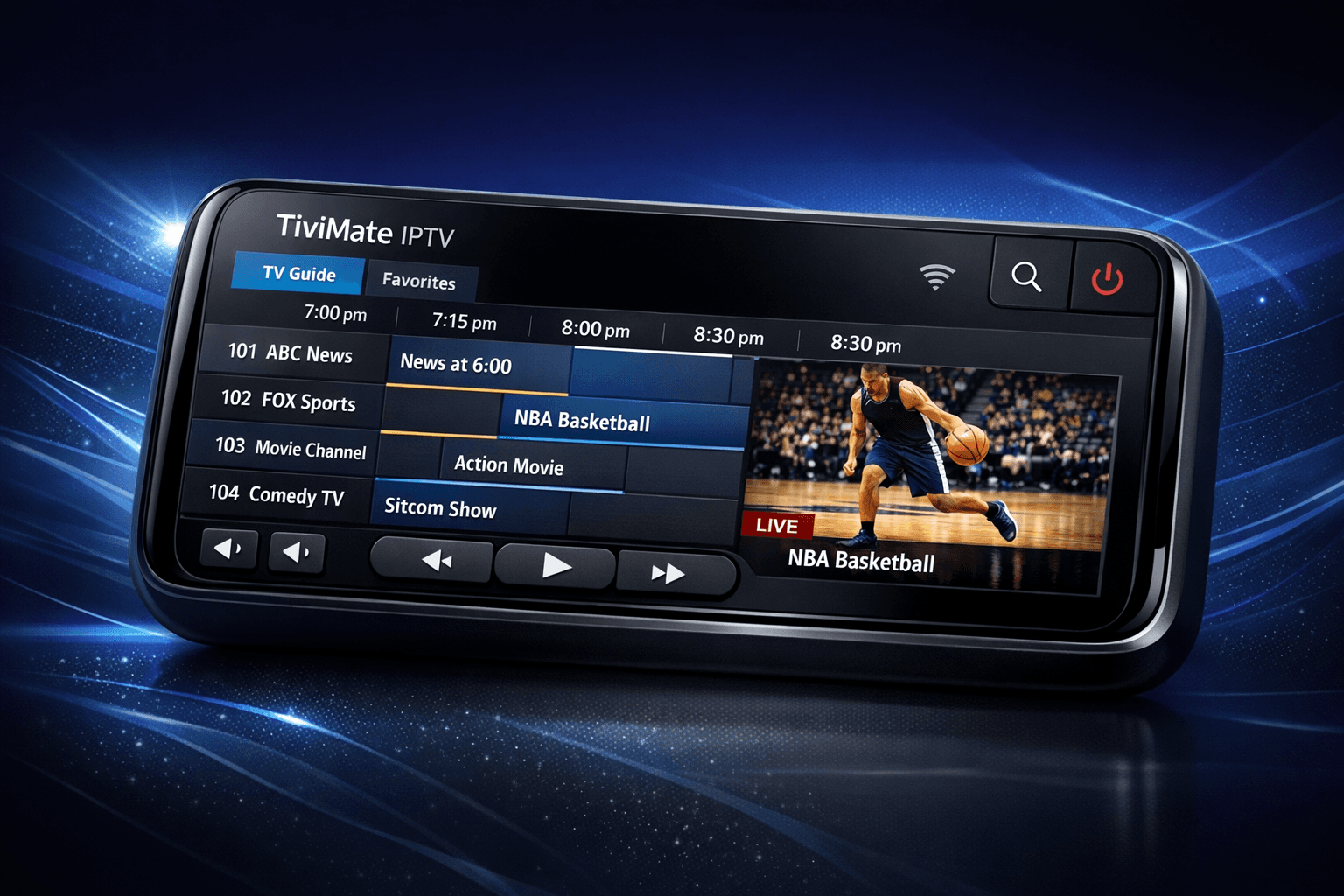
EPG Time Offset Wrong in TiviMate: How to Fix Program Guide Timing
If you notice that the electronic program guide (EPG) times in TiviMate are misaligned—for example, shows appear to start early or late compared to the actual broadcast schedule—this is usually caused by the EPG time offset setting not matching the time zone or time reference used by your IPTV provider's EPG data. TiviMate relies on the timestamps embedded in the EPG XML data, which can be in a different time zone such as UTC or another fixed offset, or it may not be adjusted correctly for your local time.
Fortunately, TiviMate allows you to manually adjust the EPG time offset, enabling you to synchronize the guide times with real broadcast times. This article explains why the discrepancy occurs and walks you through precise steps to fix the EPG time offset wrong issue in TiviMate.
What you'll learn
- Why EPG time offset mismatches happen in TiviMate
- How time zones and EPG timestamps affect program scheduling
- Step-by-step adjustment of EPG time offset in TiviMate
- Common mistakes and troubleshooting tips
- When this guide applies and when to seek alternative solutions
Understanding EPG Time Offset in TiviMate
What Is EPG Time Offset?
Electronic Program Guide (EPG) data received by TiviMate contains program start and end times encoded as timestamps. These times often use a standard reference, such as Coordinated Universal Time (UTC), but your IPTV playlist or TiviMate app runs on your local time zone. The EPG time offset setting in TiviMate shifts all program times by a specified amount of hours to correct for this difference.
For example, if your IPTV provider's EPG data timestamps are in UTC and you live in GMT+2, your EPG in TiviMate would be two hours behind the actual program schedule unless you add a +2 hour offset.
Why Does TiviMate Sometimes Show Wrong Program Times?
- The playlist or EPG source uses a different time zone than TiviMate's default assumption.
- The IPTV provider's EPG data timestamps are out of sync with your local time zone.
- The user hasn't adjusted the time offset to compensate for the difference.
- System date/time settings on your device are incorrect.
Understanding the root cause helps you apply the correct offset rather than guesswork.
How to Adjust the EPG Time Offset in TiviMate
Follow these steps to set or correct the EPG time offset:
-
Open the TiviMate app on your device.
-
Access the main menu by navigating to the top-left corner and selecting the three lines (hamburger menu).
-
Go to
Settings>EPG Settings. -
Find the option named
EPG Time Offset(sometimes labeled asEPG Time Shift). -
Adjust the offset by entering the number of hours to add or subtract. Use positive values if your program guide appears earlier than the actual broadcast; use negative values if it's late.
-
Save or apply the settings, then refresh the EPG data by going back to the EPG screen and pulling down to refresh (or using the refresh option in the menu).
-
Verify the new times against actual broadcast schedules. Repeat adjustments if necessary.
Notes:
- The offset is in whole hours; fractional hours are generally not supported.
- Zero offset means no time shift, typically used when your playlist's EPG is already aligned with your local time.
Typical Offset Values for Common Situations
| IPTV EPG Timezone | Your Timezone | Offset to Use in TiviMate |
|---|---|---|
| UTC | GMT+1 | +1 |
| UTC | GMT-5 | -5 |
| Provider EPG in GMT+3 | GMT+2 | -1 |
Always check your IPTV provider's info or EPG source documentation for the reference time zone.
Common Mistakes and Troubleshooting When EPG Time Offset Is Wrong
Mistake 1: Incorrect Device Time Settings
Ensure your streaming device's date and time are set accurately and automatically via network time protocol (NTP). If your device time is off, the EPG will show wrong times even if the offset is correct.
Mistake 2: Mixing UTC and Local Time Unknowns
Sometimes the IPTV provider doesn't clarify the time zone used in the EPG. Trial and error is common but can be made easier by cross-referencing with your actual program start times.
Mistake 3: Confusing EPG Time Offset with Playlist Refresh Issues
If your channel list or EPG doesn't update at all, the problem might be with playlist refresh or URL issues, not the time offset. Check other troubleshooting guides if you're unsure.
Mistake 4: Confusing Program Duration with Start Time Offset
Ensure you are correcting start times only. Program durations derived from the data should remain consistent.
Who This Guide Applies To and When to Use Different Troubleshooting Methods
This guide specifically addresses TiviMate users experiencing EPG time offset mismatches due to time zone or timestamp differences in their IPTV provider's program guide data.
Use this guidance if:
- You can access the EPG but program times are consistently ahead or behind the actual broadcast times.
- You have basic familiarity with TiviMate settings.
Do not use this guidance if:
- You do not see any EPG at all (check playlist EPG URL and refresh issues instead).
- Your device time is incorrect or system settings interfere.
- You use a different IPTV app where settings are different.
Additional Tips to Prevent EPG Time Offset Issues
- Confirm your IPTV provider's EPG time zone or UTC usage.
- Keep TiviMate updated to the latest version.
- Use official or well-maintained playlists with consistent EPG data.
- Regularly refresh EPG data after making changes.
FAQ
Q: Can I set fractional offsets (like 30 minutes) in TiviMate?
A: No, TiviMate only supports whole hour increments for EPG time offset adjustments.
Q: What if my EPG data still looks wrong after offset adjustment?
A: Verify your playlist's EPG URL and data, your device's system time, and consider resetting TiviMate’s cache or re-adding your playlist.
Q: Is the EPG time offset setting saved per playlist or globally?
A: It is usually a global setting in TiviMate. Adjust accordingly if you use multiple playlists with different time zones.
Q: Will changing the EPG time offset affect channel logos or other metadata?
A: No, time offset only affects program start and end times, not channel metadata.
Conclusion
EPG time offset problems in TiviMate come from discrepancies between the time zone used in your IPTV provider’s guide data and your local time zone. By using TiviMate's built-in EPG Time Offset setting, you can manually correct these differences, ensuring your electronic program guide displays accurate program schedules. Always verify your device time settings and IPTV provider documentation to select the correct offset value. Following this focused approach, you can optimize your TiviMate viewing experience with synchronized EPG timings.
| Checklist: Fixing EPG Time Offset in TiviMate |
|---|
| Confirm incorrect EPG program timing occurs |
| Verify your device system date and time |
| Check IPTV provider’s EPG time zone |
| Open TiviMate > Settings > EPG Settings |
| Adjust EPG Time Offset by hour increments |
| Refresh EPG data in TiviMate |
| Cross-check with actual program schedules |
For additional support on related issues, consider reading:
- TiviMate Playlist Not Updating After Refresh: How to Fix It
- How to Fix Channel Logos Missing in TiviMate
- M3U Plus vs Xtream Codes API for IPTV Playlist Updates
- Buffering (for performance-related issues)
For users looking for device-specific guidance or who experience EPG issues not related to time offset, consult the support resources of your IPTV provider or device manufacturer before further troubleshooting.
Step-by-step process
- Open TiviMate and navigate to Settings EPG Settings.
- Locate the 'EPG Time Offset' option within the EPG Settings menu.
- Adjust the time offset value to correct the programming time, typically by adding or subtracting hours based on your time zone difference.
- Save the settings and refresh the EPG to verify if the program times align correctly.
- If necessary, experiment with different offset values or verify your IPTV provider's EPG time zone information.
Frequently Asked Questions
Why is the EPG time offset wrong in TiviMate?
Because the EPG data timestamps are often in a different time zone than your device or the playlist's assigned time zone, causing program times to mismatch in TiviMate.
How do I know what time offset to apply in TiviMate?
Check the time zone used by your IPTV provider’s EPG source; then use the difference between that and your local time to set the offset hours in TiviMate's EPG settings.
What if adjusting the EPG time offset doesn't fix the issue?
It could be due to incorrect playlist EPG URL, corrupted EPG data, or system time/device settings. Review those separately or consult device-specific support.
Does every EPG require a time offset in TiviMate?
No, many EPG sources use UTC or your local time zone directly, so offset may be zero. Offset adjustment is only necessary when times don't match actual broadcast times.
Keep exploring
More explainers that connect naturally to this setup, workflow, or troubleshooting path.
If your TiviMate playlist isn't updating after you press refresh, it usually indicates issues with the playlist source, connectivity, or app functionality.

When you encounter an "Xtream Codes username password incorrect" error, it means the IPTV client app is unable to authenticate your login credentials with the server.
If you use TiviMate to watch IPTV channels, you rely on an EPG (Electronic Program Guide) source URL to show TV program schedules inside the app. When that URL stops working, your program guide goes blank or fails to load entirely.
