
Fire TV Cube vs Fire TV Stick 4K Max for IPTV Streaming

Quick answer
When choosing between the Fire TV Cube and the Fire TV Stick 4K Max for IPTV, both devices support 4K streaming and run Fire OS, making them compatible with popular IPTV apps. However, differences in hardware performance, connectivity options, and smart home features influence...
Reviewed Against
• Fire TV and Fire OS device capabilities, networking, and storage limits
Applies To
• Fire TV Stick, Fire TV Cube, and Fire OS playback or networking questions
Does not apply when
• You are troubleshooting a smart-TV app or set-top box with a different hardware and settings path.
Corroborating Resources
Fire TV device specifications overviewHelpful for checking Fire TV hardware families, platform differences, and device-level constraints.
Fire TV streaming media player specsUseful for codec, storage, Wi-Fi, and Ethernet-adapter expectations on Fire TV sticks and boxes.
Topic Cluster
Part of the Fire TV cluster
Browse practical IPTV articles about Fire TV, including setup choices, troubleshooting paths, and follow-on guides. This page sits in compare options for that topic path.
On this page
Fire TV Cube vs Fire TV Stick 4K Max for IPTV Streaming
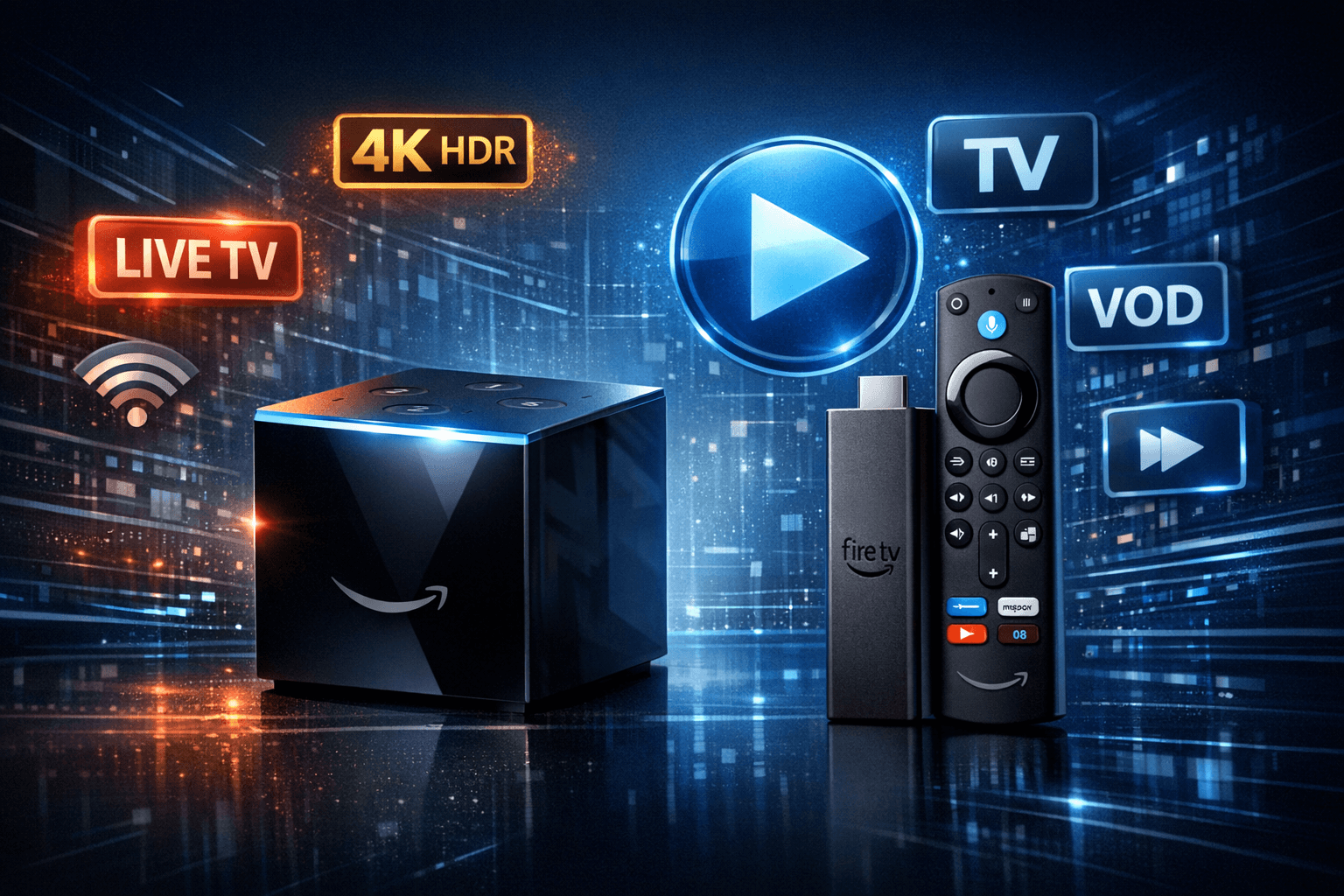
When choosing between the Fire TV Cube and the Fire TV Stick 4K Max for IPTV, both devices support 4K streaming and run Fire OS, making them compatible with popular IPTV apps. However, differences in hardware performance, connectivity options, and smart home features influence which device better fits your IPTV needs. The Stick 4K Max has newer processing power and more RAM, potentially delivering smoother app performance, while the Cube offers built-in Ethernet and hands-free Alexa, benefiting users seeking convenience and integrated smart home control.
What you'll learn
- Key hardware specs affecting IPTV streaming
- Differences in connectivity and network options
- Smart assistant and voice control comparisons
- IPTV app compatibility and real-world usage
- Device selection criteria based on your IPTV setup
Hardware Performance Impacting IPTV
Processor and RAM
The Fire TV Cube uses a Hexa-core processor with 2 GB RAM, sufficient for standard 4K streaming and IPTV apps. In contrast, the Fire TV Stick 4K Max features a newer Octa-core processor with 2.5 GB RAM, enhancing responsiveness and app loading times. This extra power can improve IPTV playback stability, especially with demanding apps or multitasking scenarios.
Storage Considerations
Both devices come with 8 GB of internal storage, partly used by the operating system. Since IPTV apps usually require streaming rather than downloading content, storage is less critical, but some caching and app updates will occupy space. Users experiencing buffering or lag may look into clearing cache or managing installed apps.
Connectivity Differences
Ethernet and Wi-Fi
The Fire TV Cube includes a built-in Ethernet port allowing direct wired internet connection. Wired connections reduce buffering and latency common with Wi-Fi, providing a steadier IPTV experience.
The Fire TV Stick 4K Max lacks an Ethernet port but supports dual-band Wi-Fi 6 (802.11ax), offering faster wireless speeds and lower latency compared to older Wi-Fi standards. For wired setup, the Stick requires purchasing a separate adapter.
HDMI and Ports
Both devices connect to TVs via HDMI. The Cube offers an HDMI output and an IR blaster to control other devices, whereas the Stick is simpler, only including the HDMI plug and a USB power connection.
Voice Control and Smart Home Integration
Alexa Voice
The Fire TV Cube has built-in far-field microphones enabling hands-free Alexa commands without the remote. This is convenient when controlling IPTV playback or switching apps by voice.
The Fire TV Stick 4K Max requires pressing a button on its Alexa-enabled remote, which is less seamless for voice control but still functional.
Smart Home Hub Features
Besides IPTV, the Cube functions as a Zigbee smart home hub, letting you control compatible smart lights and devices natively. For IPTV users interested in smart home automation, the Cube adds value beyond streaming.
IPTV App Compatibility and Real-World Experience
Supported IPTV Applications
Both devices run Fire OS and can install popular IPTV apps like TiviMate, IPTV Smarters, or Perfect Player from the Amazon Appstore or via sideloading. There is no significant difference in app availability.
Streaming Stability
In practical use, the Fire TV Stick 4K Max's newer processor and Wi-Fi 6 support can deliver slightly better streaming stability and quicker app response. The Fire TV Cube’s advantage lies in its reliable Ethernet connection and hands-free operation.
Troubleshooting Common IPTV Issues by Device
When Using Fire TV Cube
- Buffering or freezing despite Ethernet? Check your internet speed and router settings.
- Alexa not responding? Verify microphones aren’t muted and Cube is updated.
- App crashes? Clear app cache or reinstall IPTV app.
When Using Fire TV Stick 4K Max
- Wi-Fi connectivity drops? Switch to 5 GHz band, avoid interference.
- Lag during app use? Close background apps or restart device.
- Remote voice commands not working? Check microphone permission and remote battery.
When to Use Different Troubleshooting Paths
If your device deviates from these models (like older Fire TV versions or third-party Android boxes), consult dedicated guides for those devices because connectivity options and hardware differ significantly.
Choosing Between Fire TV Cube and Fire TV Stick 4K Max for IPTV
| Feature | Fire TV Cube | Fire TV Stick 4K Max |
|---|---|---|
| Processor & RAM | Hexa-core, 2 GB RAM | Octa-core, 2.5 GB RAM |
| Ethernet Port | Built-in Ethernet port | Requires separate adapter |
| Wi-Fi Support | Dual-band Wi-Fi 5 | Wi-Fi 6 (802.11ax), dual-band |
| Voice Control | Hands-free Alexa (built-in mic) | Alexa via remote button |
| Smart Home Hub | Zigbee hub integrated | No smart home hub |
| Price & Availability | Typically higher cost | Lower cost and more portable |
Decision Checklist
- Need wired internet and hands-free Alexa? → Fire TV Cube
- Prefer newer hardware with Wi-Fi 6 and lower cost? → Fire TV Stick 4K Max
- Desire smart home control alongside IPTV? → Fire TV Cube
- Want best streaming responsiveness in a compact device? → Fire TV Stick 4K Max
Conclusion
Both Fire TV Cube and Fire TV Stick 4K Max are strong contenders for IPTV streaming. The Cube excels with built-in Ethernet and smarter voice controls, ideal for users prioritizing convenience and smart home integration. The Stick 4K Max offers superior hardware specs and advanced Wi-Fi support, suited for those wanting maximum streaming performance in a smaller, budget-friendly package. Your choice depends on which features align with your IPTV usage environment and personal preferences.
FAQ
Q: Which device offers better IPTV streaming quality?
A: The Fire TV Stick 4K Max's newer processor and additional RAM generally provide smoother IPTV app performance.
Q: Can I use Ethernet with both devices?
A: The Fire TV Cube has a built-in Ethernet port; the Stick 4K Max needs an adapter for wired internet.
Q: Does voice control differ?
A: Yes, the Cube supports hands-free Alexa, while the Stick requires using the remote button.
Q: Are IPTV apps compatible on both devices?
A: Both support popular IPTV apps available on the Amazon Appstore or via sideloading.
Q: Which device is better for smart home integration?
A: The Fire TV Cube includes Zigbee smart home hub capabilities, unlike the Stick 4K Max.
See also our articles on Fire TV Stick Storage Issues Causing IPTV Lag and Best Wi-Fi Settings for IPTV on Fire TV Stick for optimizing your device performance.
Frequently Asked Questions
Which device offers better IPTV streaming quality?
Both devices support 4K streaming, but the Fire TV Stick 4K Max has a newer processor and more RAM, potentially offering smoother IPTV app performance.
Can I use Ethernet with both devices for IPTV?
The Fire TV Cube includes a built-in Ethernet port, providing more reliable wired internet. The Fire TV Stick 4K Max requires a separate Ethernet adapter for wired connections.
Is voice control equally good on both devices?
The Fire TV Cube has built-in far-field microphones for hands-free Alexa control, whereas the Stick 4K Max requires the remote to activate Alexa.
Which device is better for smart home integration alongside IPTV?
The Fire TV Cube doubles as a smart home hub supporting Zigbee devices, offering more advanced integration than the Stick 4K Max.
Will both devices work with all popular IPTV apps?
Yes, both run Fire OS, compatible with major IPTV apps, but the 4K Max's improved hardware may handle heavier apps more smoothly.
Keep exploring
More explainers that connect naturally to this setup, workflow, or troubleshooting path.
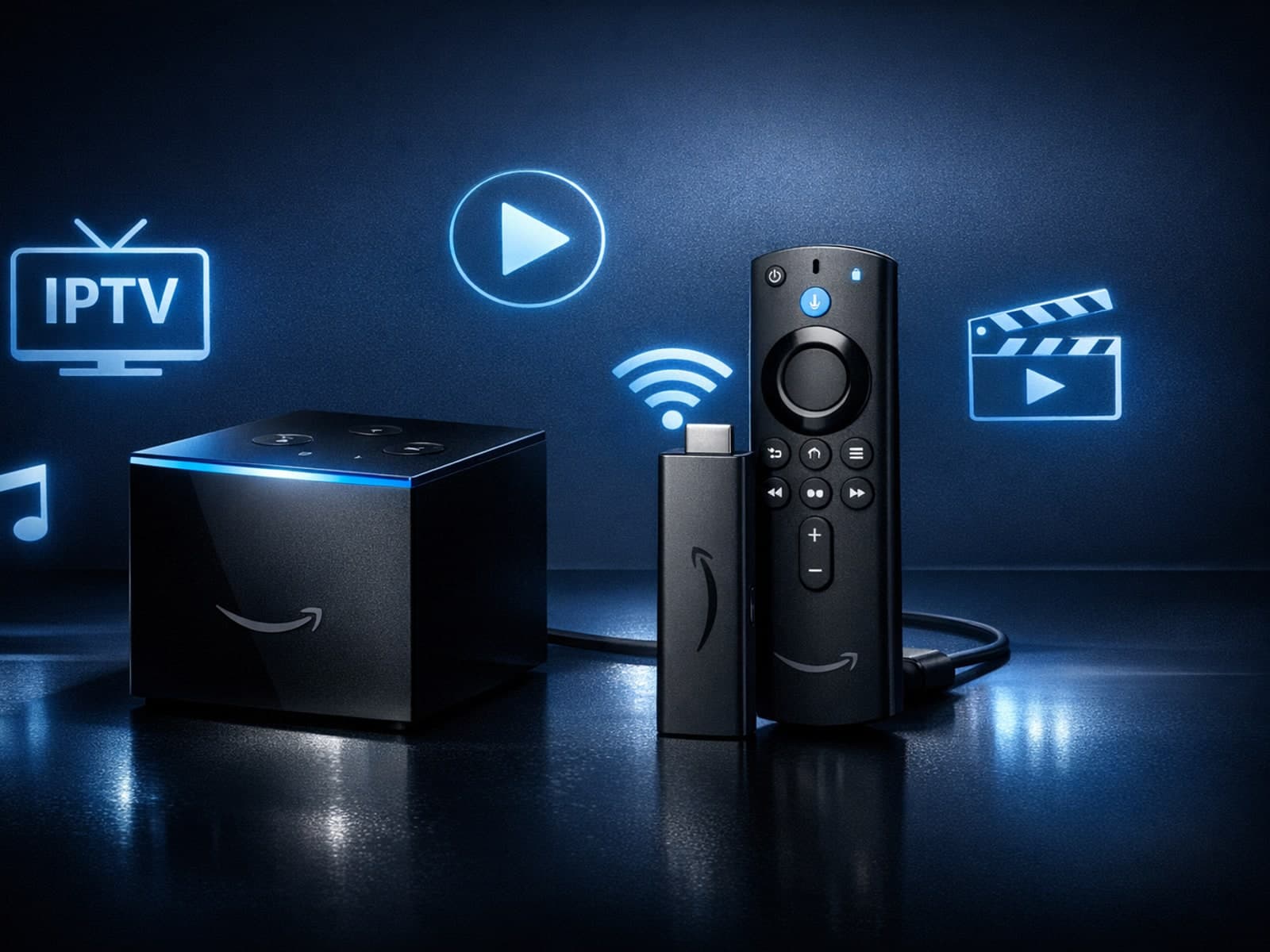
If you're choosing between the Fire TV Cube and the Fire TV Stick 4K Max for your IPTV setup, it's important to understand their differences beyond just their names.

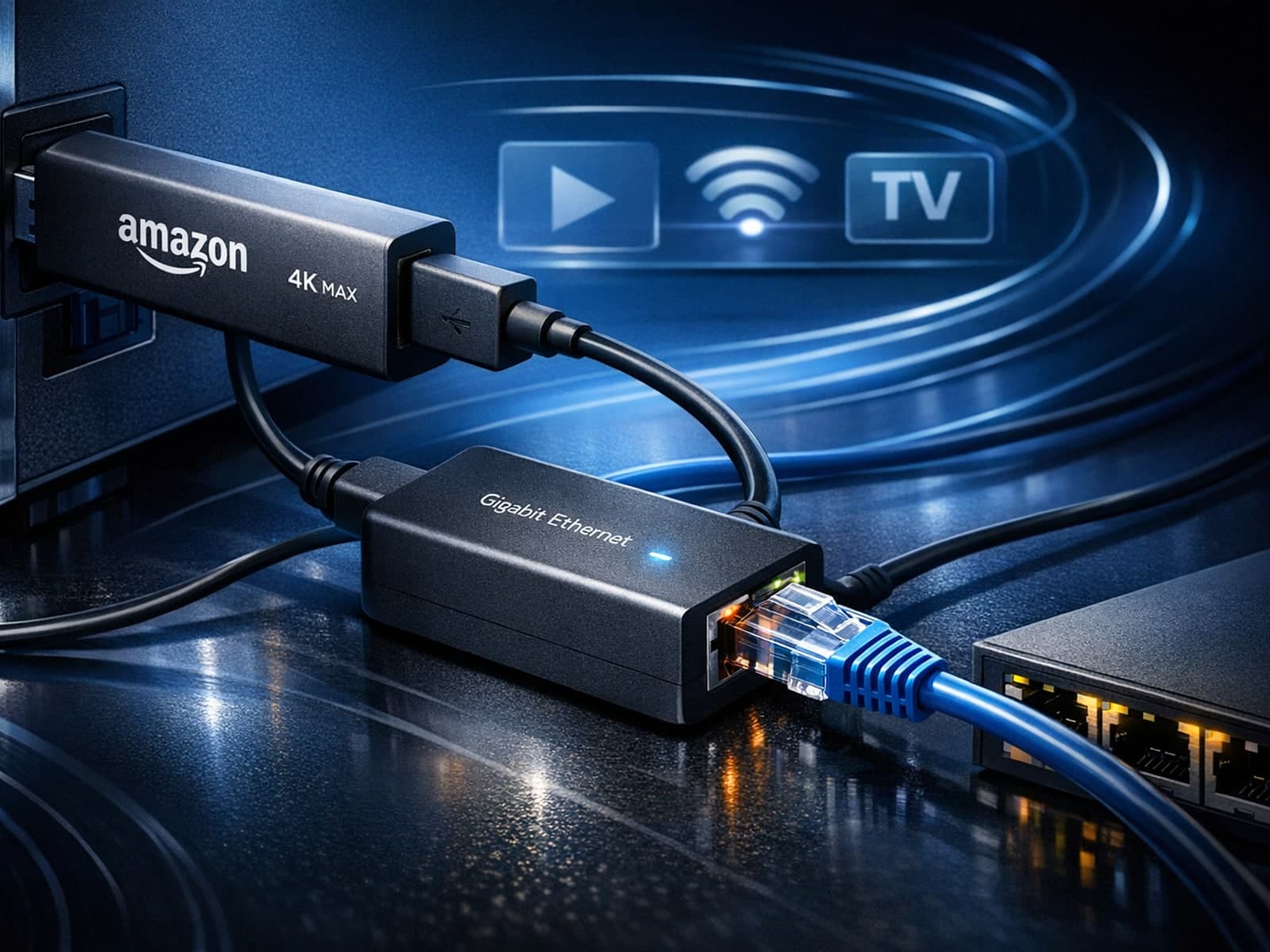
Using a wired Ethernet connection with your Fire TV Stick 4K Max can improve streaming stability and speed, reducing buffering and lag. However, not all Ethernet adapters are compatible with this device.
If your IPTV streams on a Fire TV Stick frequently buffer, stutter, or lag, one common but often overlooked cause is insufficient device storage. The Fire TV Stick uses its internal storage to cache streaming data and run apps smoothly.
