
IPTV Smarters Invalid Details Error: Causes and Precise Fixes

Quick answer
If you encounter the "invalid details" error message on IPTV Smarters, it means the app cannot authenticate your login credentials. This issue arises because the username, password, or playlist URL entered is either incorrect, outdated, or mismatched with what your IPTV servic...
Reviewed Against
• IPTV Smarters login, playlist, and account-entry screens
• Server-URL formatting, HTTP response handling, and account-entry failure patterns
Applies To
• IPTV Smarters sign-in, playlist import, or account-detail errors
• Errors caused by malformed URLs, wrong credentials, expired tokens, or unreachable playlist endpoints
Does not apply when
• The account itself is disabled or expired on the provider side.
• The provider confirms the service is down or the account has been deliberately blocked upstream.
Corroborating Resources
HTTP response status codesUseful when an IPTV app surfaces 401, 403, 404, or 5xx style errors during login or playlist refreshes.
URL structure referenceHelpful for checking server URLs, source links, and path/query mistakes in portal or playlist setups.
Topic Cluster
Part of the Invalid Details cluster
Browse practical IPTV articles about invalid details, including setup choices, troubleshooting paths, and follow-on guides. This page sits in troubleshoot and fix for that topic path.
On this page
IPTV Smarters Invalid Details Error: Causes and Precise Fixes
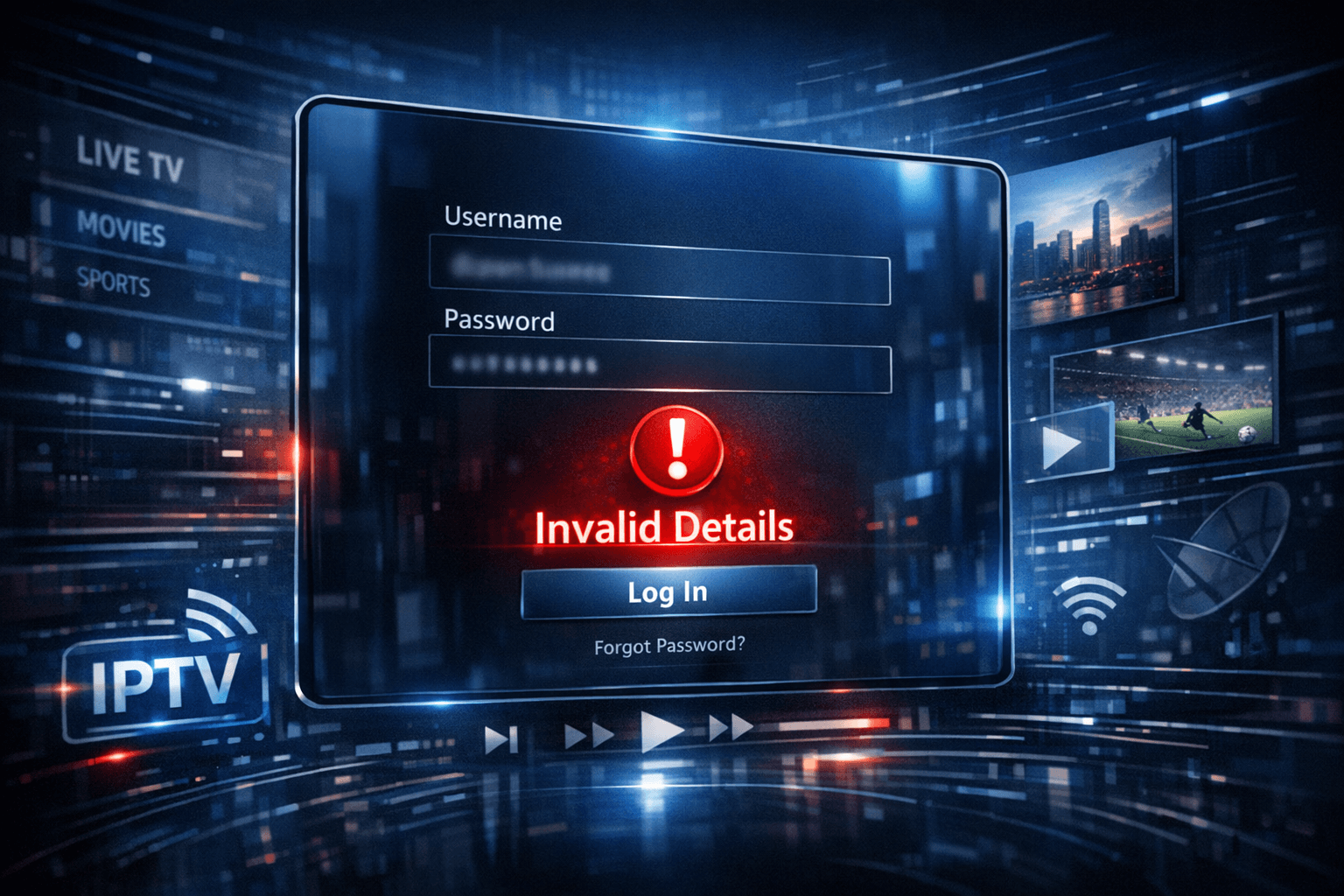
If you encounter the "invalid details" error message on IPTV Smarters, it means the app cannot authenticate your login credentials. This issue arises because the username, password, or playlist URL entered is either incorrect, outdated, or mismatched with what your IPTV service provider expects. Fixing this error involves verifying your login information and network details systematically.
What you'll learn
- Why the invalid details error appears specifically in IPTV Smarters
- How to check and verify each piece of your login credentials
- Troubleshooting device and application settings that may cause the error
- When to seek help from your IPTV provider
- Identifying when other types of errors or guides are more appropriate
Understanding the Invalid Details Error in IPTV Smarters
IPTV Smarters requires three critical pieces of information to access your IPTV content:
- Username
- Password
- Playlist URL, portal URL, or Xtream Codes API URL
If any of these inputs do not exactly match those registered with your IPTV service, you will receive the "invalid details" error. This is a built-in authentication failure meant to prevent unauthorized access.
Why Accuracy Matters
Credentials are case-sensitive and must match perfectly, including no extra spaces or missing characters. Often users inadvertently copy extra spaces when pasting URLs or mistype a character.
Subscription Status
Even correct details won't work if your IPTV subscription has expired or been suspended by the provider, resulting in the same error.
Step-by-Step Verification of IPTV Smarters Login Details
Follow these practical steps in order for the most effective troubleshooting:
- Locate your IPTV service credentials — usually found in an email or user portal from your IPTV provider.
- Carefully enter or re-copy the username and password into IPTV Smarters, making sure to avoid spaces before or after.
- Confirm the playlist URL or portal URL exactly matches what your provider gave. Note that these URLs can expire or be updated.
- Check your subscription status via your provider’s website or support channel to ensure your account is active.
Performing this check accurately catches over 90% of invalid detail errors.
Common Device and App Settings That Cause Login Failures
After verifying credentials, investigate IPTV Smarters app settings and device conditions:
App Version Compatibility
Running an outdated IPTV Smarters version can cause authentication issues due to API changes. If you have an older version, update it via your app store or official source.
Cache and Data Corruption
Cached app data may conflict with updated login credentials. Clear the app cache on your device or reinstall IPTV Smarters.
Network Issues
An unstable or restrictive network (VPN, firewall, or public Wi-Fi) can prevent proper login validation. Try switching to another network or disabling VPNs.
When to Choose a Different Troubleshooting Path
- If you receive a different error like "Authorization Failed" or "Expired Playlist," consider checking the specific guide for those errors, as they indicate different issues.
- If you use device-specific IPTV Smarters versions (like Fire TV), see any device-specific troubleshooting steps provided by IPTV Explained.
This article focuses solely on the invalid details problem in the standard IPTV Smarters app environment.
Common Mistakes Causing IPTV Smarters Invalid Details Error
- Copy-pasting credentials with trailing spaces
- Using expired or outdated playlist URLs
- Confusing username with the email or account number
- Attempting to log in after subscription cancellation
- Not verifying app updates
Additional Checks Before Contacting Support
If after all the above steps the error persists, try:
- Logging in from a different device using the same credentials to isolate device-related problems.
- Verifying with your IPTV provider that your account is still active and credentials have not changed.
Summary Checklist
| Checkpoint | Status |
|---|---|
| Username entered correctly | |
| Password entered correctly | |
| Playlist/portal URL accurate | |
| IPTV subscription active | |
| IPTV Smarters app updated | |
| Network allowing IPTV traffic | |
| Cache cleared or app reinstalled |
Frequently Asked Questions
What does the invalid details error mean in IPTV Smarters?
It indicates that the username, password, or URL entered in IPTV Smarters is incorrect, expired, or mismatched with your IPTV service credentials.
Can using the wrong playlist format cause this error?
Yes, using an unsupported or malformed playlist URL can cause the app to reject your login details as invalid.
Should I contact my IPTV provider if I see this error?
If you have verified your login details and continue seeing the error, contacting your IPTV provider can confirm whether your account is active and credentials are correct.
Conclusion
The IPTV Smarters invalid details error is a straightforward yet common login issue that indicates mismatched or incorrect credentials. By carefully verifying your username, password, and playlist URL against what your IPTV service provides, ensuring your subscription is active, updating your app, and clearing caches, most cases can be resolved independently. If problems persist, testing on another device and consulting your IPTV provider are the recommended next steps. This focused approach minimizes downtime and helps you resume your IPTV viewing quickly and reliably.
For further related information, consider these resources:
- When Xtream Codes Works Better Than M3U for IPTV Streaming
- TiviMate Playlist Not Updating After Refresh: Causes and Fixes
- Authorization Error topic
These expand on IPTV login and playlist issues complementary to the specific "invalid details" scenario in IPTV Smarters.
Tags: iptv smarters, invalid details, login error, playlist URL, iptv troubleshooting, IPTV login, IPTV credentials
Keep exploring
More explainers that connect naturally to this setup, workflow, or troubleshooting path.
If catch-up functionality is not working in your TiviMate IPTV app, the problem usually stems from either your IPTV provider not supporting catch-up, incorrect playlist or EPG (electronic program guide) data, or app settings that need.

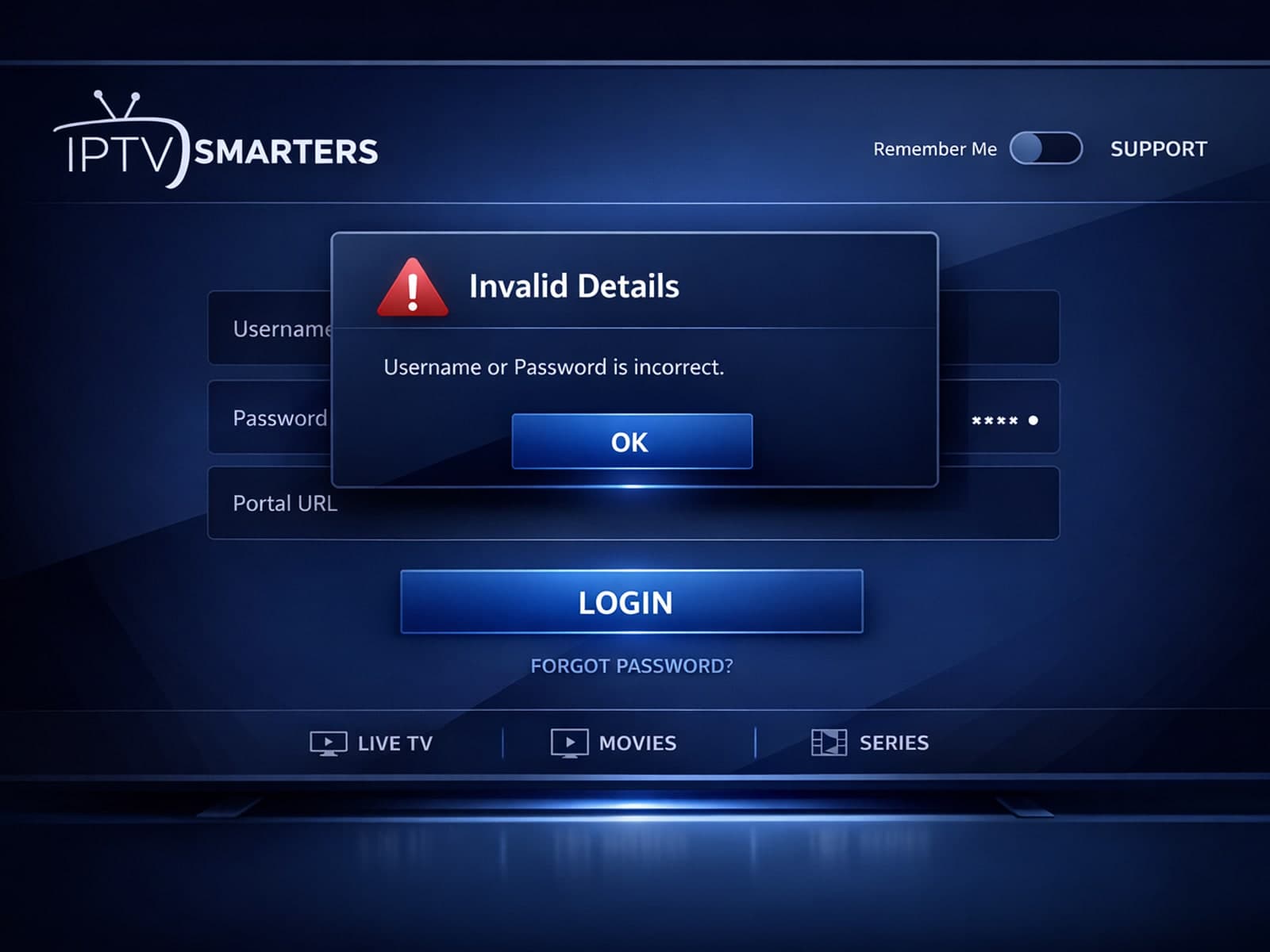
The IPTV Smarters "invalid details" error arises from incorrect login credentials, inactive subscriptions, or connectivity issues. This guide details causes and clear fixes.
When you see the "Xtream Codes Authorization Failed" error in TiviMate, it means the app cannot verify your IPTV login via the Xtream Codes API.
