
When Xtream Codes Works Better Than M3U for IPTV Streaming

Quick answer
For IPTV users deciding between Xtream Codes and M3U playlist formats, Xtream Codes works better than M3U primarily when your IPTV needs include authenticated access, dynamic channel updating, integrated electronic program guides (EPG), and improved content management. Unlike...
Reviewed Against
• XMLTV guide imports, refresh timing, and channel-guide matching
• Xtream Codes username, password, and server-URL login flows
• M3U and M3U Plus playlist URLs, refreshes, and import behavior
Applies To
• Guide data issues such as missing listings, stale guide refreshes, or wrong time offsets
• Portal-style logins that need a server URL plus account credentials
• Playlist-based IPTV setups that rely on M3U or M3U Plus links for channel data
Does not apply when
• The stream itself will not play at all and you still need to verify login or playlist access.
• You are using only an M3U playlist URL with no Xtream-style portal login at all.
• Your app is using a portal or stalker-style workflow instead of a playlist URL.
Corroborating Resources
XMLTV file format referenceUseful when the issue comes from guide-source formatting, channel mapping, or XMLTV data freshness.
HTTP response status codesUseful when an IPTV app surfaces 401, 403, 404, or 5xx style errors during login or playlist refreshes.
URL structure referenceHelpful for checking server URLs, source links, and path/query mistakes in portal or playlist setups.
Topic Cluster
Part of the EPG cluster
Guide data problems, XMLTV and playlist matching, time-offset fixes, and TiviMate EPG recovery paths. This page sits in compare options for that topic path.
Start here in this topic
On this page

When Xtream Codes Works Better Than M3U for IPTV Streaming
For IPTV users deciding between Xtream Codes and M3U playlist formats, Xtream Codes works better than M3U primarily when your IPTV needs include authenticated access, dynamic channel updating, integrated electronic program guides (EPG), and improved content management. Unlike M3U—a simple static playlist file—Xtream Codes leverages an API-based system that provides better stability, flexibility, and features within supported IPTV applications.
Understanding when and why Xtream Codes outperforms M3U helps users select the right connection method for smoother streaming and richer channel experiences.
What you'll learn
- The core technical differences between Xtream Codes and M3U
- When Xtream Codes offers improved IPTV usability and stability
- How authentication impacts streaming reliability
- Key advantages of dynamic playlist and EPG handling
- Practical troubleshooting tips for Xtream Codes connections
Understanding Xtream Codes vs M3U: A Functional Comparison
What Is Xtream Codes?
Xtream Codes is an API-driven IPTV login system that connects your IPTV application to the content provider using credentials: server URL, username, and password. It dynamically delivers channel lists, URLs, EPG data, and other metadata. This method enables real-time updates and program guide synchronization.
What Is an M3U Playlist?
An M3U playlist is a static file formatted in plain text listing IPTV stream URLs and metadata. Users load this single file into compatible IPTV apps. M3U lacks built-in authentication and updates are manual—requiring the provider to issue new URLs in a new playlist file regularly.
Key Differences
| Feature | Xtream Codes | M3U Playlist |
|---|---|---|
| Authentication | Required via credentials | None or limited |
| Channel List Updates | Dynamic via API | Static until refreshed |
| EPG Integration | Automated and synchronized | Manual or separate |
| User Experience | More stable with less manual input | Simple but with limited features |
Why Xtream Codes Can Improve IPTV Streaming Stability
Streaming stability depends in part on how your IPTV app accesses and manages channel data.
Authentication Reduces Unauthorized Access
Because Xtream Codes requires login credentials, servers can better manage connections, reduce unauthorized users, and allocate bandwidth more efficiently, leading to fewer buffering or dropouts.
Dynamic Channel and EPG Updates
Xtream Codes clients retrieve live channel lists and guides, so when the provider adds or removes content, your app updates seamlessly without reloading an entire playlist manually, reducing errors caused by outdated streams.
API Efficiency
The API backend can quickly verify your access and supply direct stream URLs optimized for your session, improving response times compared to static M3U file parsing.
When M3U Might Still Be Preferable
While Xtream Codes offers many benefits, M3U playlists can be simpler and sufficient in situations such as:
- Your IPTV provider only offers M3U links without Xtream Codes credentials.
- You use IPTV apps that do not support Xtream Codes logins.
- You want a lightweight setup without managing username and password.
- Your use case involves offline playlist caching or simple channel lists with no EPG needs.
If any of these conditions apply, sticking to M3U playlists is practical.
Troubleshooting Common Xtream Codes Issues
Common Problems
- Incorrect credentials: Double-check username, password, and server URL.
- Expired or revoked credentials: Contact your IPTV provider if access stops.
- Network blocking or firewall interference: Ensure port access is allowed and VPNs do not disrupt connections.
- Outdated IPTV app: Update your app to support current Xtream Codes protocols.
Troubleshooting Steps
- Verify your credentials by logging into the IPTV provider’s web portal.
- Test internet connectivity and try streaming via Wi-Fi and Ethernet to rule out network issues.
- Refresh or reinstall your IPTV app.
- Check for service outages or known provider issues.
Who Should Follow This Guidance?
This guidance suits users who:
- Have access to IPTV services providing Xtream Codes credentials.
- Use apps like TiviMate, IPTV Smarters, or others supporting Xtream Codes logins.
- Need dynamic EPG, catch-up, and channel grouping features.
Users relying solely on manual M3U playlists without login details or using apps not supporting API login should follow device- or app-specific troubleshooting guides tailored to M3U.
Summary Checklist: When Xtream Codes Works Better Than M3U
| Criteria | Choose Xtream Codes | Choose M3U |
|---|---|---|
| IPTV Provider offers login details | Yes | No |
| Need automatic EPG updates | Yes | No |
| IPTV app supports Xtream Codes | Yes | No |
| Want dynamic channel management | Yes | No |
| Prefer simpler static files | No | Yes |
FAQs
What is the main functional difference between Xtream Codes and M3U for IPTV?
Xtream Codes uses authenticated API calls delivering dynamic channel and EPG data, while M3U delivers a static list of stream URLs without authentication.
Can I use Xtream Codes credentials in any IPTV app?
No, only select IPTV apps that support the Xtream Codes login protocol will accept these credentials.
Does using Xtream Codes improve IPTV stream stability?
Often yes, because the system manages sessions and authentication better, which reduces disconnections and buffering.
Is the Xtream Codes method suitable for beginners?
It can be for informed beginners but requires some understanding of IPTV login details and configuration.
When should I prefer M3U playlists over Xtream Codes?
When your app or IPTV provider does not support Xtream Codes or you desire simple manual playlist use without authentication.
Conclusion
Xtream Codes works better than M3U in IPTV environments where dynamic content management, authentication, and EPG synchronization enhance your streaming experience. Users with access to Xtream Codes credentials and compatible IPTV apps will benefit from greater stability and richer features. However, M3U playlists still serve well for simpler setups or when Xtream Codes is unavailable. Understanding these differences helps you optimize your IPTV configuration for your particular needs.
For detailed troubleshooting on common Xtream Codes errors or playlist refresh issues, explore related guides to ensure smooth IPTV viewing.
If you want to dive deeper into IPTV app configurations, check out related articles like How to Fix Catch-Up Not Working in TiviMate or IPTV Smarters Invalid Details Error Causes and Precise Fixes.
Frequently Asked Questions
What is the main functional difference between Xtream Codes and M3U for IPTV?
Xtream Codes uses an authenticated API allowing dynamic channel listing and integrated EPG, while M3U is a static playlist file without built-in authentication or dynamic updates.
Can I use Xtream Codes credentials in any IPTV app?
No, only IPTV apps that specifically support the Xtream Codes login method can use these credentials. Otherwise, M3U playlists must be used.
Does using Xtream Codes improve IPTV stream stability?
Generally yes, because Xtream Codes leverages server-side management and authentication that can provide faster updates and fewer connection errors than static M3U playlists.
Is the Xtream Codes method suitable for beginners?
It requires inputting multiple credentials and sometimes more configuration, so intermediate users benefit more, but informed beginners can learn it with some guidance.
When should I prefer M3U playlists over Xtream Codes?
If your IPTV provider only offers M3U URLs or your app does not support Xtream Codes, or if you want a simple static playlist without dynamic features.
Keep exploring
More explainers that connect naturally to this setup, workflow, or troubleshooting path.
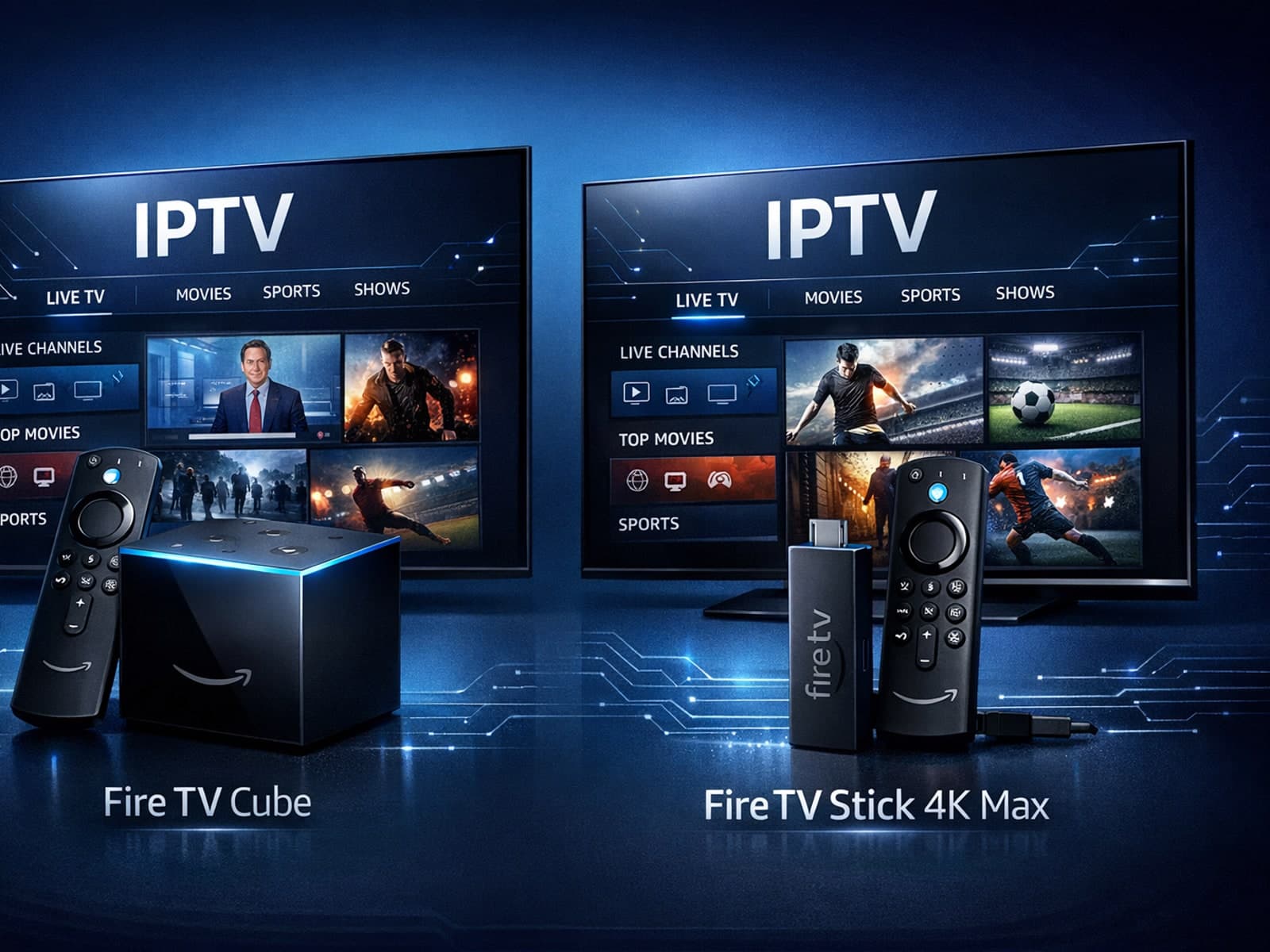
If you're choosing between Amazon's Fire TV Cube and Fire TV Stick 4K Max specifically for IPTV streaming, this comparison focuses on how their hardware, connectivity, and features affect IPTV performance.

Missing channel logos in TiviMate can disrupt your viewing experience by making it harder to identify channels quickly. The cause is usually related to playlist data or app settings rather than a fault in the app itself.

Learn how to efficiently add, rename, and reorder favorites and channel groups in TiviMate on Android TV, Fire TV, and Android devices without editing IPTV playlists.
