
How to Organize Favorites and Groups in TiviMate for IPTV

Quick answer
If you use TiviMate to watch IPTV, organizing your favorite channels and groups can vastly improve your viewing experience. TiviMate allows you to mark channels as favorites and access organized channel groups, making navigation faster and more personalized. In this article, w...
Reviewed Against
• TiviMate playlist, EPG, and player-setting workflows
• Fire TV and Fire OS device capabilities, networking, and storage limits
• Android TV and Google TV troubleshooting paths and settings flows
Applies To
• TiviMate setups on Android TV, Google TV, or Fire OS style streaming devices
• Fire TV Stick, Fire TV Cube, and Fire OS playback or networking questions
• Android TV and Google TV devices where app storage, system updates, and playback settings affect IPTV behavior
Does not apply when
• Your app uses a different menu layout or naming scheme than TiviMate.
• You are troubleshooting a smart-TV app or set-top box with a different hardware and settings path.
• The device is not Android TV based and the settings menus do not match these steps.
Corroborating Resources
Fire TV device specifications overviewHelpful for checking Fire TV hardware families, platform differences, and device-level constraints.
Fire TV streaming media player specsUseful for codec, storage, Wi-Fi, and Ethernet-adapter expectations on Fire TV sticks and boxes.
Android TV overviewA good reference for how Android TV is structured and where TV-specific app behavior comes from.
Google TV troubleshooting helpUseful for device-level playback, Wi-Fi, and settings checks when video behavior looks platform-wide.
Topic Cluster
Part of the TiviMate cluster
TiviMate troubleshooting paths for guide loading, playlist sync issues, login failures, and setup decisions. This page sits in more in this topic for that topic path.
Start here in this topic
On this page
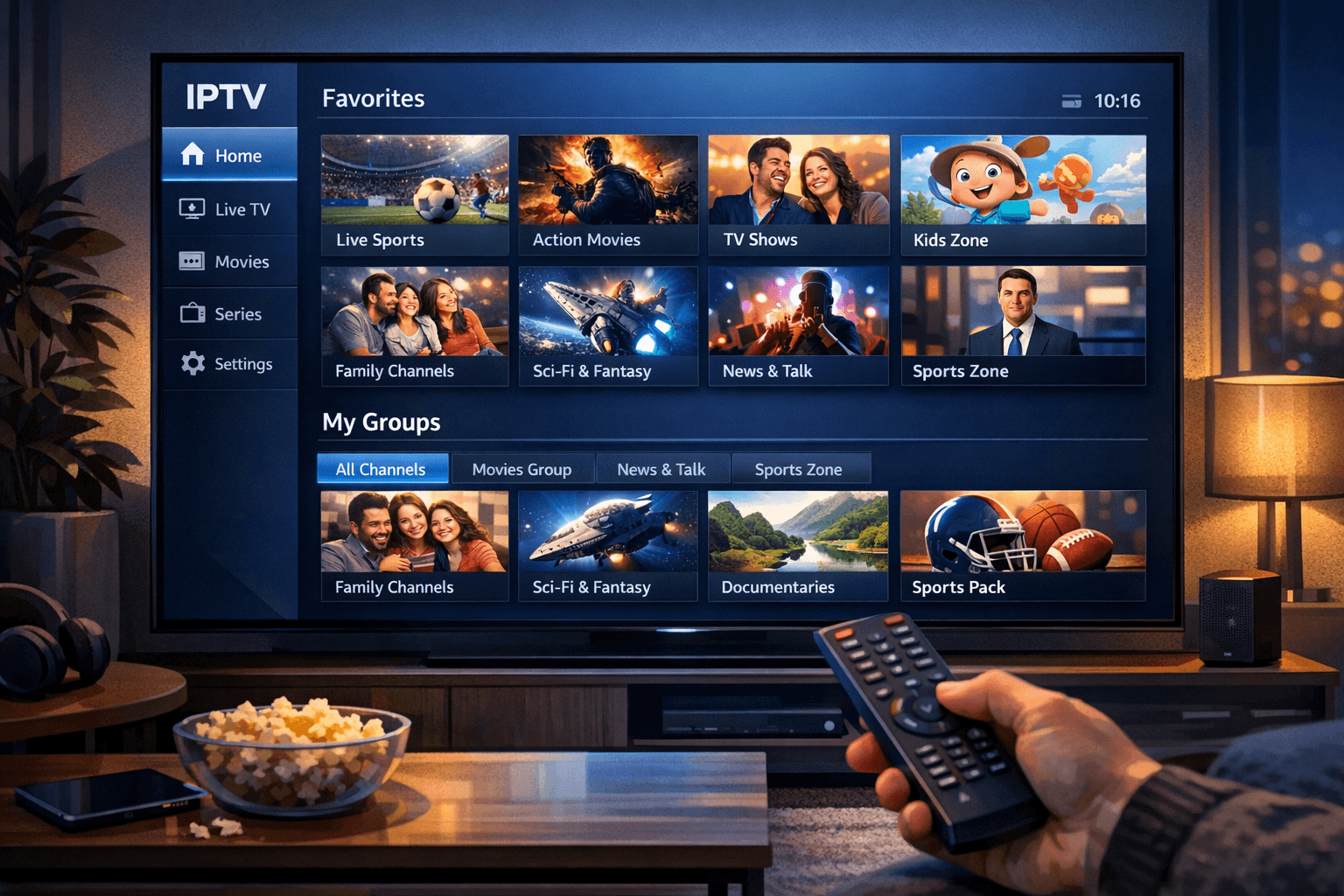
How to Organize Favorites and Groups in TiviMate for IPTV
If you use TiviMate to watch IPTV, organizing your favorite channels and groups can vastly improve your viewing experience. TiviMate allows you to mark channels as favorites and access organized channel groups, making navigation faster and more personalized. In this article, we'll guide you through practical steps to manage favorites and groups efficiently in TiviMate, focusing on features available in the app without playlist editing.
What you'll learn
- How favorites work in TiviMate and how to add or remove them
- Tips for managing and renaming channel groups within TiviMate
- Practical steps to reorder favorites and groups for easier navigation
- Common issues when organizing favorites and groups and how to avoid them
- When this guidance applies and when device or playlist-specific steps are necessary
Understanding Favorites in TiviMate
Favorites in TiviMate are custom collections of channels you choose to access quickly across your IPTV playlists. Unlike groups, which usually reflect categories from your IPTV provider's playlist, favorites are personal selections.
How to Add Channels to Favorites
Adding a channel to favorites creates a curated list you can access without scrolling through the entire guide. You can add single or multiple channels this way.
Benefits of Using Favorites
- Quick access to frequently watched channels
- Reduces time spent navigating large playlists
- Customizable to your viewing habits
Managing Groups in TiviMate
Groups in TiviMate are essentially channel categories or folders derived from your IPTV playlist metadata. These often include sports, movies, news, or kids' channels.
Renaming and Reordering Groups
While you cannot create new groups manually, you can often rename or reorder existing groups inside TiviMate to suit your preferences:
- Navigate to the 'Groups' tab in TiviMate.
- Use the menu options to rename groups for clarity.
- Drag and reorder groups in supported versions to prioritize favorites.
Using Groups and Favorites Together
Groups help organize your entire playlist by category, while favorites are your personal picks potentially spanning multiple groups.
Step-by-Step: Organizing Favorites and Groups
Follow these steps to create and manage your favorites and groups in TiviMate:
- Open TiviMate and Access the Channel Guide
- Select a Channel and Open the Context Menu
- Choose "Add to Favorites" to include channels in your favorites list
- Access the Favorites List from the Main Menu for easy viewing
- Navigate to "Groups" to view all channel categories
- Rename or reorder groups if your version supports it, to optimize navigation
This workflow allows you to customize the TiviMate experience without needing to edit your IPTV provider’s playlist externally.
Common Issues and How to Fix Them
Favorites or Groups Not Saving
- Ensure TiviMate is updated to the latest version.
- Check that your device has storage access permissions.
- Restart the app or device if favorites or renamed groups do not appear after changes.
Groups Not Displaying Correctly
- Groups rely on metadata from your IPTV playlist. Incorrect or missing metadata can limit group functionality.
- Contact your IPTV provider for improved playlist grouping or consider editing the M3U playlist externally if advanced grouping is needed.
Favorites List Overcrowded
- Remove channels from favorites you rarely watch to keep the list manageable.
- Use groups to narrow down selections instead of expanding favorites excessively.
Who Should Follow This Guide and When to Seek Alternatives
This article is targeted at TiviMate users on Android TV, Fire TV devices, and Android smartphones or tablets using TiviMate Premium features. It assumes the user has a standard IPTV playlist and does not cover advanced playlist editing or integration of Xtream Codes APIs.
If you use other apps, such as IPTV Smarters or have custom playlists requiring metadata edits, consult device-specific or playlist-editing articles instead. Also, for troubleshooting playlist update issues, explore internal resources like TiviMate Playlist Not Updating After Refresh: Causes and Fixes.
FAQ
Can I have multiple favorite lists in TiviMate?
TiviMate supports only one favorites list per playlist. Use this list alongside groups to organize your channels.
How do I create a new group in TiviMate?
Groups are imported from your IPTV playlist metadata and generally cannot be created manually within TiviMate.
What if my favorites or groups don't save after closing TiviMate?
Ensure the app is updated and storage permissions are granted. Restarting the device can clear temporary glitches.
Does organizing favorites affect the original IPTV playlist?
No, changes only affect your local viewing experience within TiviMate and do not edit your provider's playlist.
Conclusion
Organizing favorites and groups in TiviMate is a straightforward way to customize your IPTV viewing and make channel navigation more efficient. By leveraging the favorites feature for personal quick access and managing channel groups via available app options, you can tailor the interface to your preferences without needing external playlist edits. Keep your app updated and use these steps to improve your IPTV experience progressively.
| Feature | What You Can Do | Limitations |
|---|---|---|
| Favorites | Add/remove and reorder channels | Only one list per playlist |
| Groups | Rename and reorder existing groups | Cannot create new groups manually |
For more help with TiviMate functionality, consider reading:
- How to Fix Catch-Up Not Working in TiviMate
- TiviMate Playlist Not Updating After Refresh: Causes and Fixes
- How to Fix Missing Channel Logos in TiviMate
- And explore device guidance under Amazon Fire TV if relevant to your setup.
Frequently Asked Questions
Can I have multiple favorite lists in TiviMate?
TiviMate allows only one favorites list per playlist, so you organize channels within that list and by groups to manage navigation.
How do I create a new group in TiviMate?
Groups are usually created automatically from your IPTV provider's playlist. You can rename or reorder them within TiviMate but not create new custom groups manually.
What if my favorites or groups don't save after closing TiviMate?
Ensure you have updated to the latest version of TiviMate and that your device has sufficient storage permissions. Restarting the app or device can also help.
Does organizing favorites affect the original IPTV playlist?
No, changes to favorites and groups within TiviMate affect only your local app view and do not modify the original IPTV playlist.
Keep exploring
More explainers that connect naturally to this setup, workflow, or troubleshooting path.
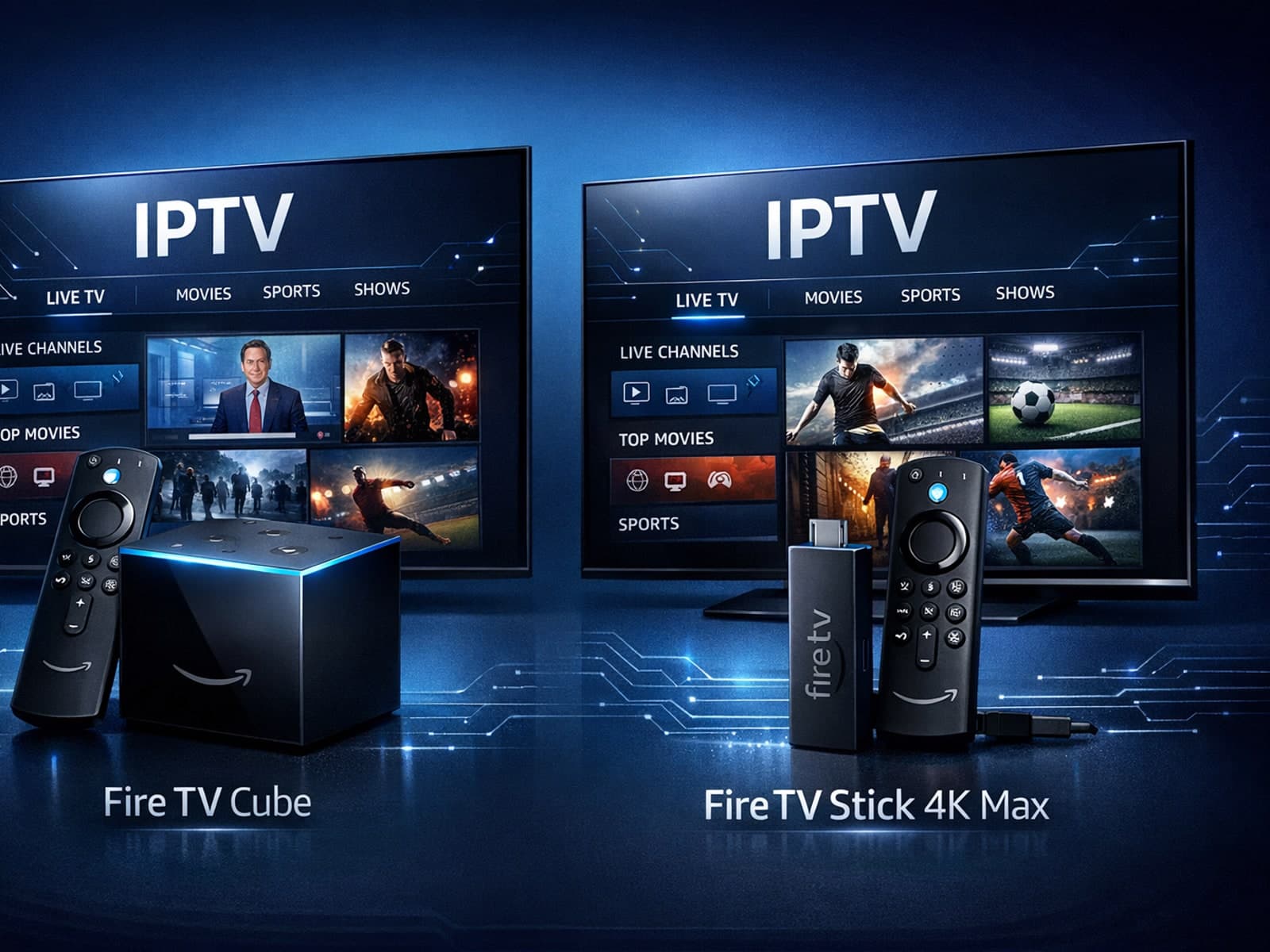
If you're choosing between Amazon's Fire TV Cube and Fire TV Stick 4K Max specifically for IPTV streaming, this comparison focuses on how their hardware, connectivity, and features affect IPTV performance.

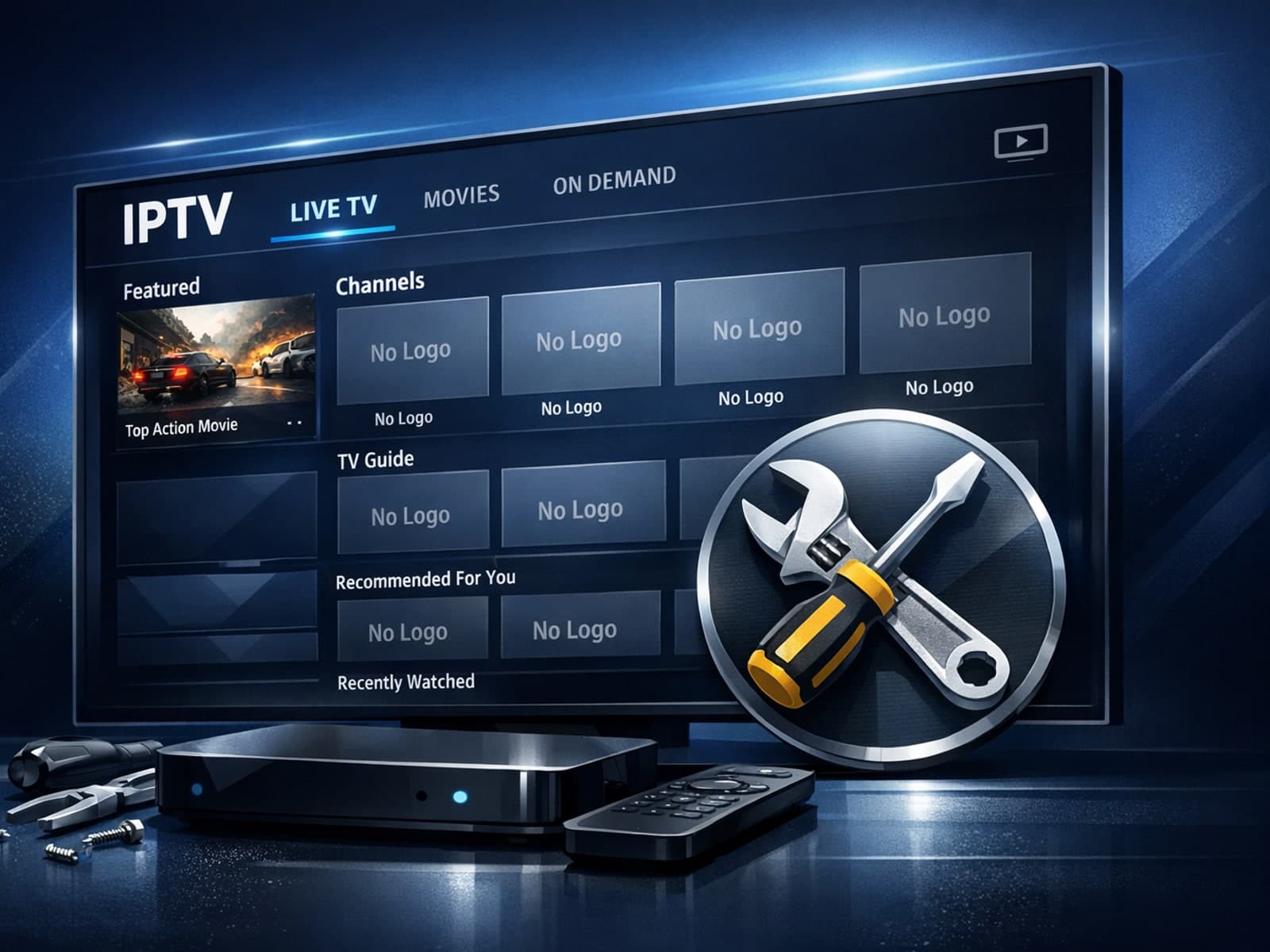
Missing channel logos in TiviMate can disrupt your viewing experience by making it harder to identify channels quickly. The cause is usually related to playlist data or app settings rather than a fault in the app itself.

For IPTV users deciding between Xtream Codes and M3U playlist formats, Xtream Codes works better than M3U primarily when your IPTV needs include authenticated access, dynamic channel updating, integrated electronic program guides (EPG).
