
Fire TV Cube vs Fire TV Stick 4K Max for IPTV Streaming

Quick answer
If you're choosing between Amazon's Fire TV Cube and Fire TV Stick 4K Max specifically for IPTV streaming, this comparison focuses on how their hardware, connectivity, and features affect IPTV performance. Both devices can handle IPTV apps well, but differences in processor po...
Reviewed Against
• Fire TV and Fire OS device capabilities, networking, and storage limits
Applies To
• Fire TV Stick, Fire TV Cube, and Fire OS playback or networking questions
Does not apply when
• You are troubleshooting a smart-TV app or set-top box with a different hardware and settings path.
Corroborating Resources
Fire TV device specifications overviewHelpful for checking Fire TV hardware families, platform differences, and device-level constraints.
Fire TV streaming media player specsUseful for codec, storage, Wi-Fi, and Ethernet-adapter expectations on Fire TV sticks and boxes.
Topic Cluster
Part of the Amazon Fire TV cluster
Browse practical IPTV articles about Amazon Fire TV, including setup choices, troubleshooting paths, and follow-on guides. This page sits in compare options for that topic path.
On this page
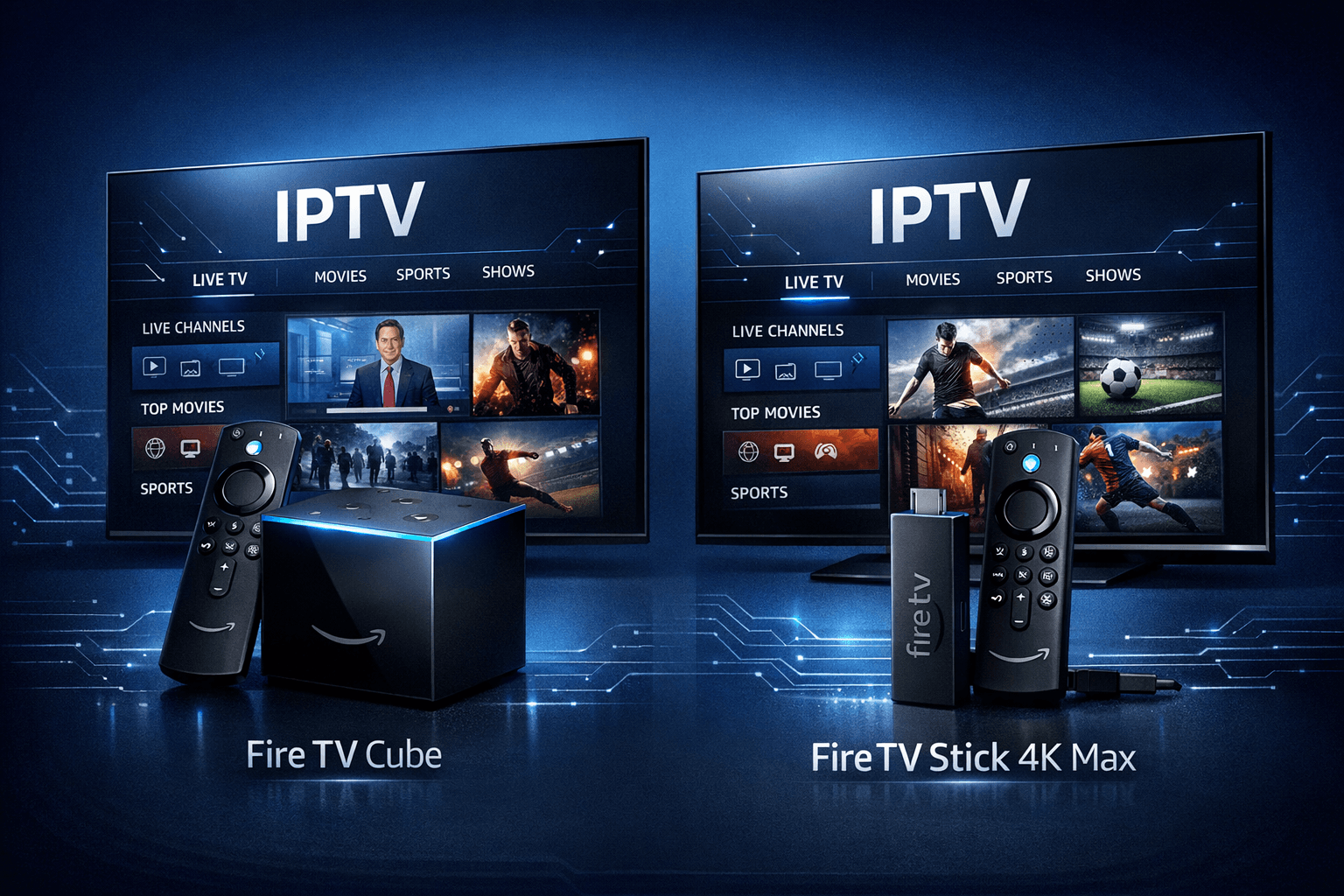
Fire TV Cube vs Fire TV Stick 4K Max for IPTV Streaming
If you're choosing between Amazon's Fire TV Cube and Fire TV Stick 4K Max specifically for IPTV streaming, this comparison focuses on how their hardware, connectivity, and features affect IPTV performance. Both devices can handle IPTV apps well, but differences in processor power, network options, and voice control influence the viewing experience.
What you'll learn
- Key hardware differences affecting IPTV streaming
- Connectivity options and how they impact IPTV stability
- Voice control capabilities relevant for IPTV navigation
- Setup considerations specific to each device
- When one device might suit your IPTV needs better than the other
Understanding IPTV Streaming on Fire TV Devices
IPTV (Internet Protocol Television) delivers TV content over the internet instead of traditional broadcast methods. It requires a device capable of decoding streaming protocols and smoothly playing video.
Both the Fire TV Cube and Fire TV Stick 4K Max run on Amazon's Fire OS, allowing them to install IPTV apps like TiviMate or IPTV Smarters. However, subtle hardware and connectivity variations influence how well each device handles IPTV content.
Hardware Differences Affecting IPTV Performance
Processor and RAM
- Fire TV Cube: Equipped with a Hexa-core processor (4x Cortex-A73 at 2.2 GHz + 2x Cortex-A53 at 1.9 GHz) and 2 GB RAM.
- Fire TV Stick 4K Max: Powered by a quad-core processor (4x Cortex-A55 at up to 2.0 GHz) with 2 GB RAM.
This means the Cube has a more powerful CPU that can handle multitasking and video decoding slightly better, which may reduce buffering or delays when using demanding IPTV apps.
Storage
Both devices have 16 GB of internal storage, mainly for apps and cache. For IPTV, storage impact is minimal unless you record content locally (which both devices don't natively support).
Video and Audio Decoding
Both support 4K Ultra HD with HDR10+ and Dolby Vision, plus Dolby Atmos audio—excellent for high-quality IPTV streams if your provider offers compatible content.
Connectivity and Network Options
Wi-Fi
Both devices support:
- Dual-band Wi-Fi (2.4 GHz and 5 GHz), with Wi-Fi 6 support on the Fire TV Stick 4K Max.
Wi-Fi 6 on the Stick 4K Max can provide more stable and faster wireless IPTV streaming, especially if you have a compatible router.
Ethernet
- Fire TV Cube: Has a built-in Gigabit Ethernet port via its power adapter, providing a stable wired connection, which is often ideal for uninterrupted IPTV streaming.
- Fire TV Stick 4K Max: Does not have a built-in Ethernet port. You need a compatible USB-C to Ethernet adapter, which may add cost and complexity. Ethernet typically offers smoother IPTV with less buffering than Wi-Fi.
HDMI
Both devices connect via HDMI 2.1. Using HDMI 2.1 ensures high bandwidth sufficient for 4K IPTV streams.
Voice Control and User Interaction
Fire TV Cube
- Includes built-in far-field microphones for hands-free Alexa voice commands.
- Allows voice control even when TV is off, which helps launch IPTV apps or change channels without using the remote.
Fire TV Stick 4K Max
- Comes with Alexa voice remote with a microphone.
- Requires pressing the remote button for voice commands, adding a step compared to the Cube.
For users who prefer voice navigation when browsing IPTV apps or searching content, the Cube offers more convenience.
Setup and Configuration for IPTV
Setting Up IPTV on Fire TV Cube or Stick 4K Max
- Connect the device to your TV and power.
- Connect to the internet: use Ethernet for Cube (built-in) or Wi-Fi / Ethernet with adapter for Stick.
- Access the Amazon Appstore and download your IPTV app (e.g., TiviMate).
- Launch the app and enter your IPTV service credentials or playlist URL.
- Adjust app settings for video quality or buffering if needed.
Troubleshooting Common Setup Issues
- Check internet speed and stability.
- Confirm IPTV credentials are correct.
- Restart device and app if buffering occurs.
- For Stick 4K Max Ethernet users, ensure adapter compatibility (see full compatibility guide).
When to Choose Fire TV Cube or Fire TV Stick 4K Max for IPTV
| Feature | Fire TV Cube | Fire TV Stick 4K Max |
|---|---|---|
| Processor Power | More powerful Hexa-core, smoother multitasking | Efficient quad-core, capable but less powerful |
| RAM | 2 GB | 2 GB |
| Ethernet Connectivity | Built-in Gigabit Ethernet adapter included | Requires separate compatible Ethernet adapter |
| Wi-Fi | Dual-band, Wi-Fi 5 | Dual-band with Wi-Fi 6 support |
| Voice Control | Hands-free Alexa (far-field microphones) | Alexa voice remote (push-to-talk) |
| IPTV App Performance | Potentially smoother with less buffering | Very good, may depend on network setup |
| Price & Size | Larger, higher cost | Compact, more affordable |
Choose the Fire TV Cube if:
- You want built-in Ethernet without extra adapters.
- Prefer hands-free Alexa voice control.
- Desire the most powerful hardware for an optimal IPTV experience.
Choose the Fire TV Stick 4K Max if:
- You prefer a smaller, portable device.
- Your network is primarily Wi-Fi 6 capable.
- You want a lower-cost option and can add an Ethernet adapter if needed.
Common Mistakes IPTV Users Make with Fire TV Devices
- Ignoring network stability: IPTV streaming needs a stable, high-speed connection; Wi-Fi congestion or weak signals cause buffering.
- Using incompatible Ethernet adapters with the Stick 4K Max: This leads to no connectivity.
- Not updating IPTV apps or Fire OS: Updates often improve performance and fix bugs.
- Expecting Ethernet on Stick without adapter: The Stick lacks built-in Ethernet, needing extra hardware.
- Confusing remote voice commands: Only the Cube supports hands-free voice commands.
Who This Guide Applies To
This guide helps users evaluating Fire TV Cube and Fire TV Stick 4K Max specifically for IPTV use in typical home networks.
For users interested in other Fire TV models, gaming consoles, or non-Amazon IPTV setups, consult device-specific guides.
If your IPTV provider uses apps with unique requirements (like specific DRM or app ecosystem), check compatibility separately.
Frequently Asked Questions
Which device offers better Ethernet connectivity out of the box for IPTV?
The Fire TV Cube includes a built-in Gigabit Ethernet port via power adapter, whereas Fire TV Stick 4K Max requires a separate Ethernet adapter.
Does the Fire TV Cube enhance voice search for IPTV?
Yes, its hands-free Alexa with far-field microphones enable voice control without remote, smoothing IPTV app navigation.
Can both devices stream 4K IPTV content?
Yes, both support 4K HDR streaming suitable for IPTV content when provided by your service.
Is the performance difference noticeable?
The Cube’s stronger CPU can improve smoother IPTV app performance, but the Stick 4K Max remains very capable.
Is one device easier to set up for IPTV?
Both are simple, but Cube’s built-in Ethernet and hands-free voice control can simplify setup and use.
Conclusion
Both the Fire TV Cube and Fire TV Stick 4K Max are solid choices for IPTV streaming. The decision comes down to your priorities: if you want built-in Ethernet, better voice controls, and slightly superior performance, the Cube is preferable. If you seek a compact device with Wi-Fi 6 support at a lower price and can manage with an Ethernet adapter if wired connection is desired, the Stick 4K Max offers great value.
Consider your IPTV provider's requirements, network environment, and usage preferences to pick the device that best integrates into your streaming setup.
Related resources:
- Ethernet Adapter Compatibility for Fire TV Stick 4K Max
- How to Fix Missing Channel Logos in TiviMate
- Fire TV Cube vs Fire TV Stick 4K Max for IPTV Streaming
- Amazon Fire TV topic
Keep exploring
More explainers that connect naturally to this setup, workflow, or troubleshooting path.
Missing channel logos in TiviMate can disrupt your viewing experience by making it harder to identify channels quickly. The cause is usually related to playlist data or app settings rather than a fault in the app itself.

For IPTV users deciding between Xtream Codes and M3U playlist formats, Xtream Codes works better than M3U primarily when your IPTV needs include authenticated access, dynamic channel updating, integrated electronic program guides (EPG).

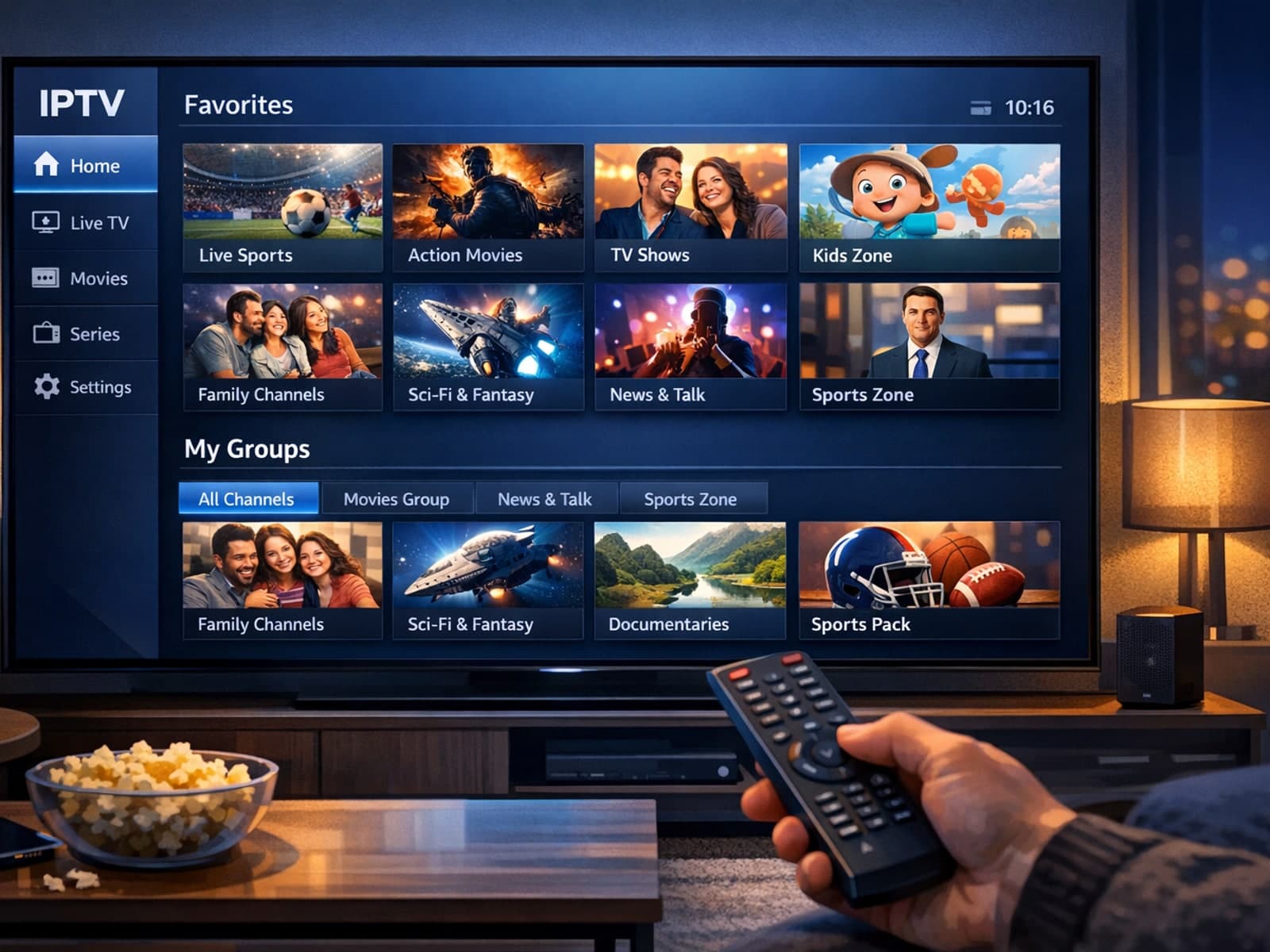
Learn how to efficiently add, rename, and reorder favorites and channel groups in TiviMate on Android TV, Fire TV, and Android devices without editing IPTV playlists.