
Fire TV Cube vs Fire TV Stick 4K Max for IPTV: Performance and Setup

Quick answer
Choosing between the Fire TV Cube and Fire TV Stick 4K Max for IPTV streaming depends on your priorities such as performance, connectivity, and setup ease. Both devices run Amazon's Fire OS and support popular IPTV apps, but key differences can affect your IPTV experience. Thi...
Reviewed Against
• Fire TV and Fire OS device capabilities, networking, and storage limits
Applies To
• Fire TV Stick, Fire TV Cube, and Fire OS playback or networking questions
Does not apply when
• You are troubleshooting a smart-TV app or set-top box with a different hardware and settings path.
Corroborating Resources
Fire TV device specifications overviewHelpful for checking Fire TV hardware families, platform differences, and device-level constraints.
Fire TV streaming media player specsUseful for codec, storage, Wi-Fi, and Ethernet-adapter expectations on Fire TV sticks and boxes.
Topic Cluster
Part of the Fire Tv Comparison cluster
Browse practical IPTV articles about fire tv comparison, including setup choices, troubleshooting paths, and follow-on guides. This page sits in compare options for that topic path.
Next guides in this cluster
On this page
Fire TV Cube vs Fire TV Stick 4K Max for IPTV: Performance and Setup
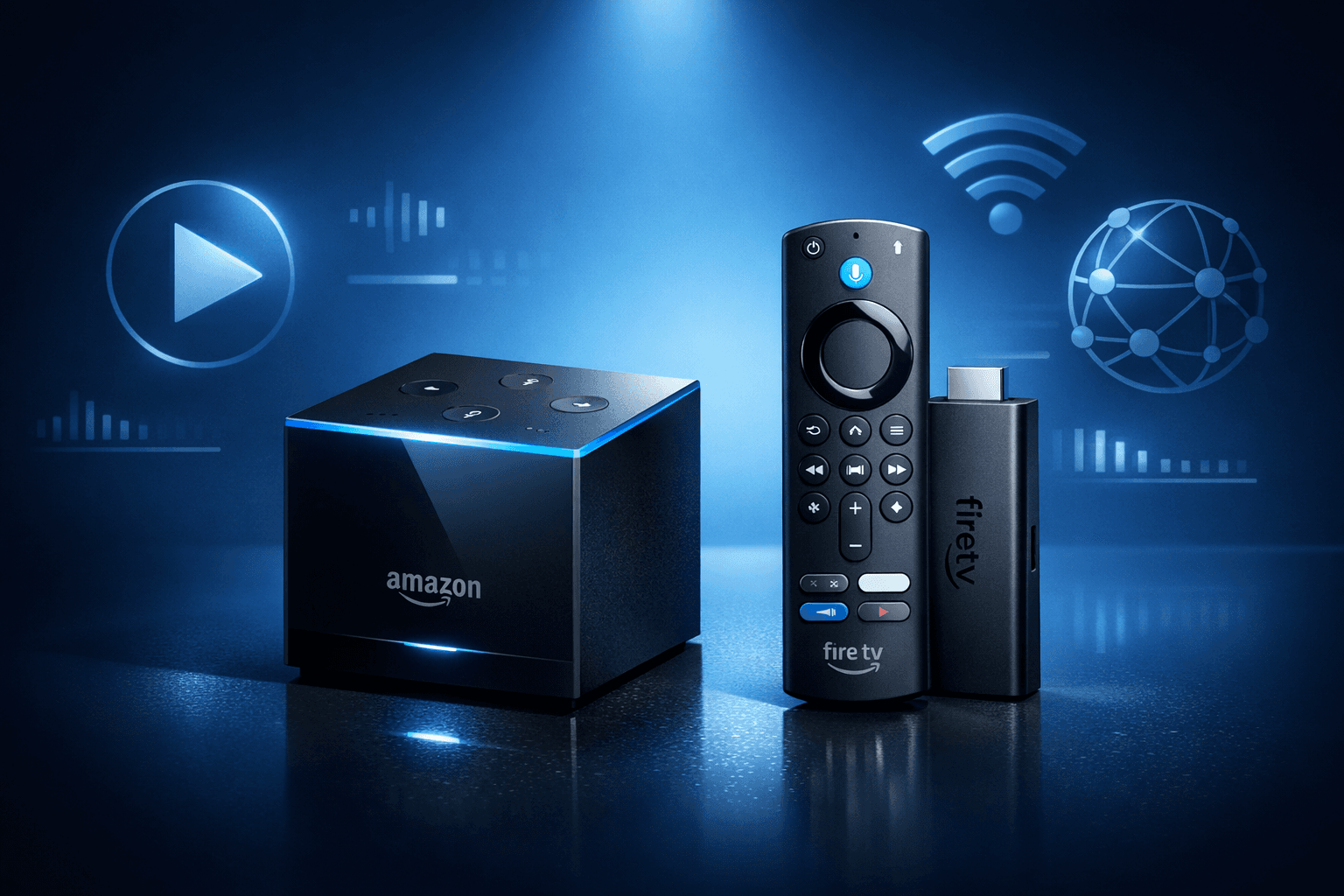
Choosing between the Fire TV Cube and Fire TV Stick 4K Max for IPTV streaming depends on your priorities such as performance, connectivity, and setup ease. Both devices run Amazon's Fire OS and support popular IPTV apps, but key differences can affect your IPTV experience. This article compares their hardware features, network options, and practical IPTV performance to help you decide which fits your streaming needs.
What you'll learn
- Hardware and processing differences impacting IPTV
- Network connectivity options and why they matter
- Setup and installation workflow for IPTV apps
- Common troubleshooting tips specific to each device
- Which device suits different IPTV usage scenarios
Hardware and Performance Differences Relevant to IPTV
Processor and RAM
The Fire TV Cube contains an octa-core processor with 2 GB of RAM, while the Fire TV Stick 4K Max has a quad-core processor and also 2 GB RAM. The Cube's extra cores can provide smoother multitasking and better handling of heavy IPTV apps that use large playlists or EPG (Electronic Program Guide) data.
For IPTV, this means faster channel switching and navigation if you use feature-rich apps like TiviMate.
Storage Considerations
Both devices offer modest internal storage (typically 8 GB), sufficient for IPTV apps and some caching but not large offline content. IPTV streaming generally relies on network bandwidth more than local storage.
Video Decoding and 4K Support
Both support 4K UHD at 60fps with HDR10 and Dolby Vision, important for high-quality IPTV streams. The devices can decode H.265 (HEVC), commonly used by IPTV providers to reduce bandwidth.
Voice and Remote Control Features
The Fire TV Cube has built-in far-field microphones allowing hands-free Alexa control without the remote, while the Stick 4K Max requires pressing the remote's Alexa button. This can affect convenience if you prefer voice navigation while watching IPTV.
Network Connectivity: Wired and Wireless Options
Wi-Fi Standards
Both devices support Wi-Fi 6 (802.11ax) on 2.4 GHz and 5 GHz bands, offering faster speeds and lower latency compared to older standards. For IPTV streaming, a stable 5 GHz Wi-Fi connection is usually best to reduce buffering.
Ethernet Adapter Compatibility
Wired connections typically offer more stable IPTV playback, particularly for high-definition channels or multiple streams.
- Fire TV Cube has a native Gigabit Ethernet port on the power brick, enabling simple wired connection without adapters.
- Fire TV Stick 4K Max requires a USB-C to Ethernet adapter since it lacks a built-in Ethernet port.
Check Ethernet Adapter Compatibility for Fire TV Stick 4K Max for recommended adapters.
If you prefer wired internet for IPTV, the Cube offers a plug-and-play solution, while the Stick requires an adapter purchase and setup.
IPTV App Setup and Configuration
Installing IPTV Apps
Both devices allow downloading IPTV apps like TiviMate, Perfect Player, or Smart IPTV from the Amazon Appstore.
Step-by-Step IPTV Setup
- Power on your Fire TV Cube or Stick 4K Max and complete basic setup.
- Connect to your preferred network (Wi-Fi or Ethernet).
- Search for your IPTV app (e.g., TiviMate) in the app store and install it.
- Launch the app and enter your IPTV playlist (M3U URL) or Xtream Codes API credentials.
- Allow any necessary permissions.
- Organize channels and EPG data within the app as needed.
- Test live streams to confirm smooth playback.
Optimizing IPTV Playback
Configure your app settings to match your network speed and device capabilities. For instance, enabling hardware acceleration can improve video playback.
When to Choose Different IPTV Troubleshooting Steps
If you experience buffering, freezing, or authorization errors, these problems are usually app or network related rather than hardware. Refer to guides like Why IPTV Freezes During Channel Switching and How to Fix It.
Troubleshooting Common IPTV Issues on Fire TV Cube and Stick 4K Max
Common Mistakes
- Using unstable or congested Wi-Fi instead of reliable Ethernet or 5 GHz Wi-Fi band.
- Not updating Fire OS or IPTV app to the latest version.
- Incorrect IPTV playlist URLs or outdated credentials.
Device-Specific Tips
- Fire TV Cube: If hands-free Alexa isn't responding, check microphone settings and input sources.
- Fire TV Stick 4K Max: Confirm your Ethernet adapter is compatible if using wired connection.
Who This Guidance Applies To
This advice targets users who stream IPTV with apps directly on Fire TV Cube or Stick 4K Max. If you use a different platform like Android TV, or an IPTV set-top box, consult device-specific resources instead.
Which Device Makes More Sense for IPTV?
| Feature | Fire TV Cube | Fire TV Stick 4K Max |
|---|---|---|
| Processor | Octa-core, higher power | Quad-core, mid-range |
| RAM | 2 GB | 2 GB |
| Ethernet Port | Built-in on power adapter | Requires USB-C Ethernet adapter |
| Wi-Fi | Wi-Fi 6 dual band | Wi-Fi 6 dual band |
| Voice Alexa | Hands-free, always listening | Remote button activated |
| Size and Portability | Larger, needs surface standing | Compact, plugs into HDMI |
| Ideal Use Case for IPTV | Multitasking, homes with Ethernet | Space-limited setups, budget-conscious users |
Summary Checklist
- Choose Fire TV Cube if you want built-in Ethernet, hands-free voice, or plan heavy IPTV multitasking.
- Choose Fire TV Stick 4K Max for a compact, straightforward device and if fine with using Ethernet adapters.
FAQs
Which device offers better IPTV streaming performance?
The Fire TV Cube's more powerful processor can handle demanding IPTV streams and multitasking more smoothly, but the Stick 4K Max delivers excellent 4K playback suitable for most users.
Can I use Ethernet with both Fire TV devices?
Yes, the Cube has a built-in Ethernet port on the power adapter, while the Stick 4K Max supports Ethernet via compatible USB-C adapters.
Does voice remote functionality affect IPTV use?
Hands-free Alexa on the Cube adds convenience for navigation, but it doesn't impact the fundamental IPTV streaming capability.
What should I do if IPTV channels freeze or buffer?
Check your network stability, try wired Ethernet, update apps, and follow IPTV app troubleshooting guides.
Is setup different between the Cube and Stick 4K Max?
Setup steps are similar and straightforward for both devices with minor differences in network hardware requirements.
Conclusion
Both the Fire TV Cube and Fire TV Stick 4K Max are strong contenders for IPTV streaming. Your choice hinges largely on your setup preferences: the Cube offers integrated Ethernet and hands-free voice, helpful if you prioritize convenience and performance. The Stick 4K Max shines with compactness and a slightly lower price point, ideal for users comfortable adding an Ethernet adapter or relying on Wi-Fi. Understanding these practical distinctions will guide you towards the best device for your IPTV streaming needs.
For expanded practical IPTV guidance, check out relevant articles on Ethernet adapter compatibility, IPTV freezing fixes, and advanced IPTV app usage on Fire TV devices.
References
- Ethernet Adapter Compatibility for Fire TV Stick 4K Max
- Why IPTV Freezes During Channel Switching and How to Fix It
- How to Fix Missing Channel Logos in TiviMate
- When Xtream Codes Works Better Than M3U for IPTV
Frequently Asked Questions
Which device offers better IPTV streaming performance?
Both devices support 4K streaming and perform well with IPTV apps, but the Fire TV Cube's more powerful processor may handle demanding streams and multitasking more smoothly.
Can I use an Ethernet connection with both devices?
Yes, both support Ethernet adapters, but Fire TV Stick 4K Max has more adapter options with straightforward compatibility due to its USB-C port.
Is voice control different between the Fire TV Cube and Stick?
The Fire TV Cube has built-in far-field microphones for hands-free Alexa control, while the Stick 4K Max requires the remote to be active for voice commands.
Which device is better for small TVs or low-profile setups?
The Fire TV Stick 4K Max is compact and plugs directly into the TV HDMI port, making it ideal for tight spaces, unlike the Cube, which requires more room.
Are software updates different on Fire TV Cube and Stick 4K Max?
Both receive updates via Amazon and run Fire OS, so software features and IPTV app compatibility are generally consistent across devices.
Keep exploring
More explainers that connect naturally to this setup, workflow, or troubleshooting path.
If your TiviMate IPTV player isn’t showing channel logos as expected, the cause is typically related to playlist metadata issues, corrupted app cache, or network loading problems.

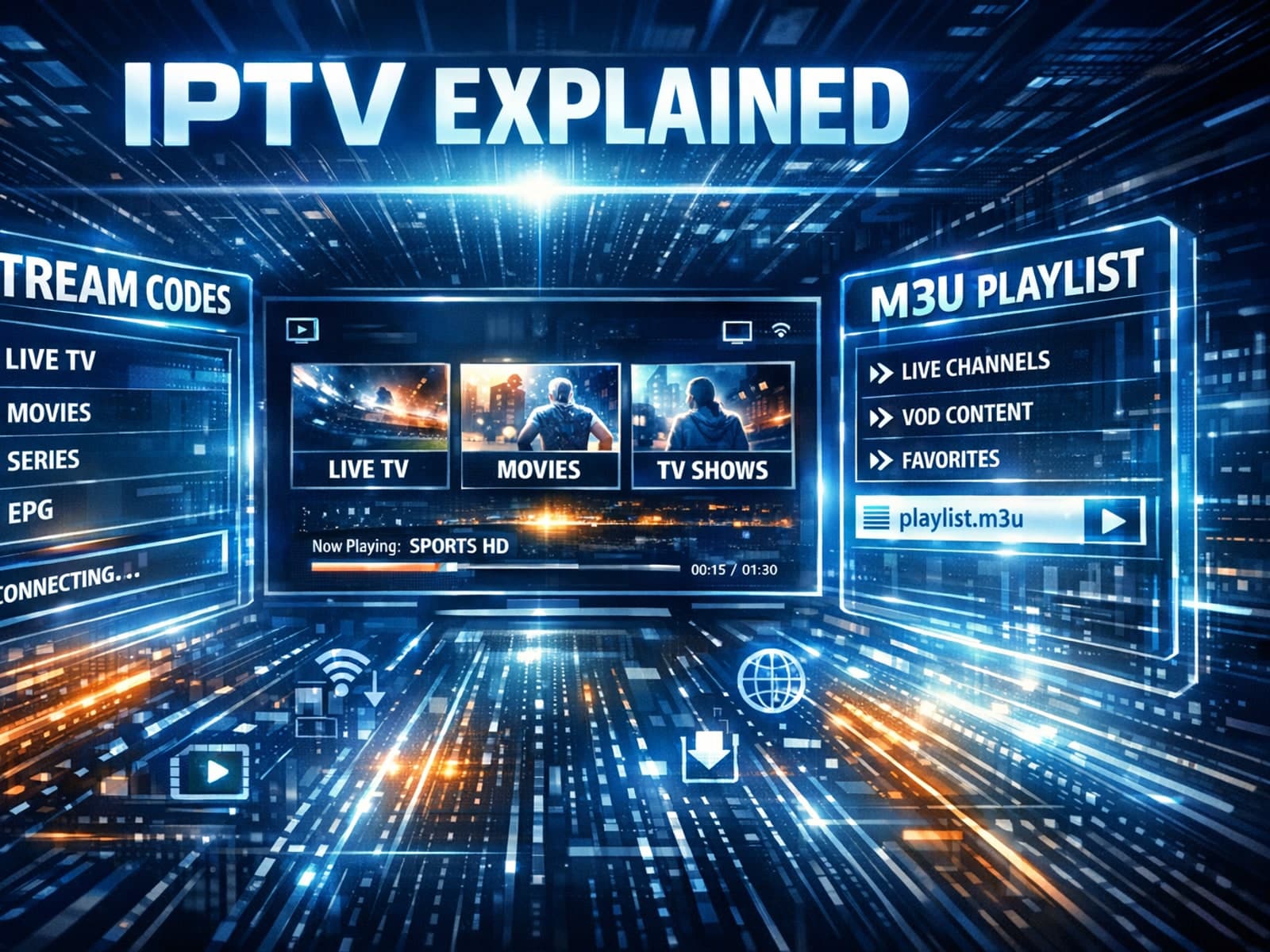
If you use IPTV services in apps like TiviMate, you might encounter two common methods for accessing streams: Xtream Codes login and M3U playlists.

Organizing favorites and groups in TiviMate significantly improves how you browse and watch IPTV channels. By creating well-structured channel groups and marking your favorites, you can access content quickly, reduce scrolling, and tailor.