
How to Organize Favorites and Groups in TiviMate

Quick answer
If you're using TiviMate on your Android TV or compatible Fire TV device, organizing your channel lineup into favorites and groups can vastly improve your viewing experience. TiviMate allows users to mark individual favorite channels for quick access and to create custom group...
Reviewed Against
• TiviMate playlist, EPG, and player-setting workflows
• Fire TV and Fire OS device capabilities, networking, and storage limits
• Android TV and Google TV troubleshooting paths and settings flows
Applies To
• TiviMate setups on Android TV, Google TV, or Fire OS style streaming devices
• Fire TV Stick, Fire TV Cube, and Fire OS playback or networking questions
• Android TV and Google TV devices where app storage, system updates, and playback settings affect IPTV behavior
Does not apply when
• Your app uses a different menu layout or naming scheme than TiviMate.
• You are troubleshooting a smart-TV app or set-top box with a different hardware and settings path.
• The device is not Android TV based and the settings menus do not match these steps.
Corroborating Resources
Fire TV device specifications overviewHelpful for checking Fire TV hardware families, platform differences, and device-level constraints.
Fire TV streaming media player specsUseful for codec, storage, Wi-Fi, and Ethernet-adapter expectations on Fire TV sticks and boxes.
Android TV overviewA good reference for how Android TV is structured and where TV-specific app behavior comes from.
Google TV troubleshooting helpUseful for device-level playback, Wi-Fi, and settings checks when video behavior looks platform-wide.
Topic Cluster
Part of the TiviMate cluster
TiviMate troubleshooting paths for guide loading, playlist sync issues, login failures, and setup decisions. This page sits in more in this topic for that topic path.
Start here in this topic
On this page
How to Organize Favorites and Groups in TiviMate
If you're using TiviMate on your Android TV or compatible Fire TV device, organizing your channel lineup into favorites and groups can vastly improve your viewing experience. TiviMate allows users to mark individual favorite channels for quick access and to create custom groups—collections of channels organized by genres or personal preferences. This article explains clearly how to use these features to streamline navigation and personalize your IPTV interface.
What you'll learn
- How to add and remove favorite channels in TiviMate
- How to create, edit, and delete channel groups
- How to reorder favorites and groups to suit your viewing habits
- Key differences between favorites and groups
- Troubleshooting common issues in channel organization
Understanding Favorites and Groups in TiviMate
What Are Favorites?
Favorites in TiviMate are individual channels you mark to show up in a dedicated favorite list. This allows you to access them quickly without scrolling through all channels.
What Are Groups?
Groups let you organize channels into categories such as News, Sports, Movies, or any custom grouping you prefer. Groups appear as separate sections in the app, making it easier to browse content by type.
This differentiation is crucial because favorites flatten your most-watched channels into one list, while groups segment all channels into categorized collections.
How to Add and Remove Favorite Channels
To manage your favorites in TiviMate, follow these steps:
- Open TiviMate and navigate to the main channel list.
- Highlight the channel you want to add or remove from favorites.
- Press and hold the channel button (long press) or open the options menu for the channel.
- Select "Add to Favorites" or "Remove from Favorites" depending on the current status.
- Your favorites list will update accordingly, accessible from the side menu.
This process works seamlessly on Android TV remotes and Fire TV remotes.
Creating and Managing Groups in TiviMate Premium
Note: Group creation and editing require the TiviMate Premium subscription.
To create or modify groups:
- Open TiviMate and press the menu button to open settings.
- Select 'Manage Groups' or 'Edit Groups' option.
- To create a new group, choose 'Add Group,' then enter a group name.
- To add channels to a group, select the group and then choose 'Add Channels.'
- Check channels you want to include, then save your selection.
- To remove or rearrange channels within a group, open the group, select options, and edit accordingly.
Groups help to declutter your channel list and provide quick access by category.
Reordering Favorites and Groups for Efficient Navigation
Customizing the order of your favorites and groups further tailors your experience:
-
To reorder favorites:
- Open the favorites list.
- Select the edit or organize option (usually via the menu or long press).
- Use the directional keys to move channels up or down.
- Confirm changes.
-
To reorder groups:
- In 'Manage Groups,' use the drag-and-drop feature or move options.
- Arrange groups in the order of importance or preference.
Reordered lists reflect immediately in the navigation menus for quicker access.
Common Issues and Troubleshooting in Channel Organization
Why Can't I Add Channels to Favorites?
- Cause: You're likely not subscribed to TiviMate Premium, or the playlist has restrictions.
- Fix: Verify your subscription status or reload your IPTV playlist.
Why Are My Groups Not Saving Changes?
- Cause: Possible app glitch or insufficient permissions.
- Fix: Restart TiviMate, clear cache, or reinstall the app. Also, confirm you have premium features enabled.
Favorite Channels Not Showing Correctly
- Ensure your playlist is updated.
- Try clearing channel logos or metadata cache.
Who Should Use This Guidance?
This guide specifically helps users of TiviMate on Android TV and Fire TV devices with a basic to intermediate understanding of IPTV apps. It assumes:
- You have a working IPTV playlist loaded into TiviMate.
- You are familiar with remote navigation on your device.
- You have or are willing to purchase TiviMate Premium for group management.
When Not to Use This Guide:
- If you use different IPTV apps, refer to their specific organization features.
- If you access IPTV on mobile-only TiviMate versions, user interface elements might differ.
Comparison: Favorites vs Groups in TiviMate
| Feature | Favorites | Groups |
|---|---|---|
| Purpose | Quick access to chosen channels | Categorize channels |
| Requires Premium | No | Yes |
| Visible as separate list | Yes | Yes |
| Can reorder | Yes | Yes |
| Add multiple channels | Individually | Batch add in groups |
Conclusion
Organizing favorites and groups in TiviMate greatly enhances your IPTV experience by streamlining channel navigation and personalizing content access. Whether you want a quick list of your must-watch channels or categorized groups for better sorting, TiviMate provides effective tools, especially with the Premium subscription. Following the steps in this article ensures you maintain a tidy, efficient channel layout on your Android TV or Fire TV device.
For more advanced troubleshooting or related issues like metadata and playlist errors, consider checking our detailed guides linked below.
FAQ
Q: Can I organize favorites and groups without TiviMate Premium?
A: You can add favorites without Premium, but group creation and editing require the premium version.
Q: How do I back up my favorites and group settings?
A: Use TiviMate's backup and restore feature in app settings to save your layout to external storage.
Q: Are these organization methods compatible with all IPTV playlists?
A: Generally yes, but some playlists with restricted or dynamic content might limit editing features.
Q: Can I sync my favorites between devices?
A: There is no automatic sync, but manual backup and restore can transfer settings.
For related technical support, see our articles on How to Fix Catch-Up Not Working in TiviMate, How to Fix Missing Channel Logos in TiviMate, and Xtream Codes Authorization Failed in TiviMate: Causes and Fixes.
Frequently Asked Questions
Can I organize favorites and groups on all devices running TiviMate?
The organization features are available on Android TV and Fire TV devices running TiviMate. However, some features require TiviMate Premium subscription.
What is the difference between favorites and groups in TiviMate?
Favorites are individual channels marked for quick access, while groups are collections of channels organized by category or theme for easier browsing.
Do I need TiviMate Premium to organize favorites and groups?
Yes, advanced organizational features like creating and editing groups require TiviMate Premium.
Can I export my favorites and groups to another device?
TiviMate allows backup and restore of your layout, which includes favorites and groups, but this must be done manually.
Keep exploring
More explainers that connect naturally to this setup, workflow, or troubleshooting path.

If your TiviMate playlist does not update even after pressing the refresh button, it’s usually due to issues like an unstable internet connection, outdated or broken playlist URLs, or app cache conflicts.

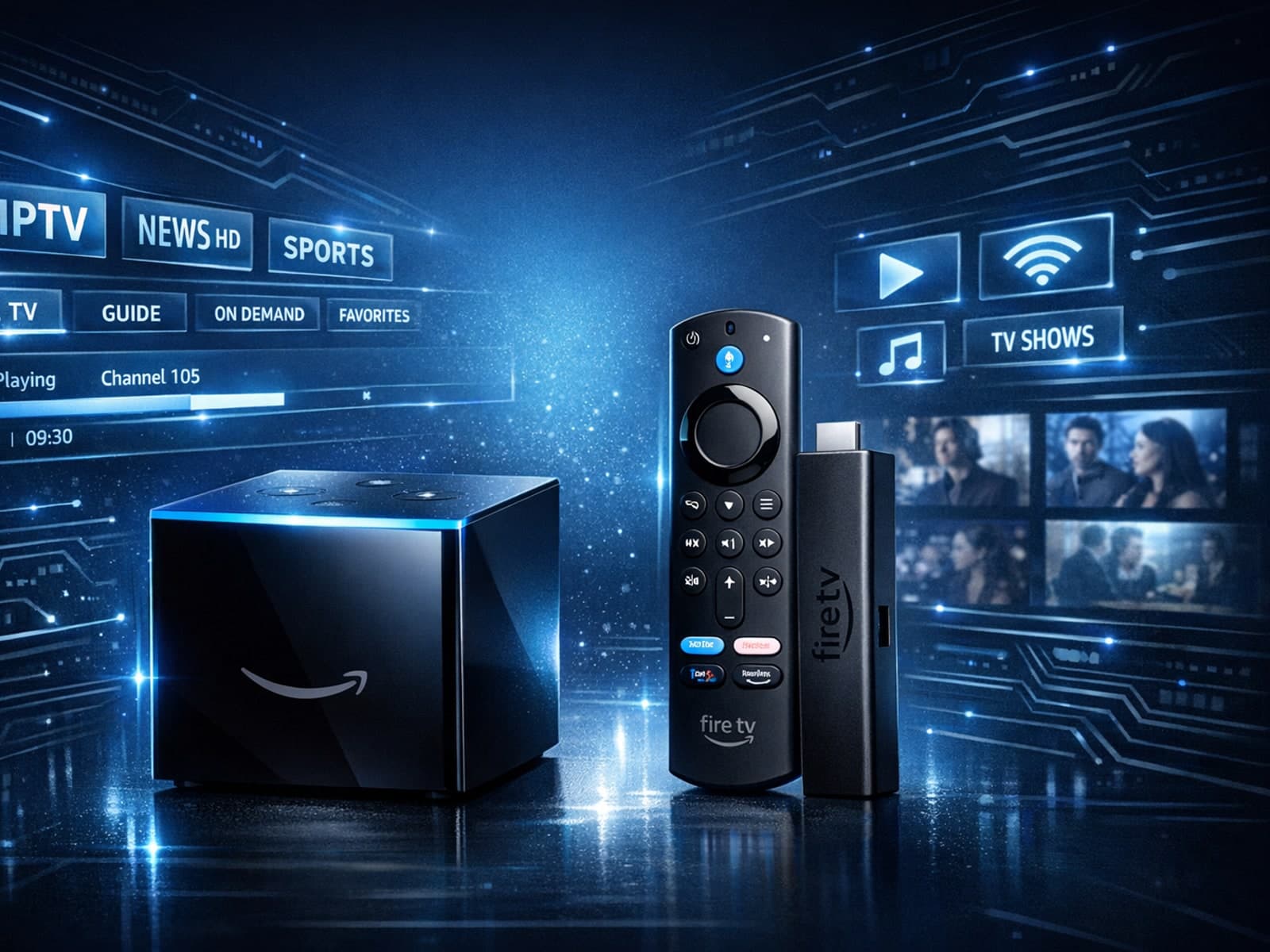
Choosing between the Fire TV Cube and the Fire TV Stick 4K Max for IPTV can come down to your setup preferences, desired features, and streaming performance needs.

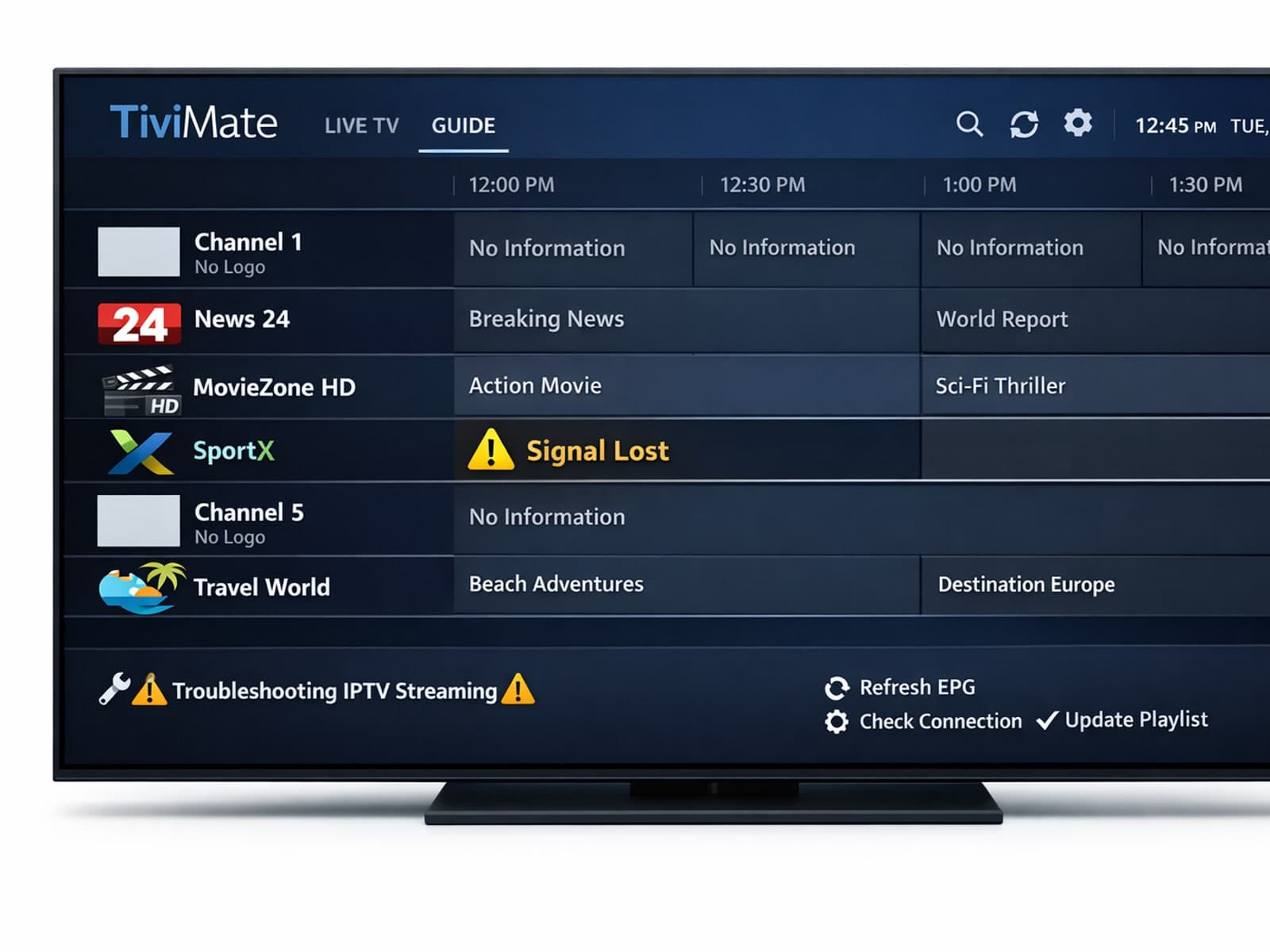
Missing channel logos can detract from your IPTV experience with TiviMate. These logos typically appear next to channel names in the guide and help you visually identify the channels quickly.
